A take contains more than its selected moment
An editor usually chooses an in-point and out-point within a longer source recording. The unused footage before and after those points is commonly called the clip’s handles. Adobe’s Premiere documentation explains that this extra material can supply frames for a transition. When there are not enough source frames, a transition may repeat an end frame instead, creating an unintended freeze. Recording useful space around the intended action gives the edit more options, although it does not mean every cut should become a dissolve.
Agree on a clean beginning
Before a planned action, settle the camera and confirm that recording has started. Give the subject a clear cue only when the frame and sound are ready. Avoid beginning the useful performance while someone is still removing a hand from the lens, adjusting a light or checking a cable. A short clean lead-in provides more flexibility than an equally long stretch of setup activity. For an interview, let the question finish naturally rather than encouraging the person to answer over the final words.
Keep the ending usable too
After the important movement or answer, hold the composition and leave a brief quiet pause before stopping. Do not immediately lower the camera, announce that the take was good or reach into the scene. Ask the subject to remain comfortable in position until the cue to relax. That calm ending can be useful for pacing and audio edits as well as picture transitions. If the subject needs to stop for comfort or safety, stop; an editorial convenience never justifies prolonging an uncomfortable situation.
Choose a margin for the shot, not a universal rule
For a simple controlled exercise, try recording roughly three seconds of settled footage on either side of a short action, then see what the edit actually uses. That is a practice suggestion, not a technical standard. A slow reveal, a spoken pause or a complex camera move may need different preparation. Storage, heat and battery limits still matter. The goal is intentional usable material, not leaving every camera running indefinitely or assuming an arbitrary duration guarantees every possible transition.
A moving shot needs a designed start and finish
For a pan, tilt or handheld move, rehearse where the camera rests before the movement begins and where it settles afterward. Start early enough to establish the first position; finish without an abrupt correction simply because the action has ended. Watch the recording for bumps, searching focus and changing exposure near its boundaries. Those frames may technically exist but still be unsuitable for extending a cut. Handle quality is therefore a capture decision as much as a question of recording length.
Test the margin on a short timeline
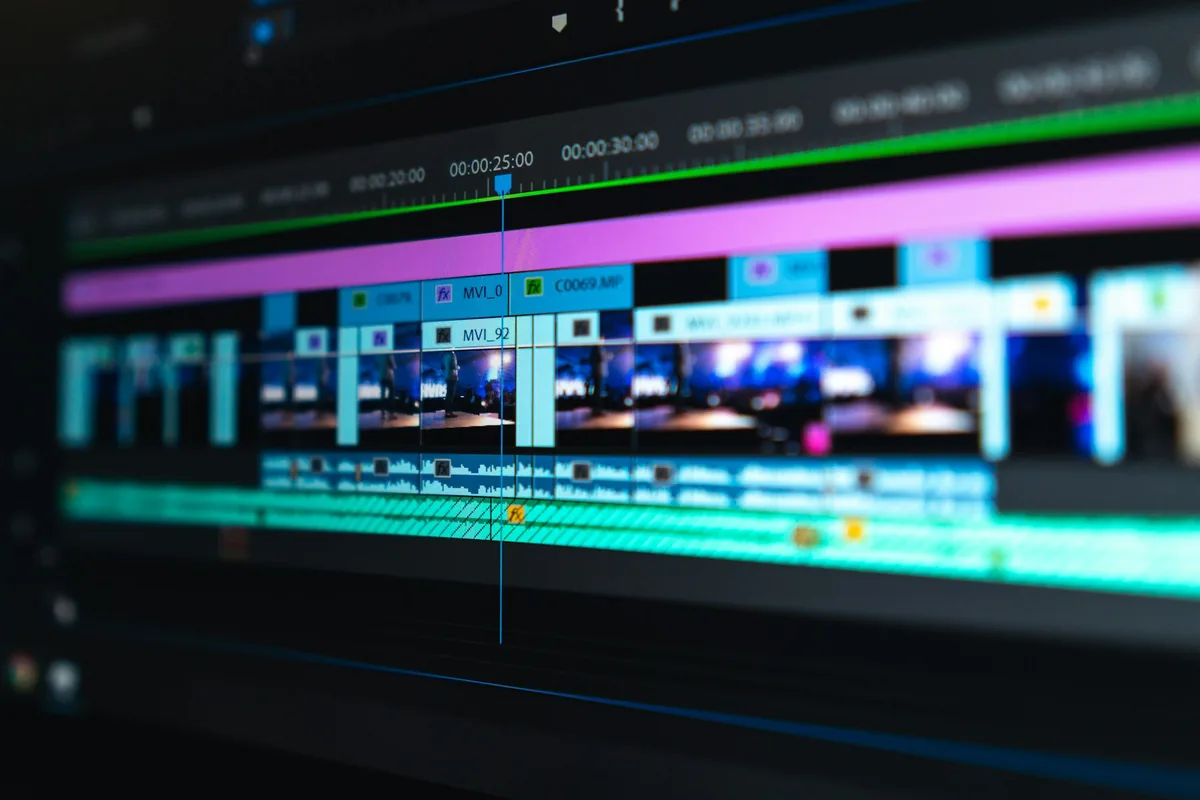
Import two practice takes and choose the moments you actually want to keep. Try a straight cut first. If a transition serves the sequence, add it and inspect the overlap frame by frame, especially near each end. In Premiere, an insufficient-media warning and diagonal transition markings can indicate repeated frames. Shortening the transition or moving the chosen edit points may help when useful source footage exists. Do not mistake a smooth-looking preview at small size for proof that the underlying motion continues naturally.
Keep originals and explain constraints
Retain the complete source recordings in the project’s backup routine. If you hand off trimmed media, agree with the editor how much extra footage to include rather than exporting only the visible timeline range. Tell them when a take has a clipped beginning, an immediate camera drop or overlapping speech. A clear note can save repeated attempts to find material that was never recorded. Do not manufacture a reaction or reorder someone’s answer in a misleading way merely because extra footage makes the edit technically possible.
Use the habit without turning it into a formula
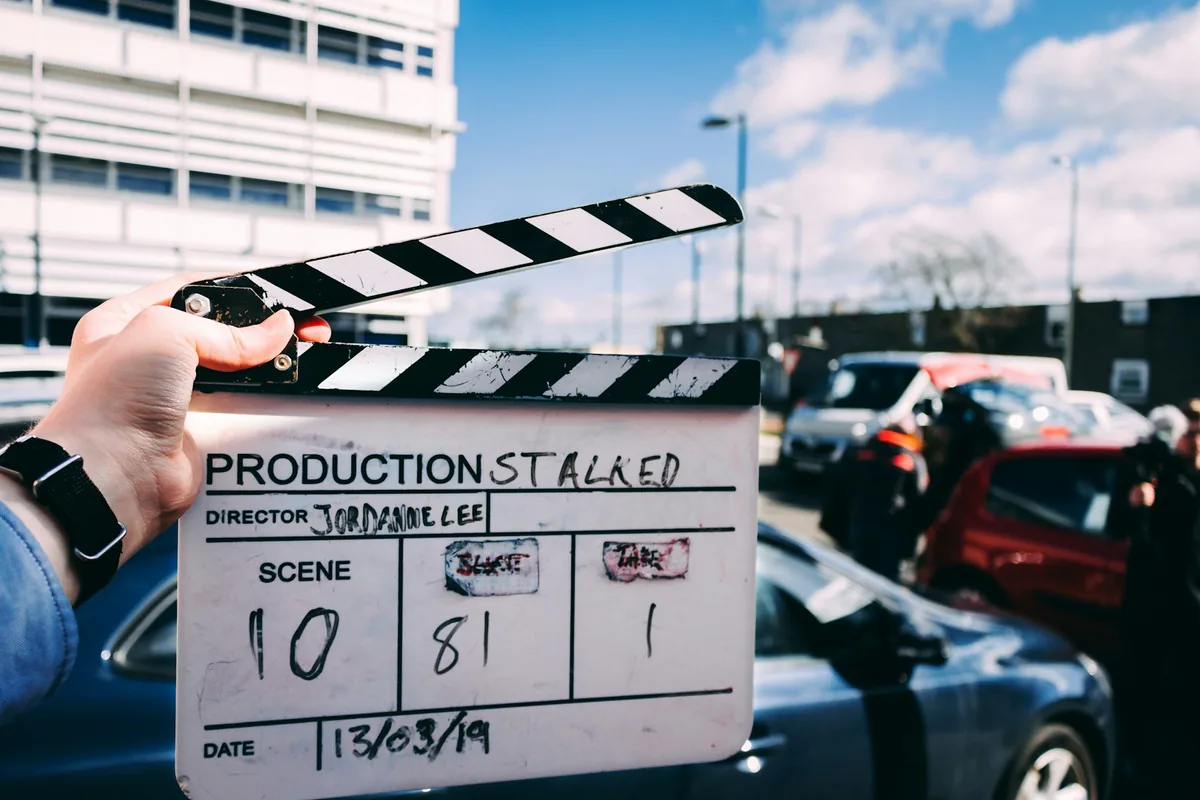
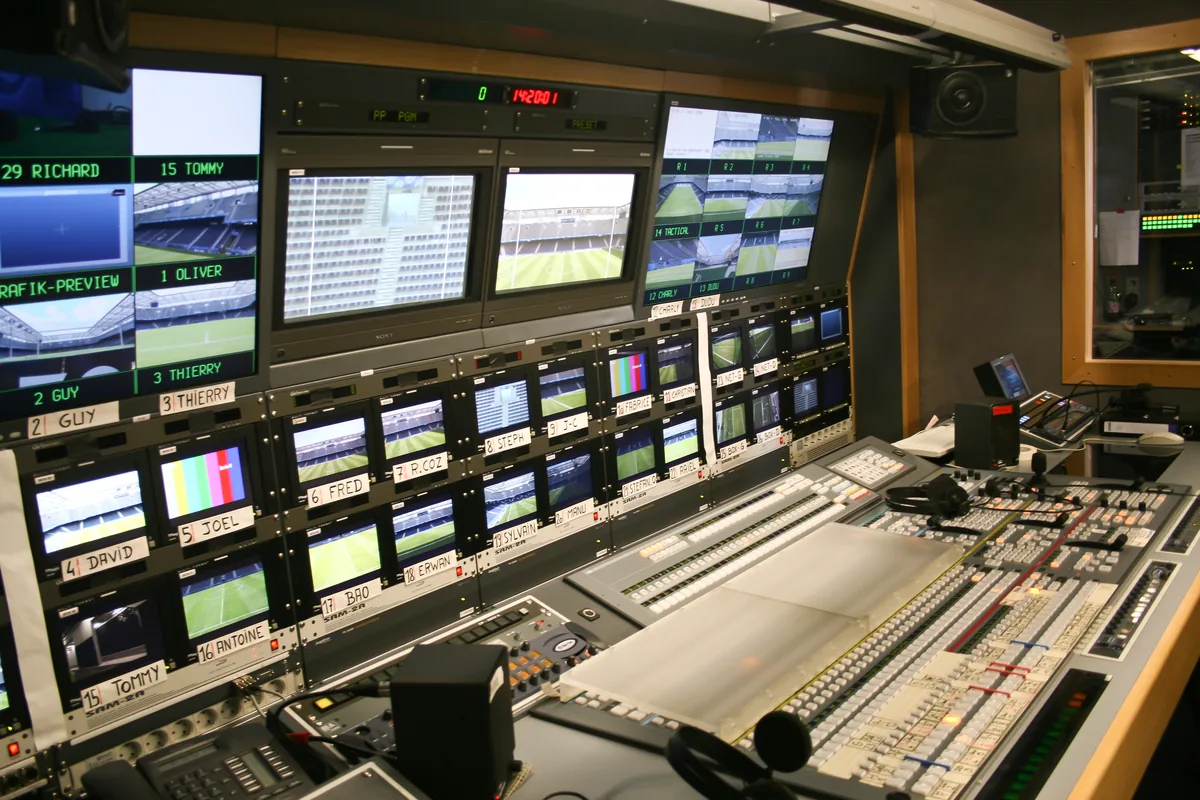
The practical habit is straightforward: settle, record, cue the action, hold and stop. Review a few takes with the editor and adjust the margin to the work. Live events will not always permit a controlled beginning or ending, so anticipate action where possible and document what could not be captured. The accompanying slate, editing-timeline and archival broadcast-truck photographs are production context, not examples of these practice takes. Good handles create choices; the story and the available evidence still determine which choice belongs in the finished sequence.