Decide how synchronization will reach the edit
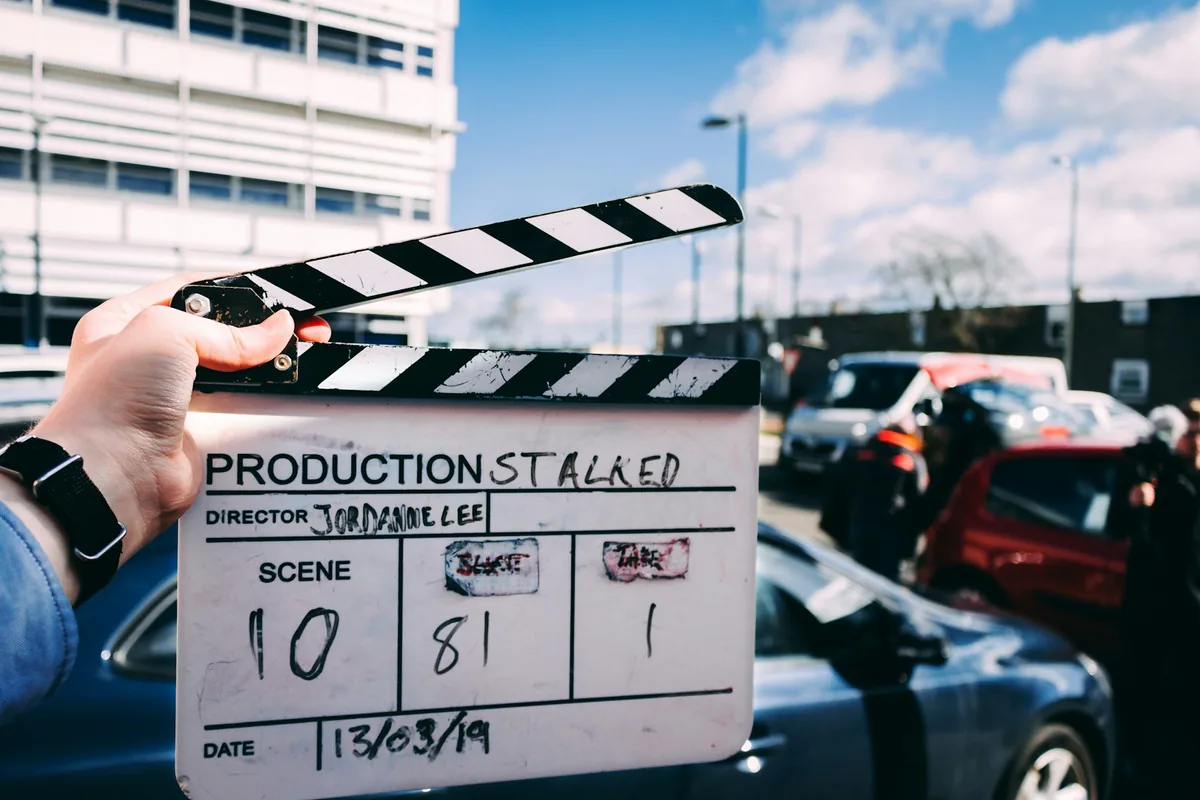
Before a small crew rolls, name the primary synchronization method and the fallback. Timecode gives recordings a shared time reference; scratch audio gives the editor sound to compare; a visible clap provides an identifiable picture-and-sound event. They solve related problems, but none should be assumed to work just because a cable is connected. Tell the editor whether timecode is stored as metadata or recorded as an audio signal, and send a short sample before the shoot. The accompanying slate is a conventional clapperboard, not a demonstration of an electronic timecode system.
Match the settings explicitly
Write down the camera recording rate and the timecode rate and format used across the kit. Do not treat 23.976 and 24, or 29.97 and 30, as interchangeable. Where drop-frame timecode is relevant, agree on that convention too; it changes the numbering convention, not the recorded image content. Set the audio sample rate required by the workflow and verify the actual saved files. Menu labels can round a frame rate, so consult the equipment documentation. Assign one person to make a settings change and communicate it before anyone records another take.
Know what a jam does
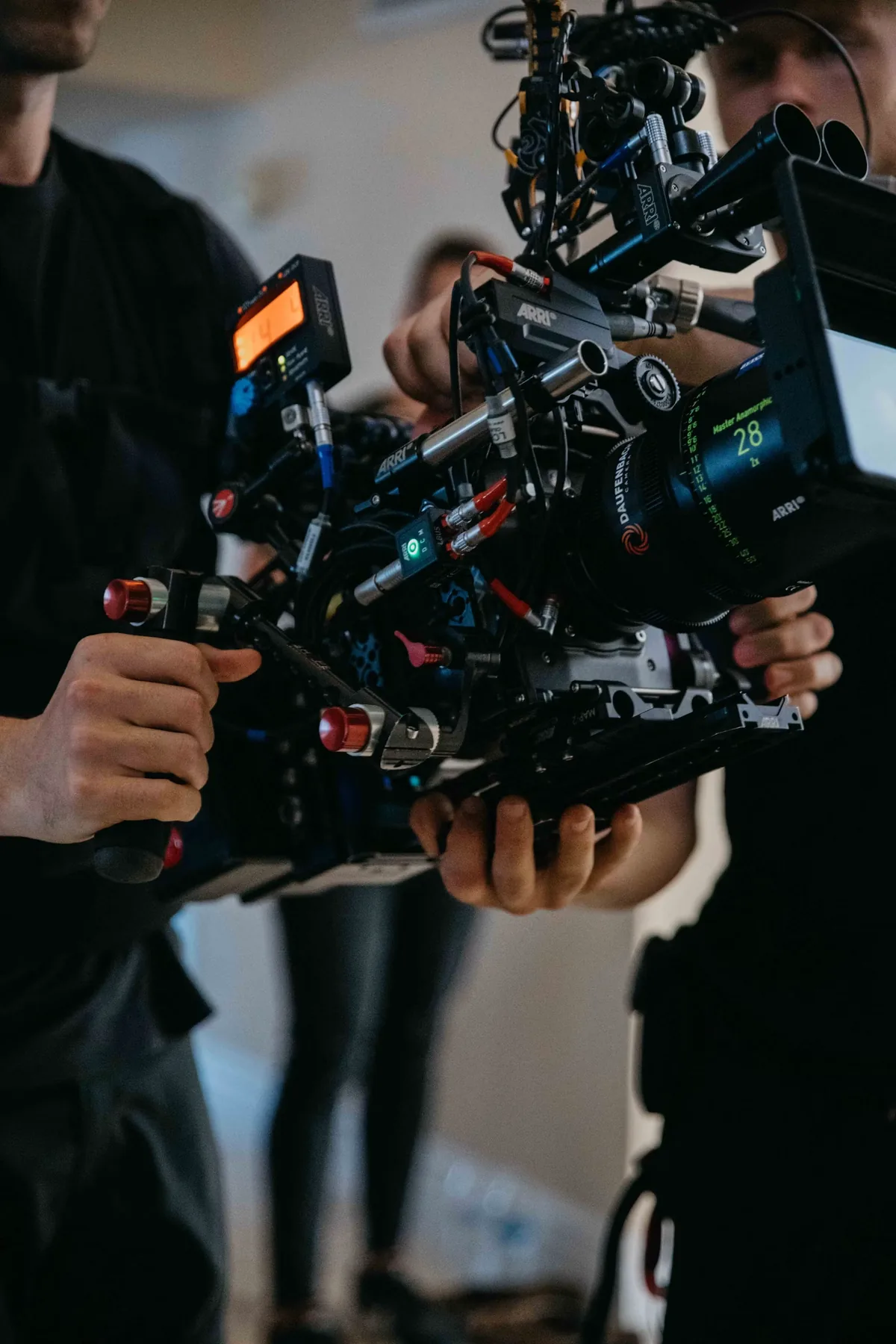
Jam synchronization sets a device from a reference, after which supported equipment can run on its own clock. Sound Devices describes that approach and the need for high-precision clocks in its recorder guidance. A device with no suitable internal timecode capability may instead need a continuous external source, including a signal recorded on an audio channel. Follow the exact camera and generator instructions for connectors and levels. Timecode is not interchangeable with genlock or audio word clock: labeling when material belongs in a sequence is different from controlling the underlying capture clocks. Never assume a jam guarantees indefinite alignment.
Make the scratch track useful
Listen to a test through headphones or playback. The reference should contain recognizable speech and room sound without severe clipping, handling noise or an accidental muted channel. It need not be the polished final recording, but it must be usable for the intended matching method. If an audio channel carries LTC timecode, identify and route that channel correctly; do not deliver the code signal as program sound. Keep any available clean reference track separate. Ask the editor which ingest or synchronization tool will interpret the material, because a timecode signal in audio is not automatically metadata in every application.
Record a slate that helps a tired editor
Once picture and sound are recording, identify the scene and take clearly and make a visible, audible clap within the frame. Leave a little space around it rather than cutting immediately. For an interview, confirm that the recorder has captured the speaker before starting the substantive conversation. Keep filenames and a simple sound report consistent so the editor can distinguish a missing file from a synchronization error. When a slate is impractical, agree on another clear reference event before recording. A note that explains the exception is more useful than expecting the editor to reconstruct the day from ambiguous clips.
Check the head and tail of a long take
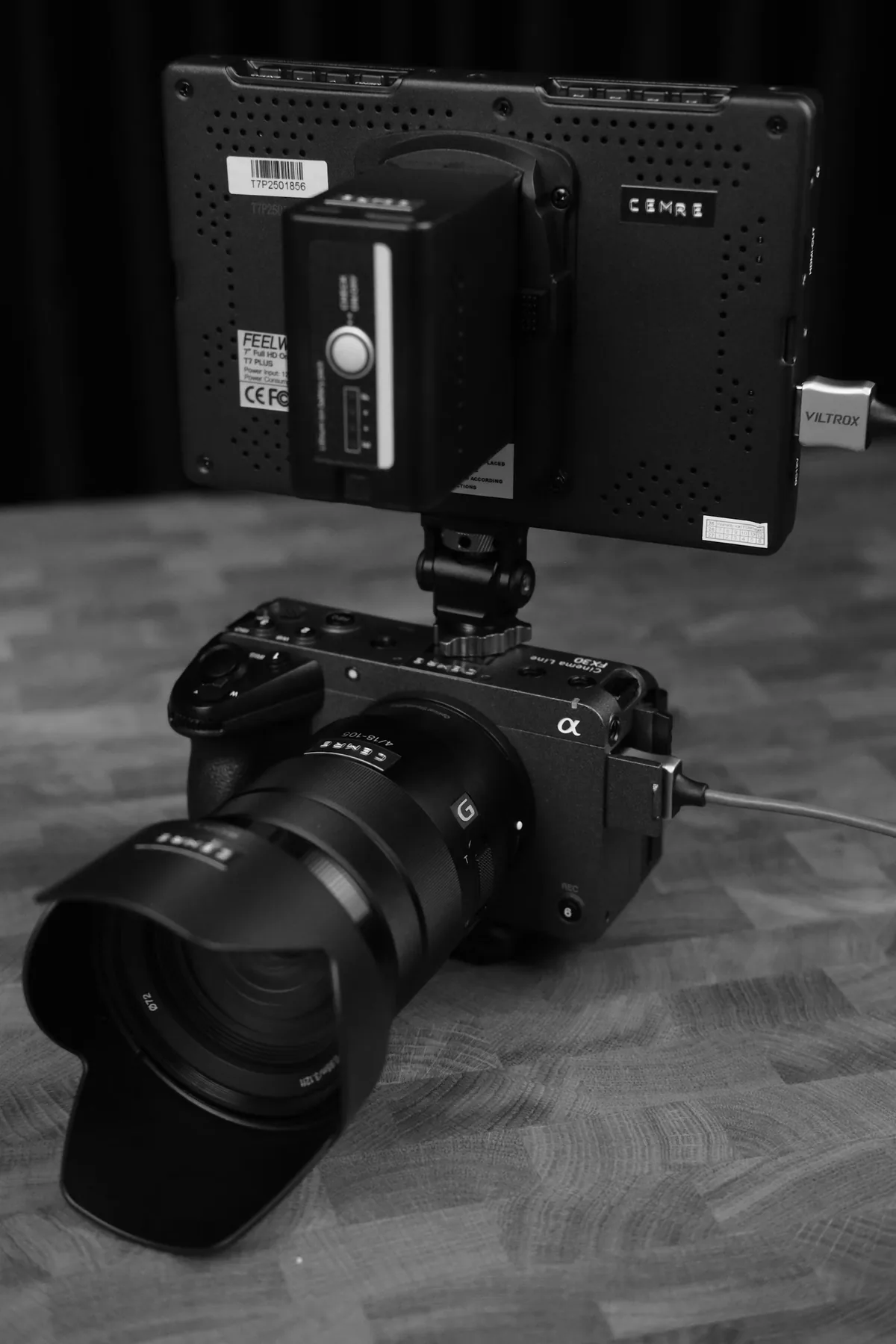
Make a rehearsal as long as the real recording is likely to be. Align its beginning, then inspect a clear speech or clap event near the end. A constant offset suggests a different problem from an error that grows through the take; document which you observe before changing settings. Recheck after power changes, rate changes or reconfiguration, using the equipment procedure rather than a universal interval. At wrap, preserve the originals, separate sound and notes together. Our recommendation is simple: demonstrate one successful round trip through the actual editor before trusting an important unrepeatable take to the workflow.