Identify the fault before changing everything
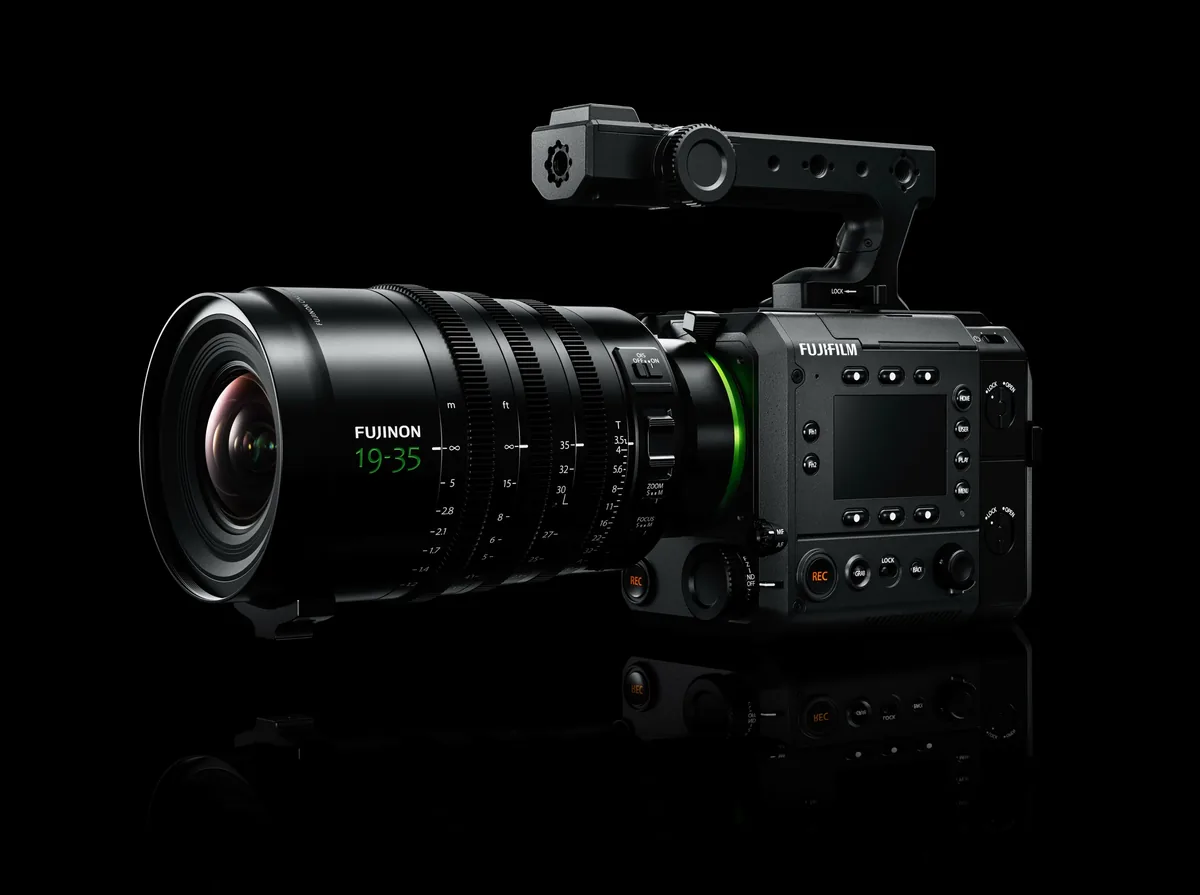
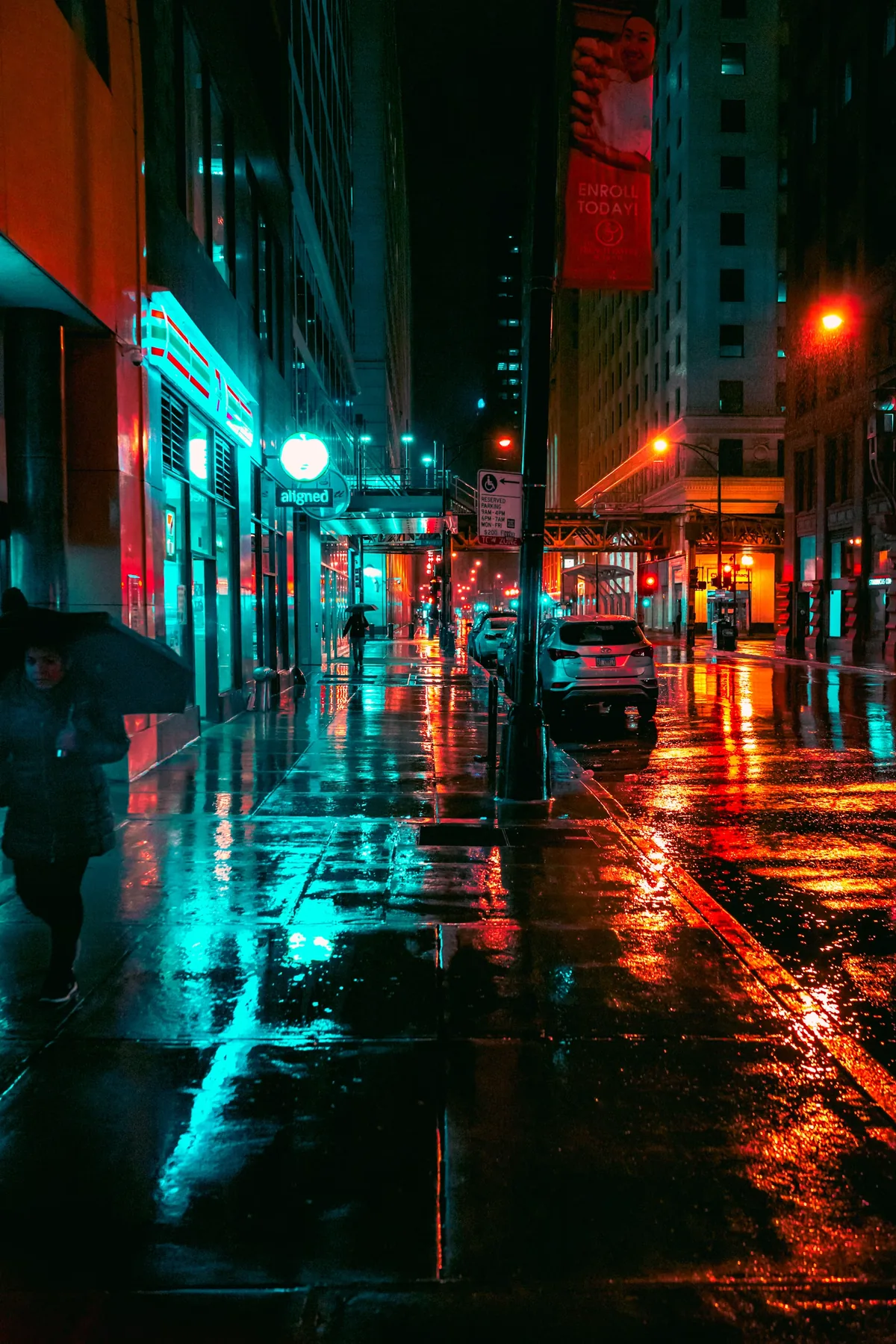
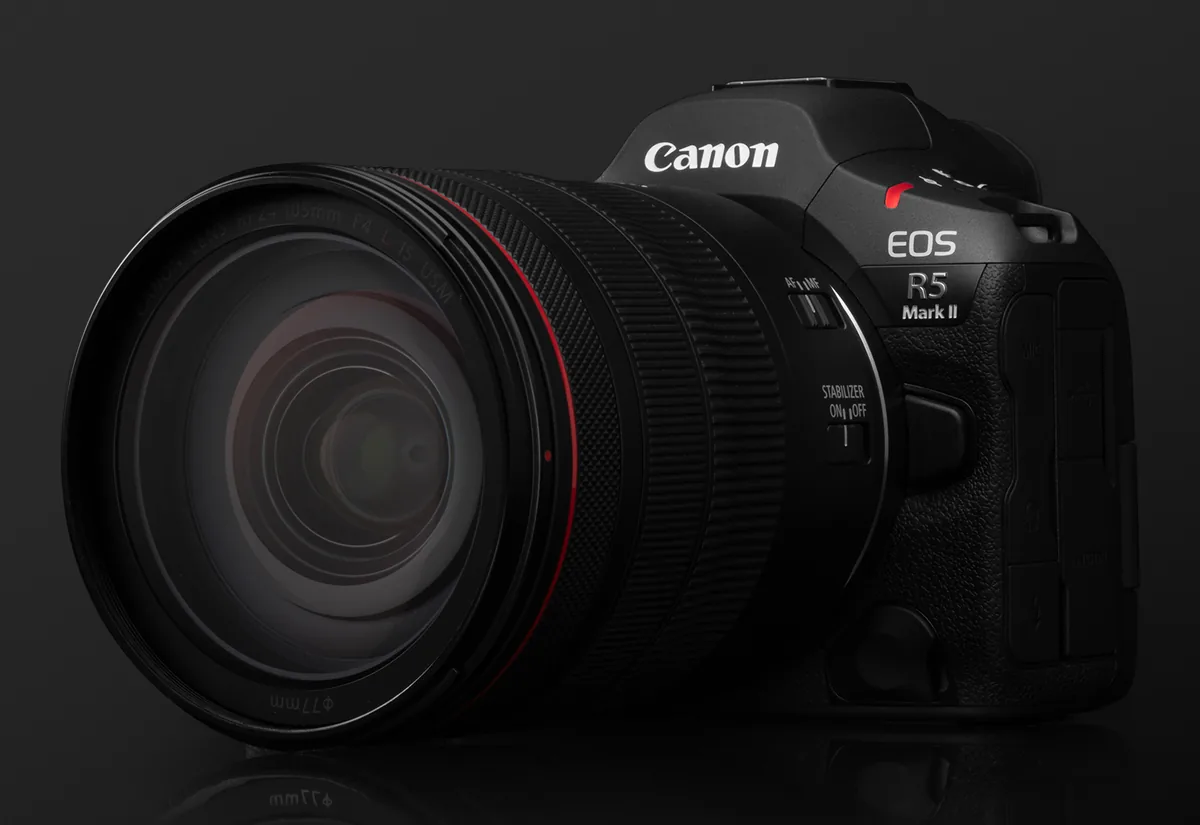
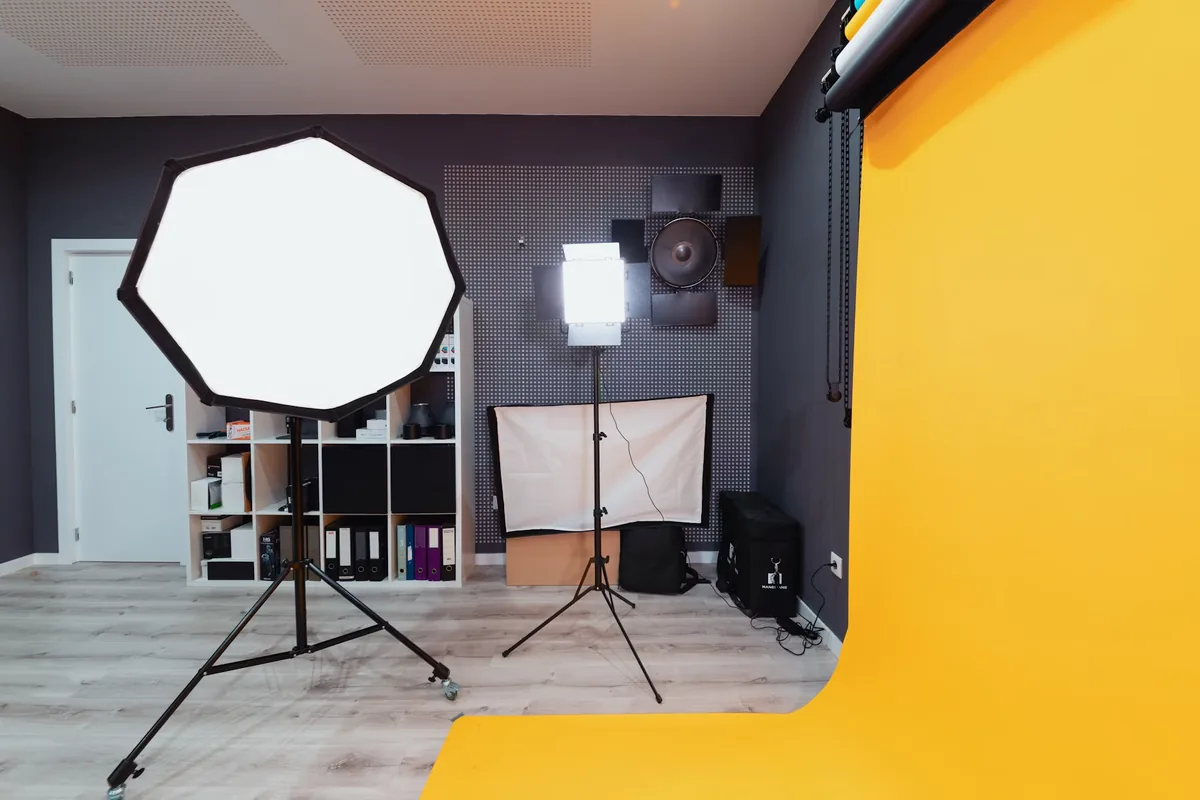
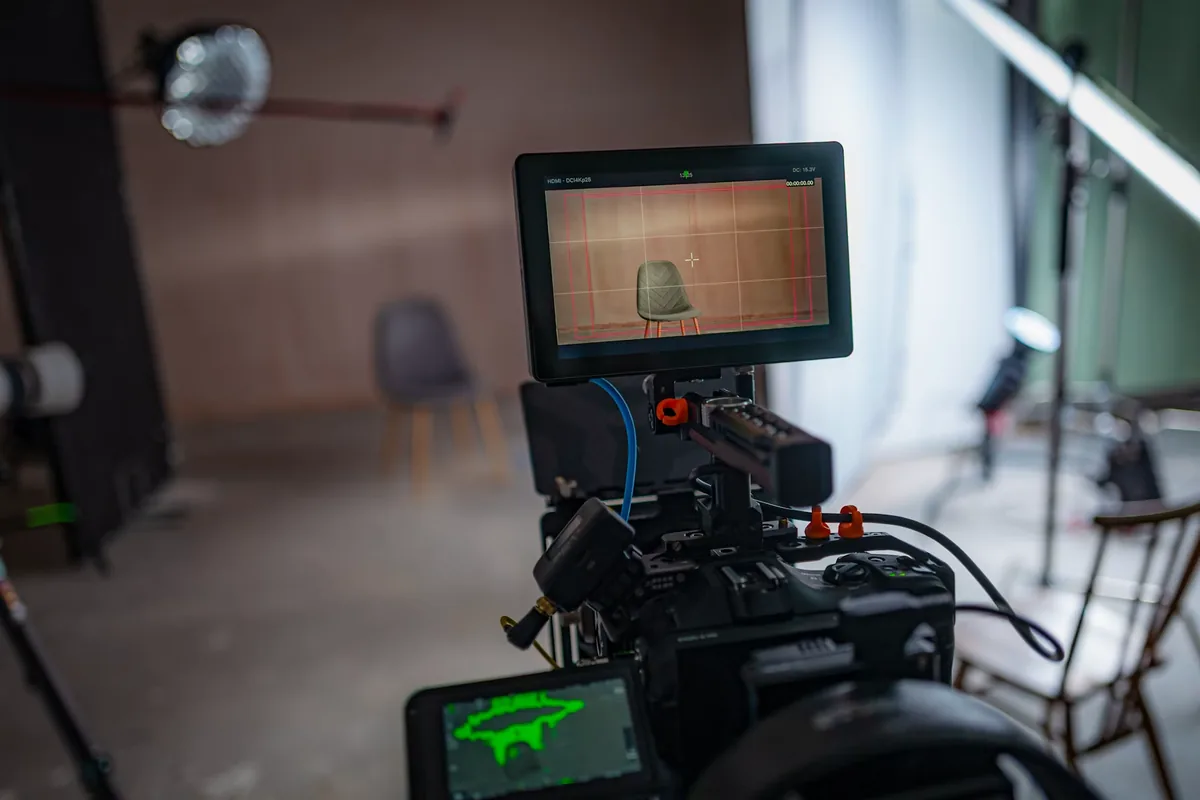
A room can look steady to the eye while a camera records pulsing brightness, shifting color or horizontal bands. Sony’s technical guidance explains how changing illumination and sequential sensor readout can interact, and recommends adjusting shutter timing to reduce the effect. Begin by establishing whether the defect is actually in the recording. Make a ten-second clip that includes a face, a plain wall and the suspect light or screen, then play the file back. A problem seen only on an external display requires a different investigation from one baked into the image. The photographs in this guide show relevant lighting environments; they are not before-and-after evidence of flicker removal.
Try a regional starting point
Sony recommends trying 1/50 or 1/100 second under 50 Hz power, and 1/60 or 1/120 second under 60 Hz power. Those settings are a starting point rather than a universal cure: LED control electronics and dimming can introduce other frequencies. Write down the original shutter setting, change only that setting and record again. Avoid simultaneously changing frame rate, ISO, lighting and exposure mode, because then a better result teaches very little about its cause. Compare consecutive clips on the same playback device. If the improvement is clear, repeat the check with motion rather than accepting a static wall as the final test.
The 180-degree rule is a preference, not a rescue plan
Shutter angle relates exposure time to frame rate: exposure time equals the angle divided by 360 and then by frames per second. At exactly 24 fps, 180 degrees means 1/48 second; 172.8 degrees gives 1/50. At exactly 30 fps, 180 degrees gives 1/60. Fractional frame rates need their corresponding calculation. A small departure from the usual angle can be preferable to visible pulsing throughout an interview. Watch moving hands, a turning head and any camera pan to judge the resulting motion blur. Do not adjust the shutter solely to make the exposure meter happy; establish acceptable motion and lighting behavior first, then rebalance brightness.
Use fine shutter adjustment when your camera supports it
Sony distinguishes still-photo anti-flicker timing from variable-shutter adjustment; the latter can work for video on supported models. Fine increments help when ordinary shutter steps cannot match a light’s cycle. Consult the manual for the specific body and recording mode instead of copying a menu path from a different camera. Save a brief spoken or written note of each test value, then compare the files rather than trusting memory. If a decimal shutter value improves one source but worsens another, the room may contain multiple incompatible lighting or display timings. That is a reason to simplify the scene, not to keep turning a dial indefinitely.
Retest after changing frame rate or dimming
A useful field routine treats every major configuration change as a new test. Record at the final resolution, frame rate and shutter setting, including any slow-motion mode that will actually be used. Ask the person controlling the lights whether the brightness will change during the event. Check the planned low and high settings before the audience or interview subject arrives. Keep this short and purposeful: a few labeled clips are easier to compare than a long recording containing undocumented adjustments. If the lighting cannot be controlled, plan an alternate angle or a tighter composition that reduces the troublesome background without losing the subject’s story.

Solve a lighting problem at the light when possible
In a controlled interview, our preferred troubleshooting order is simple: isolate the suspect fixture, test without it, then decide whether to change its operating setting, reposition it or replace it with an available suitable light. Change only equipment you are responsible for and ask venue staff to handle installed systems. Never improvise with electrical wiring. A window-lit setup may be a workable alternative if the light remains consistent for the take. The objective is dependable footage, not preserving every lamp in the original arrangement. When a display is integral to the scene, involve its operator early and make the test part of the setup schedule.
Judge exposure and motion after the fix
Once the pattern is reduced, return to the image as a whole. Does the face still hold detail? Have practical lights become distracting? Does the chosen motion rendering fit the scene? Use aperture and ISO to rebalance exposure within the limits of the desired depth of field and image quality; neither is a substitute for solving the timing issue. Record a final rehearsal with real movement and listen to its audio as well. For multi-camera work, repeat the check on every camera. One clean angle does not prove that another body, readout mode or shutter setting will behave the same way.
Keep a repeatable pre-roll checklist
Before the real take, confirm the final frame rate, shutter value, lighting level, camera angle and monitor path. Record, replay and inspect a short clip. Save the working configuration and identify any situation that would invalidate it, such as a dimmed stage cue or a switch to high-frame-rate capture. If the remaining defect is unacceptable, pause and revise the setup while there is still a chance to do so. Post-production repair may be worth trying on existing footage, but it should not be a promise made before checking the material. Prevention is a small production habit with an unusually large effect on the finished video.