Define cinematic for this story
“Cinematic” can mean controlled camera movement, restrained depth of field, a wide tonal range, motivated lighting, deliberate production design or simply images that cut together coherently. It should not mean copying one aspect ratio or applying the same teal-and-orange grade to every scene. Before configuring the camera, define the emotional distance, pace and visual rules of the project. A handheld documentary, a quiet interview and a product film may all feel cinematic for different reasons. Settings should protect those reasons through production and post.
Frame rate begins with delivery
Choose the project frame rate before the shutter. In 24 or 25 frames per second, normal movement carries the cadence associated with narrative work. Thirty frames can suit broadcast, online presentation or smoother motion. Higher rates are valuable when the final timeline will slow them down, but shooting everything at 60 or 120 frames per second increases data and changes motion blur even when the clip plays in real time. Confirm delivery standards, audio synchronization and regional lighting frequency so the technical foundation does not fight the edit.
Use shutter angle as a motion decision
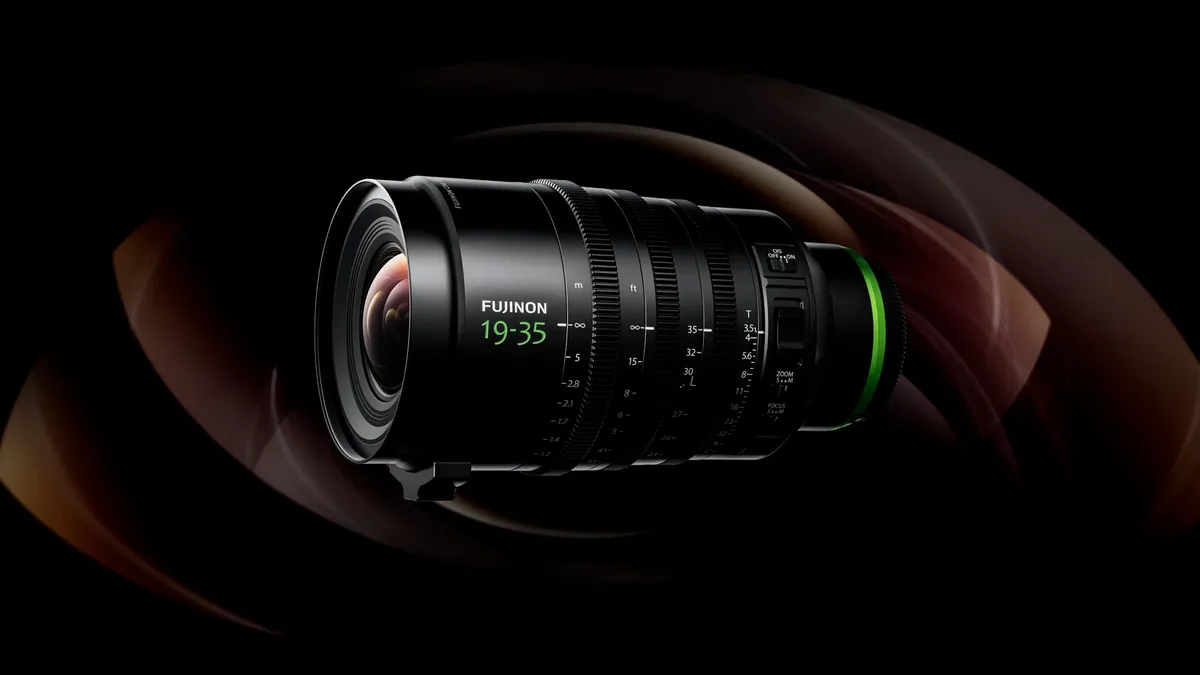
A 180-degree shutter angle creates an exposure time equal to half the frame interval—about 1/48 second at 24 fps or 1/50 at 25 fps—and produces familiar motion blur. Faster shutters make movement crisp and tense; slower shutters smear it. Lock the angle when continuity matters, then control exposure with aperture, ISO, light and neutral density. Under LEDs or discharge lighting, small shutter adjustments may be necessary to prevent flicker. Test on the actual location because an apparently stable fixture can pulse at camera settings the eye never notices.
Aperture describes relationships
A wide aperture isolates a face but makes focus fragile when the subject or operator moves. A moderate aperture gives performers room and lets the environment participate. Choose depth of field from blocking, lens distance and sensor size rather than from the fastest number printed on the lens. During documentary work, f/4 or f/5.6 may protect unscripted movement better than f/1.4. In controlled scenes, the focus pull can become expressive—but only when the camera team has marks, rehearsal and a monitoring image sharp enough to judge.
ISO, log and exposure references
Log recording preserves grading flexibility by mapping a wide tonal range into a flat-looking file, but it does not eliminate noise or clipped highlights. Learn the camera’s tested base sensitivities and expose using waveform, false color or a calibrated gray card. Manufacturer guidance is a starting point; skin tone, colored practicals and deep shadows still need a real test. Some cameras tolerate brighter log exposure followed by a pull-down in post, while others punish it in highlights. Build a repeatable reference for the exact profile, codec and lighting contrast you use.
White balance is part of continuity
Automatic white balance can drift during a shot or change between angles, creating extra work and visible cuts. Set a Kelvin value or make a custom balance under the key light, then decide whether windows and practicals should remain cool or warm relative to it. Mixed light is not automatically a problem; uncontrolled variation is. Check that cameras in a multi-camera setup interpret tint similarly, and record the value on the slate or camera report. A consistent imbalance can be graded; a moving target is much harder to repair.
Codec, bit depth and storage
Ten-bit recording gives gradients and color corrections more room than eight-bit, especially in log profiles and skies. Intraframe codecs are easier for many computers to edit but create larger files; long-GOP codecs save space but demand more processing. Resolution should follow reframing needs, delivery and the reliability of the entire data path. Calculate cards, offload time and duplicate storage before the shoot. The best codec is not the largest one the camera offers; it is the strongest format the production can record, back up, edit and archive without shortcuts.
Movement needs motivation
A gimbal, slider or handheld rig changes the viewer’s relationship to space. Move because new information is being revealed, distance is changing or a character’s energy requires it. Stabilization should remove distractions without making every shot float. Balance the rig before adding digital stabilization, allow for crop and inspect the frame edges where warping appears. A locked shot can be more cinematic than constant movement when performance, light or blocking already provides the visual change.
Light and sound complete the image
No camera setting can replace shaped light and intelligible sound. Place fixtures so their direction makes sense in the location, control spill and preserve enough contrast for the intended grade. Record clean dialogue with a microphone close to the subject, monitor with headphones and capture room tone. Slate takes and keep camera clocks aligned. Viewers will accept modest camera technology when the scene has visual intention and clear sound; they will leave a technically perfect file that feels unmotivated or cannot be understood.