Three problems that need different responses
A camera coming out of an air-conditioned room into warm, humid air faces a different problem from a lens left in damp storage for weeks. Condensation involves moisture forming on a colder surface; fungal growth is a longer-term concern associated with moisture and contamination. Rain exposure is a third issue and can require immediate manufacturer-specific action. Treating all three as a reason to drop a packet into a bag misses the point. The practical routine is to plan transitions, inspect equipment after use and keep storage conditions suitable for the particular camera and lenses.
Prepare before crossing the temperature boundary
Sony’s moisture-condensation guidance recommends sealing a camera in a plastic bag before moving it from a cold place into a warmer one, then waiting until it has reached the surrounding temperature before opening the bag. Its example timing is about an hour, not a guarantee for every body, lens or temperature difference. Pack the bag where the equipment is already dry; enclosing wet equipment is not a drying method. Build the waiting time into the assignment. Repeatedly opening the bag to check whether you can shoot defeats the reason for isolating the equipment from the warmer air.
If the lens fogs, stop and assess
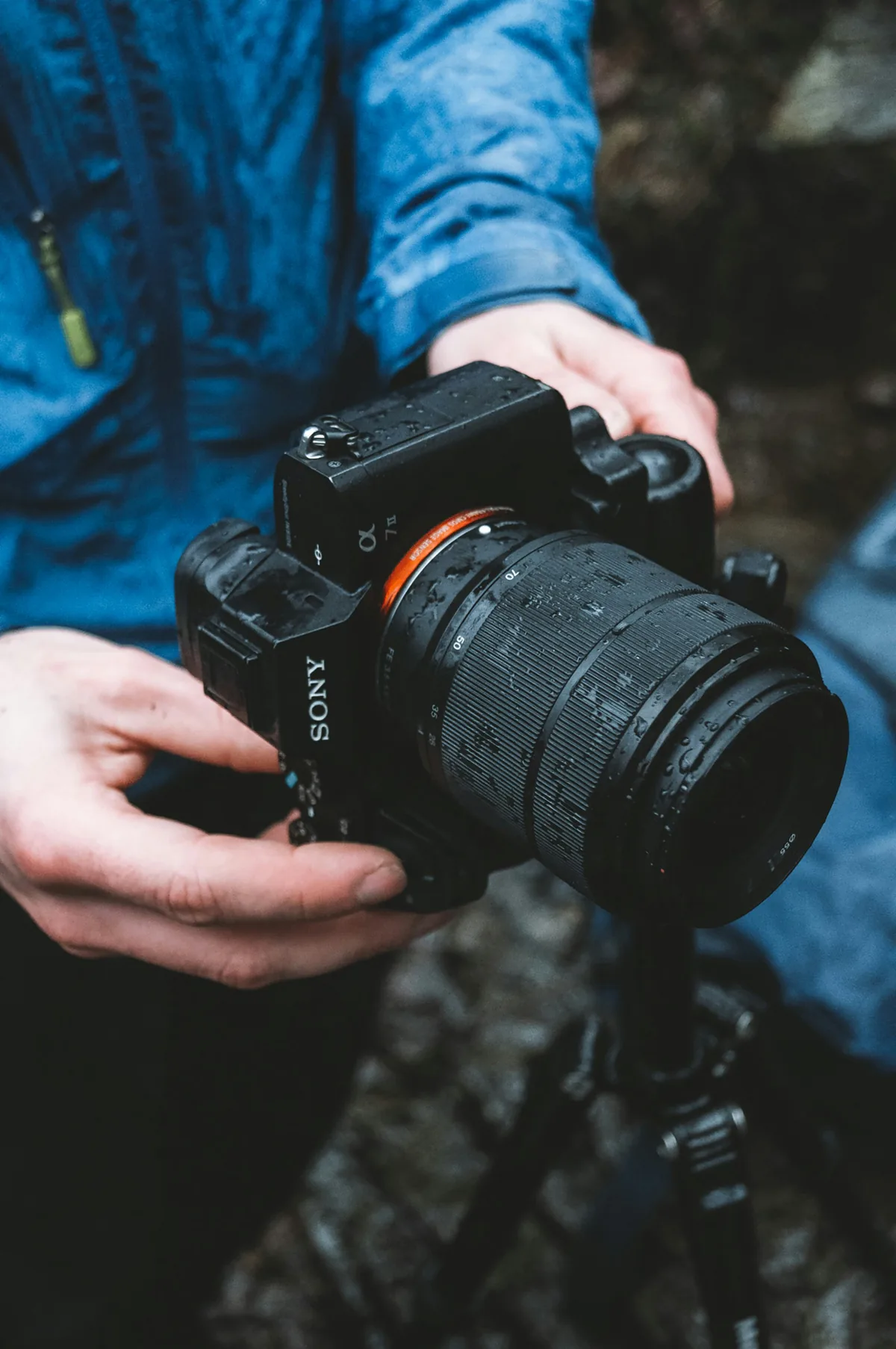
Do not keep recording through visible moisture and assume it will disappear in the edit. Sony advises turning affected equipment off and allowing moisture to evaporate. Follow the exact model’s instructions, and distinguish ordinary condensation from suspected water ingress. A camera exposed to significant rain, salt water or immersion may need service rather than merely more waiting. Do not improvise a hair-dryer treatment, open the body or direct strong heat at seals and optics. When uncertain, record what happened and consult the manufacturer or repair service before powering the equipment again.
Separate the carrying bag from long-term storage
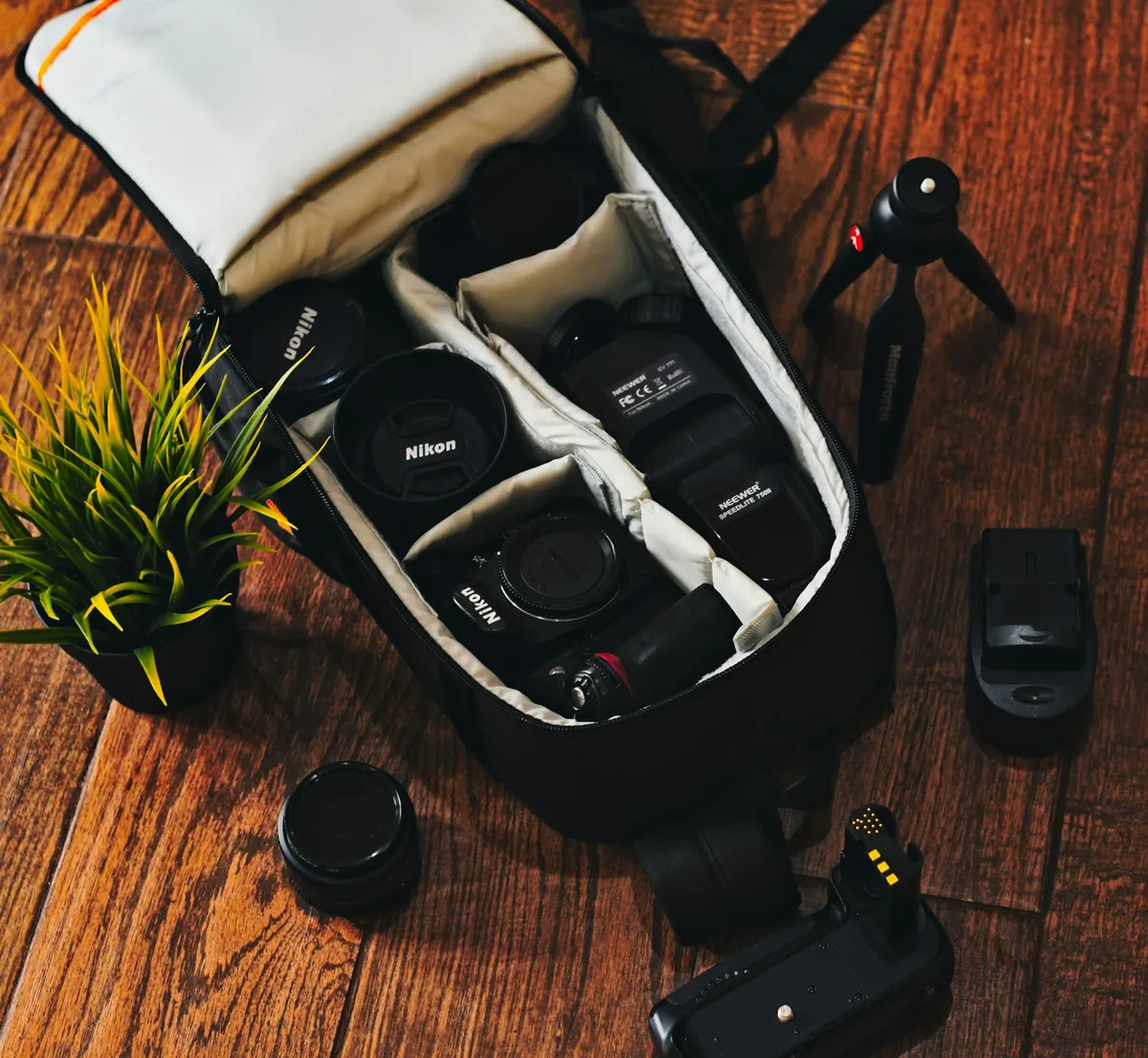
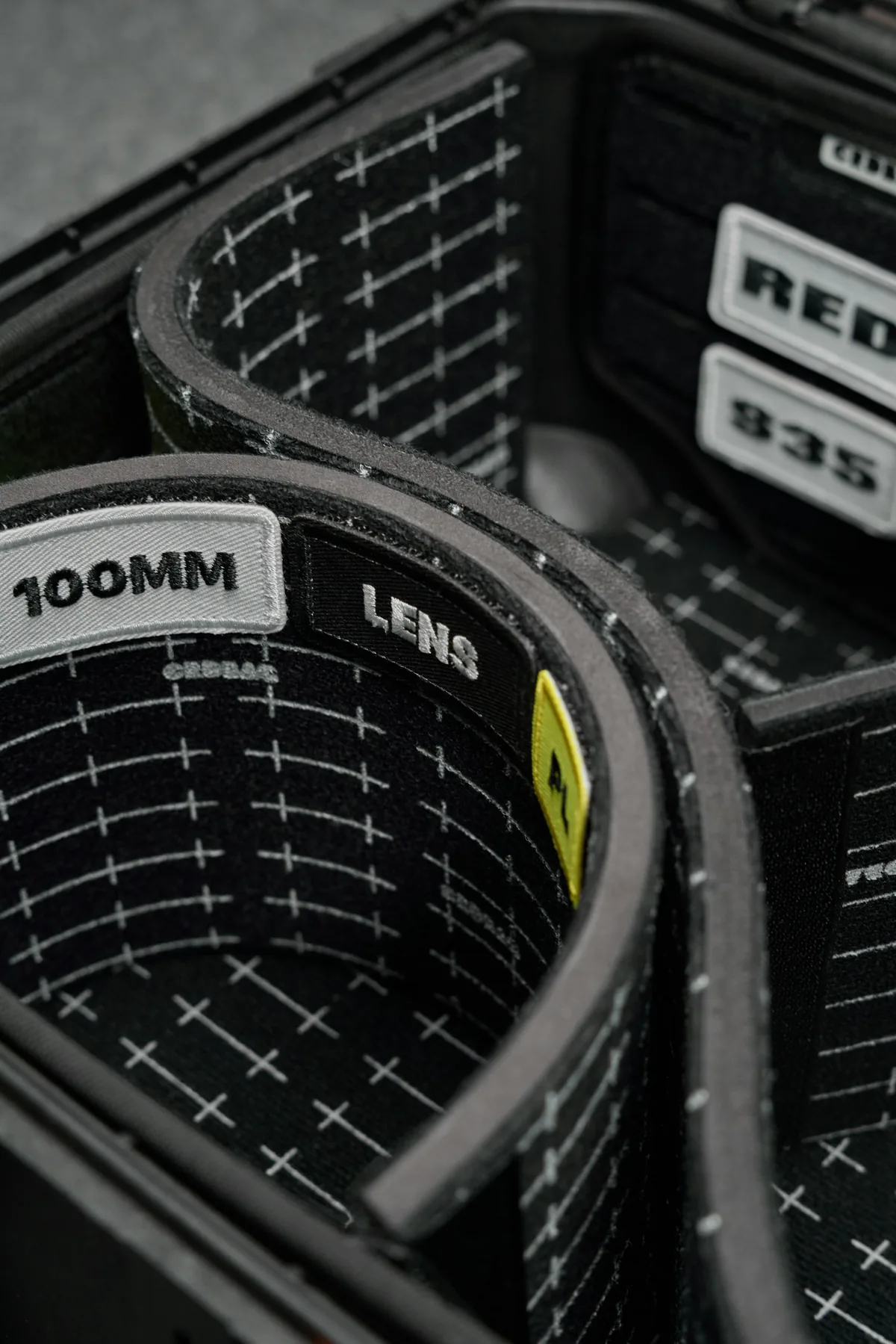
A padded bag is useful for transport, but padding and pockets can retain moisture after an outdoor session. At home, create a clean inspection area before unloading. Check the equipment exterior, the compartments and any cloths that traveled with it. Let damp accessories dry separately rather than closing them around dry lenses. This is also an opportunity to notice a damaged zipper, a loose cap or grit in a compartment. The accompanying bag photographs are contextual illustrations of equipment organization; they do not demonstrate humidity control or recommend a particular storage product.
Use a measured storage routine
Sony recommends removing dust and surface contamination before storage and describes purpose-built dry cabinets or sealed containers with desiccant as storage options. Choose a container large enough for the kit without forcing equipment together. Follow its instructions and the camera maker’s recommendations rather than assuming one humidity setting is correct for everything. Check any indicator or hygrometer periodically, and replace or regenerate desiccant only as its manufacturer directs. Write the inspection date on a simple checklist. A forgotten packet is not evidence that a closed container remains dry.
Treat suspected fungus as a service question
Sony describes fungal growth as web-like spots or patches that can appear inside a lens and warns that performance may be permanently affected. If an inspection suggests internal growth, have a qualified lens technician evaluate it. Dust, haze and coating damage can be confused with each other, so do not promise yourself a diagnosis from a quick phone photograph. Avoid dismantling a lens or attempting an improvised chemical treatment. Keep a note of the symptoms, storage conditions and affected equipment so the technician has useful context rather than only a general report that pictures look soft.
A short checklist before the next outing
Before leaving, check that the bag and cleaning cloths are dry, pack appropriate weather protection and identify the temperature transitions on the route. Before returning indoors or stepping from air conditioning into humid heat, allow time for acclimatization. After the session, inspect the equipment and separate anything damp. Before long-term storage, review the relevant manufacturer instructions and the storage container’s status. Keep this routine separate from file backup: protecting the camera does not protect the only copy of an assignment. Our travel-backup and firmware-preparation guides help cover the other parts of getting equipment ready for its next job.