Define what a successful backup contains
Before clearing a card, name the material you need to recover: original photographs, video clips, sidecar files and any folder structure your recording format requires. A folder of exported JPEGs may be useful, but it is not a replacement for RAW originals if future editing matters. Our field-backup guide (linked below) covers arranging copies while traveling. This follow-up addresses the next decision: what evidence should convince you that those copies are usable? Keep the card unchanged while you perform the checks, and give each camera and card a separate destination folder.
Start with counts, sizes and exceptions
Compare the source and destination inventories using the same scope. If you copied an entire card, count the same folders on both sides; do not compare only visible JPEGs with a destination that includes RAW files and hidden support files. Look for interrupted transfers, zero-byte files and unexpected differences in total size. This is an initial screen, not a verdict. Two folders can have equal counts while containing different files. Write down any exception rather than dismissing it because most thumbnails look normal. If a transfer fails, preserve the original and copy into a fresh destination instead of overwriting the only backup.
Use checksums to compare the actual contents
A checksum is a value calculated from a file’s contents. Comparing hashes produced with the same algorithm for the source and copied file gives much stronger evidence of an unchanged transfer than comparing filenames. The Library of Congress explains this approach as file fixity. Use a trusted copy or verification tool that reports results for every file, and retain the report alongside the project. A matching hash does not prove that the camera captured a good picture: a damaged source can be copied perfectly. It verifies the transfer of those bytes, not the artistic quality or original health of the recording.
Open a copy from the backup itself
Perform a small restore rehearsal in a new temporary folder, without replacing your working library. Recover representative RAW files, JPEGs and any video format used on the job. Open the files in software that supports them; inspect full-size image detail and play video with sound. Test material from the beginning and end of the shoot and any unusually long clip. A sample is useful evidence of readability, but it cannot certify every file. Combine it with the complete verification report. If the software quietly uses cached previews, check the actual file location so you know that you are viewing the recovered original.
Do not confuse the catalog with the photographs
Adobe states that Lightroom Classic’s scheduled catalog backup covers the catalog file, not a complete independent backup of the photographs. Protect originals and exported work separately. That distinction matters because a familiar grid of previews can make a damaged or disconnected library look reassuringly intact. In your restore rehearsal, confirm both that the catalog opens and that it can locate the restored original files. Keep the test separate from the live catalog so that checking a backup does not accidentally reorganize the project you are trying to protect.
Make formatting the last decision, not the next click
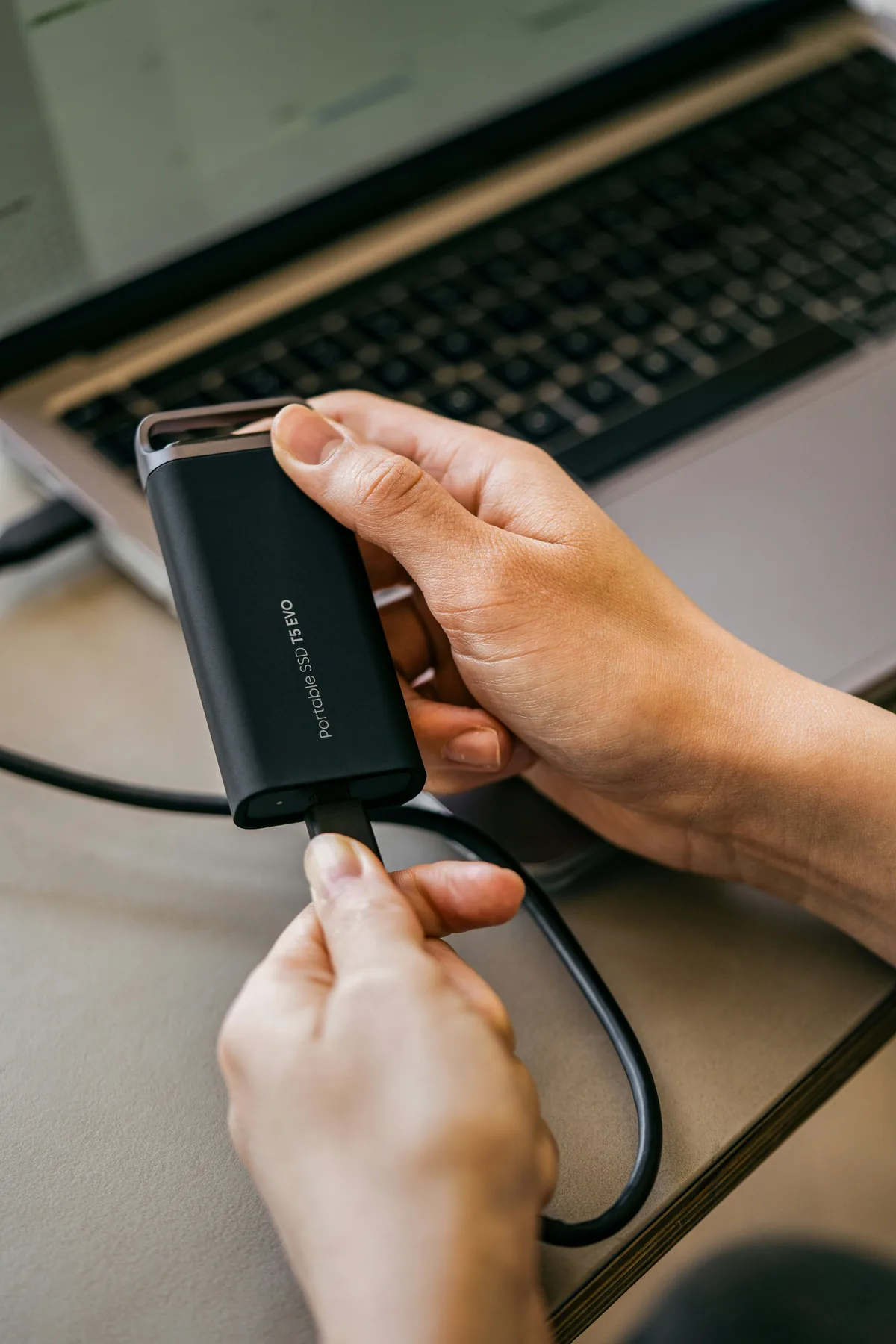
Use a short written gate: the complete copy finished; verification reported no unexplained differences; representative files opened from the backup; a second independent copy exists; and the original card is no longer the only recoverable source. Keep copies in separate places, as the Library of Congress recommends, so one lost bag does not remove both. Do not treat cloud sync as finished until uploads and recovery have been checked. If any step is uncertain, use another card for the next shoot. Storage is replaceable; the unrepeatable moment may not be. This is a verification routine, not a promise that any storage system can never fail.