Name the delivery requirement first
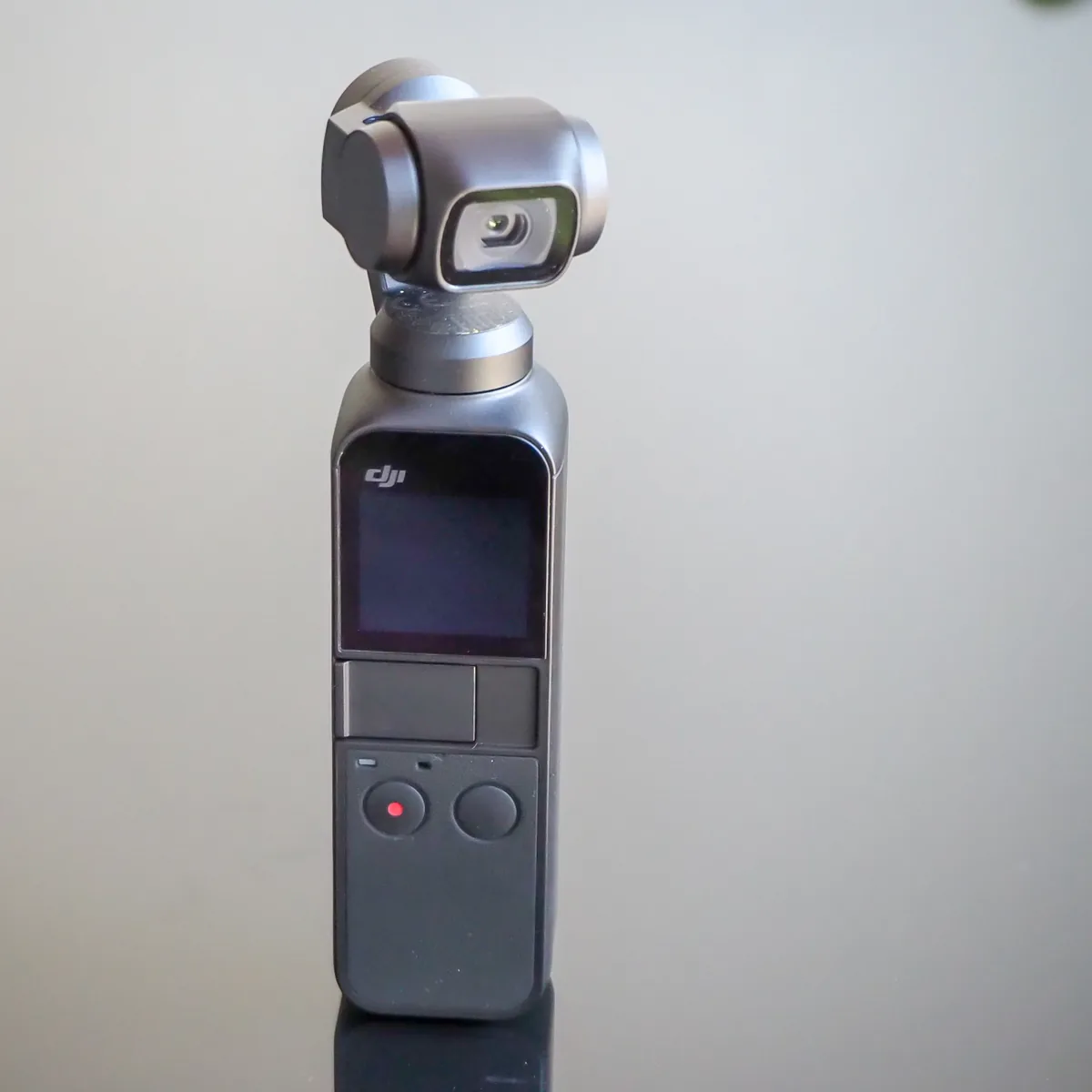
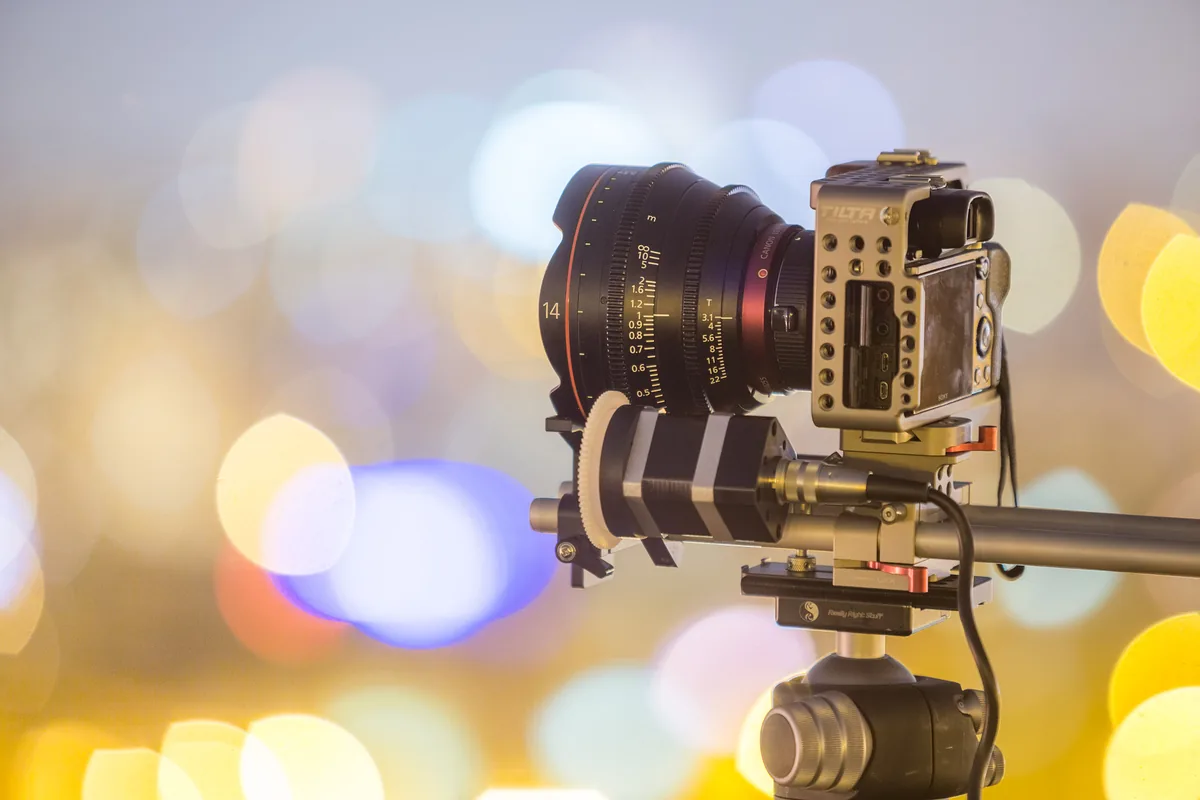
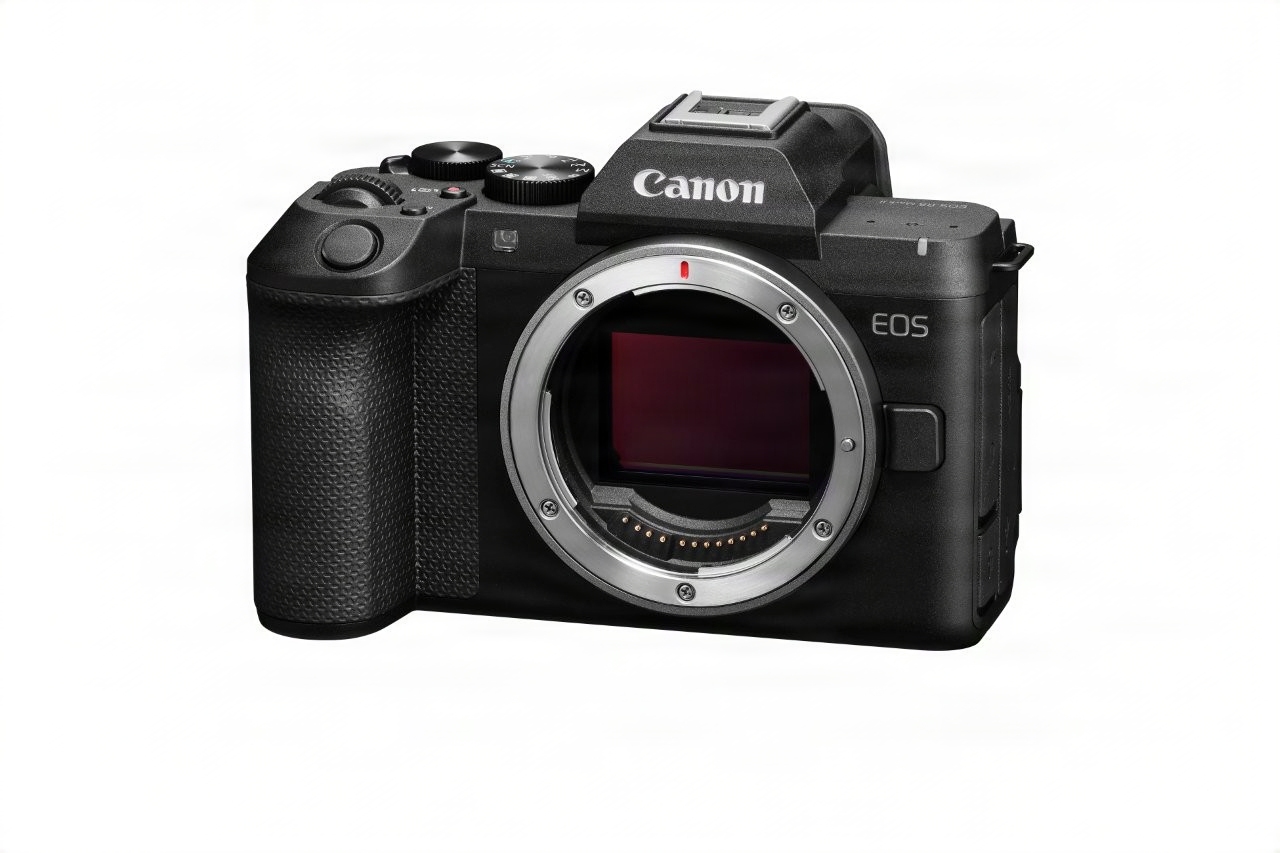
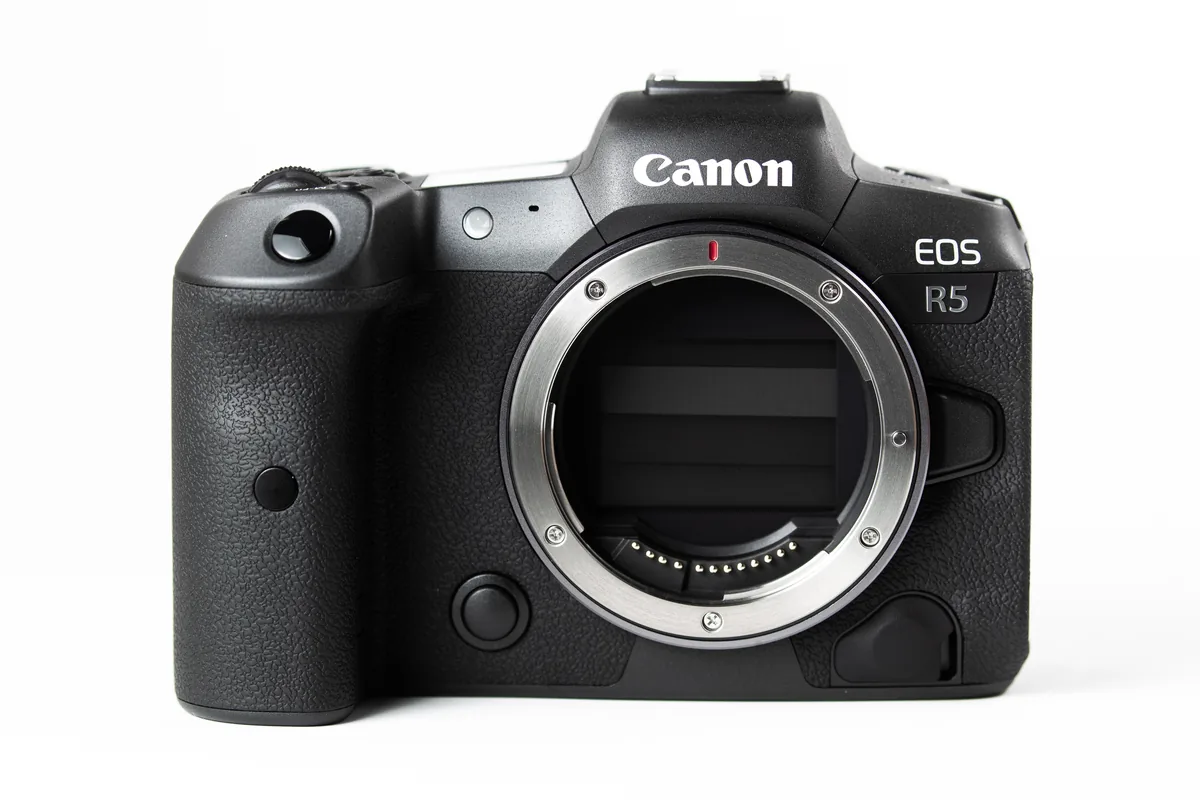
Before choosing 8K, write down the final frame size, aspect ratio and length of the project. Extra recorded resolution may help with reframing, but it also adds processing and storage considerations. A short composed shot and a long uninterrupted interview have different operational needs. If the delivery does not require the larger recording mode, compare a representative take in both settings and inspect the final export. The useful question is whether the difference survives the entire workflow and matters to the story. The equipment photographs illustrate production hardware, not a comparative test of those cameras or evidence of the settings used.
Calculate capacity from bitrate, not the 8K label
Two modes with the same pixel dimensions can create very different file sizes. As a worked example, 120 megabits per second divided by eight equals 15 megabytes per second: about 9GB for ten minutes or 54GB for an hour, using decimal units and excluding overhead. This is arithmetic, not a claim that every 8K camera records at that rate. Variable bitrate, audio and file-system overhead change the result. Check the selected mode’s documentation and measure a test file. Add space for repeated takes, backups and exports instead of buying precisely the theoretical minimum.
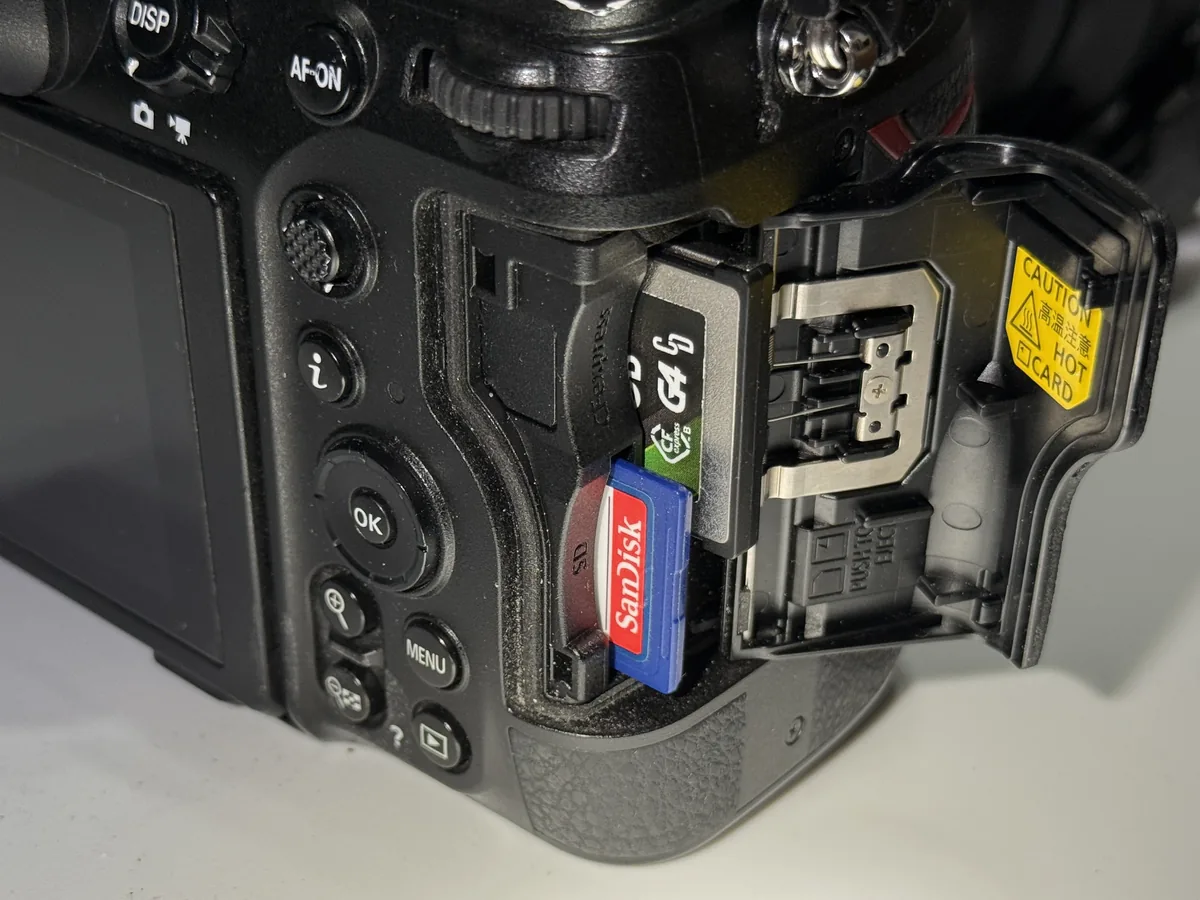
Match the card to the recording mode
Physical compatibility is only the first check. Consult the camera maker’s current list of suitable cards and the requirements for the exact codec, frame rate and resolution. A card that records a lower-demand mode is not automatically suitable for another. Test it in the camera before the assignment, then copy the resulting material through the reader and connection you will actually use. Verify the copies before formatting the source card. Keep independently stored copies when the footage matters; two folders on the same drive are still vulnerable to the loss of that drive.
Treat heat as a rehearsal condition
Record a take at least as long as the one the assignment needs, within the manufacturer’s operating conditions and with the intended power arrangement. Note the ambient conditions, screen position, wireless use and any warning messages. Do not extrapolate a cool indoor result to direct summer sunlight. Follow the manufacturer’s cooling instructions and never defeat protective shutdowns. A lower-demand recording mode or a different production plan may be the practical solution for a long take. Leave recovery time in the schedule rather than discovering during an interview that the camera needs a break.
Check the final stabilized frame
Electronic stabilization can change the available framing, and its behavior varies with the camera and selected mode. Check the final recorded file rather than relying exclusively on the live screen. Film a wide view with recognizable objects at the edges, then repeat the intended movement and compare what remains visible. If the project also needs a vertical version, mark the important central area before shooting. Extra resolution offers some flexibility but cannot restore a person or sign that was never inside the recorded frame. Avoid planning every shot around a large rescue crop.
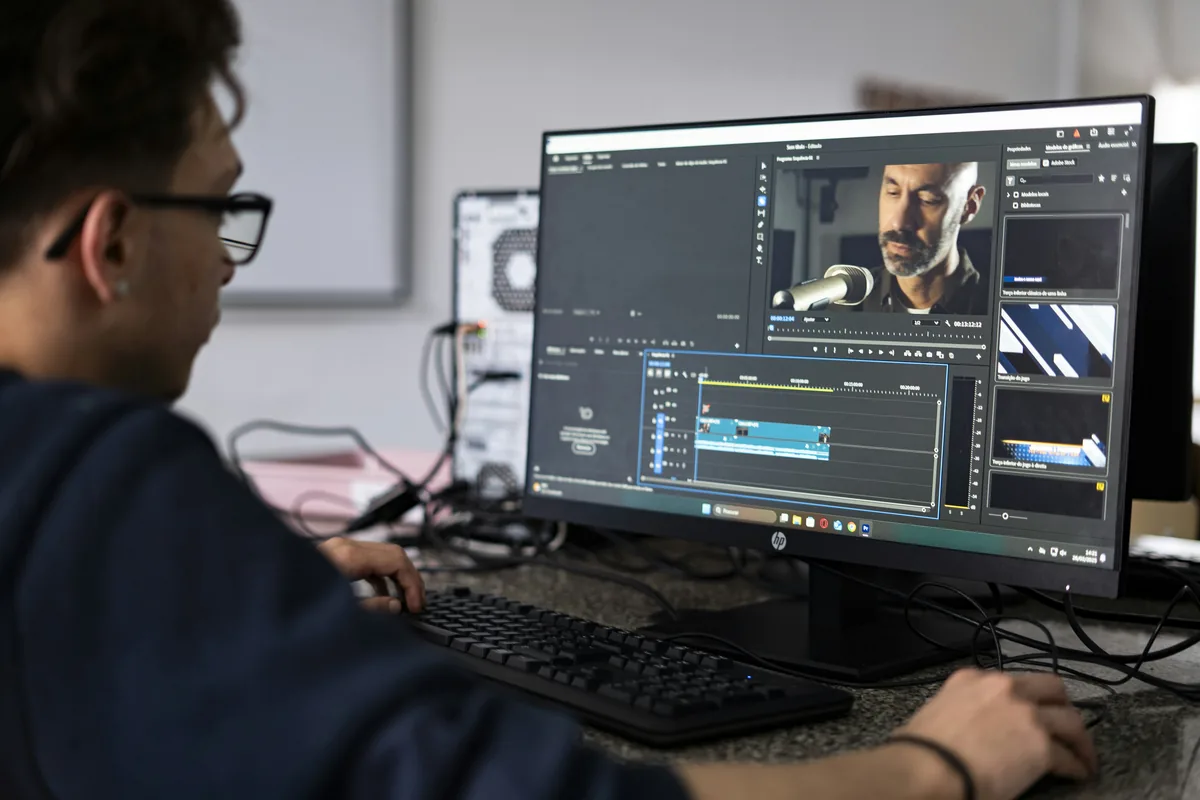
Finish one test through the actual editor
Import a representative clip, synchronize any separate sound, apply the intended treatment and export a short section at delivery settings. If playback is difficult, an editing proxy workflow can make work more manageable while keeping the source files for finishing. Adobe documents an ingest and proxy workflow for Premiere; confirm the proxy settings and attachment process in your editor rather than assuming every transcode reconnects automatically. Keep the originals and verify the final export uses the intended source quality. A completed rehearsal is more informative than a camera successfully recording a file that the rest of the system cannot handle comfortably.