What focus breathing looks like
Focus breathing is a change in the lens’s angle of view as focus changes. During a rack focus, a background edge can move inward or outward even though the camera has not moved and the zoom setting is untouched. Sony uses this definition in its compensation documentation. Do not confuse it with autofocus hunting, which repeatedly searches for sharpness, or with a camera being nudged while the focus ring is turned. The practical question is not whether a lens exhibits any measurable change at all. It is whether the change distracts from the particular shot, at the focus distances and final viewing size you intend to use.
Build a test that isolates the cause
Place the camera on a stable tripod. Choose a near subject with a clear edge and a farther subject with recognizable background lines. Lock exposure and white balance, keep focal length fixed and record a slow manual focus move between the two positions. Avoid touching the tripod, and repeat the movement in both directions. Start with electronic breathing correction disabled, if the camera provides that option. Keep other processing settings consistent and follow the camera maker’s guidance for tripod stabilization. Review the recorded file, not only a live preview. If the camera moves, repeat the take before blaming the lens for a changing composition.
Use the distances your story requires
An extreme minimum-distance-to-infinity demonstration can reveal behavior you will never use in an interview. Make a second test using the real positions in your scene: the person nearest the camera, the person behind them or the object receiving attention. Keep a visible vertical line near the frame edge so changes are easy to spot, but also watch the subjects. Does the transition direct attention where you intended, or does the apparent size shift compete with it? Record the lens, focal length, aperture, distances and camera mode with the clip. That small record makes comparisons repeatable and avoids turning an impression into an unsupported universal verdict.
Optical design and electronic correction solve different problems
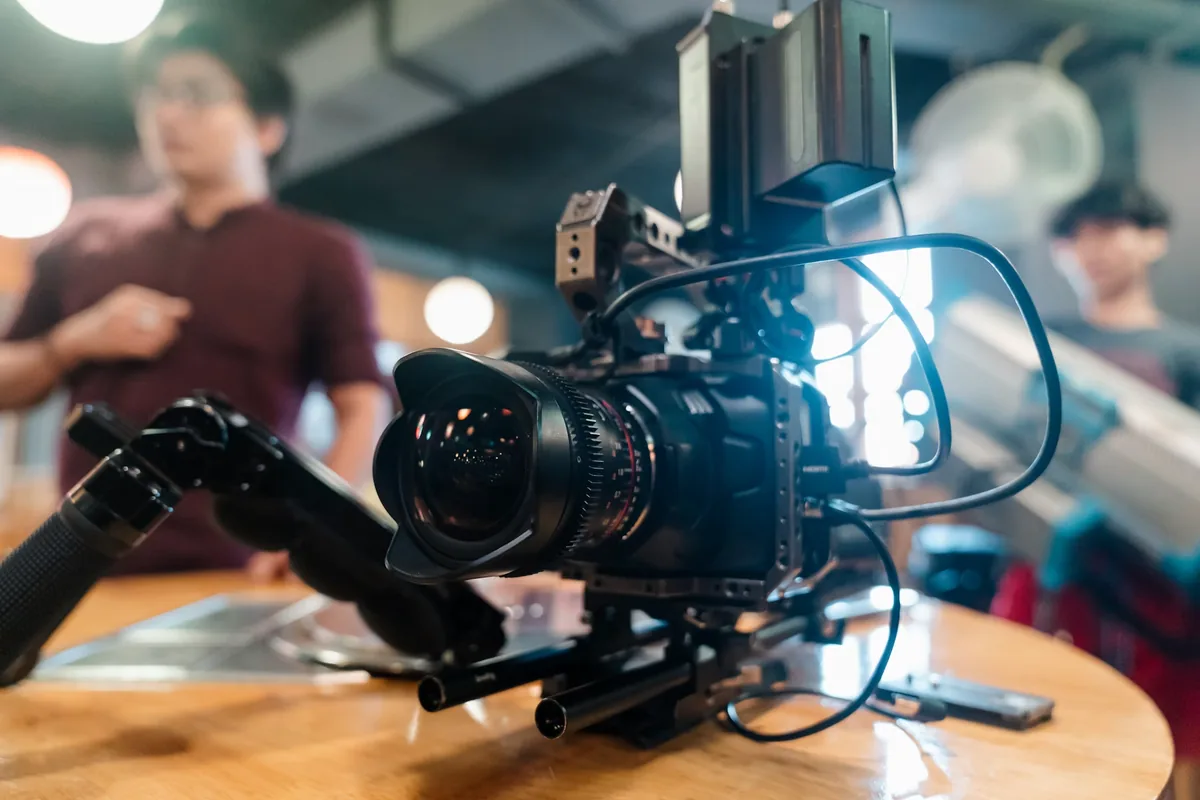
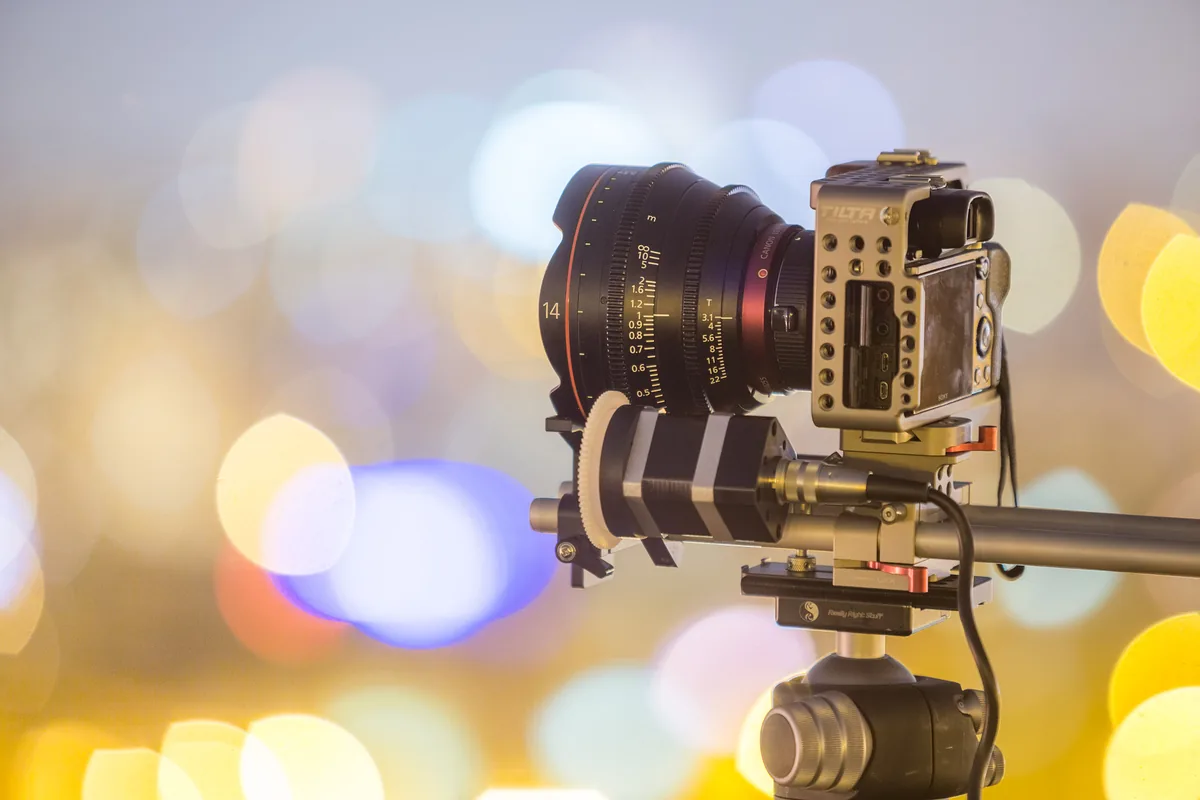
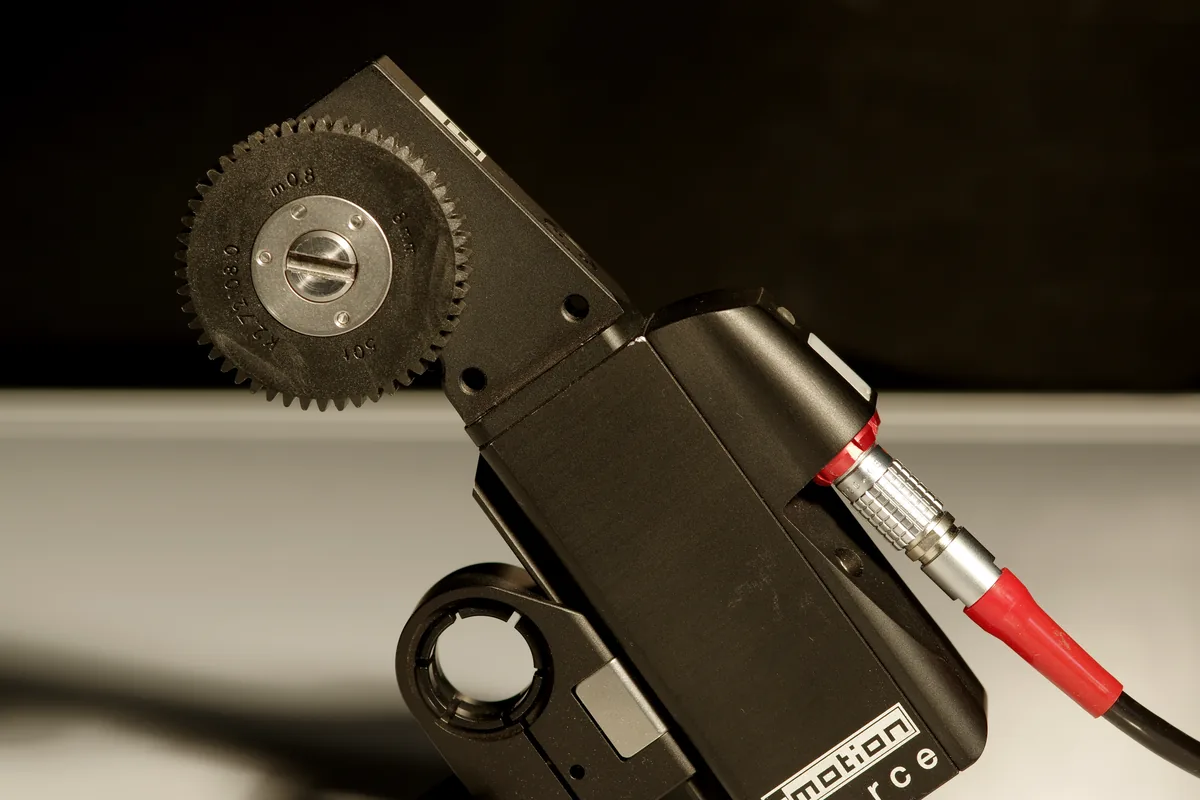
A lens can be designed to reduce breathing optically. Electronic compensation instead adjusts the recorded framing to counteract the change. Sony’s FR7 guide describes cropping to maintain a consistent angle of view and limits support to compatible lenses. Leave room at the edges before enabling correction; a composition that just fits with correction off may become too tight afterward. Do not assume that a menu option guarantees full correction with every lens or recording mode. Check the current compatibility documentation for the exact combination you own. The photograph of a geared lens above illustrates focus control, not a measured breathing test or proof of compatibility.
Check the corrected file, not just the checkbox
Repeat the same focus movement with supported correction enabled. Compare framing, edge detail and the final output, using the same processing and export dimensions. Look for an acceptable balance between a steadier angle of view and the tighter composition. If the shoot also requires electronic stabilization, test both features together rather than assessing each separately. A scene with little spare space around a person may need a wider initial composition. Never plan an irreplaceable recording around a setting you have only switched on in the menu. A short exported test is a better acceptance check than a reassuring icon on the camera screen.
Post-production needs the right information
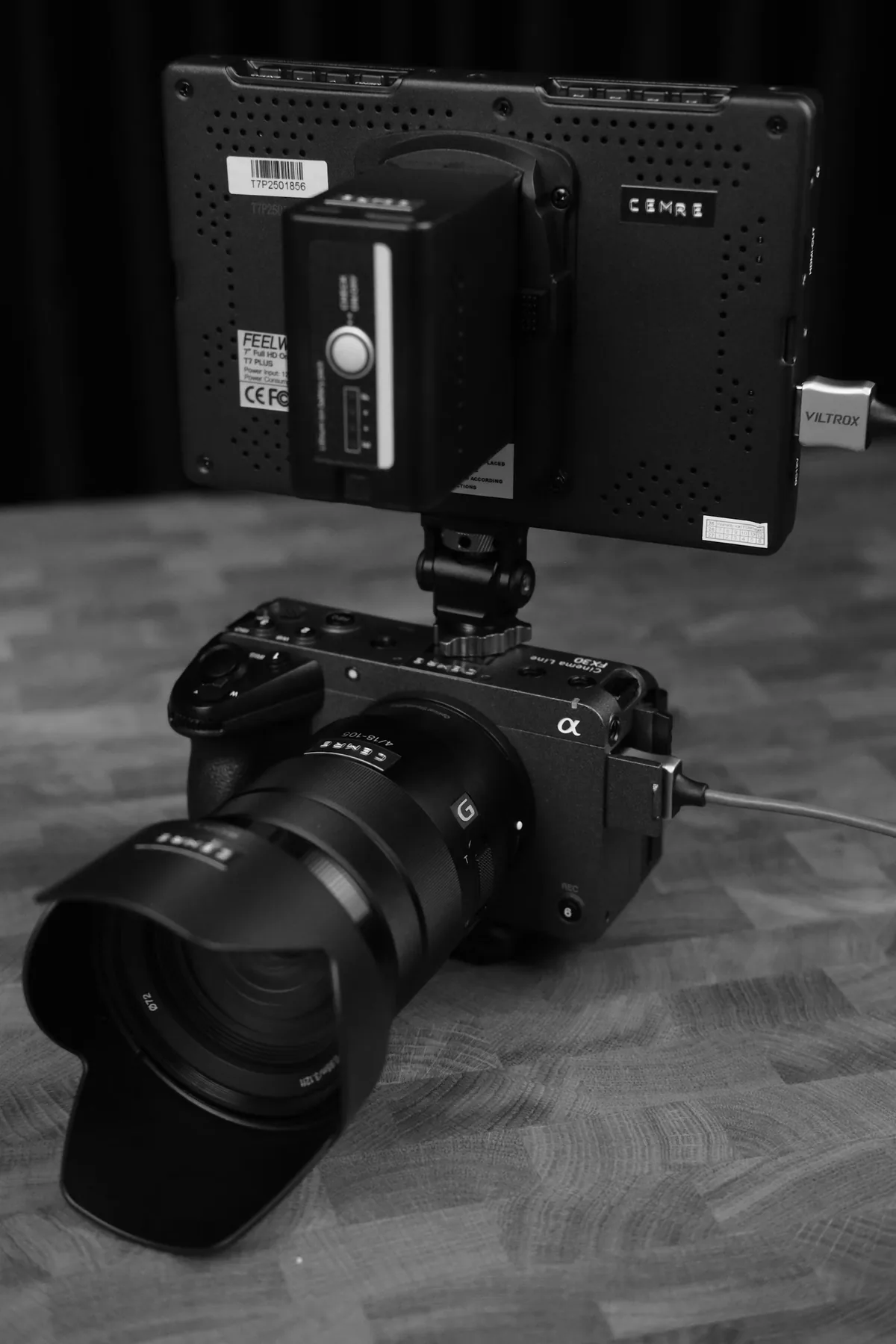
Sony’s Catalyst Browse can use supported clip metadata for breathing compensation and displays the corrected crop resolution. Its documentation notes limitations involving slow-and-quick recording, lenses and frame rates, and warns that combining correction with stabilization can be less effective in some cases. Before relying on that route, import an original test clip and confirm that the application recognizes the relevant metadata. Compare before and after, then export and inspect the result. Preserve the camera originals. Do not assume that an arbitrary transcoded clip or an unsupported lens carries the information needed for an automatic correction simply because the software includes the feature.
Sometimes the best fix is a different shot
If the crop is unacceptable, consider a less extreme focus transition, a different focal length or a cut between two stable compositions. These are storytelling choices, not admissions of technical failure. A focus pull should communicate a change in attention; it does not have to demonstrate the entire focusing range of a lens. Rehearse the timing with the subject and decide where the transition begins and ends. For a documentary moment, a small amount of breathing may be less disruptive than an unnecessary correction or a missed event. Keep the test footage and settings so the next shoot begins with evidence about your equipment rather than another round of guesswork.