An October download, not an update available today
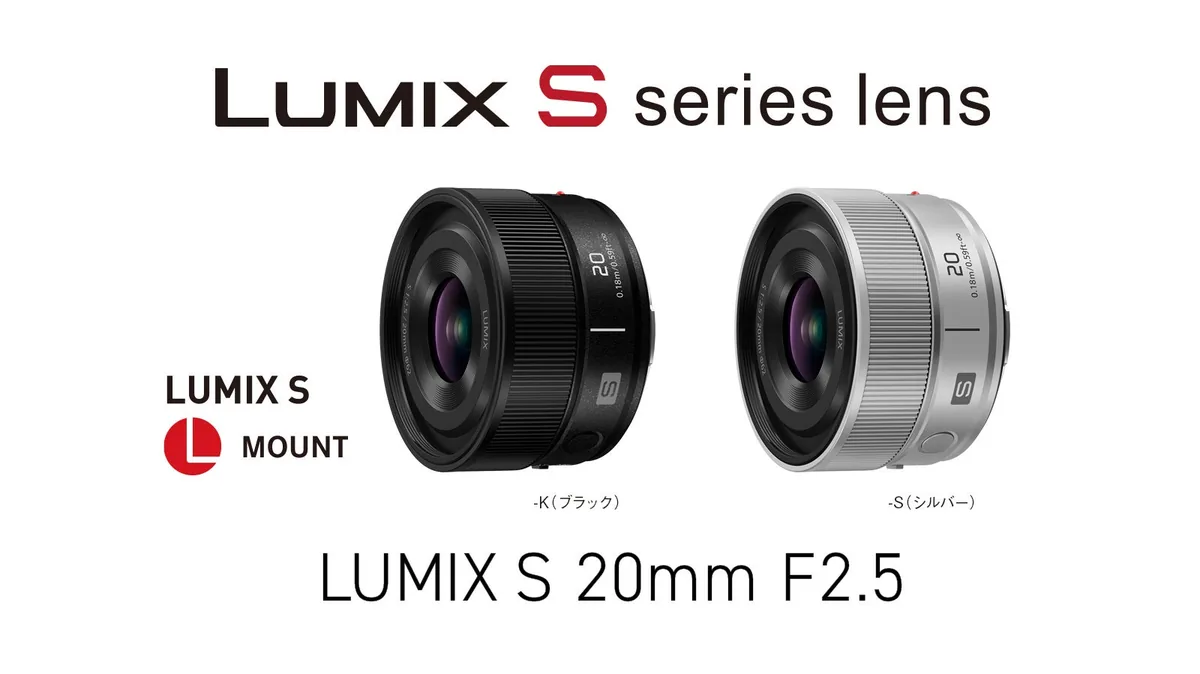
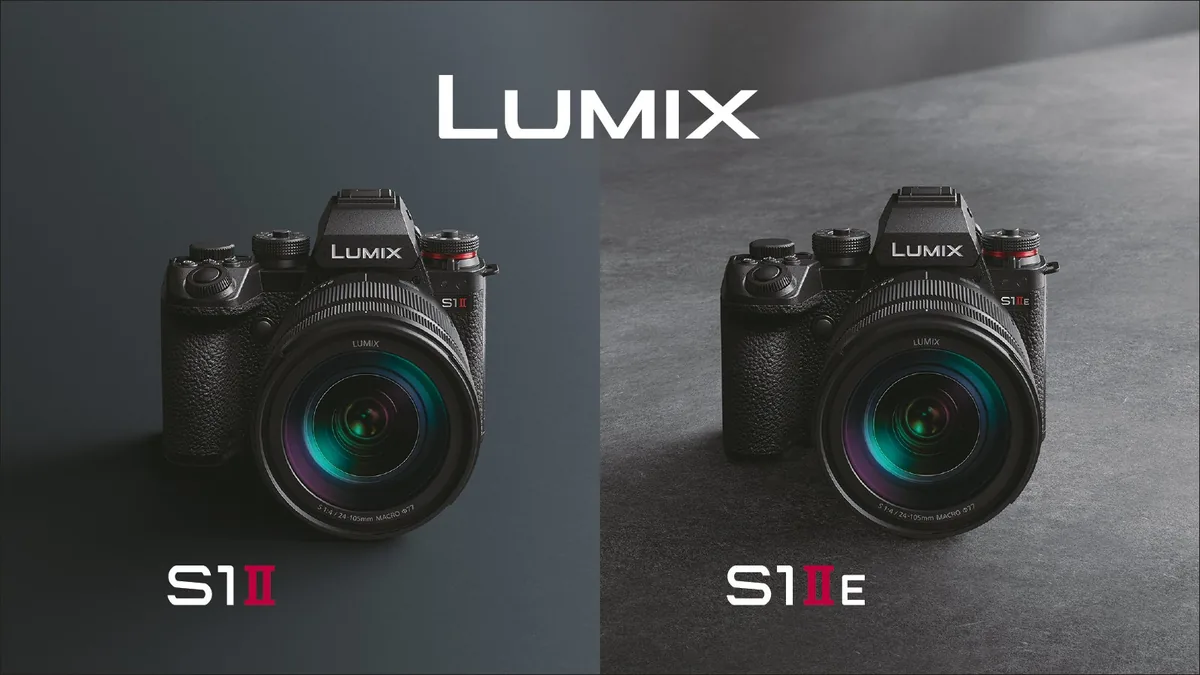
Panasonic has scheduled free camera and app updates for October 13 at 01:00 UTC. The September 16 announcement names S9 firmware 2.1, LUMIX Lab 3.1.1 and LUMIX Flow 1.7.0, alongside changes for S1RII, S1II, S1IIN and S1IIE. As of this September 20 briefing, these are announced changes, not a download we have installed. The software price is US$0. The separate 20mm lens costs extra; see our lens announcement (linked below) for its price and shipping window.
The S9 changes are about the complete workflow
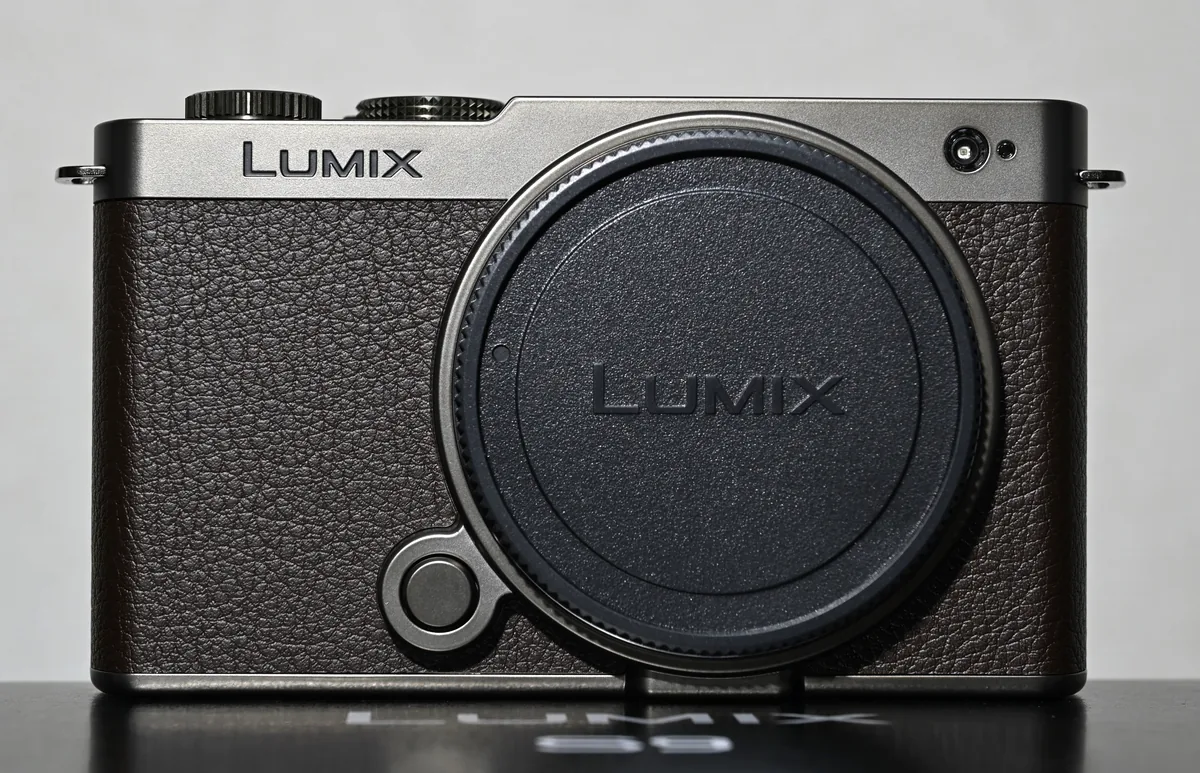
The announced S9 update adds MP4 (Lite) options including 4K 60p/50p and FHD 120p/100p/60p/50p, plus more functions assignable to a compatible lens’s Fn button. Panasonic also lists LUMIX Flow support. Lab gains support for the new Lite formats, LUT-category filtering and downloadable LUT packs. These are manufacturer-announced capabilities. A menu option alone does not establish the quality, battery life or transfer time of a finished workflow.
Rehearse one deliverable, from capture to export
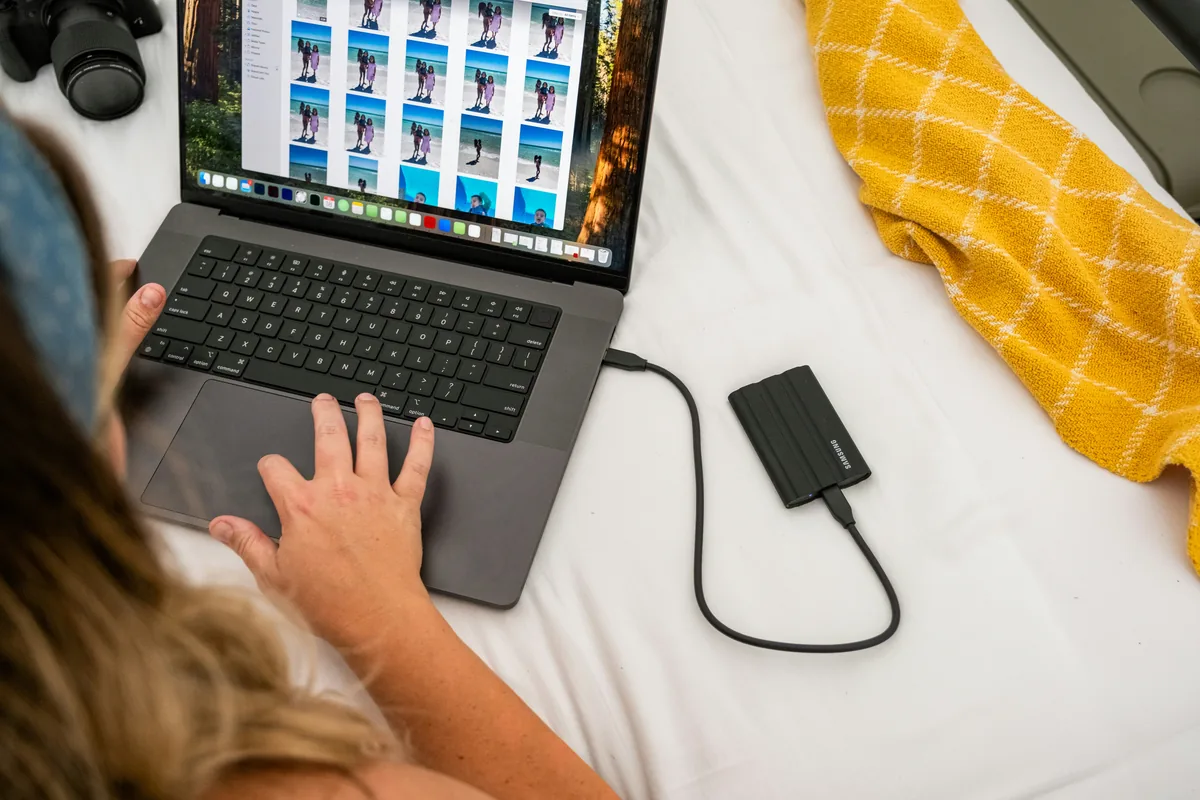
Our practical recommendation is to write a small test before updating: one minute of the kind of footage you actually deliver, transferred by your usual method and exported in your normal editor. Record the current camera settings and keep that baseline clip. Once the official update is released and installed according to its instructions, repeat the same sequence. Compare the complete job, not just whether a new menu appears. Check frame rate, audio, orientation and whether a colleague can open the delivered file. Treat any time saved as something to measure, not a benefit to assume.
Flash users should test their own combination
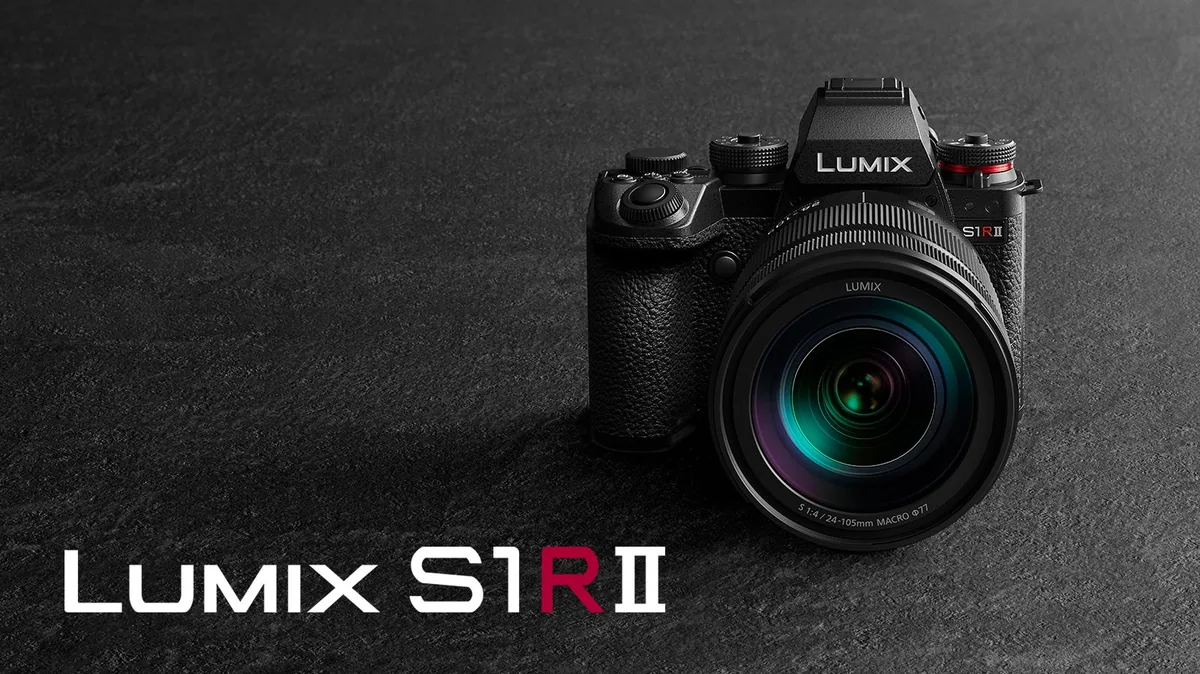
For the listed S1-series bodies, Panasonic describes improved shutter response and burst behavior with external flash, plus operational stability. It does not turn every flash-and-trigger combination into an identical system. We suggest testing with the exact trigger, flash, batteries and exposure settings used on an assignment. Start slowly, allow recycling time and inspect the files for uneven illumination or missing frames. A fast burst number is not a promise that every flash can recycle at that rate. Keep an unchanged reference sequence so that an apparent improvement can be separated from a different power setting or freshly charged battery.
Keep a record of the setup that already works
Before any firmware change, photograph important menu screens and note custom controls, recording formats and connection settings. Export settings only when the manufacturer documents that procedure for your model; do not assume a saved setup from another body is compatible. Choose a quiet time when you can finish the process without needing the camera immediately. Follow the exact support instructions for power, media and installation, and never interrupt an update deliberately. If your next paid shoot depends on a stable setup, an announced feature is not a reason to abandon that setup without a rehearsal.
What would make this update useful to you?
Choose one concrete problem: an awkward button assignment, an inconvenient transfer format, or a flash sequence that needs a more predictable rhythm. After the update, test that problem first. Then check that the features you already depend on still behave as expected. Save the before-and-after clips, settings notes and software versions in a small project folder. This gives you a useful record if you need support later. We will judge the release by documented availability and repeatable results; the announcement alone cannot establish reliability in a production environment.