A maintenance release with a practical purpose
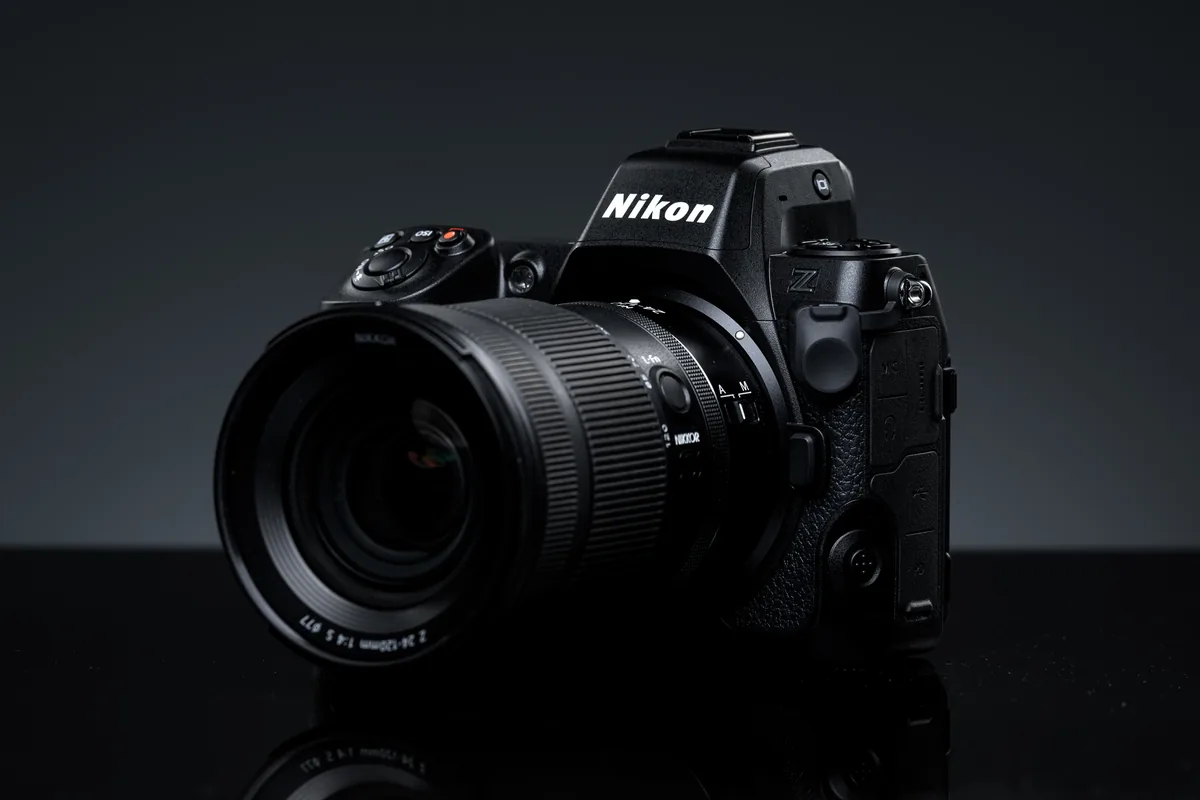
Nikon lists Z8 C firmware 3.11 as available from September 16, 2026. The download costs US$0 and applies to the Z8, not every Nikon Z camera. This is a maintenance update rather than a new body or a promise of higher image quality. Our September 21 briefing separates the manufacturer’s change log from the checks we recommend before returning a camera to paid work. We have not carried out a hands-on reliability test of this firmware.
The three problems Nikon says it fixes
The update addresses a shooting freeze associated with certain operations after changing Manage Picture Control settings. It also corrects unsupported options becoming selectable during wireless NX Tether use, and unexpected changes to high-frequency flicker reduction when that function shares a custom control with another role. These are specific scenarios, not evidence that every Z8 was affected. Nikon’s full release notes and download page are linked below; read those notes for your installed version rather than treating a short news summary as installation instructions.
Make a test that resembles your actual assignment
Our recommendation is to write down a short, repeatable sequence before changing the camera. A studio photographer might connect to the usual computer, capture a handful of frames and check that the files reach the intended folder. An event photographer might record custom-button assignments and photograph the same subject under the venue’s lighting. Keep exposure, lens and connection method unchanged when comparing results. This is a way to isolate an apparent improvement from an unrelated setting change, not a laboratory measurement or a guarantee that a rare fault can be reproduced on demand.
Read the installation cautions before copying a file
Nikon warns against updating with a lens other than a Z-mount NIKKOR, or an adapter other than an FTZ/FTZ II, attached. Owners updating from version 1.01 or earlier should also read the separate IPTC-preservation warning. Follow the official instructions for power, media and installation from start to finish. Do not format a card containing unverified photographs simply to prepare an update. Our backup-verification guide, linked below, provides a separate check for protecting that material first. Keep a second usable card available so the installation does not create pressure to erase your only copy.
Check the whole workflow, not just the version number
Once the manufacturer’s installation procedure has finished, confirm the reported version and repeat your normal shooting routine. Inspect stills at useful magnification, open a video clip if video is part of your work, and check filenames and transfers. A camera that starts successfully has passed one check, not every check. For tethered work, include the actual computer, software and connection you intend to use. Record what you tried and what happened. If something unexpected appears, preserve the test files and settings notes for Nikon support rather than changing several unrelated options at once.
What this update does not establish
A firmware change log does not tell us how often a fault occurred across the installed camera population, nor does it establish that every accessory combination has been tested. Avoid turning three targeted corrections into either a crisis or a sweeping performance claim. The useful question is narrower: does your work use the affected settings, and have you verified your own setup after the change? Schedule that check before an assignment rather than between unrepeatable moments. A documented, familiar workflow is more valuable than an update installed in a hurry without time to assess it.