Start with the edit, not the cameras
A two-camera interview is useful because it creates a wide safety view and a closer emotional frame, but only if those views can cut together. Before placing a tripod, decide what the edit needs: a continuous answer, reaction shots, a change in emphasis or a way to remove a question. Write the subject’s eyeline, the interviewer’s position and the likely duration of each answer into the plan. The cameras are there to protect the conversation, not to create movement for its own sake.
Choose a stable axis
Imagine a line between interviewer and subject. Keep both cameras on the same side of that line so the subject looks consistently toward the same side of the frame. A wide camera can sit slightly off the interviewer’s shoulder while the close camera moves farther to the side, but neither should cross the line without an intentional reset. Crossing it reverses screen direction and can make a cut feel like the subject suddenly changed relationships. Mark tripod feet with tape when the room is busy or the interview will be repeated.
Give each frame a job
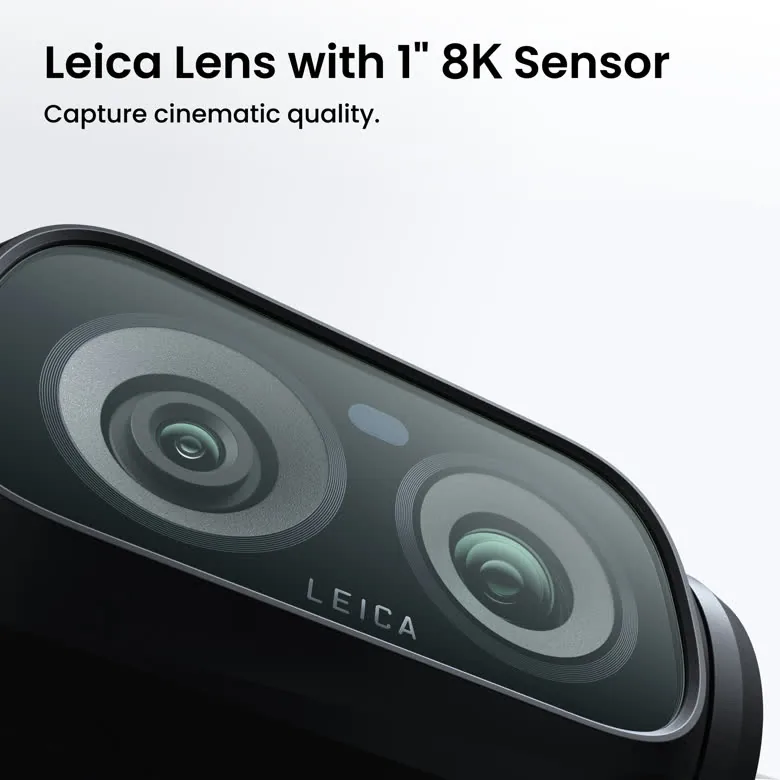
The wide shot should establish the room, posture and relationship between people. It is the safety angle that can hide a pause or bridge an edit. The close shot should earn its tighter framing by showing expression, listening and changes in thought. Avoid making both views nearly identical; small differences are difficult to use and make continuity errors obvious. Leave enough headroom and look room for the intended crop, and check the background for bright edges, logos or moving people that will distract from the answer.
Match frame rate and shutter
Set both cameras to the same frame rate and resolution unless the production has a clear reason not to. A 180-degree shutter approach—about 1/48 second at 24 frames per second or 1/50 at 25—keeps motion blur broadly consistent when someone gestures or the camera operator reframes. If the room’s lighting flickers, test shutter adjustments on both bodies together. Do not let one camera drift into an automatic mode that changes the visual texture halfway through a take.
Match exposure and white balance
Manual exposure is safer than allowing two cameras to react differently to a face or a bright window. Set aperture from the required depth of field, then use light, neutral-density filtration or ISO to balance the exposure. Lock white balance with a gray or white reference under the key light and repeat the setting on both cameras. Mixed daylight and practical light can remain visible, but the relationship should be deliberate. Record a short reference clip after the subject is seated so a colorist has a reliable starting point.
Focus and movement need a plan
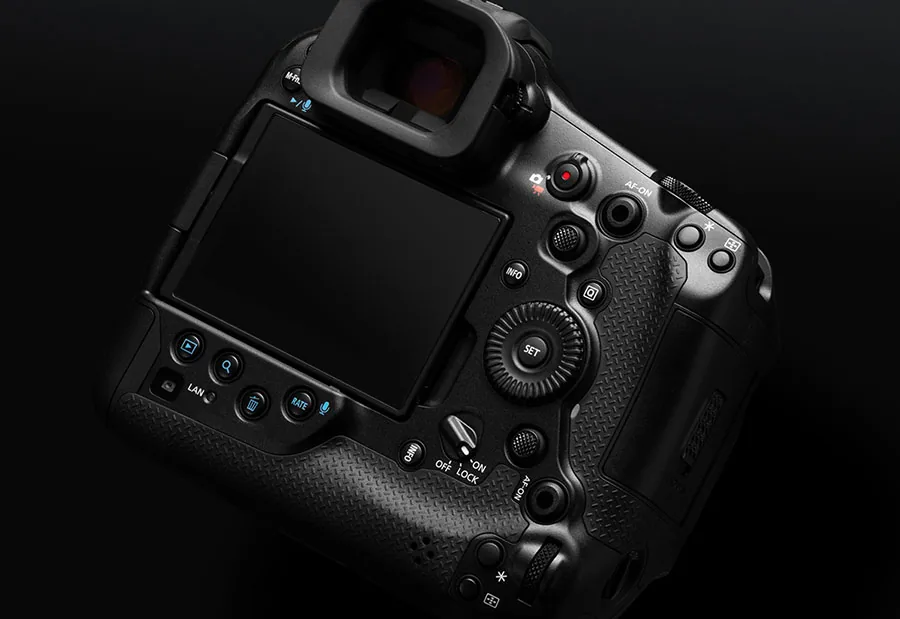
For a seated interview, autofocus can work when face or eye detection is reliable and the background is controlled, but manual focus remains useful when glasses, hands or a passing person may steal the target. If the subject can lean forward, stop down enough to keep the planned movement inside the usable depth of field. Lock the wide camera once it is safe. The close camera can be operated, but any reframing should happen between sentences or during a question rather than across an important word.
Sound is the continuity anchor
A clean image cannot rescue an interview with inconsistent sound. Put the primary microphone close to the subject, monitor with headphones and record a second source when possible. Capture the interviewer’s questions as well as the answers if the edit may include the exchange. Before the first take, record at least 20 seconds of room tone with everyone quiet. Note HVAC changes, traffic and clothing noise. If the two cameras have different audio inputs, feed both a reference track and identify the better recording in the camera report.
Slate, monitor and protect the cards
At the start of each take, show or say the scene and take number so picture and sound can be synchronized and logged. Check both frames at full resolution: focus, rolling highlights, reflections in glasses and the edge of the set are easier to fix now than later. After recording, copy media to two separate locations before formatting anything. Keep the original card structure until the second copy opens and plays. A simple folder with camera, audio, scene and take names prevents the edit from becoming a search through anonymous files.
Cutting the conversation
Use the wide frame for the beginning and end of an answer, then move to the close view when the subject reaches the idea or emotion the edit should emphasize. Hide unavoidable jumps with a cutaway, a question, a natural pause or a change in framing—not by pretending the subject said something in a different order. Keep the subject’s eyeline and screen direction consistent, and let room tone continue beneath edits. The two-camera plan succeeds when viewers notice the answer rather than the machinery that protected it.