Start with the deliverable, then the movement
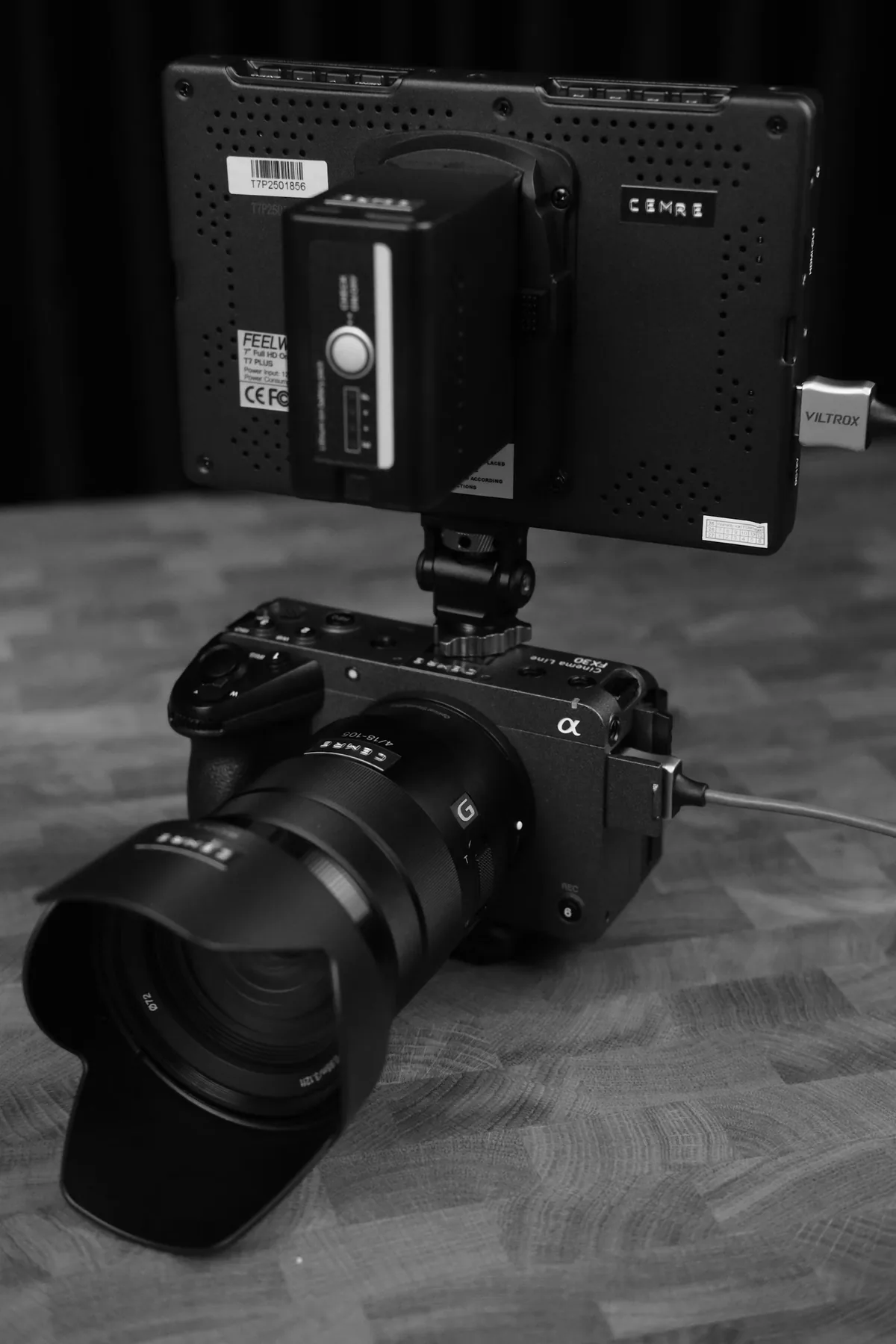
Ask the editor or client for the exact delivery frame rate before choosing the capture mode. A request for 24 fps may mean exactly 24 or the fractional rate commonly displayed as 23.98; clarify rather than guessing. Decide which shots should play in real time and which are intended for slow motion. For an interview, preserving natural speech and synchronization is usually more important than having spare frames for an effect. For a brief action insert, slowing the movement may be the point. The football photograph illustrates a moving subject; its camera settings are not documented and it is not a demonstration of a video shutter setting.
Do the slow-motion arithmetic explicitly
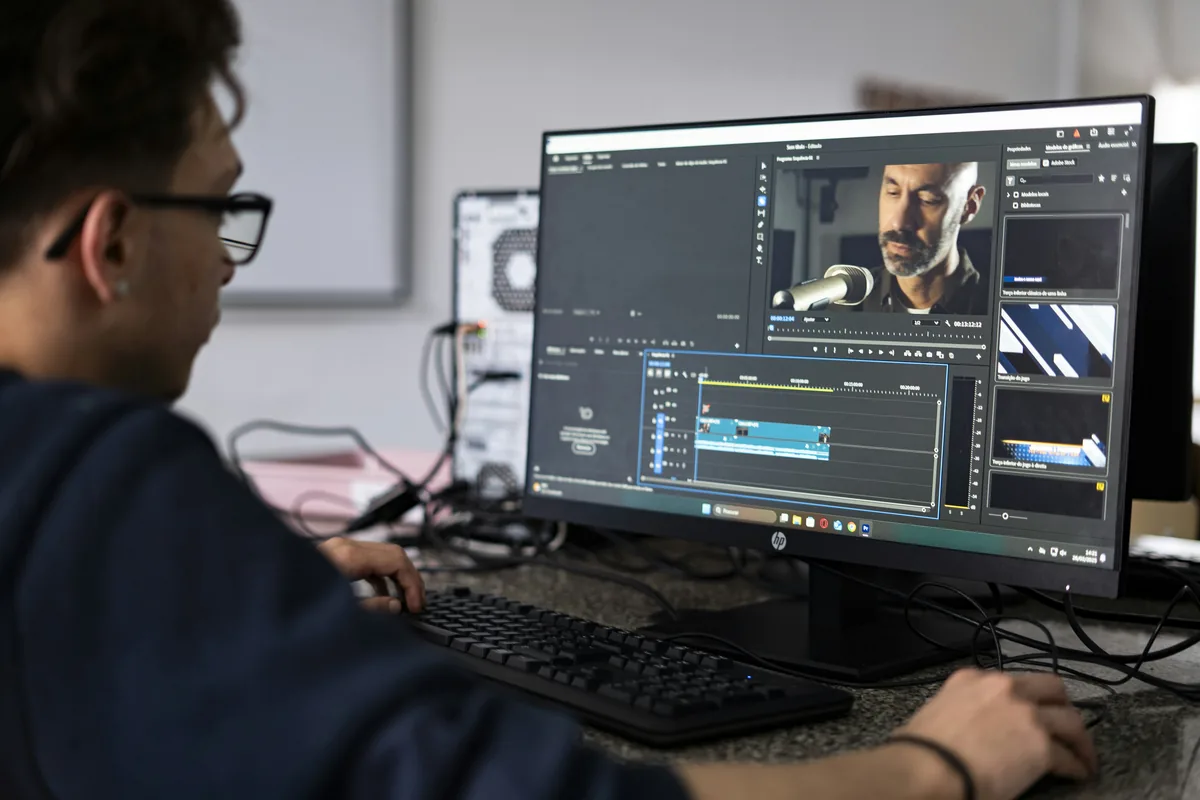
If every captured frame is played once at a lower frame rate, duration increases by the capture rate divided by the playback rate. Exactly 60 fps interpreted as exactly 24 fps lasts 2.5 times as long, equivalent to 40 percent speed. Exactly 50 played at 25 lasts twice as long. Simply placing a 60 fps clip on a 24 fps timeline does not necessarily produce this result: the editing application may instead preserve duration and select or interpolate frames. Confirm the intended interpretation with a test export. Also check the camera’s audio behavior in its high-frame-rate mode rather than assuming synchronized production sound is available.
Translate the angle into exposure time
Shutter angle expresses exposure as a fraction of the frame interval. Exposure time in seconds equals angle divided by 360 times the capture frame rate. At 180 degrees, 24 fps gives 1/48 second, 25 gives 1/50, 30 gives 1/60 and 60 gives 1/120. At the same frame rate, 90 degrees halves that exposure time and 270 degrees makes it one and a half times as long as 180. Use the actual capture rate for the calculation, not the eventual slow-motion playback rate. Camera menus may round the displayed fractions; check the manual when precise timing is important.
Choose blur deliberately, not as an emergency brightness control
A shorter exposure interval generally records less movement during each frame, producing a crisper, more staccato impression in motion. A longer interval allows more blur. Neither is automatically more professional. Record a repeatable movement and a controlled pan at two or three settings, then watch at the final playback rate instead of judging only paused frames. Once the desired motion treatment is chosen, adjust lighting, aperture or other appropriate exposure controls deliberately. Changing shutter duration whenever brightness changes can make adjacent shots feel inconsistent. It also does not eliminate perspective distortion caused by a rolling sensor readout.
A mains-frequency shortcut is not a lighting guarantee
RED’s flicker guidance explains that pulsed artificial light can interact with frame rate and exposure time. Under 50 Hz lighting, 1/50 or 1/100 second can be useful starting candidates, but they are not universal safe settings. Some LEDs and displays cycle independently of the mains, and dimming can change their behavior. Test the exact fixture, brightness setting and camera mode planned for the scene. Watch for both brightness pulsing and moving bands. If a safe exposure requires departing from 180 degrees, evaluate the resulting motion and discuss the tradeoff; a familiar angle is not worth visibly damaged footage.
Make a small record the whole crew can use
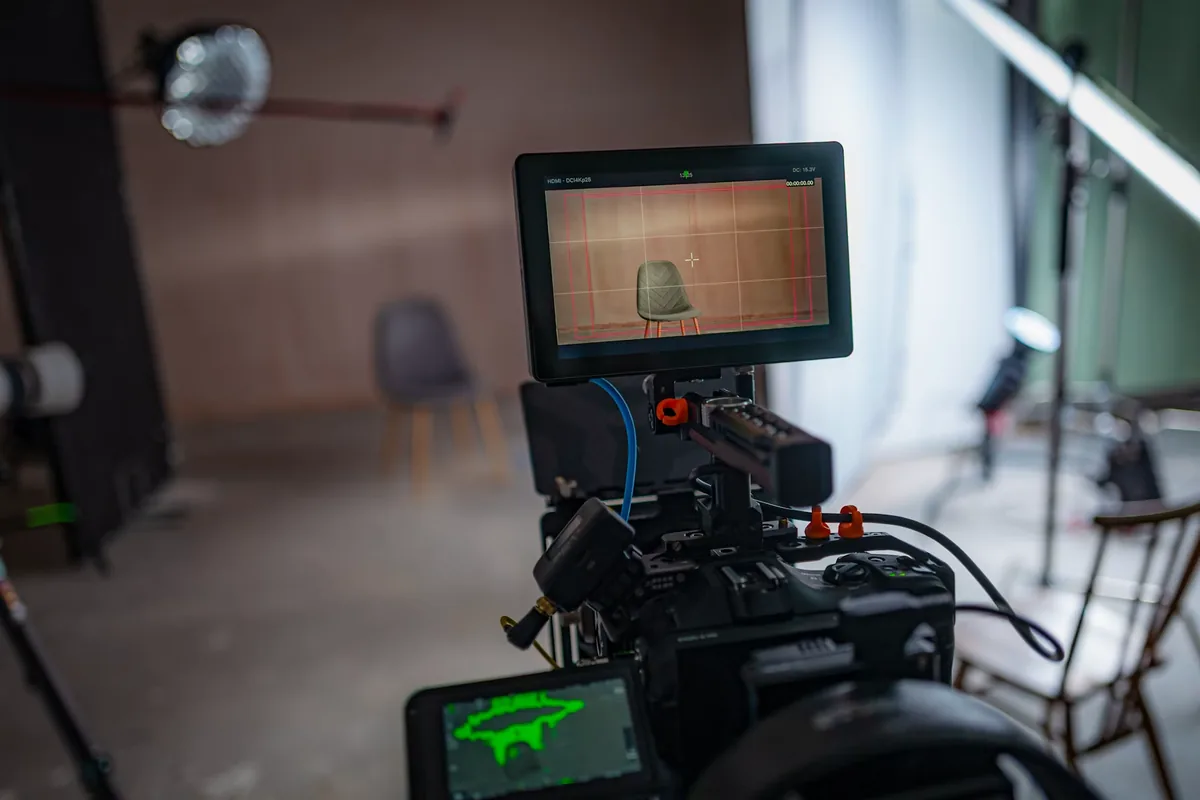
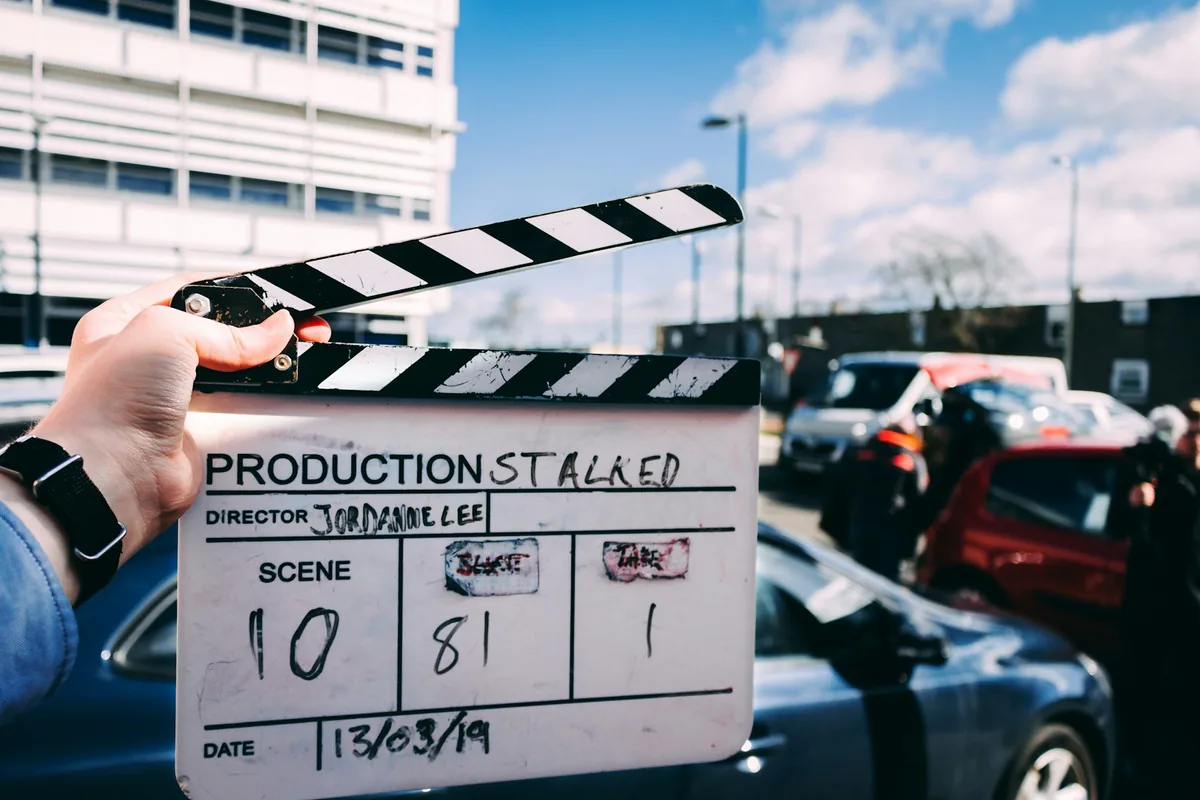
Our suggested rehearsal is a thirty-second clip containing a person crossing the frame, a pan, a static surface under the practical lights and a spoken slate. Record capture rate, intended playback rate, shutter angle or time, resolution and lighting settings. Import the original into the actual editing project, confirm duration and sound behavior, and export the delivery format. Review that file with the editor before repeating the setup across a full day. Keep a short settings note with the footage so a second operator can match it. The production and slate images below are contextual photographs, not evidence that a particular flicker test was performed.