Begin with a signal-path note
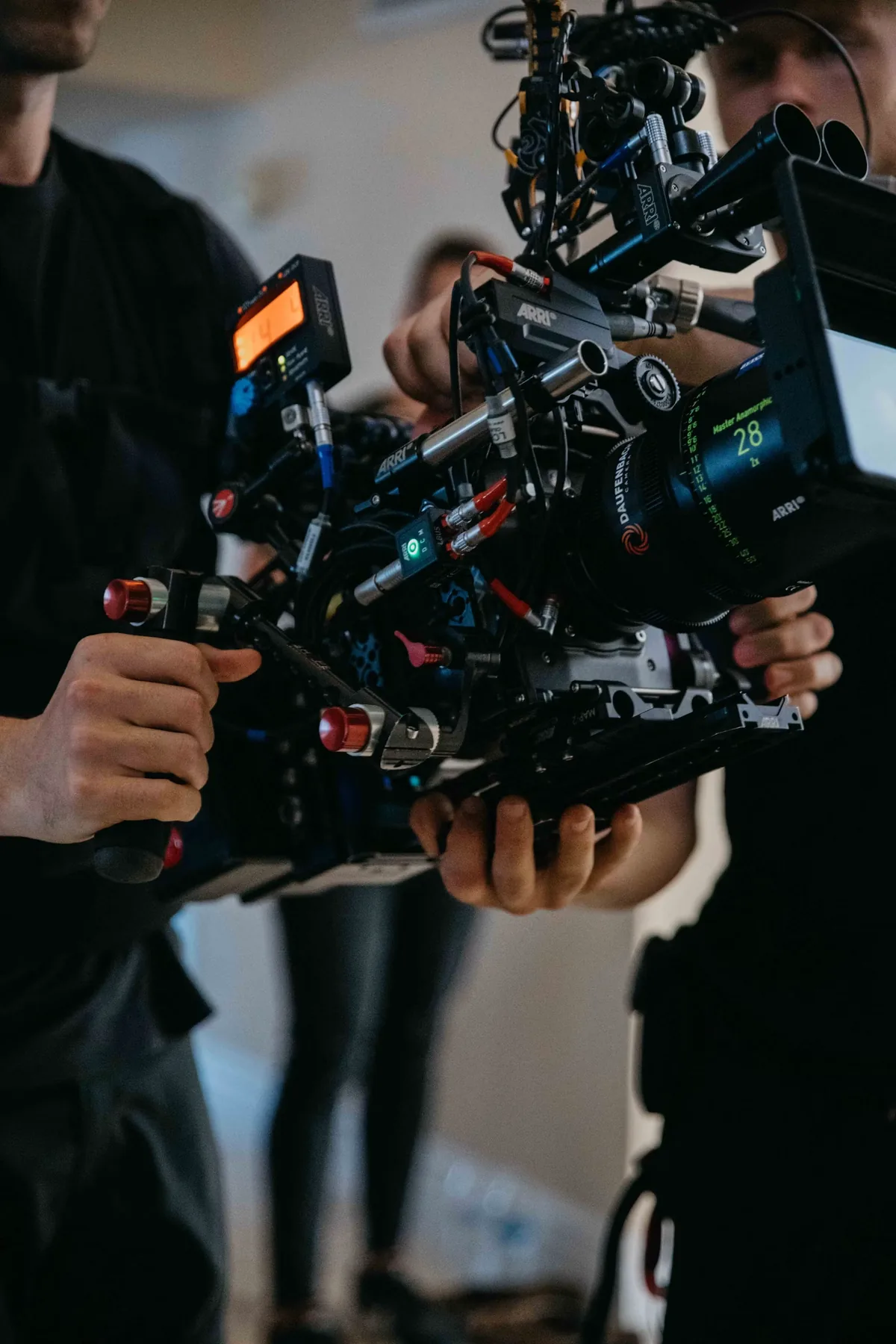
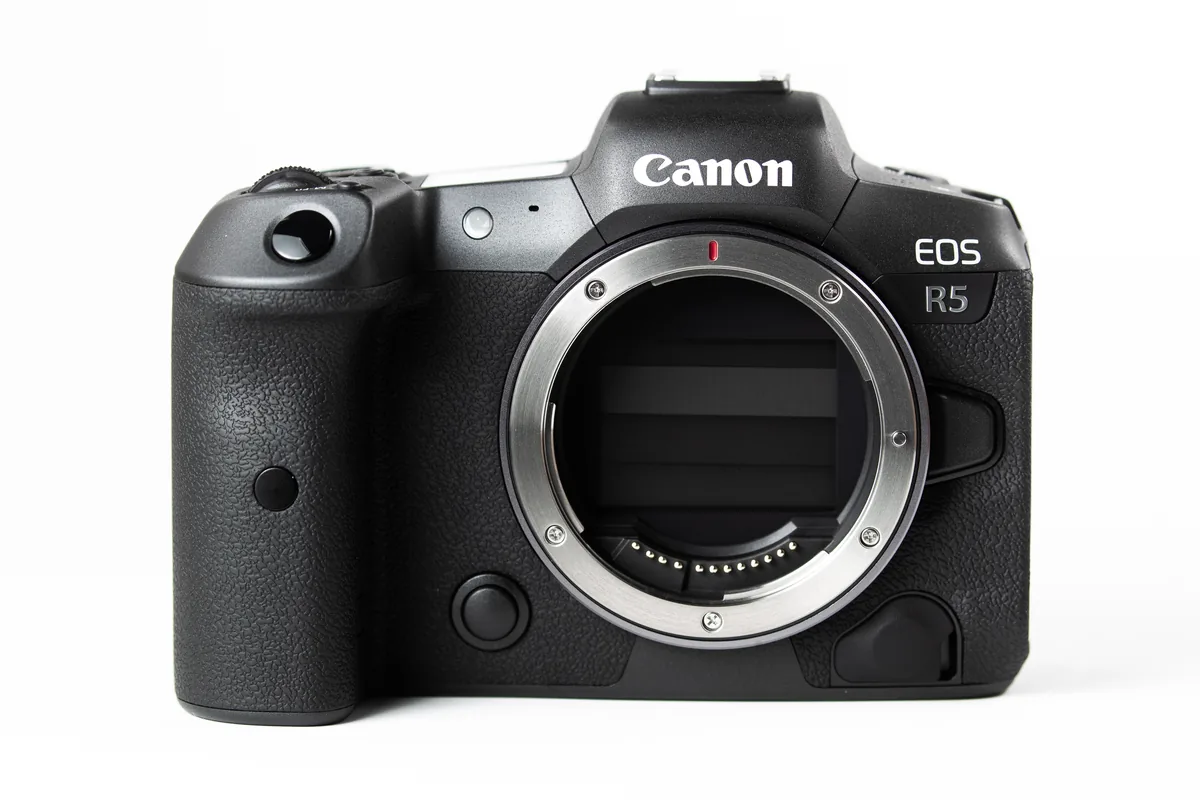
When a camera display and an external monitor disagree, do not immediately change exposure. First identify what each instrument receives. Write a simple chain: recorded format, camera output, monitor input, display transform and exposure tool. Mark any stage that applies a LUT or other conversion. The same scene can produce different numeric readings before and after that conversion without any change to the captured light. This guide is a troubleshooting method, not a promise that every camera or monitor routes its tools the same way. The contextual photographs show production and editing setups, not calibrated scope readings.
Use the waveform to connect a level to a location
A conventional luma waveform places image brightness vertically and preserves its horizontal position. That makes it useful for locating a bright window on one side of a frame or comparing a subject with the background. Confirm the selected scope mode and scale before interpreting the trace: an RGB parade, a luma waveform and a histogram answer different questions. Move a reference card across a static test scene and watch the display respond. This simple exercise helps you identify the card’s trace without assuming that the highest point belongs to the subject. Keep the test lighting and camera settings unchanged while learning the tool.
Treat zebras as a configured alarm
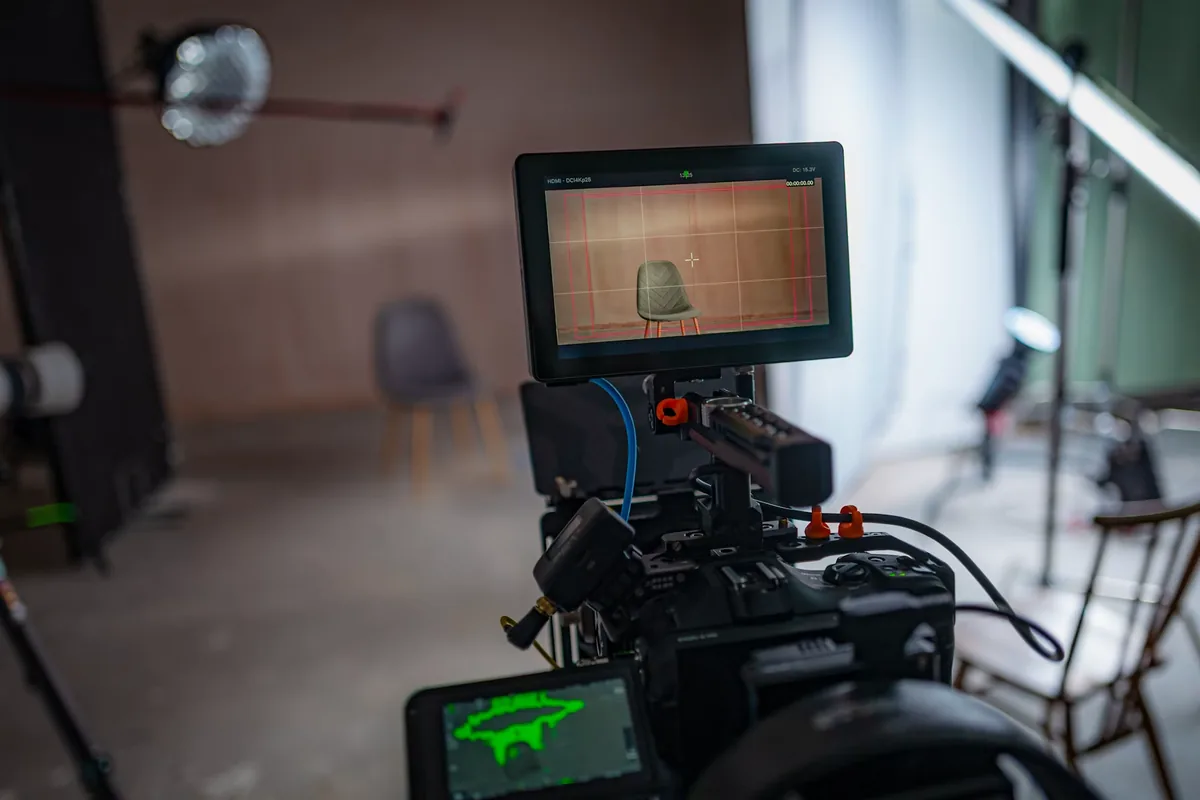
A zebra pattern marks pixels that meet the tool’s selected condition. Depending on the device, that may be a narrow band around a reference value or a warning above a threshold. Read both the level and the range settings; a missing pattern can mean the pixels are outside the band, not necessarily safely below a clipping point. Try a neutral card and slowly vary exposure to confirm when the pattern enters and leaves it. Save a note of the behavior. Do not use a single skin-tone number as a universal standard for different people, lighting ratios or intended looks.
Read the false-color legend every time
False color replaces image colors with a palette tied to exposure ranges. Its strength is spatial clarity: you can see which part of a face, background or prop falls into a designated region. Its weakness is familiarity without verification. A color learned on one monitor may represent something different on another. Some implementations are designed around a particular Log encoding and exposure index; ARRI’s specification is an example of why these relationships need documentation. Check the legend, selected mode and input signal. Do not interpret red, green or pink as universal exposure judgments independent of the system.
Run a controlled LUT-toggle check
With the camera fixed and a stable scene, change only the monitoring transform and observe each tool. A changing readout suggests that tool is downstream of the transform; an unchanged reading may indicate another path, which still needs confirmation in the manual. Sony’s linked guide illustrates this distinction: certain built-in Gamma Assist behavior differs from tools reading an output with an MLUT applied. Avoid generalizing that example to every model. Repeat the check on the recorder or editing system if it will be used to approve exposure. Record what changed and what stayed constant so another operator can reproduce the setup.
Resolve disagreements in a fixed order
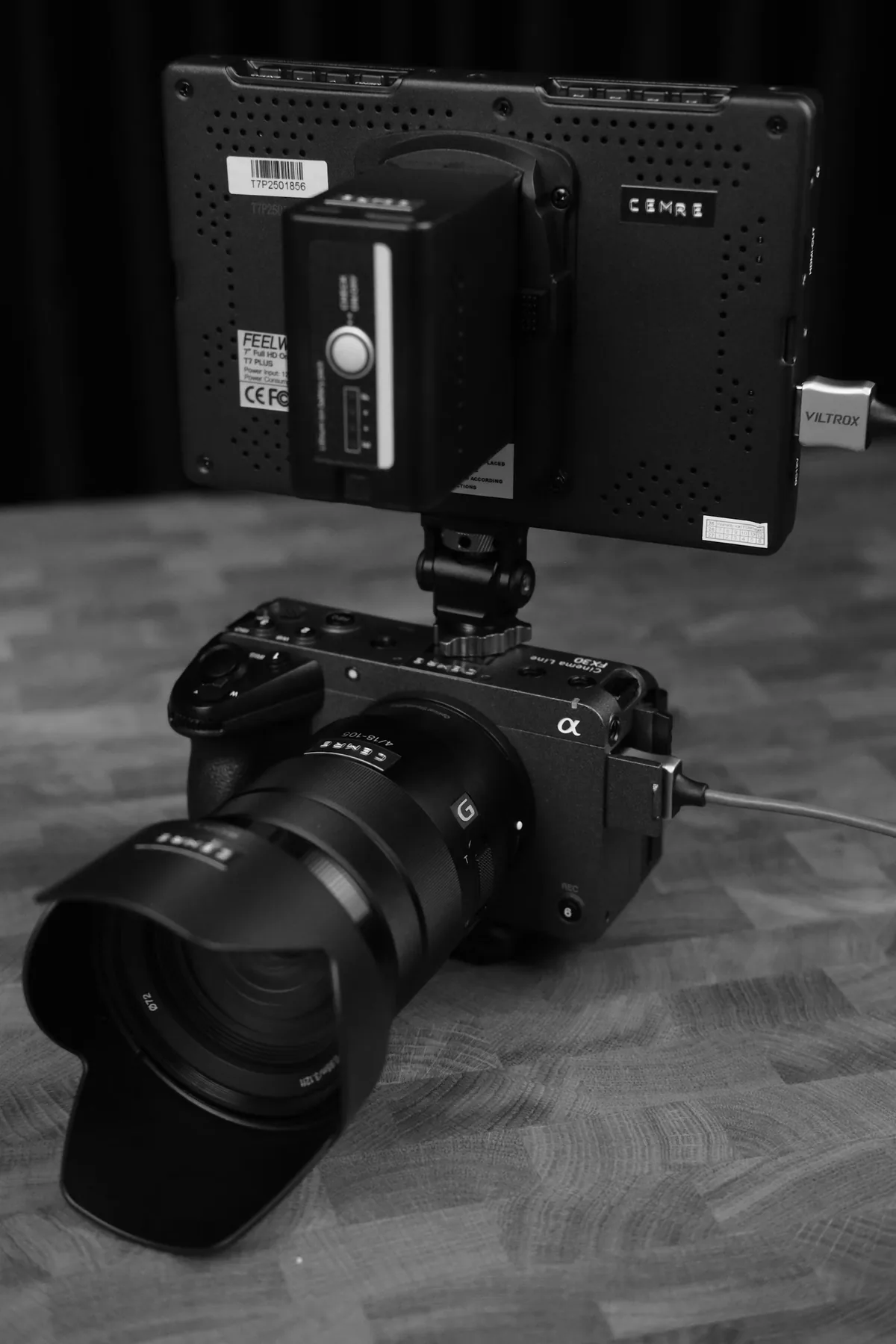
Start with the input format, then the transfer curve and gamut, then any LUT, then the scope mode and threshold. Check the device’s supported signal-range settings rather than compensating for a mismatch with exposure or contrast. Finally compare a short recorded file in the intended post-production workflow. If only one display looks wrong, isolate that display before altering the whole camera setup. Keep the checklist with the kit, especially when equipment is rented or reset. A reliable measurement is one whose source and interpretation you can explain—not simply a colorful overlay that looks reassuring on set.