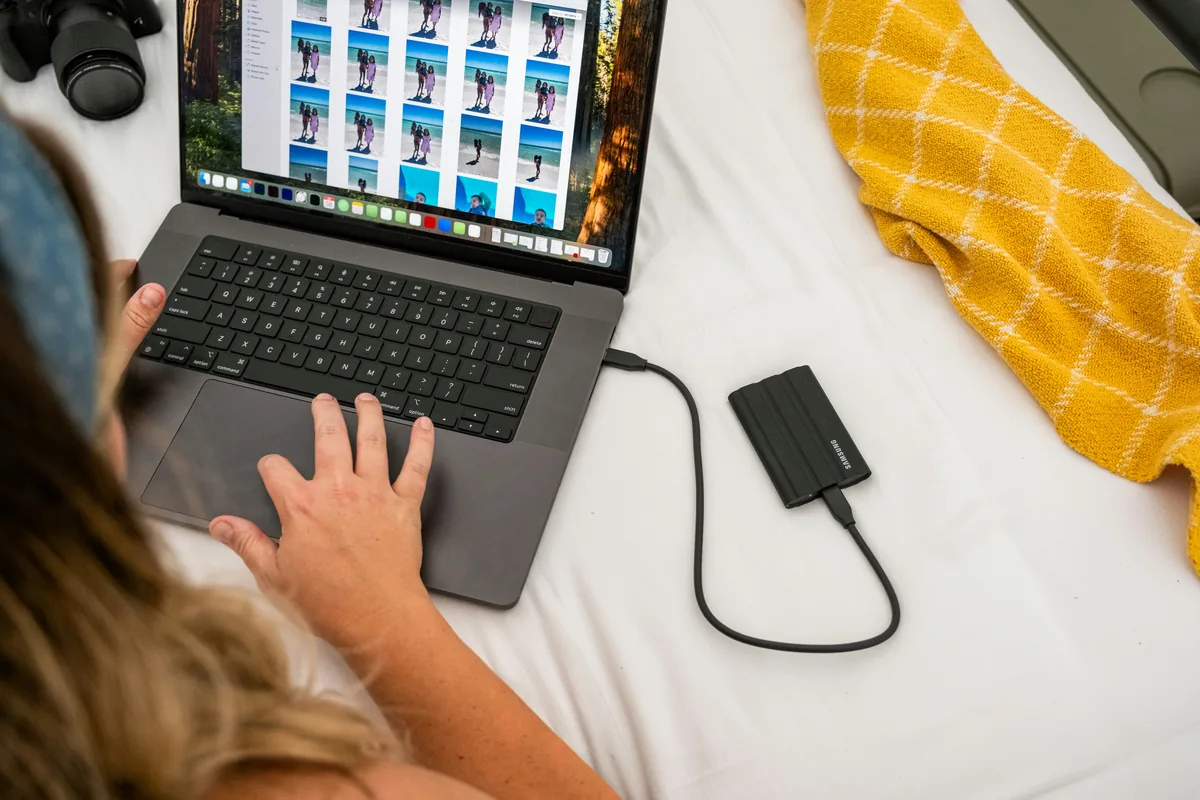
Keep convenience and preservation separate
A proxy is a lightweight working version of footage intended to make editing easier. It does not replace a verified copy of the camera original. Before creating proxies, preserve the source media and its folder structure in your normal backup workflow. Keep originals and working copies in clearly named locations. The practical risk is not only exporting a lower-resolution image: a project can point to a similarly named but different take. These checks are suggested editorial practice, not a claim that we tested your software, drives or camera files.
Test the round trip with one representative clip
Before building proxies for an entire assignment, choose a clip containing movement, recognizable detail and useful sound. Create or attach its proxy using your editor’s supported workflow. Switch between proxy and original, checking that the same action appears at the same point and that framing and orientation agree. Include an unusual recording mode if the assignment uses one. A short test can expose a mismatch while there is still time to change the workflow. Do not rename camera files casually after linking them into a project.
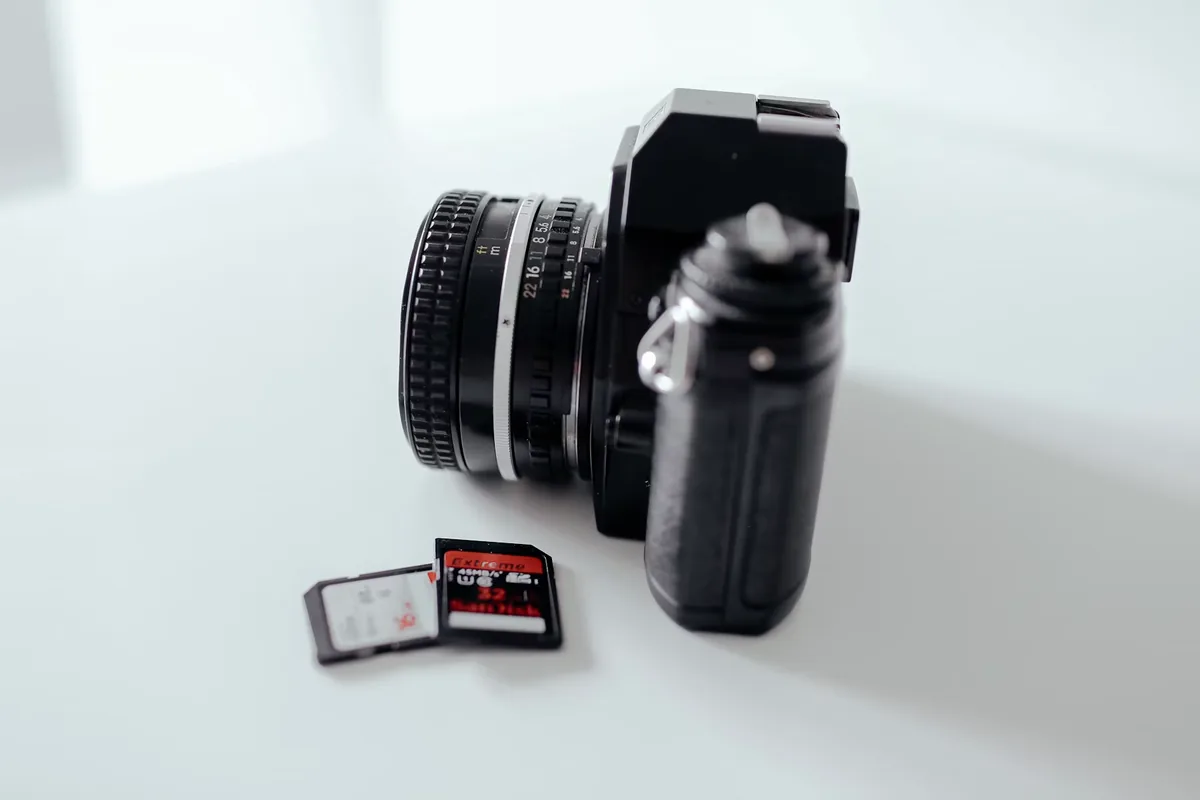
Inspect the path, not just the familiar name
When the edit is ready, check that full-resolution media is online and points to the intended original location. Multiple cards can contain the same short filename. Folder, recording date, duration and visual content provide useful cross-checks; no one field should be treated as infallible. In Premiere, Adobe documents a Reconnect Full Resolution Media command and matching properties including filenames and timecode. After any automatic relink, inspect representative clips from every card or camera rather than assuming the first successful match proves that the rest are correct.
Look at difficult shots using the originals
Review fine detail, dark areas, gradients and fast movement with original media connected. A proxy can disguise a focus problem or introduce artifacts that are not present in the source. Conversely, a smoother-looking preview does not mean the original has gained detail. Check reframed shots and stabilizations especially carefully, since an unnoticed scaling or orientation mismatch can affect the result. Adobe recommends reconnecting full-resolution media for demanding finishing work. The accompanying timeline and laptop photographs illustrate editing; they are not screenshots of the reconnect procedure or proof of a particular software version.
Keep audio in the comparison
Listen to each important source, including separate dialogue channels and externally recorded sound. Check a recognizable event near the beginning and end of longer clips; a correct start alone does not prove sustained synchronization. If channel interpretation or footage interpretation is part of your workflow, consult the application’s current proxy limitations before proceeding. Adobe lists restrictions around those operations. Preserve the original recordings and document your choices rather than changing metadata until a preview seems right. A final picture check cannot compensate for missing words or the wrong speaker’s microphone.
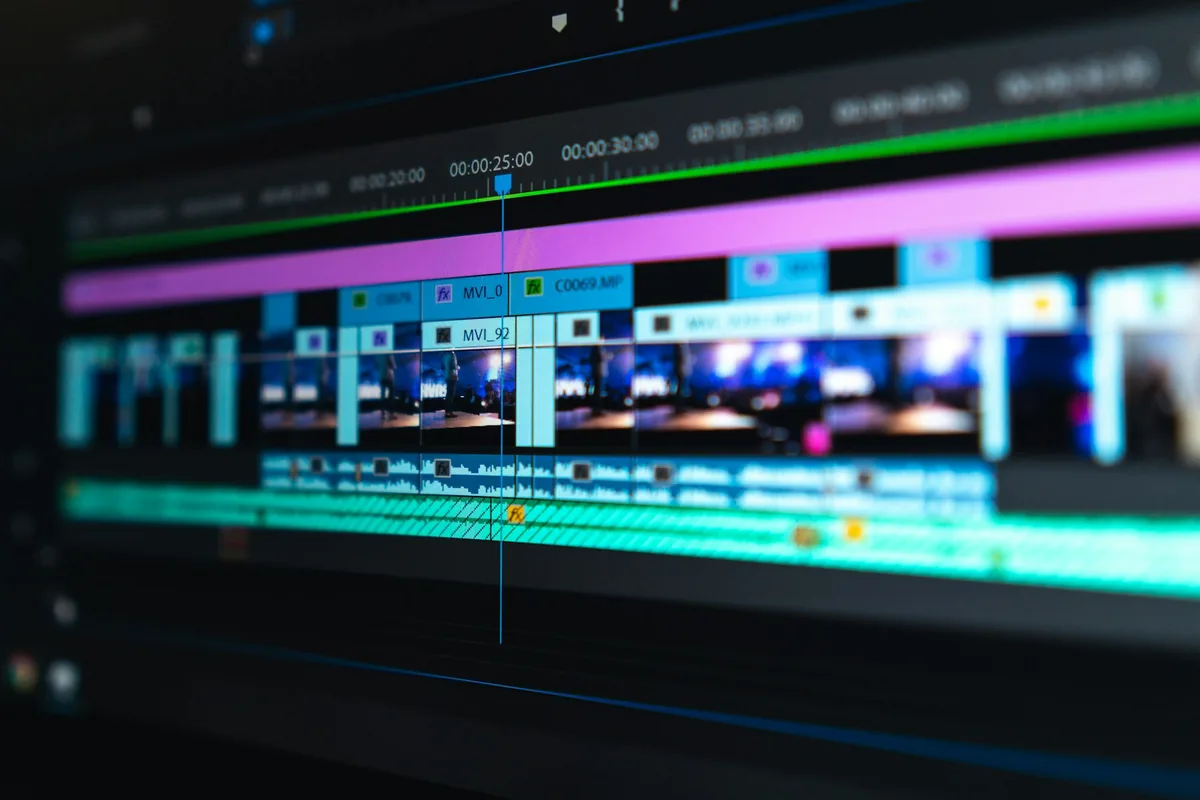
Review the export controls explicitly
Adobe states that Premiere normally exports from full-resolution media even when proxy playback is enabled. It also provides an explicit Use Proxies export option, so do not infer export behavior solely from the viewer’s proxy toggle. Check that the originals are connected and the export settings fit the delivery you actually want. If you deliberately send a low-resolution review copy, label it clearly so it cannot be mistaken for the final master. Preview-file options are another separate choice; avoid enabling them simply because the dialog suggests a faster render.
Verify a file, then preserve the handoff
Export a short passage containing a detailed shot, a reframed shot and dialogue. Open it outside the editing application and check image dimensions, framing, sound and obvious artifacts. File dimensions alone cannot prove the pixels came from the original, so compare visible detail with the source as well. Once that test is satisfactory, export and watch the complete deliverable. Keep the project, originals, required external audio and a note of export settings together in a recoverable archive. Proxies can make an edit faster; a documented, checked return to the intended media makes the result dependable.