Start with the two deliverables
A horizontal interview and a vertical excerpt can use the same recording, but they do not necessarily use the same composition. Write down the required dimensions, frame rate, duration and caption needs before the shoot. Then identify what must remain visible: a face, both hands, a product, a demonstration surface or two speakers. The question is not simply whether the camera records enough pixels. It is whether the important action occupies a region that survives both frames without changing the meaning of the scene.
Understand how much a crop removes
For a square-pixel 3840 × 2160 horizontal source, a full-height 9:16 crop is approximately 1215 × 2160 pixels before scaling. That uses less than one third of the original width. It can supply a 1080 × 1920 output without enlargement, but it leaves limited room for additional digital stabilization or a tighter crop. These are geometric calculations, not platform requirements or a promise of final sharpness. Source focus, compression and motion still matter. A 1920 × 1080 horizontal recording gives a much narrower pixel budget for the same operation.
Mark a shared action area without centering everything
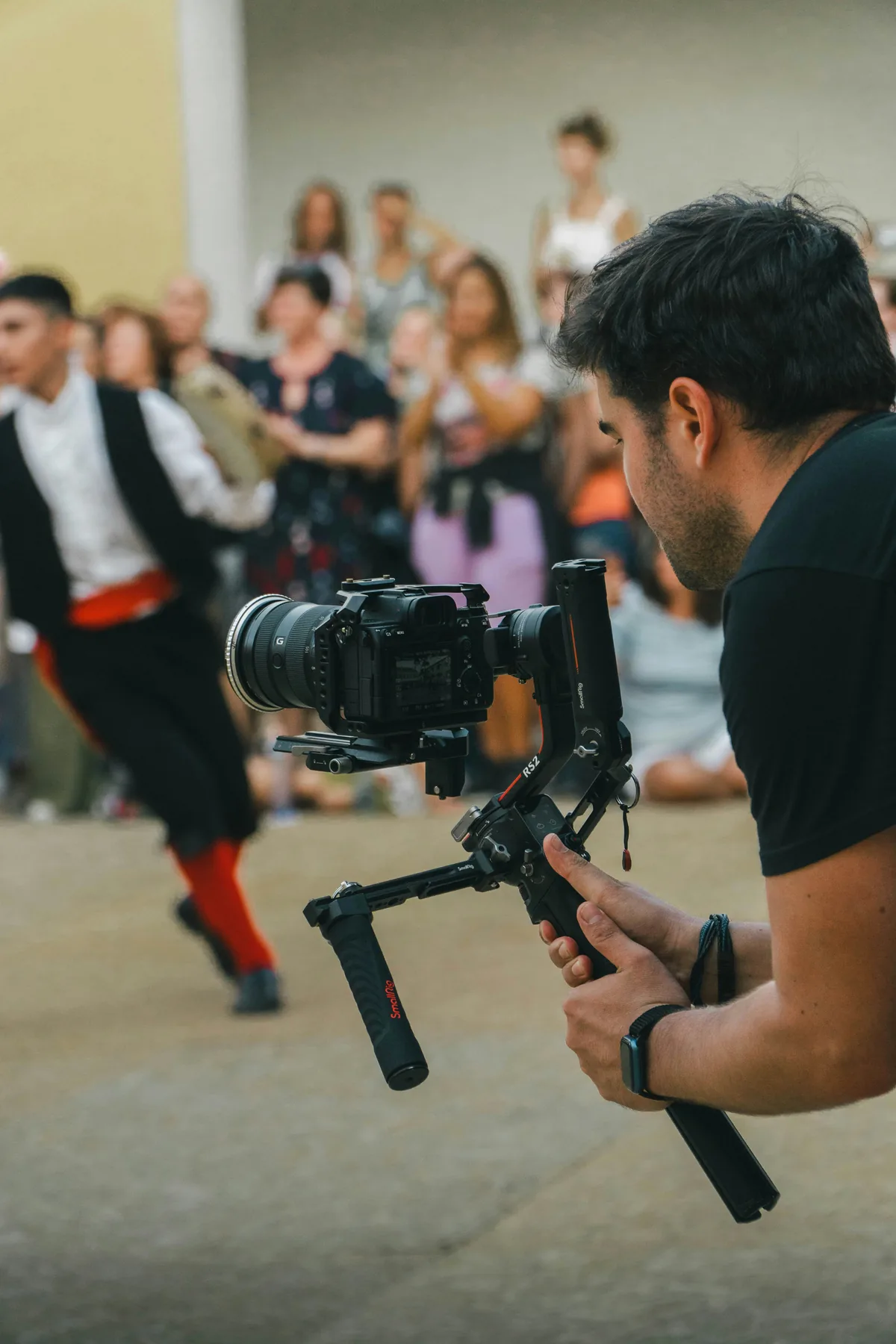
Use an appropriate framing guide on the monitor if your setup provides one, or rehearse against a clearly understood central region. Keep essential action inside that region, while allowing the horizontal version to include useful context outside it. This does not require every face to remain rigidly centered. A single speaker may move naturally within a planned area. A two-person conversation is harder: cropping one person out during a reaction can alter the scene. Decide in advance whether vertical delivery will use alternate shots or a deliberately different edit.
Rehearse hands and objects, not just faces
Ask the presenter to complete the real demonstration before recording the final take. A face may fit while a hand reaches outside the vertical crop, or a product may disappear when it is placed on the table. Check the most extreme positions and the pauses between them. Leave intentional space for captions without covering the object being explained. Do not assume a single generic safe-area template matches every destination interface; verify the actual delivery environment and keep a clean version available when overlays differ.
Choose a separate take when the compromise becomes obvious
A separate vertical take is often preferable when the subject travels sideways, two people need equal prominence or the location itself carries the story. Record the necessary continuity details so the edit can connect the versions honestly. Do not ask a performer to work in an uncomfortable or unsafe position solely to satisfy a crop. For a simple product explanation, repeating one short section in a purpose-built frame may take less time than repairing an awkward horizontal composition across dozens of keyframes. Plan that option before the crew packs away the lighting.
Use automatic reframing as a first pass
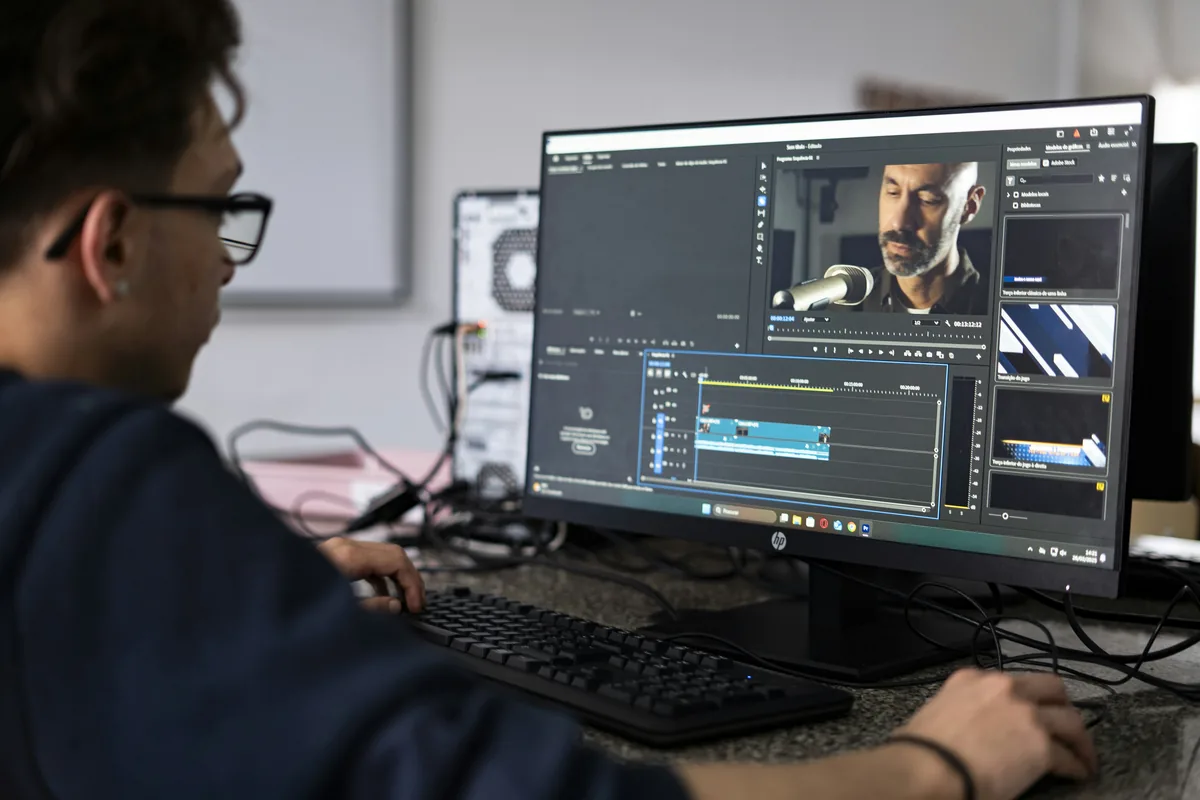
Adobe documents Auto Reframe for individual clips and sequences, including vertical and square outputs. Its current documentation also describes setting target resolution in the sequence dialog. Verify those output dimensions rather than assuming an aspect-ratio choice always produces the file size you need. Automatic subject following can provide a starting point, but it does not know every editorial priority. Review moments where a second person enters, the main subject turns away or an object matters more than a face. Preserve the original horizontal sequence while making a distinct delivery version.
Watch the new edit from beginning to end
A crop that looks correct on a paused opening frame can fail during movement. Play the vertical version at normal speed and look for sudden repositioning, clipped hands and distracting corrections. Check transitions, titles, captions and graphics after reframing, not only the underlying footage. Watch the horizontal version again too: changes made to shared assets may affect both. Listen to the sound and confirm that the shortened picture sequence has not left a sentence, reaction or demonstration misleadingly disconnected from its context.
Verify the exported files, not only the timeline
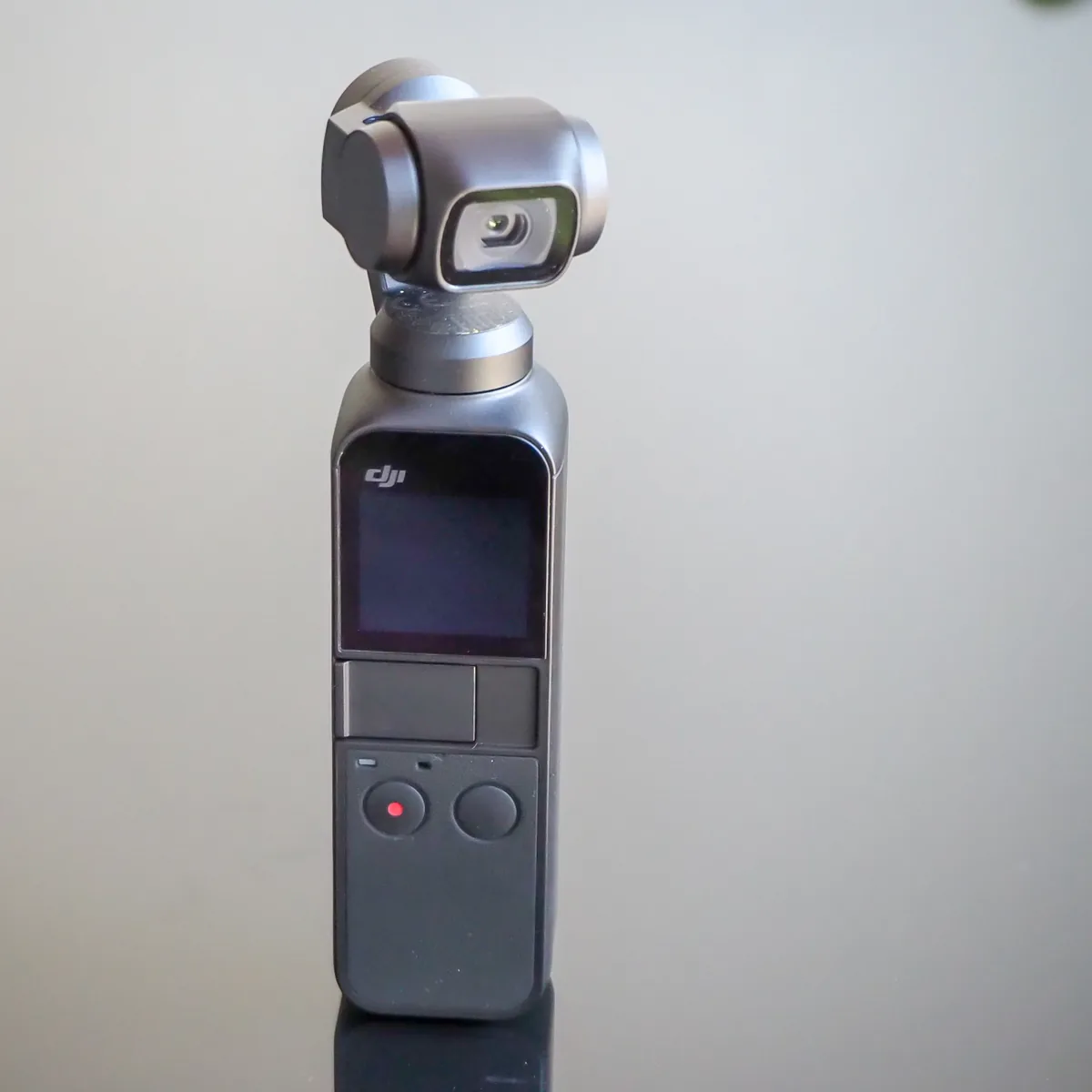
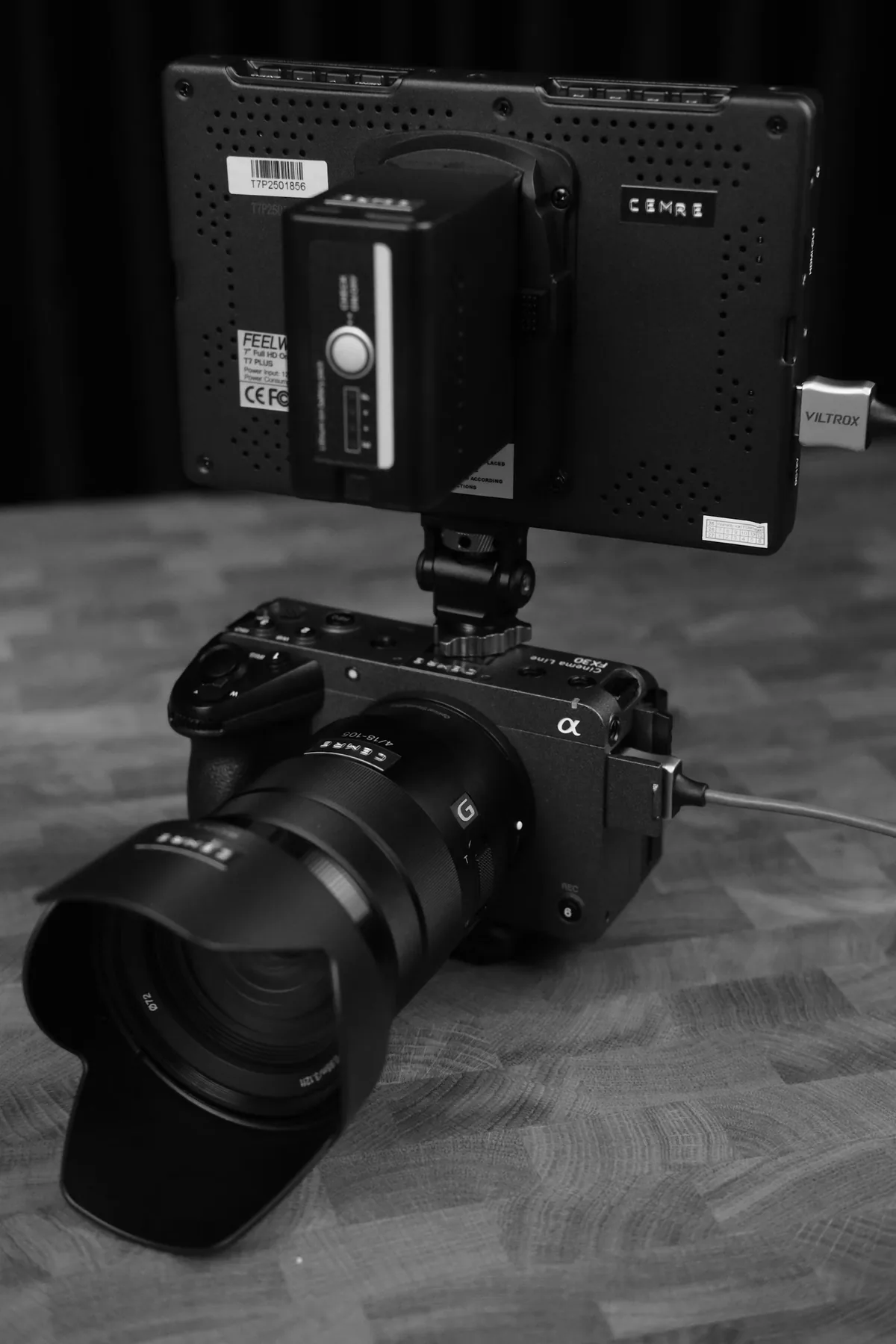
Export clearly named horizontal and vertical files and inspect each actual deliverable on an appropriate display. Confirm pixel dimensions, orientation, duration, audio and legibility. Keep the source media and project organized so a later caption or framing correction does not require rebuilding the edit. The accompanying production photographs are contextual illustrations, not screenshots of Auto Reframe or examples of our measured results. Successful multi-format delivery is a planned shooting and review process; buying a higher-resolution camera does not remove the need to decide what the audience must see.