Start by identifying what is actually soft
A tripod supports the camera; it does not freeze a walking person, stop leaves in the wind or correct a misplaced focus plane. Inspect a stationary detail near the subject before changing equipment. If a building edge is crisp but the person beside it is blurred, the first suspect is subject movement rather than support failure. If a different distance is sharp, investigate focus placement. These are useful clues, not conclusive diagnoses from one picture. Nikon’s high-resolution shooting guidance likewise separates subject motion from camera movement.
Create a comparison you can repeat
Choose a well-lit, stationary subject with visible fine detail, away from traffic, vibrating floors and gusts. Use the same composition, focal length, aperture and processing for a short series. Record the settings and compare more than one frame from each condition. Do not start with a moving bird, distant heat shimmer or an almost featureless wall: each adds uncertainty that makes a support test harder to interpret. Work in a safe location where the tripod does not obstruct people, and keep a hand ready while adjusting an unlocked head.
Check the mechanical chain from ground to camera
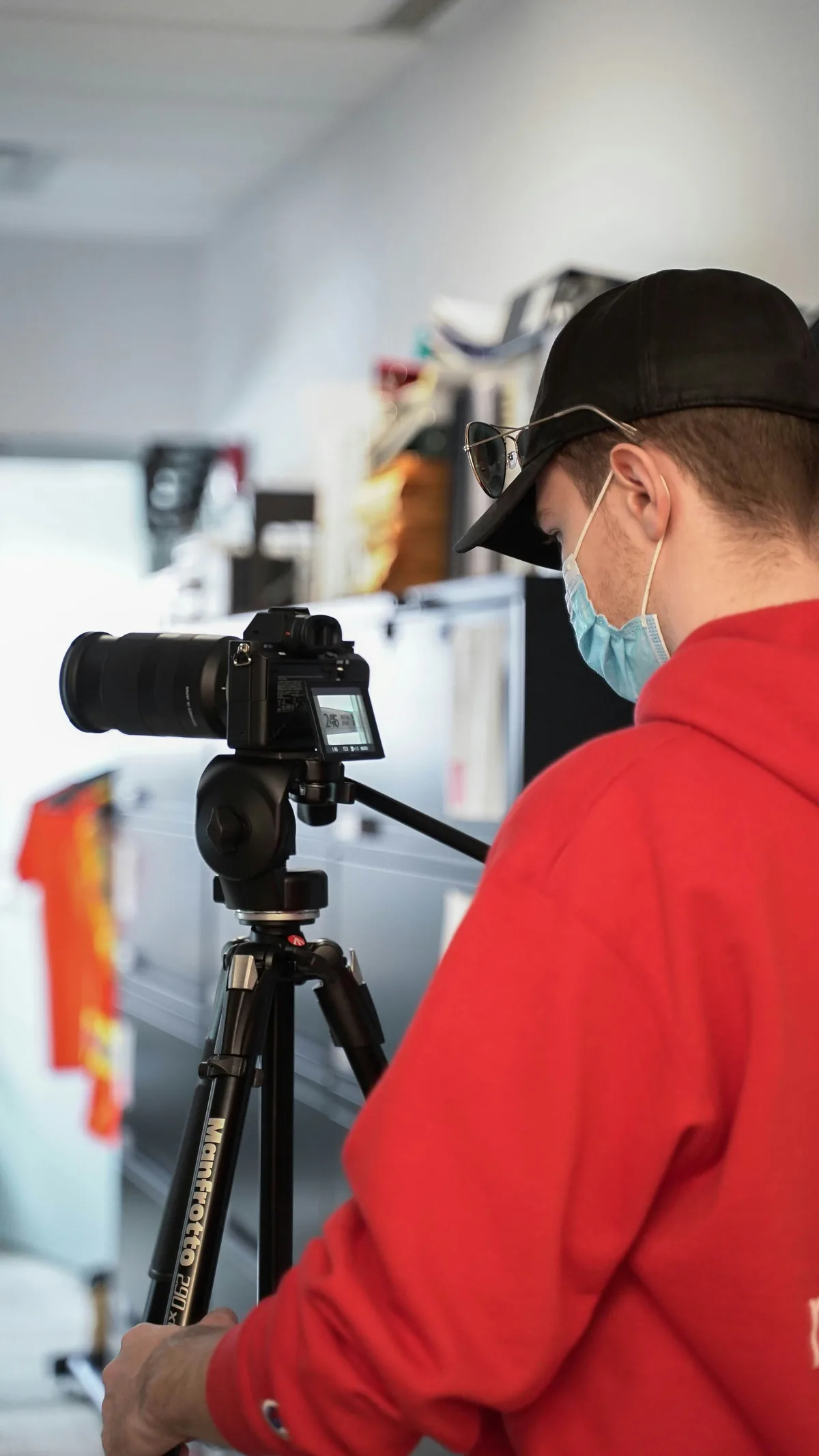
Confirm that the feet sit securely, the leg locks are engaged and the plate is properly seated according to the equipment instructions. Check for head movement after tightening normally; excessive force is not a repair. Keep unnecessary extension out of the setup and use a suitable lens support point when the lens manual calls for it. A dangling strap or accessory can catch wind. Do not hang an improvised swinging weight from the tripod and assume extra mass always improves stability. Change one support condition, then repeat the same photograph.
Remove the disturbance from pressing the button
Try the camera’s self-timer or a compatible remote release so your hand is not moving the camera during exposure. Allow the setup to settle after reframing. Nikon’s Z 7/Z 6 technical guide explains how release delay can reduce blur caused by pressing the shutter button. Its specific menu names and recommended settings belong to those models, not every camera. For your own body, check whether a timer triggers one frame or an entire sequence and whether a release cable can tug on the setup. A remote alone cannot stabilize a moving floor.
Read the stabilization instructions for this combination
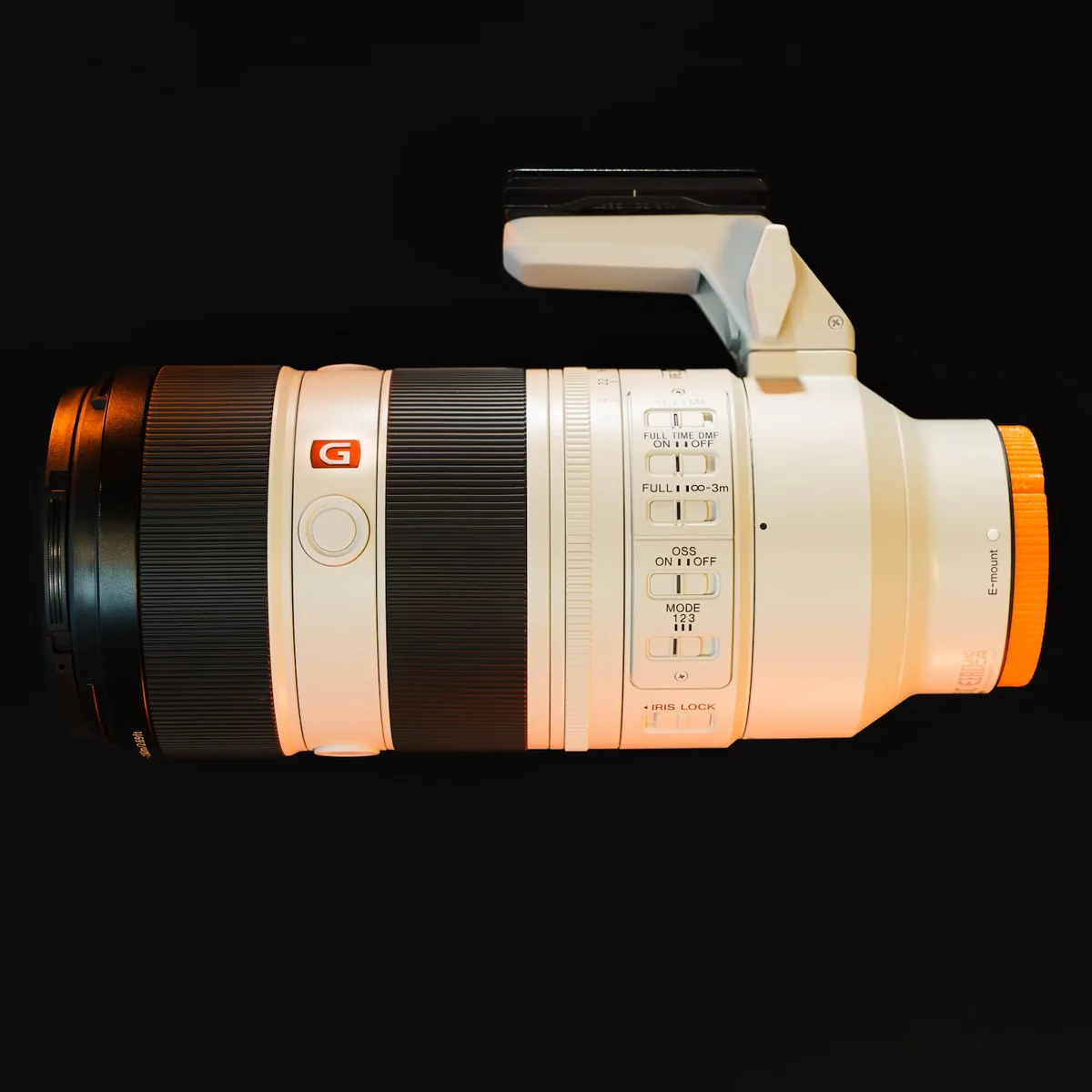
The rule “always turn stabilization off on a tripod” is too broad. Nikon’s Z 7/Z 6 guide gives different tripod recommendations for lenses with and without onboard vibration reduction and identifies further lens-specific cases. Use the guidance for your actual body, lens and support arrangement. If the manufacturer permits alternatives, compare them under otherwise identical conditions and retain the result with your notes. Do not silently change autofocus, aperture and stabilization together; an improvement would then tell you little about which variable mattered.
Treat shutter choice as a trade-off
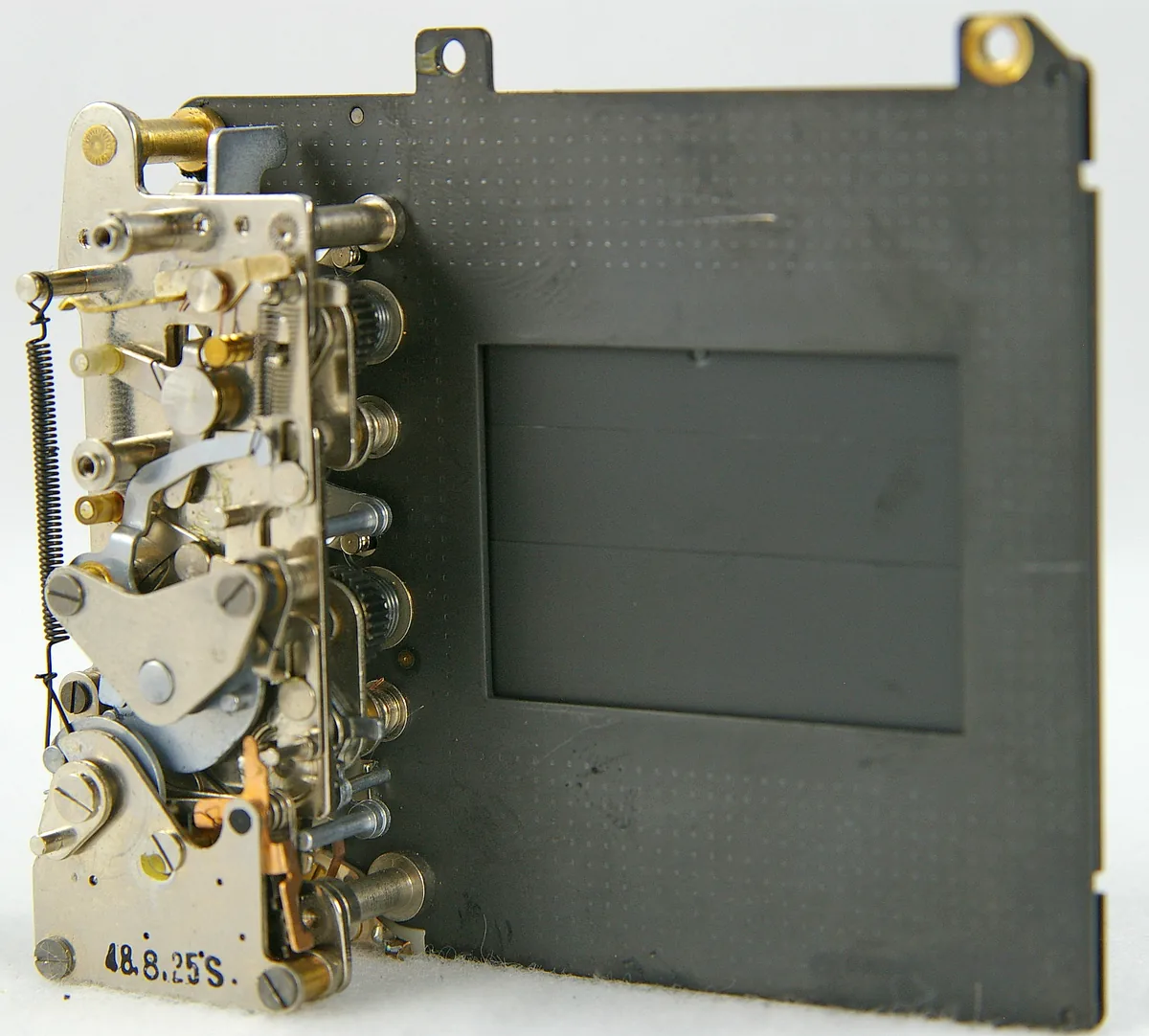
An electronic or electronic-front-curtain option can reduce some shutter-related vibration, but it is not a universal quality setting. Rolling-shutter distortion, artificial-light banding and flash restrictions depend on the camera and conditions. Nikon’s technical guide itself places limits on its silent-shooting recommendation. Consult your model’s manual and our shutter comparison guide before testing an alternative. For a moving subject, a shorter exposure may be necessary regardless of support. If you compensate with ISO, judge noise separately from motion blur rather than declaring the sharper frame worse solely because it is noisier.
Verify focus, then judge the delivered picture
Use magnified live view or another appropriate focus check on the chosen detail, and avoid moving the focus ring between comparison frames. Keep sharpening and noise reduction consistent when opening the files. Inspect equal-size crops to find a repeatable difference, then examine the intended print or screen output: extreme enlargement can overstate a small practical problem. Persistent softness across controlled conditions deserves a manufacturer support enquiry with sample files and settings, not immediate disassembly. The photographs illustrate support, lens controls and long-exposure motion; they are not before-and-after results from this test.