Delivery is the start of commissioning
A camera that powers on is not yet a verified production workflow. The first week should answer a practical question: can your complete setup capture, preserve and deliver the work you intend to promise? This is different from inspecting a used camera for damage or judging a new model against a competitor. It is a small rehearsal with your equipment and software. Reserve time for it before a paid assignment, keep test files separate from client work and retain a proven fallback until the essential steps have succeeded.
Write a one-page job specification
Describe one representative assignment: stills or video, expected duration, subject movement, lighting, sound, delivery resolution and turnaround. List the exact body, lens, media, battery, microphone and relevant software versions. Record the starting camera settings rather than relying on memory. Download the official manual for that model and region, and review any firmware instructions before deciding whether an update is needed. Avoid making several unrelated changes between tests. A short, reproducible record makes a failed check useful because you can identify what changed when the result improves.
Match the recording mode to the media
Use the manufacturer’s compatibility guidance for the specific format, frame rate and bitrate—not merely the card logo. Sony’s support guidance makes this distinction and warns that removing media or losing power while a recording file is open can make it unreadable. Do not deliberately reproduce that failure as a test. Check that any existing card contents have verified recoverable copies before formatting according to the camera manual. Record an ordinary sequence in the intended mode, stop normally and wait for writing to finish before handling the card.
Rehearse focus, handling and sound together
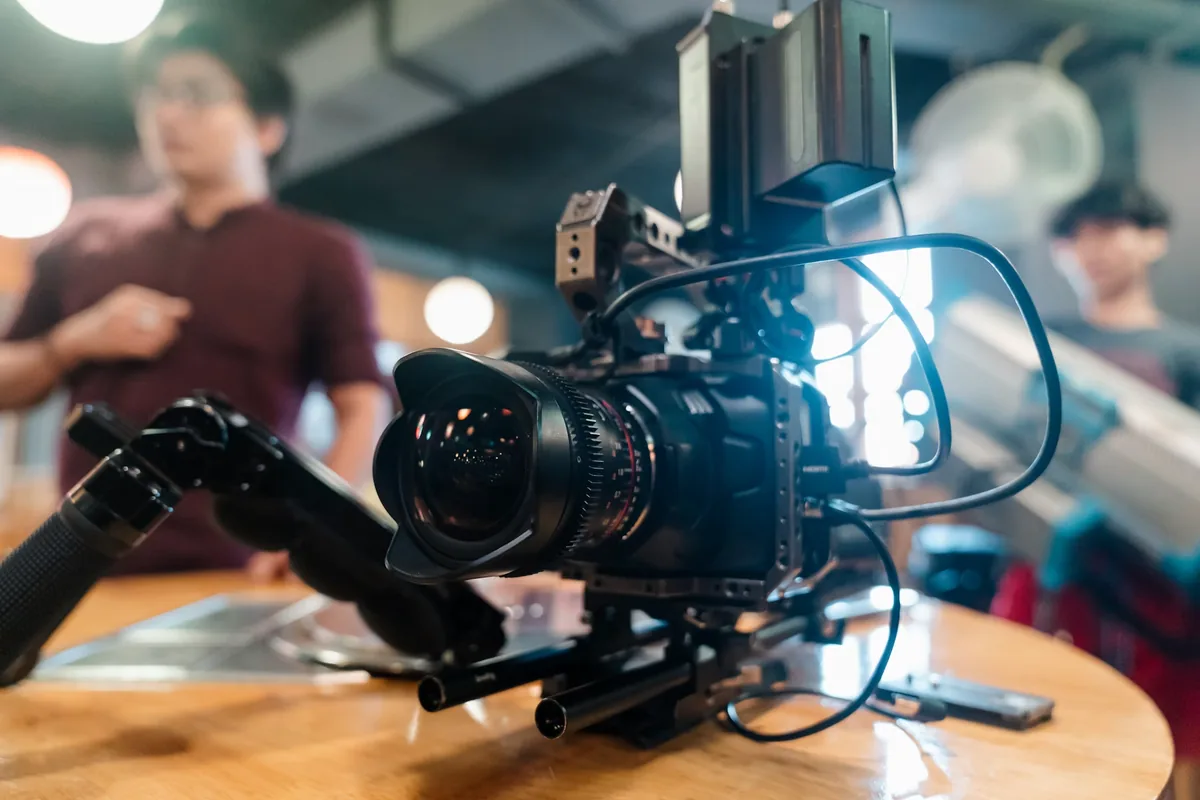
Photograph or film a cooperative subject doing something representative of the job. Include a stationary detail, the expected movement and a change in composition. Check whether the controls you need are reachable with the real rig attached. For video with sound, record speech through the intended microphone path and listen to the recorded file, not just the live headphone feed. Look for accidental internal-microphone selection, clipped speech, cable noise or inconsistent levels. These checks establish your configuration; they do not certify every autofocus or audio feature the manufacturer advertises.
Use realistic duration and safe conditions
Run a recording of the length you normally need within the manufacturer’s operating limits. Note room conditions, power source, screen position and any warnings. Do not cover ventilation, expose the camera to artificial heat or invent a destructive endurance challenge. A successful short clip cannot establish unlimited runtime, and a warning should be investigated rather than dismissed because a specification sheet sounded reassuring. For stills, rehearse the sequence and buffer behavior your assignment requires. Keep the result scoped to the tested configuration instead of calling the camera universally reliable.
Carry the files all the way to delivery
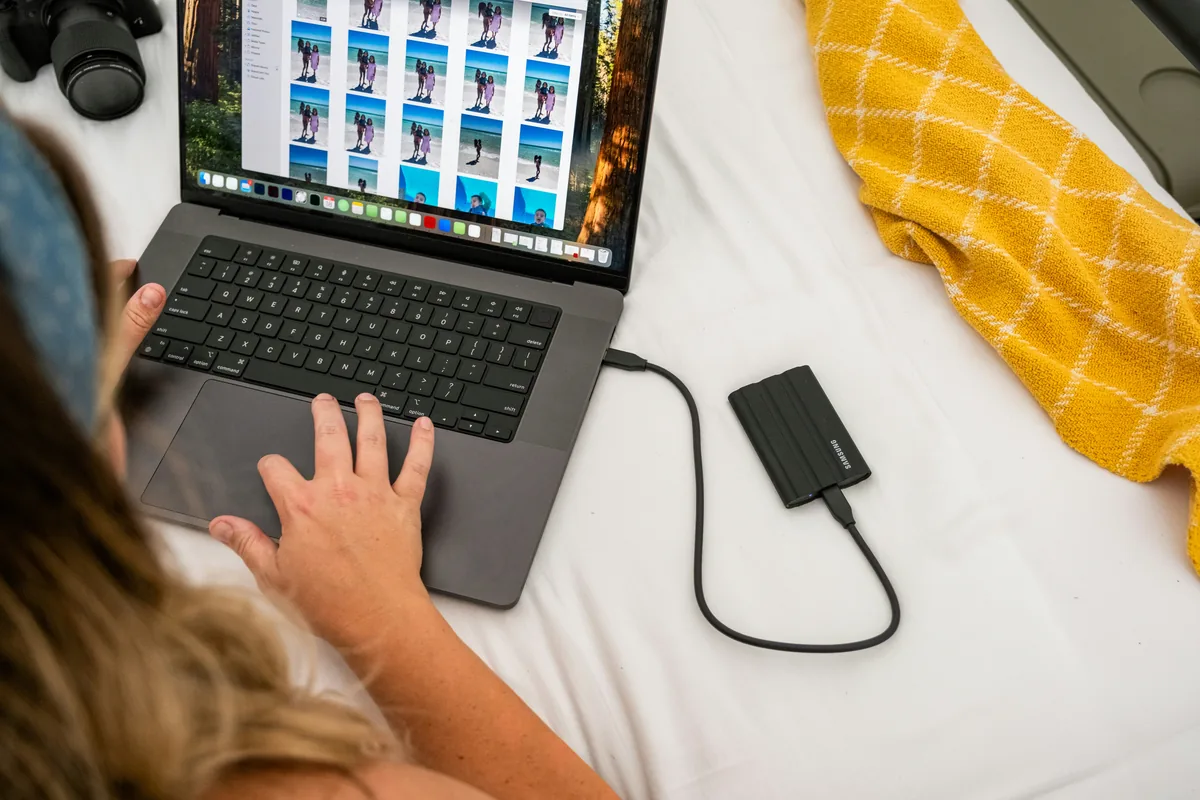
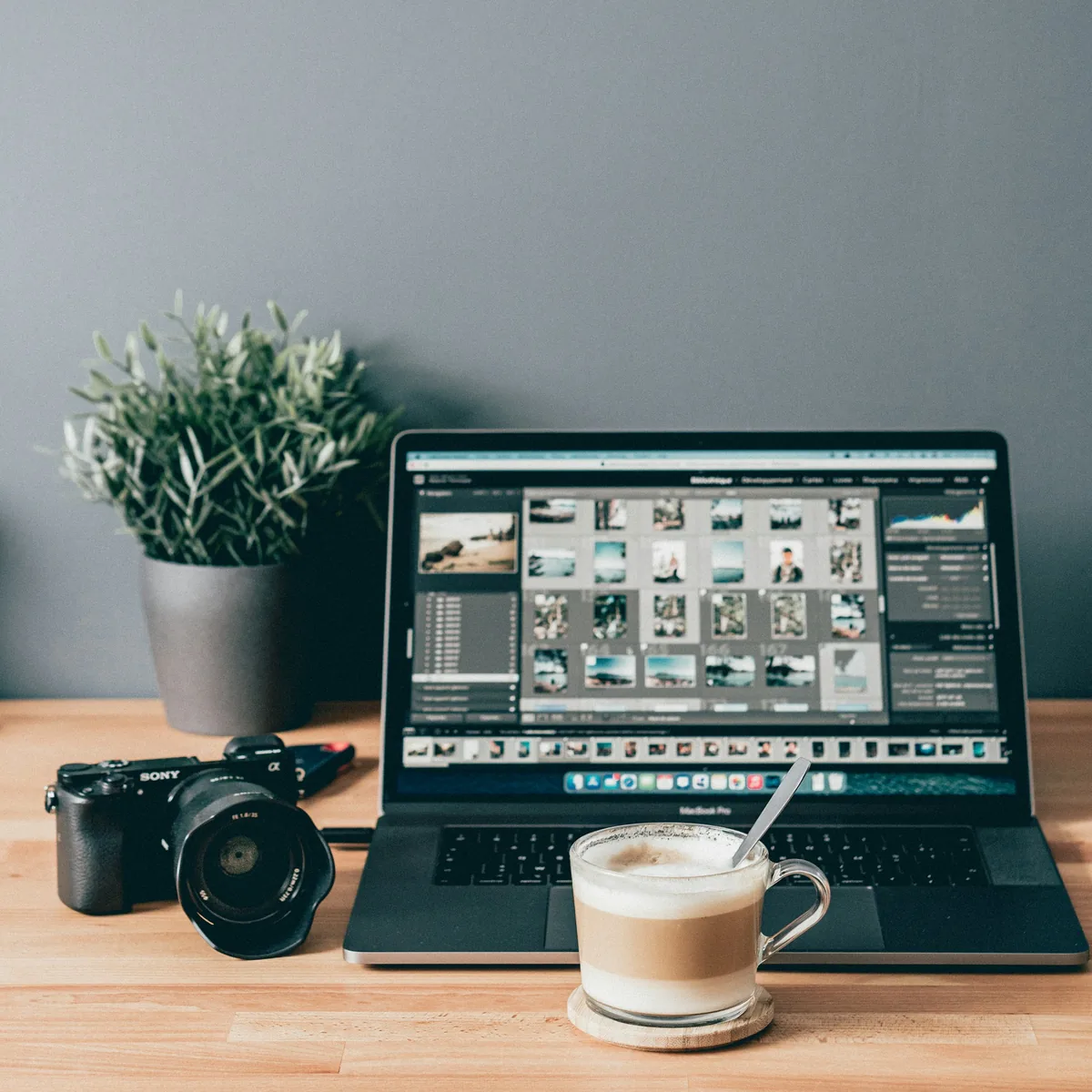
Copy the test material using your normal ingest process, verify the copies and open the files in the actual editing application. Confirm that expected metadata, sound channels and color interpretation survive the route. Make a brief edit or a representative still export, then open the delivered file independently and inspect it at its intended presentation size. Check duration, orientation, frame rate and playback as applicable. Our codec and storage guide explains why a recording option that looks attractive on paper can complicate editing and archiving.
Finish with a decision, not a vague confidence score
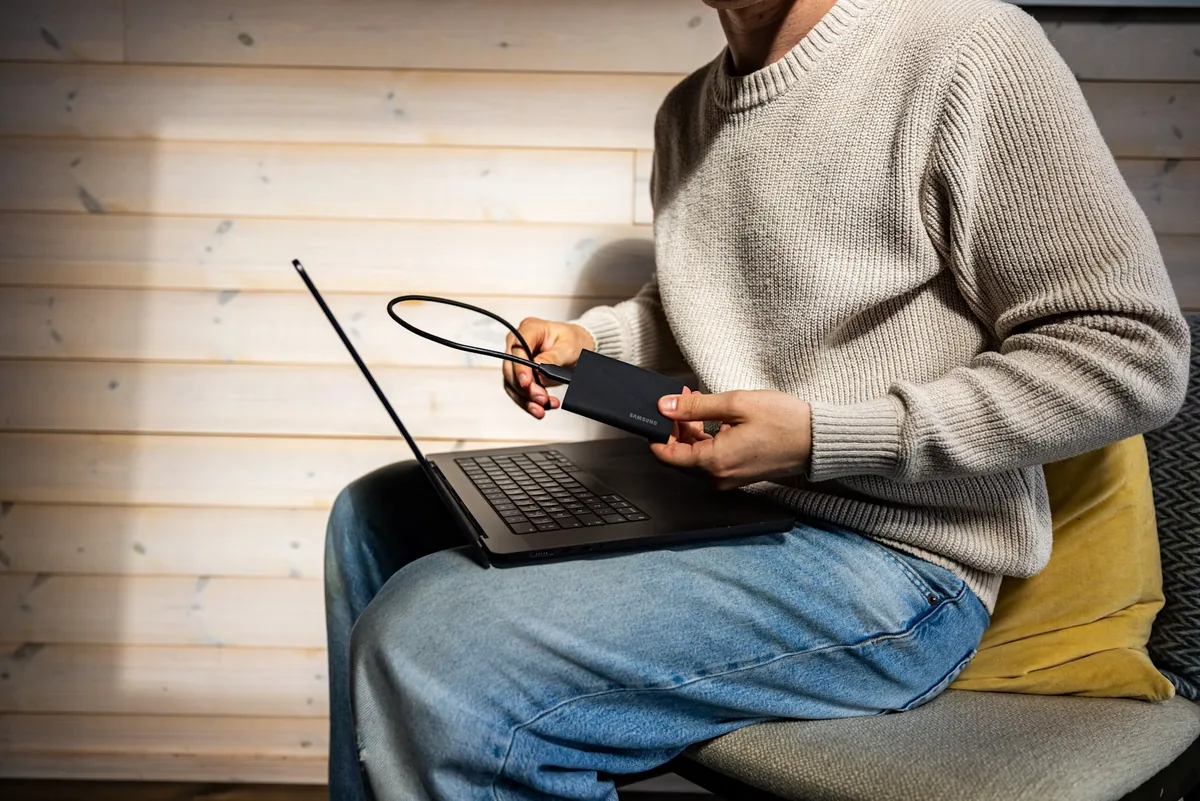
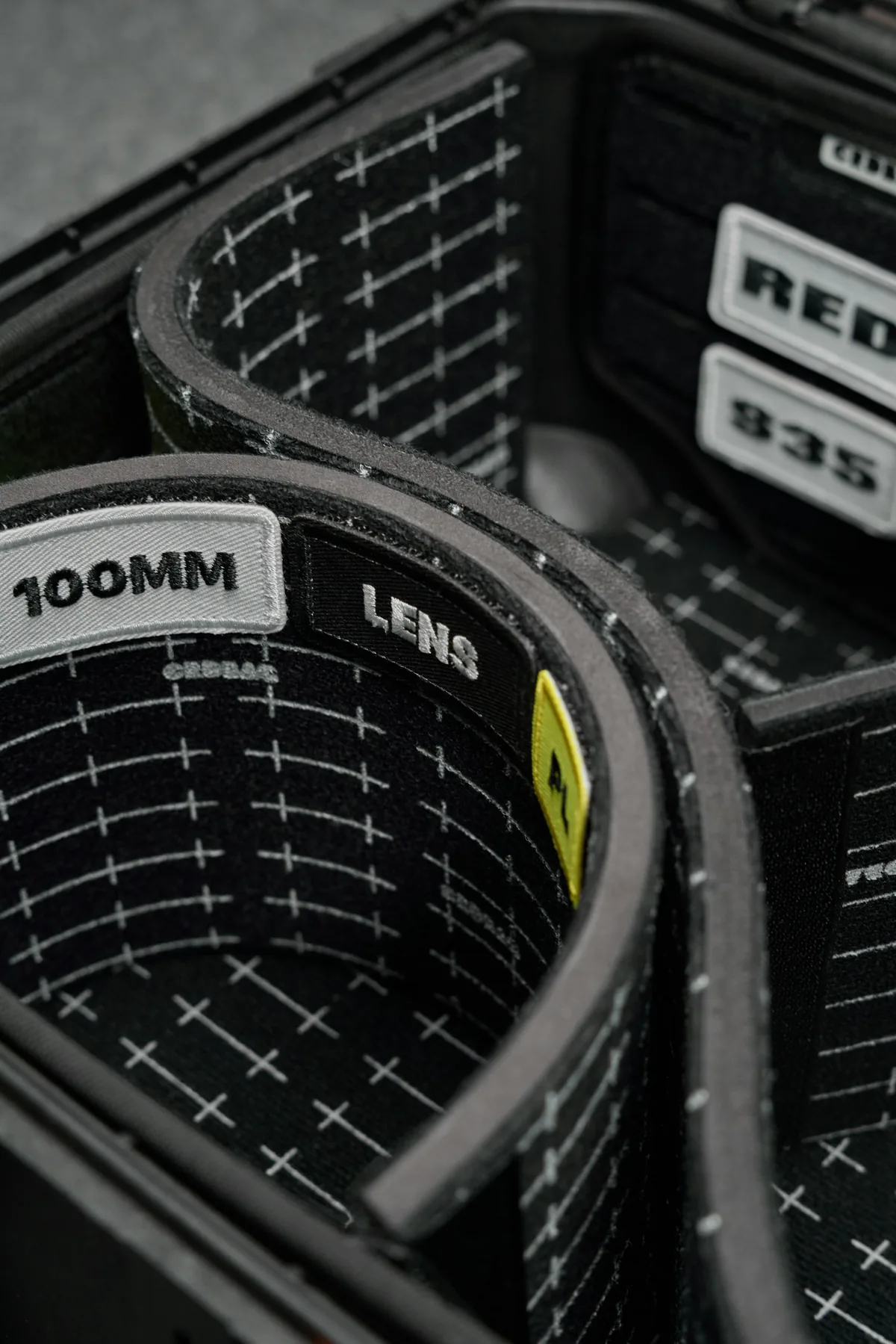
Mark each essential step passed, unresolved or not tested. A failure in a feature you do not use may need a support question; a failure in the only required recording mode needs a different job plan. Preserve the test files and settings, contact the manufacturer through its official support channel when necessary and do not let a return deadline expire unnoticed. Repeat affected checks after a meaningful firmware, accessory or software change. The photographs illustrate a camera rig, equipment organization and file review; they are not images of a camera tested or certified by The Camera Post.