Read the model name before the subject list
Subject-detection support is not a single brand-level specification. The examples below use official online documentation checked September 29: Sony α7R V, Canon EOS R5 Mark II, Nikon Z8, Fujifilm X-T5 and Panasonic LUMIX S1RII. They are a reference for interpreting menus, not a shopping shortlist, launch report or field-test ranking. A category’s presence establishes a documented function, not its accuracy in your scene. Confirm your camera’s installed firmware against its applicable manual and update notes. Our earlier subject-selection guide explains the basic technique; this comparison focuses on differences that make copying settings between systems unreliable.
Sony α7R V: the activation method changes the search
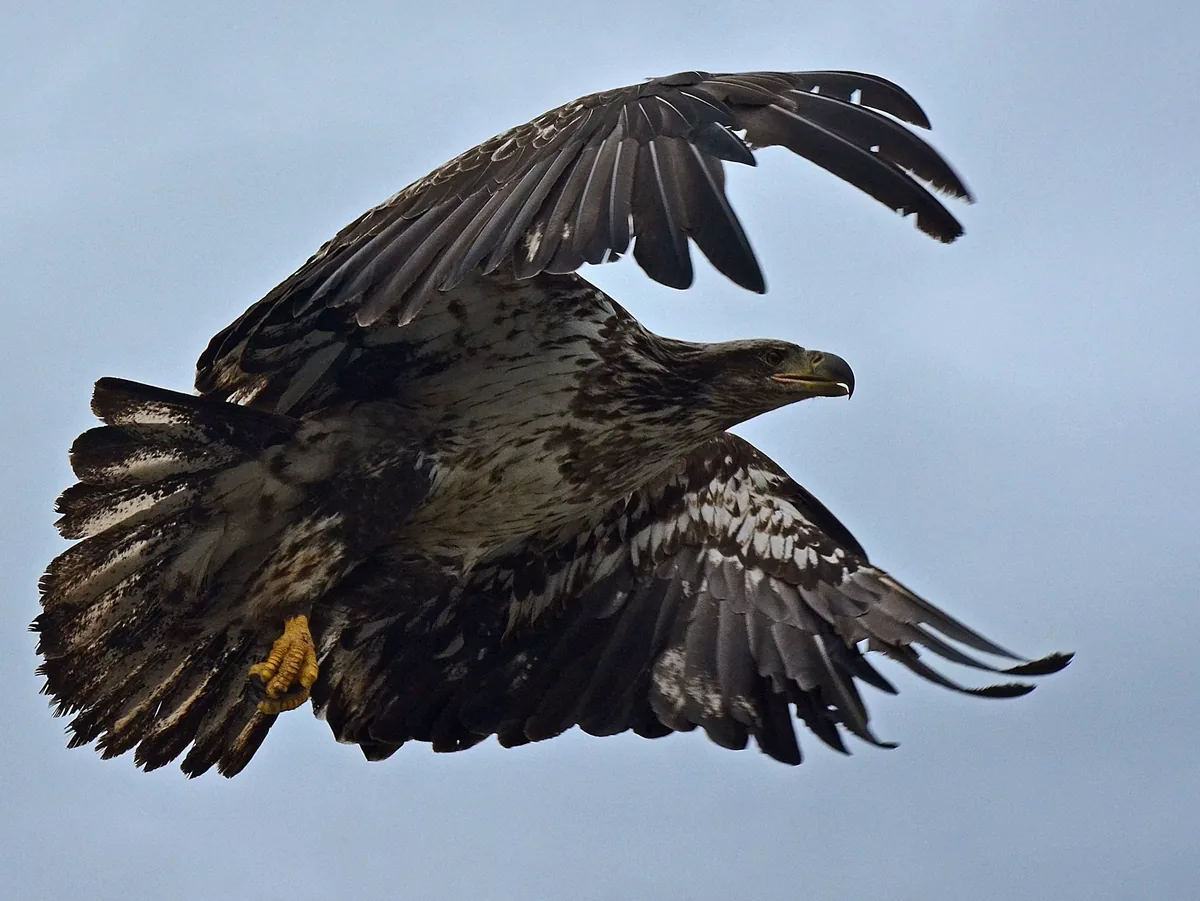
Sony lists Human, Animal/Bird, Animal, Bird, Insect, Car/Train and Airplane recognition targets. Its guide distinguishes ordinary Subject Recog in AF from Subject Recognition AF assigned to a custom key. The former works with the designated focus area and falls back to normal autofocus when no subject is recognized there. The custom-key method temporarily searches the whole screen and does not autofocus when no subject is recognized. That is a consequential operating difference, not just two labels for the same shortcut. When setting up a borrowed body, ask how recognition is activated as well as which target appears in the menu.

Canon EOS R5 Mark II: broad categories contain named subjects
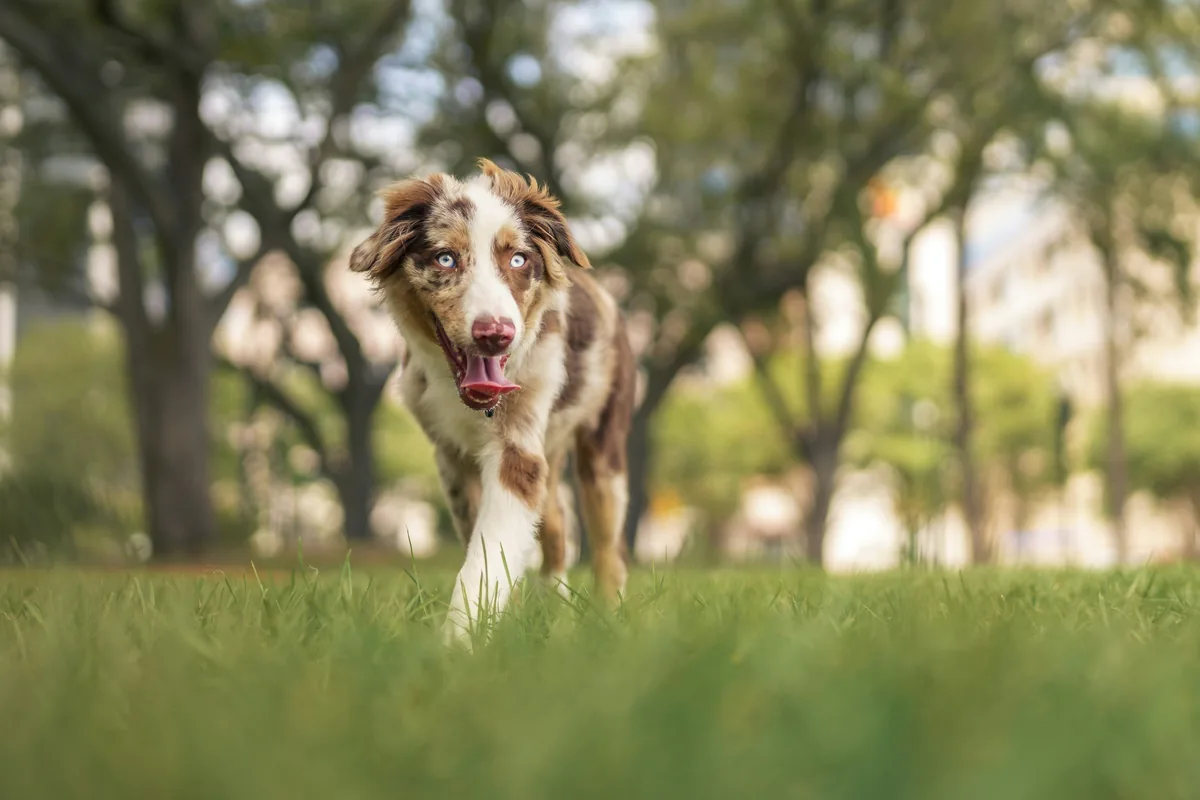
Canon’s AF setting guide groups detection into people, animals and vehicles. The animal examples are dogs, cats, birds and horses. The vehicle examples include motorsport cars and motorcycles, trains, and aircraft such as jets and helicopters. The guide also distinguishes the parts of a subject that can be detected. Do not translate that list into “all wildlife” or assume the selected detail will always be an eye. For an assignment, write the actual intended subject and detail—such as a horse’s eye—beside the documented category. Then verify the remaining camera settings and rehearse the framing you will use.
Nikon Z8: check the area mode and the stills/video menu
The current Z8 focus documentation lists Auto, People, Animal, Birds, Vehicle, Airplanes and Subject detection off. It also names the AF-area modes that support recognition, including wide-area options, 3D-tracking, subject-tracking AF and auto-area AF. Nikon notes that separate subject types can be selected for photography and video. A correct-looking stills setup therefore does not prove that the video setup is the same. Our practical takeaway is to record both configurations before a hybrid assignment, then switch modes and verify them on the camera. Treat a grayed-out control as a compatibility question to resolve in the manual, not evidence of a defective body.
Fujifilm X-T5 and Panasonic S1RII: similar words, different controls
Fujifilm’s X-T5 stills manual separates face/eye detection from Subject Detection Setting. Its latter list includes Animal, Bird, Automobile, Motorcycle & Bike, Airplane and Train; enabling subject detection turns face/eye detection off. The description of Motorcycle & Bike specifically refers to riders. Panasonic’s S1RII AF-mode documentation lists Human, Animal, Car, Motorcycle/Bike, Train and Airplane, with target-part choices depending on the subject. Those menus should not be treated as interchangeable simply because several nouns match. If a shot changes from a rider to a spectator, check which recognition control is active and what detail the camera is being asked to prioritize.

Turn the manual into a compact compatibility record
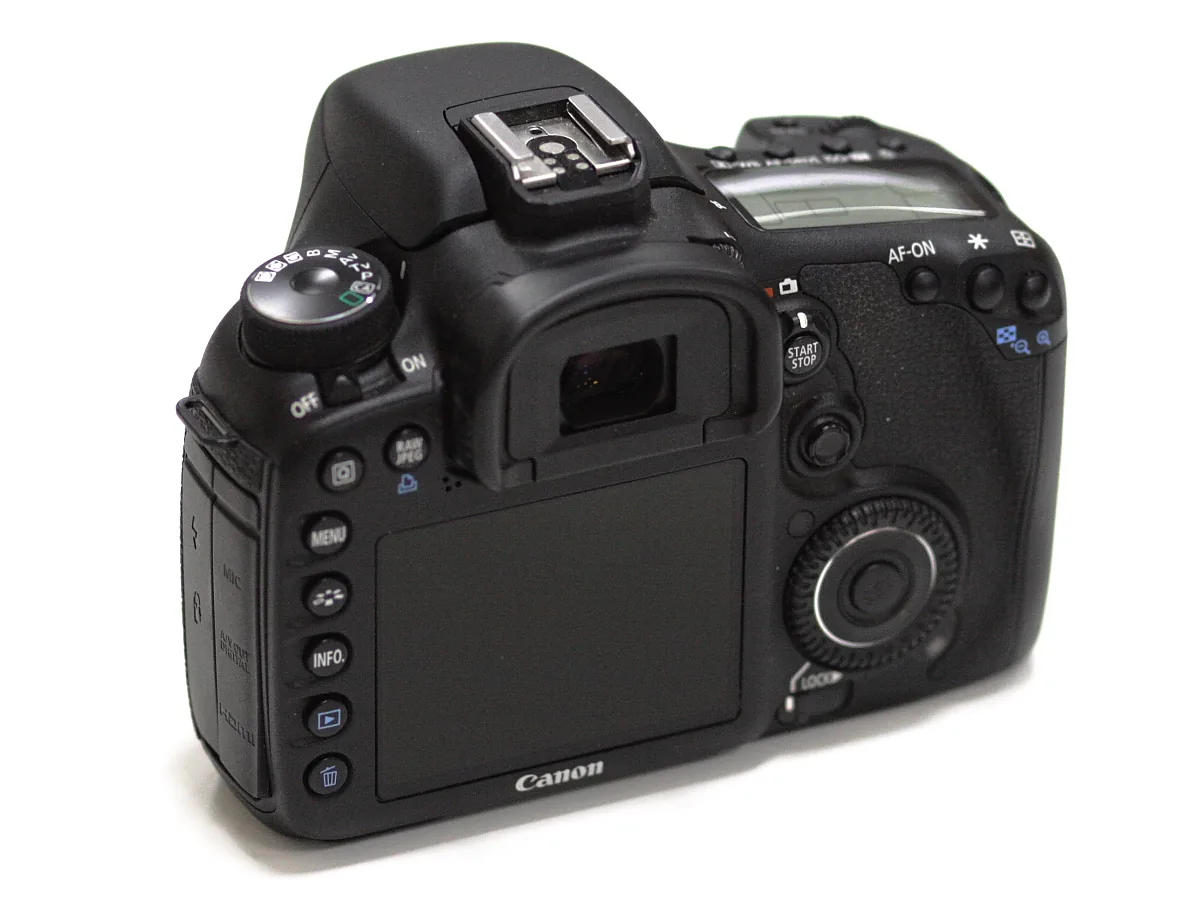
For each camera in a kit, record the exact body and firmware, photo or video mode, recognition category, intended target part, supported AF area and activation control. Add a link to the relevant official manual section rather than relying on a screenshot from another model. Recheck the record after an update instead of assuming that new documentation describes an unchanged camera. Keep a conventional focusing method available when recognition is unsuitable. These published menus support a more precise setup conversation; they cannot tell you which camera delivers the most sharp frames. The photographs illustrate camera handling and recognition subjects, not comparative test results.