Three decisions, not one magic autofocus switch
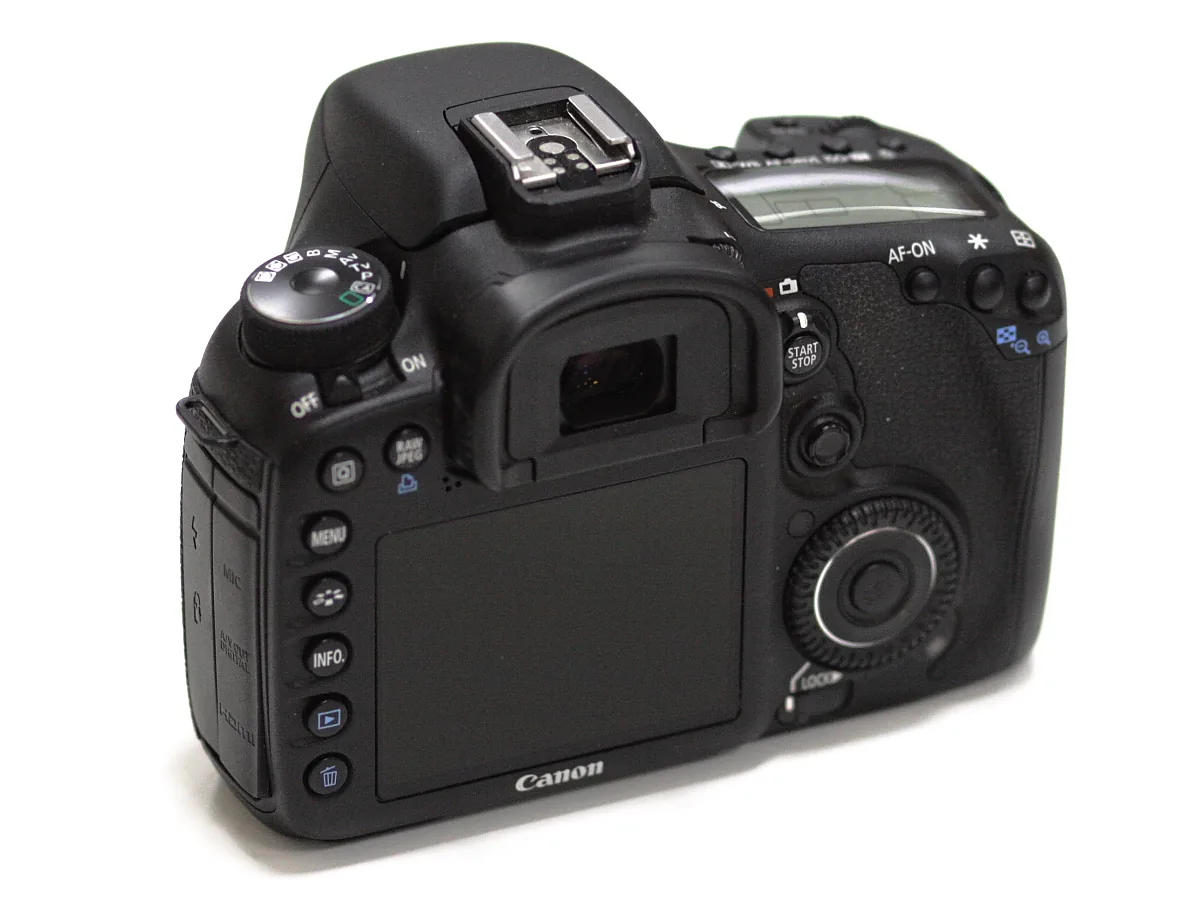
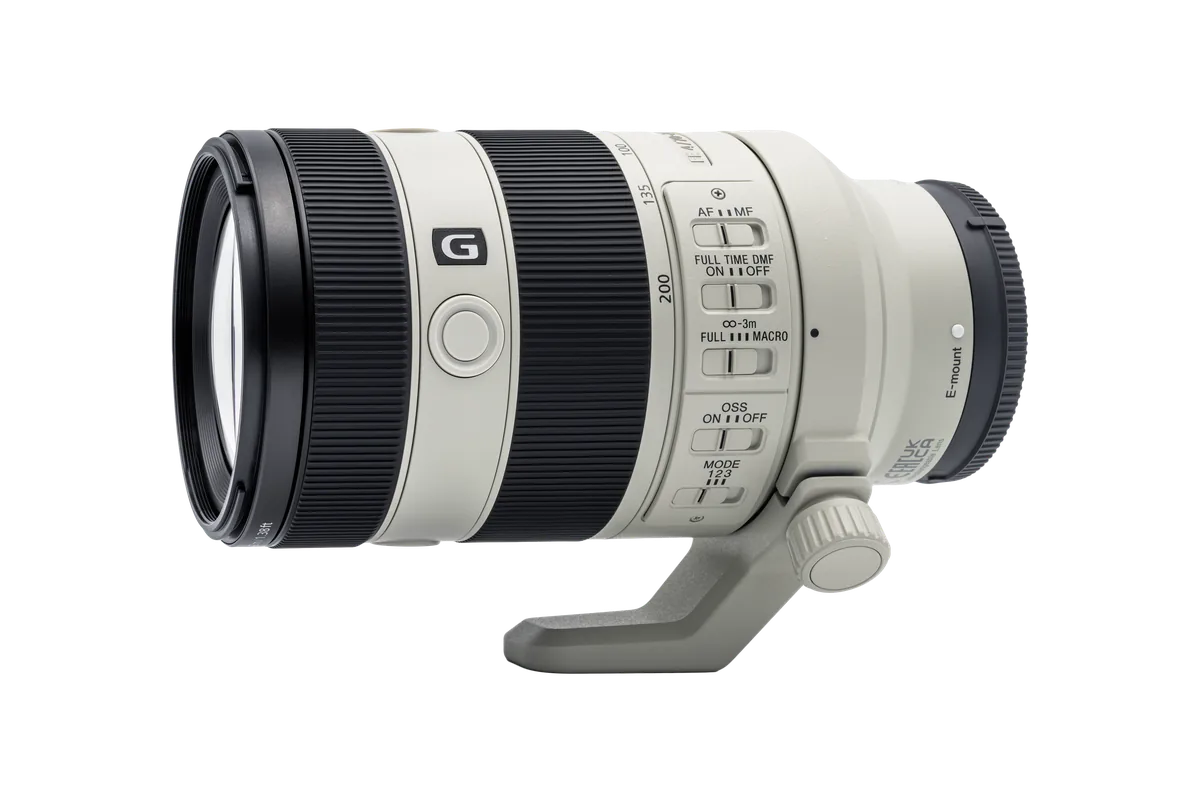
Start with the subject you want sharp, the part of the frame in which the camera should search, and whether that subject is changing distance. These are related but different decisions. Subject recognition tries to identify a person, animal or vehicle; the focus area helps direct selection; the focus mode governs how focus behaves over time. Nikon’s Z8 manual distinguishes single AF for stationary subjects from continuous AF for moving subjects. Sony’s α7R V guide separately documents recognition targets and focus-area behavior. Check your own manual rather than copying another camera’s menu labels verbatim.
People: select a person before celebrating an eye box
For a portrait, begin with the camera’s people or human target if it has one. In a group, make sure the box belongs to the person you actually intend to emphasize. Our suggested rehearsal is simple: photograph one person, then introduce another person nearer the edge of the frame and observe whether selection changes. Use a smaller supported area or the camera’s subject-selection control when a broad search chooses the wrong face. Review the resulting photographs, not just the live display. An attractive eye box cannot compensate for an exposure that leaves the moving person blurred.

Animals: check species support and keep a fallback ready
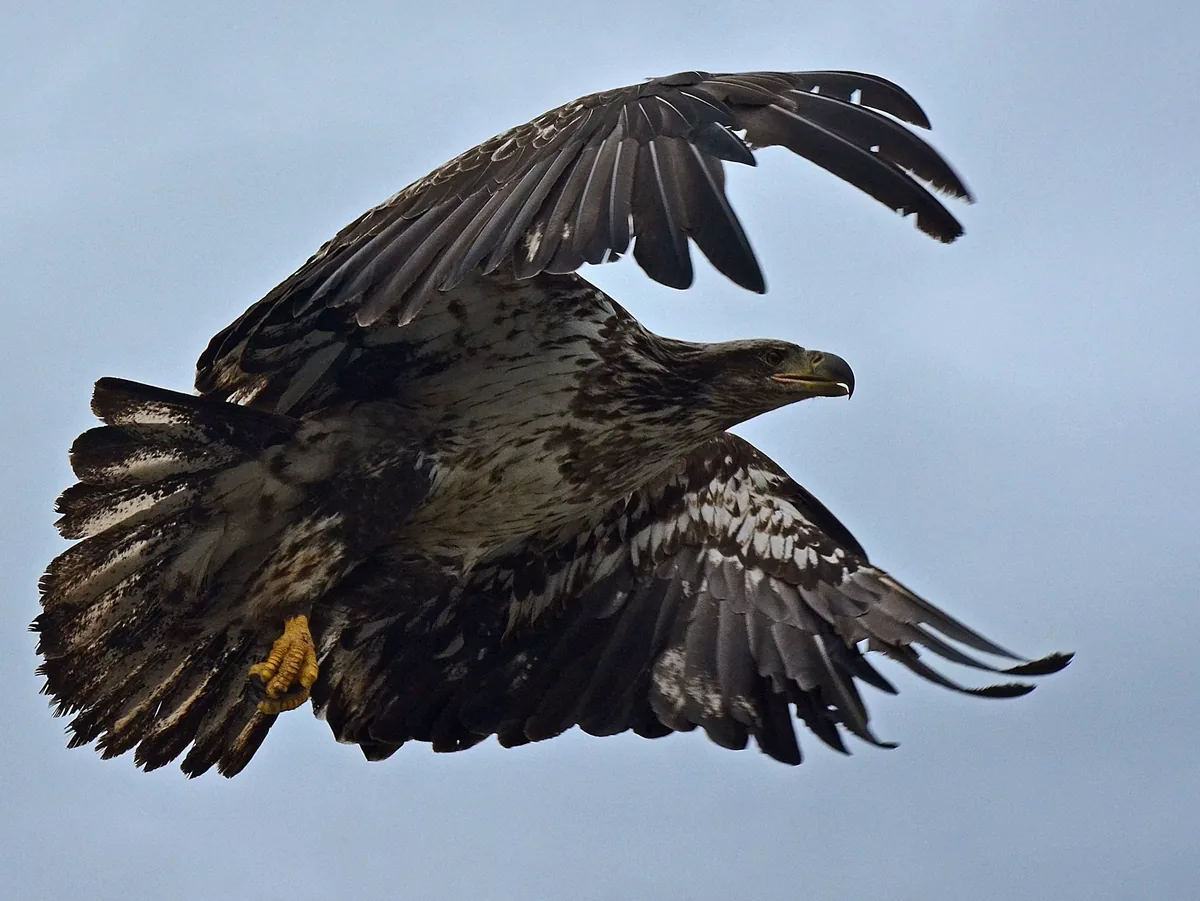
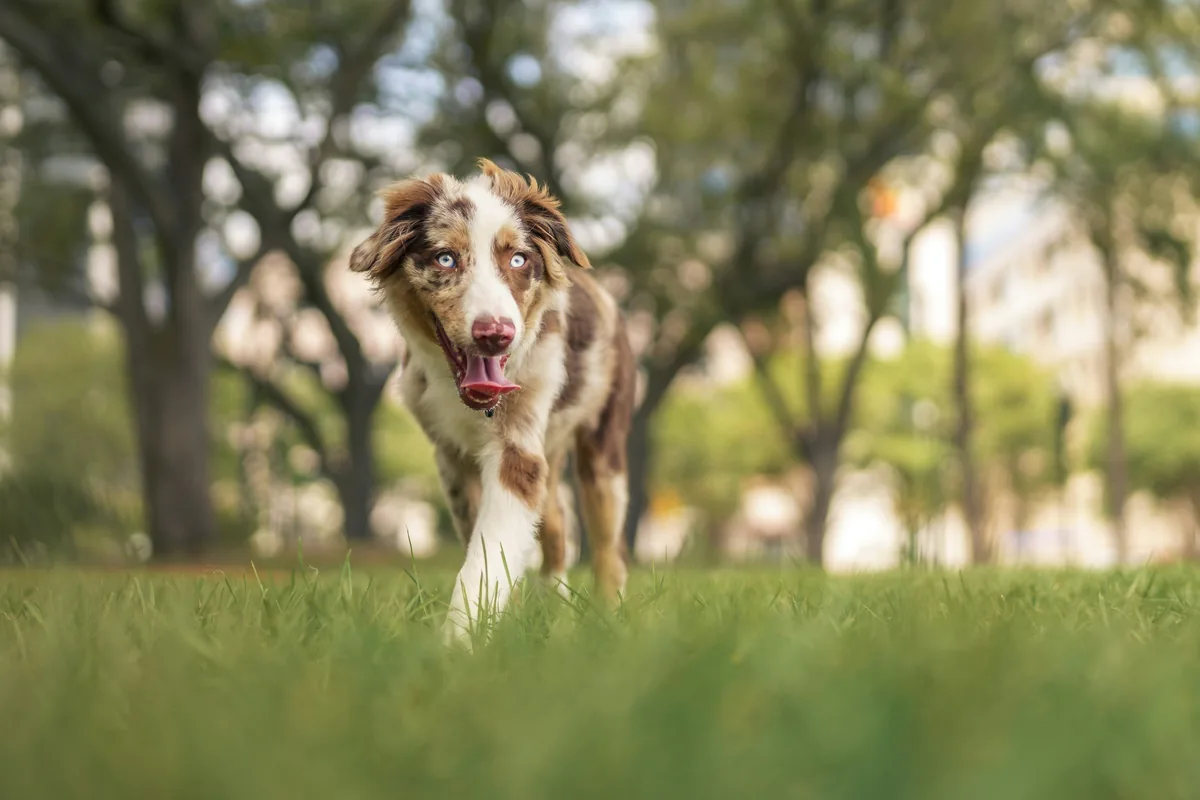
Not every animal-recognition system supports the same subjects. Sony’s α7R V offers separate animal, bird and combined targets; Nikon’s Z8 guide describes its own animal and bird options. Do not assume that a mode named Animal reliably identifies every species, angle or distance. Begin with a clear view of the subject and an uncluttered background. Then try the environment you expect to work in. If recognition repeatedly jumps to a branch or another animal, narrow the search area or use conventional AF on the intended detail. Never approach or disturb wildlife just to make detection easier.
Vehicles: decide whether you mean the machine or the driver
A photograph of a race car and a photograph of the driver are different focus assignments. Sony’s vehicle guidance describes recognition around the front or body of a car, train or aircraft; that is not a promise that the driver’s eye will be selected through a window. Tell the camera which subject class fits the picture, then inspect the chosen detail. For practice, use a safe, permitted viewing location and keep clear of traffic. A panned image may deliberately blur the background, so evaluate the part of the vehicle that was meant to remain recognizable rather than rejecting all motion blur.
Test one change at a time
Our practical test is a short sequence repeated with two area choices: a broad area, then a more selective one. Keep your subject, position and exposure as consistent as possible. Count usable frames and write down the reason for each miss: wrong subject selected, focus behind the target, movement during exposure, or too little depth of field. Those categories suggest different remedies. If the background is sharp but the intended face is soft, look at selection. If edges smear in one direction, review shutter speed and camera movement before blaming recognition. This is a diagnostic exercise, not a camera ranking.

Save a reliable default and know when to leave it
A useful default is one you can explain and recover quickly. Record the subject category, focus mode, area and the control that starts focusing. Test how to override recognition when the subject is partly hidden or the light changes. Sony explicitly warns that low light, backlighting, obscured eyes and partial subjects can make recognition difficult. Neither a fully automatic target nor a narrowly specified one wins every situation. Choose the setup that gives you predictable selection for the current assignment, and revisit it when the subject changes. The photographs here illustrate those subjects; their original autofocus settings were not independently verified.