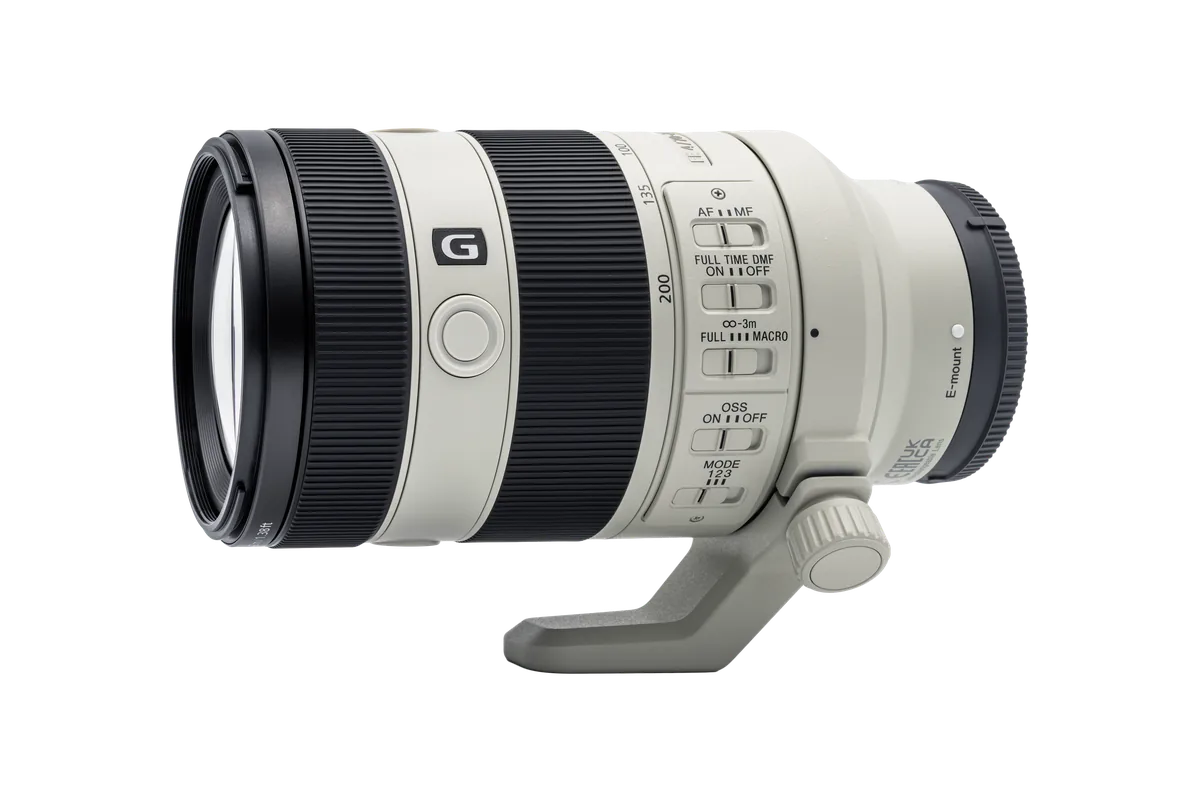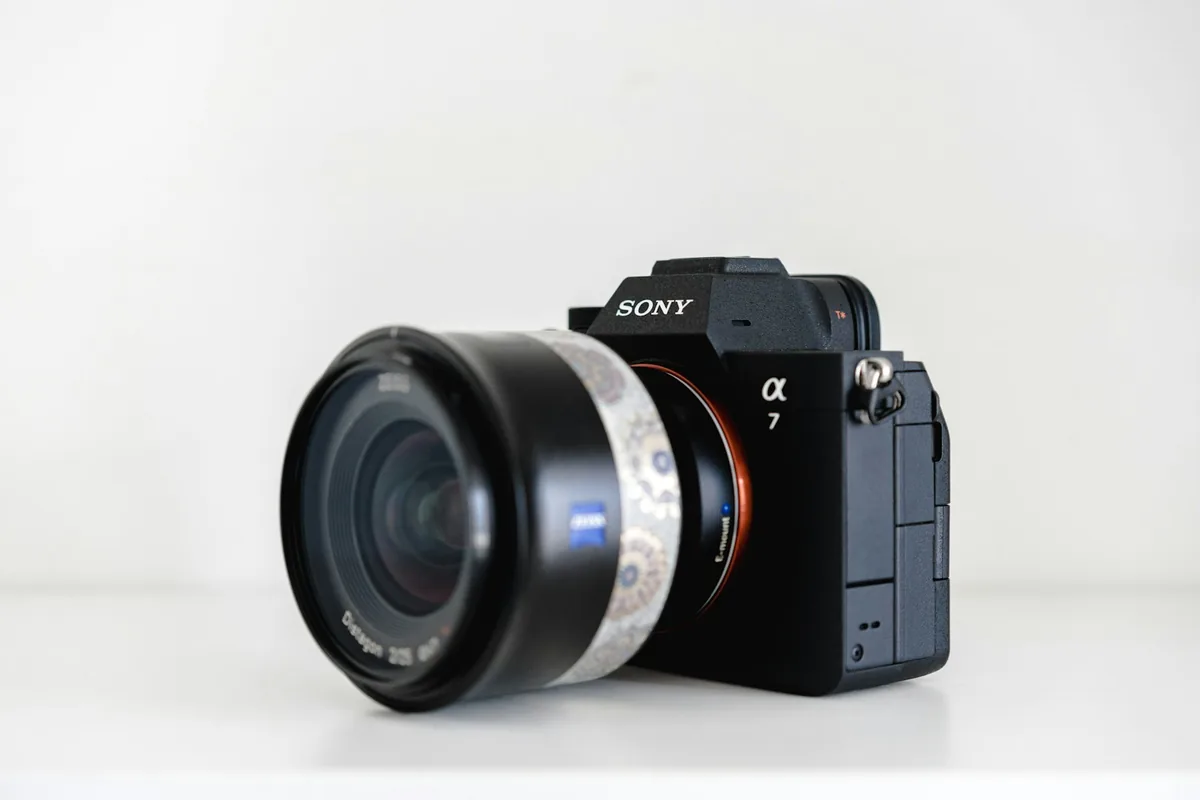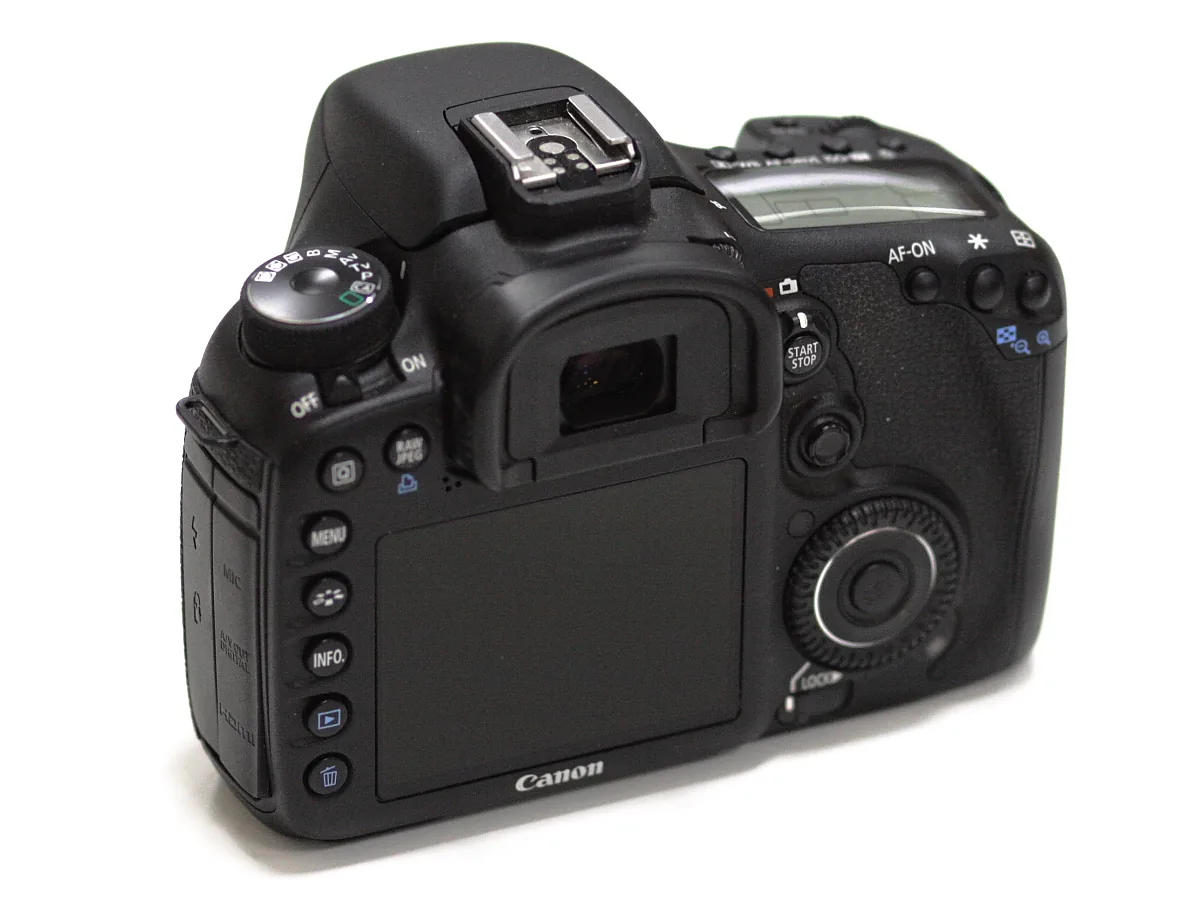
What the technique actually changes
Back-button focus assigns autofocus activation to a rear control, commonly AF-ON, so the thumb starts focus and the index finger takes the photograph. To separate the functions fully, shutter-button autofocus must also be disabled where the camera allows it. Nikon’s explanation distinguishes that arrangement from a default in which either button can activate focus. The technique does not add new focusing sensors, improve the lens motor or guarantee a sharper picture. Its value is control over when the camera is asked to refocus. Keeping shutter-button focus is equally legitimate if it is more reliable for your hands and assignments.
Set up one change at a time
First record your present button assignments so you can restore them. In the current manual for the exact camera, locate the control customization and autofocus activation settings. Assign AF activation to a button you can reach without loosening your grip. Then disable focus on the shutter button if complete separation is your goal. Sony’s help guide explicitly pairs an AF On assignment with AF w/ Shutter set to Off for this purpose. Other bodies use different names and may offer different customization for stills and video. Do not copy a menu path from an unrelated model and assume the resulting behavior is identical.
Run a stationary-subject check
Aim at a stationary object with clear detail and press the rear button to focus. Release it, then point toward a second object at a noticeably different distance and half-press the shutter. If focus changes, some shutter-linked or automatic focusing behavior is still active. Review the manual and your assignments rather than guessing. Return to the first object and take several photographs while keeping your distance fixed. Inspect the detail, not just the green confirmation symbol. This simple exercise is about verifying the controls; it is not a lens calibration test or evidence of a camera fault.
Then introduce movement
Choose the camera’s continuous autofocus mode—often AF-C or Servo AF—and an appropriate area for a person walking toward you. Hold the assigned focus button while following the subject, then take a short sequence. Canon explains this as maintaining focus activation with the thumb while releasing the shutter independently. If the subject moves after you release the rear button, the previously focused distance may no longer be correct. That is why a brief press followed by a long wait is not a tracking method. Repeat with shutter-button focus and compare your own consistency, not just the best frame from either sequence.
The button is not the focus area
Activation, autofocus mode, detection and area selection answer different questions. A rear button decides when focus runs; the selected area and detection options influence where the camera looks. If it keeps choosing a spectator instead of the player, changing the activating finger is unlikely to solve the selection problem. Try a more controlled area and learn how to reposition it quickly. If the subject is selected but blurred, inspect whether the cause is shutter speed, tracking behavior or a change in distance after focus stopped. Change one setting at a time and keep notes so an apparent improvement can be reproduced.

When the conventional setup is better
Cold hands, gloves, an awkward rear control or sharing the camera can make a separated setup less practical. A person borrowing the camera may reasonably expect a half-press to focus. Restore a familiar configuration before handing it over, and explain any remaining custom behavior. Do not change your entire control scheme just before a paid event or an unrepeatable moment. Practice on ordinary walks first. The successful setup is the one you use correctly without thinking about the buttons. If back-button focus adds hesitation without solving a specific problem, leave it as an option rather than a rule.