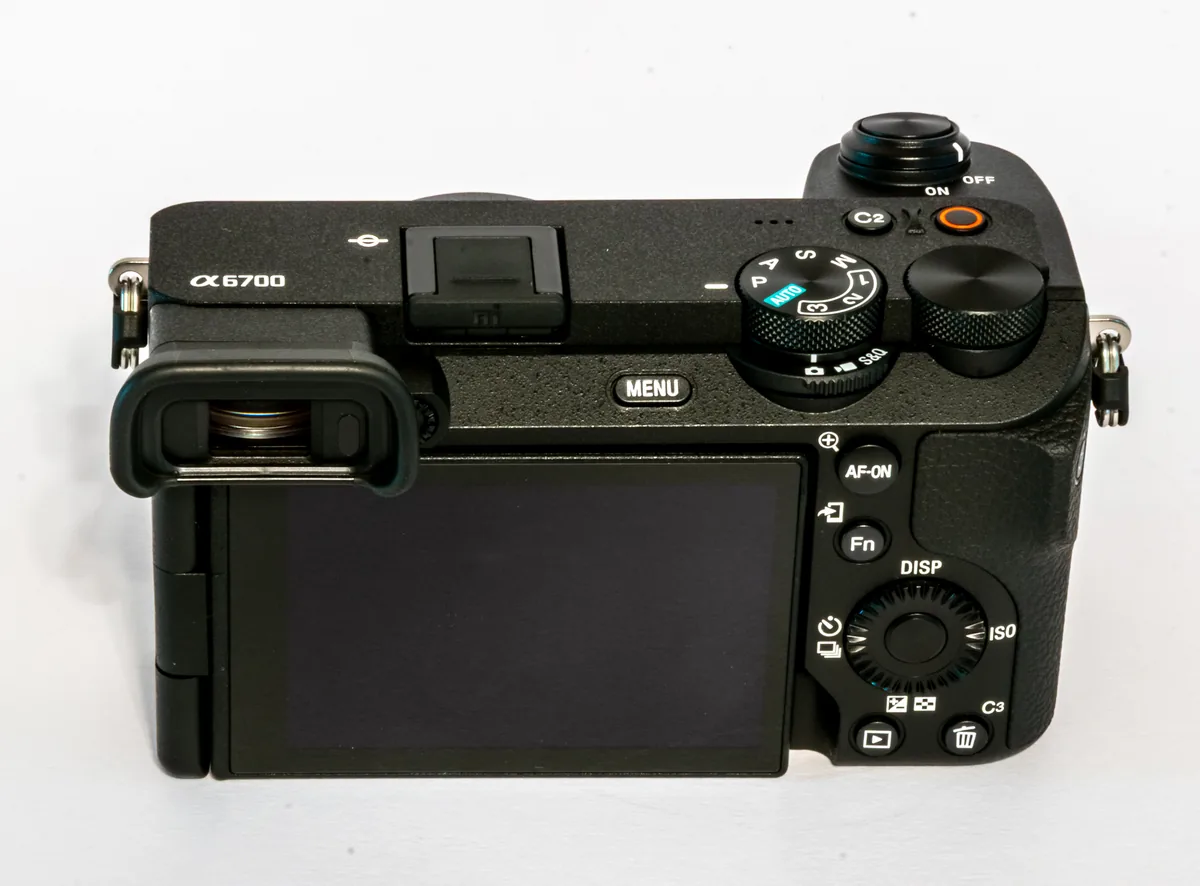
Pick a photograph with an unmistakable edit
Choose a completed photograph with a crop you recognize, a black-and-white conversion or a distinctive local adjustment. Record its filename, pixel dimensions after cropping and one visible detail from the delivered version. Pick a backup made after the edit. A catalog dated before delivery can open perfectly and still lack the final crop. This exercise tests one photograph and one backup date. Repeat it on a different job when you change your backup arrangement.
Recover the two ingredients separately
Lightroom Classic’s catalog backup holds the record of your work. Adobe explains that the photographs referenced by the catalog require their own backup. Copy the catalog backup into a new local test folder and extract its contents there, keeping accompanying files together. From your separate photo backup, recover the selected original to another folder inside the test area. Keep the production catalog, working photographs and stored backups intact throughout the exercise.
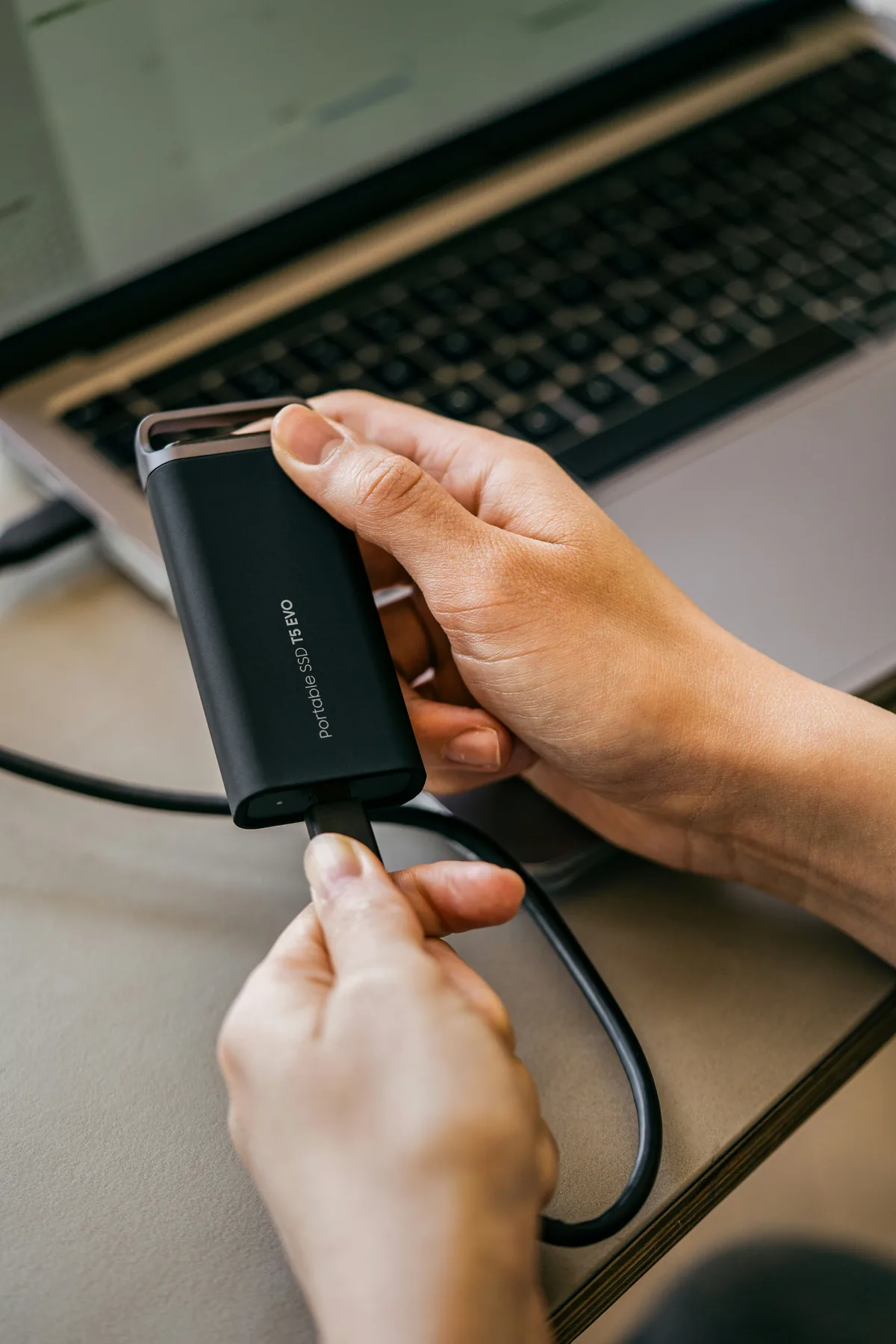
Make sure you opened the recovered copy
Quit Lightroom Classic and open the extracted catalog copy. Check the catalog name and location in Catalog Settings before doing anything else. Find the chosen photograph and check its file location. If the normal working drive is still connected, a restored catalog can silently find the live original at the usual path. A successful export in that state would test the wrong copy. When practical, run the exercise on a separate machine or with the working photo volume safely disconnected while Classic is closed.
Check the path before trusting the preview
An existing preview can look convincing while the underlying photograph is missing. In the test catalog, use the missing-photo indicator to locate your recovered original. Check the filename and folder carefully, especially if the camera has reused a number on another assignment. Confirm that the linked file resides in your test area. Open Develop and inspect your chosen detail at full size. Check the crop boundaries and any important masking adjustment against the delivered reference.
Produce something you could actually deliver
Export a full-size copy to the test folder with resizing disabled. Open that exported file outside Lightroom and compare its dimensions, crop and visible edit with the reference. Record which catalog backup and original you used, where each came from, and any step that failed. Finally reopen the working catalog and confirm its location before resuming normal edits. If you recovered only a preview or an older edit, the exercise has identified exactly which part of the backup routine needs attention.