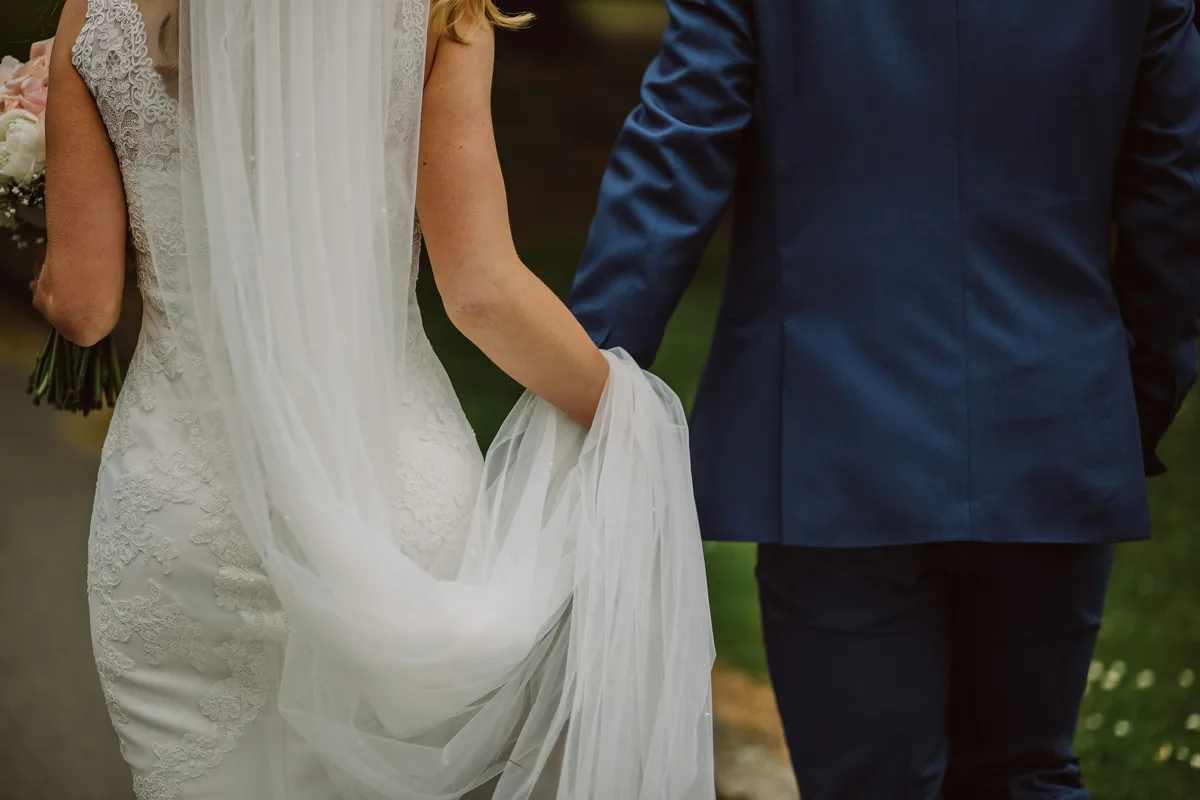
Define the photograph you need
A folder can contain several technically good photographs that serve different purposes. Before selecting one, write a brief requirement: a relaxed portrait for a profile, a decisive action frame, or an image that leaves space for a headline. This keeps the decision tied to the assignment. Do not automatically choose the sharpest frame if it misses the expression or moment that matters. Equally, do not excuse a technical failure that prevents the photograph from working at its required size. The exercise is a selection process, not a promise that every shoot contains a single obvious winner.
Make a small comparison group
Start with photographs from one continuous moment or pose. Separate a changed expression, location or composition into another group rather than comparing the entire shoot at once. In Lightroom Classic, Compare view supports a two-photo comparison, while Survey view shows several selected photographs together. Other editors offer equivalent ways to view candidates. Let previews finish loading before judging detail. A soft preview that becomes sharp a moment later is not evidence of missed focus. Keep the original files and your verified backups intact while making these decisions.

Look at the whole image first
View the candidates at a similar display size and choose the frames that communicate most clearly. In a portrait, inspect expression, gesture, shoulders, hands and the relationship between the person and background. An open eye is not always better than a deliberate closed-eye expression. For an event, ask whether the frame represents the moment fairly. Do not reject every unusual face simply because it is less flattering, or choose a misleading instant because it seems dramatic. Record the purpose of the selection before you begin detailed retouching.
Check the important detail consistently
Now compare the strongest candidates at the same magnification. Inspect the feature that needs to be sharp, such as the nearer eye in a close portrait, and distinguish missed focus from subject movement. Then return to the intended viewing size. A tiny difference at extreme enlargement may have no practical consequence in a small delivery. Conversely, a group portrait deserves a check across all required faces. Avoid adding heavy sharpening to one candidate while leaving another untreated; that creates an uneven comparison rather than clarifying which capture works best.
Choose one lead and preserve a useful alternate
Give the preferred image a clear flag or rating and keep an alternate only when it offers something useful: a different expression, a wider crop or a moment that resolves an overlap. Ten almost identical selections can merely transfer the indecision to a client. Try explaining the difference between your first and second choices in one sentence. If you cannot, compare them again at the delivery size. This is not a requirement to delete the others. A selection collection can narrow the working set while leaving the source sequence available.
Check the surrounding sequence before finalizing
A burst can reveal that a chosen gesture is part of a longer action. Review the neighboring frames to confirm the context and identify a necessary companion photograph. If making an editorial caption, do not infer an emotion or event solely from a fraction of a second. For a portrait delivery, check whether the requested vertical and horizontal uses are both covered. Keep versions clearly named so a crop is not confused with a separate capture. The accompanying portrait is an observational example, not one frame from a comparison set supplied with this exercise.
Separate selection from deletion
Finish by exporting a small review set and inspecting the actual files. Confirm that the intended photographs, crops and captions were exported. Revisit uncertain selections after a break rather than deleting them during a tired first pass. Before any eventual cleanup, understand the difference between removing an item from a collection, removing it from a catalog and deleting it from storage in your application. Preserve the source files for the required retention period and keep the selection record with the project. A good cull makes the next editing step clearer without making recovery unnecessarily difficult.