Plan for the second moment
A camera can deliver an impressive first burst and still be inconvenient when the next useful moment arrives. The buffer temporarily holds image data while the camera writes to its card. If incoming data outpaces that process, available space falls and shooting may slow. The practical test is therefore not simply how fast the first second sounds. Ask whether your setup can cover the expected action and become ready again before the next passage. A short, repeatable rehearsal is more useful than assuming that the largest fps number describes the whole assignment.
Separate frame rate, duration and recovery
Frame rate tells you how many frames a mode can record per second under its stated conditions. Burst duration is how long the desired behavior lasts in your configuration. Recovery is the wait afterward. A deliberately simplified example shows the distinction: 50 frames per second multiplied by hypothetical 25 MB files represents 1,250 MB of image data per second before considering the camera’s processing and writing behavior. It is not a measured requirement for a named camera or a card recommendation. Compression and scene content can change file sizes, so use your own resulting files when estimating storage.
Write down a baseline you can reproduce
Begin with a charged battery, compatible media and enough free space. Record the camera and firmware, lens, file type, compression choice, drive mode and the role of each card slot. Use the same ordinary scene, exposure and autofocus setup for successive trials. If you change everything at once, a better result will not explain which choice helped. Nikon’s Z8 capacity documentation, for example, qualifies its figures with particular test conditions and warns that buffer capacity varies with quality and other settings. Treat a manufacturer’s table as a defined reference, not a universal promise.
Use a realistic pair of bursts
Choose a modest burst length resembling the action you expect, then release the shutter and allow the pause that the real event usually provides. Start a second comparable burst. Note whether the rate changes and whether controls you need remain available. Repeat after the camera has finished writing rather than turning one trial into an uncontrolled endurance test. If the sequence is comfortable, you have evidence for that configuration and pattern—not proof of unlimited continuous shooting. Stop if the camera reports a temperature or media warning, and follow its manual.
Change one thing for a reason
If the second burst is compromised, first ask whether the maximum drive rate is necessary. A lower rate or a shorter, better-timed burst may retain the useful gesture while reducing the number of files. Test an alternative file setting only if it still meets the assignment’s editing and delivery needs. Do not abandon an intentional dual-card backup policy merely to win a speed comparison. When comparing cards, keep the camera settings fixed and use media approved for the relevant mode. A headline card speed alone does not establish the sustained behavior of your camera and recording configuration.

Protect the files after the test
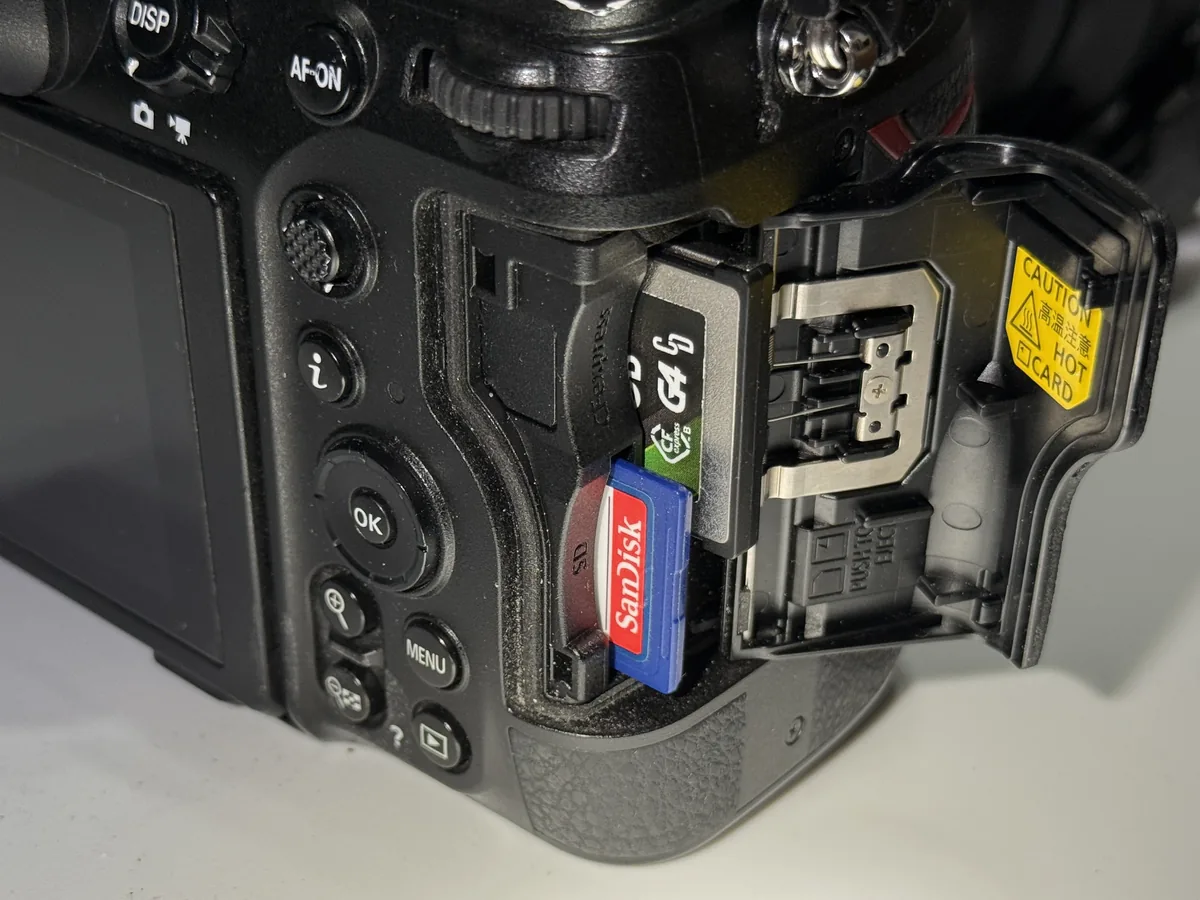
A quiet shutter does not mean that every image is already safe on the card. Watch the writing indicator and follow the camera’s removal procedure. Nikon’s Z8 instructions specifically require confirming that the access lamp is off before switching off and ejecting media, and waiting for a hot-card warning to clear. Do not pull a battery or card to hurry a busy camera. Once writing has finished, review the files and make a verified copy before erasing any test material that matters. Keep the test small enough that it does not consume the storage reserved for the actual shoot.
Judge the edit, not the file count
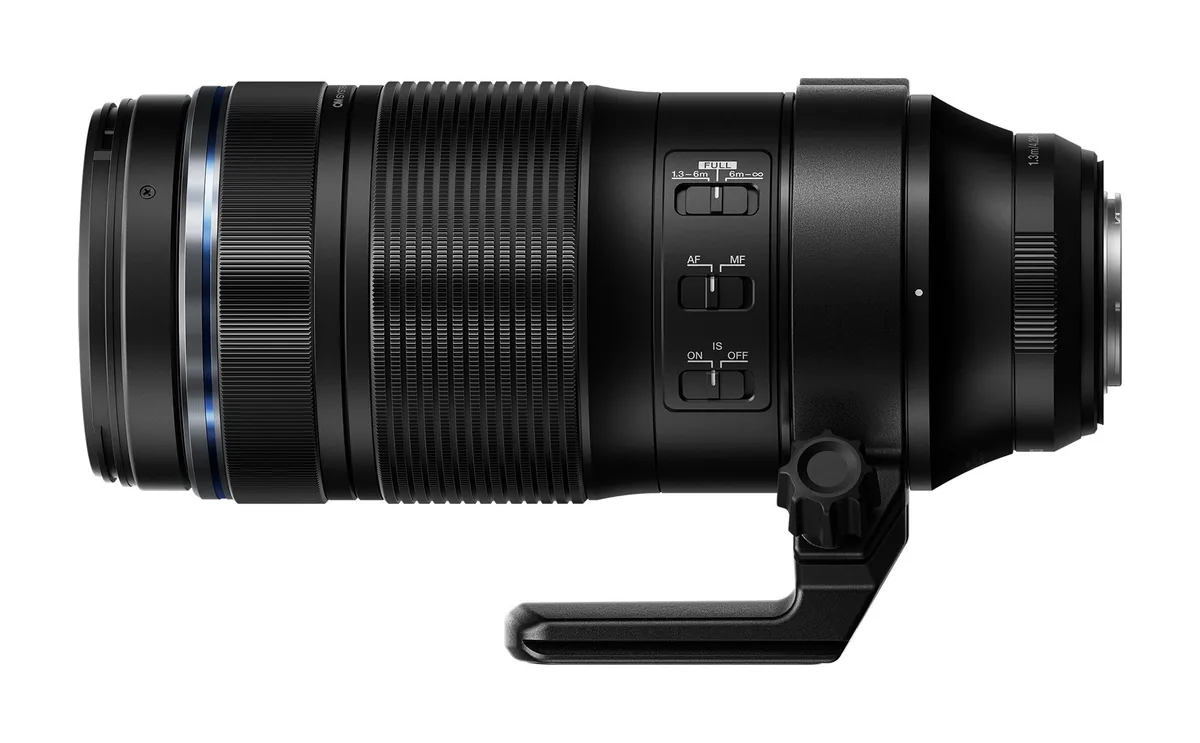
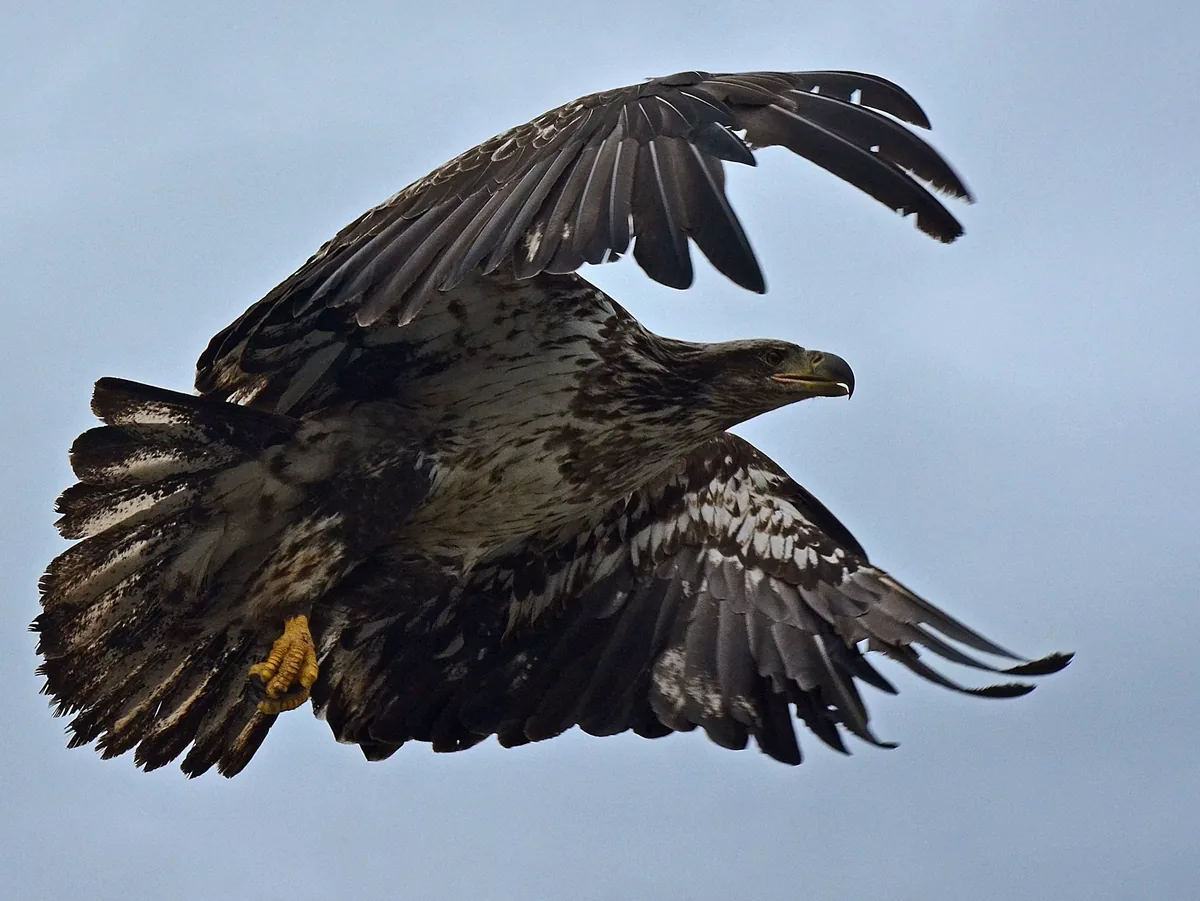
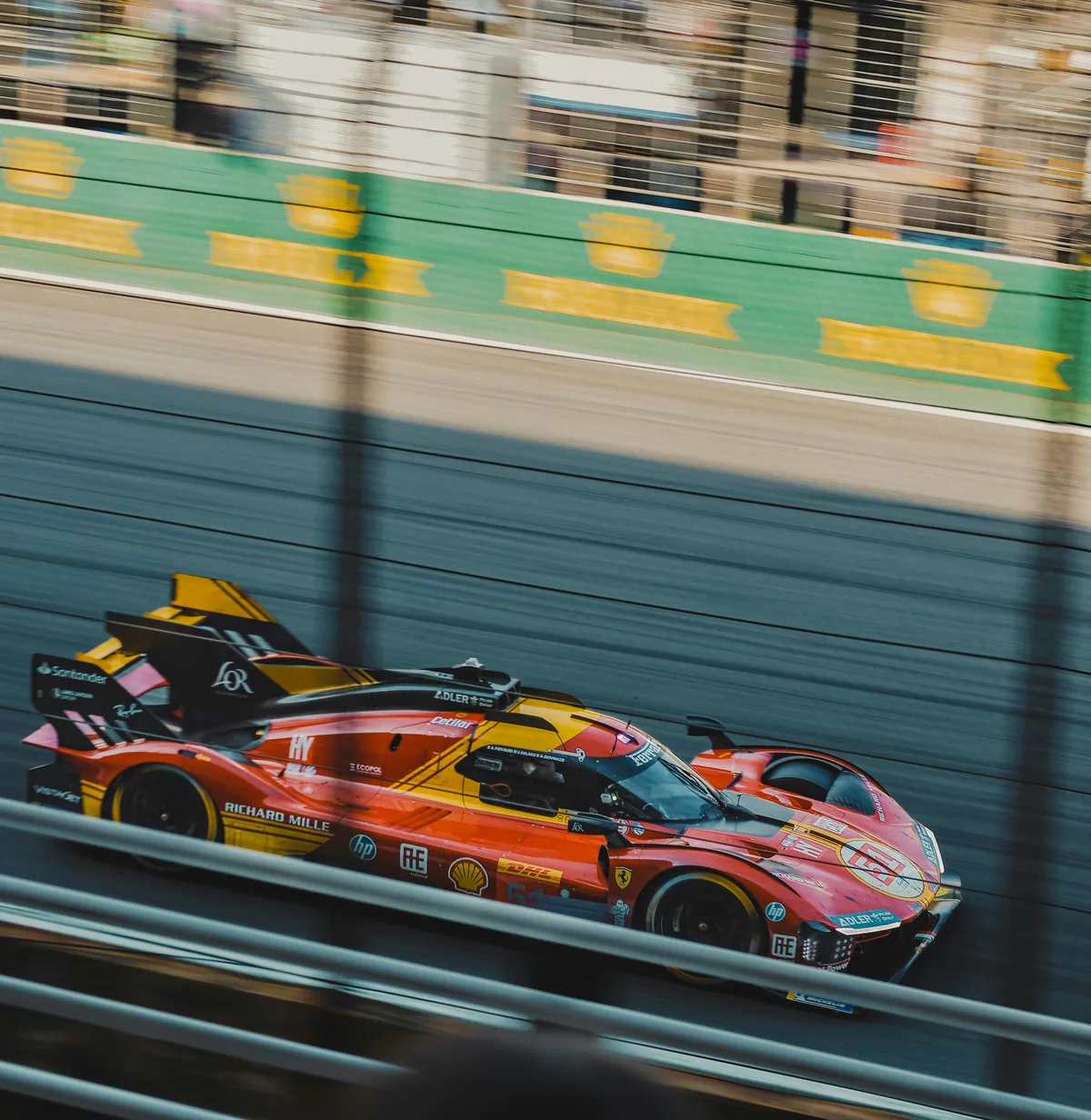
Compare sequences for the expression, subject separation and motion you wanted, then inspect sharpness at a useful magnification. Fifty similar frames are not automatically fifty meaningful choices. Include the time required to ingest and select the result when deciding which drive setting to keep. Save a short note with the working configuration and retest after a relevant firmware, format or media change. The photographs here illustrate media handling, fast-moving subjects and image review; they are not measured buffer tests or evidence of the settings used to capture the racing car.