The catalog is not the delivered photograph
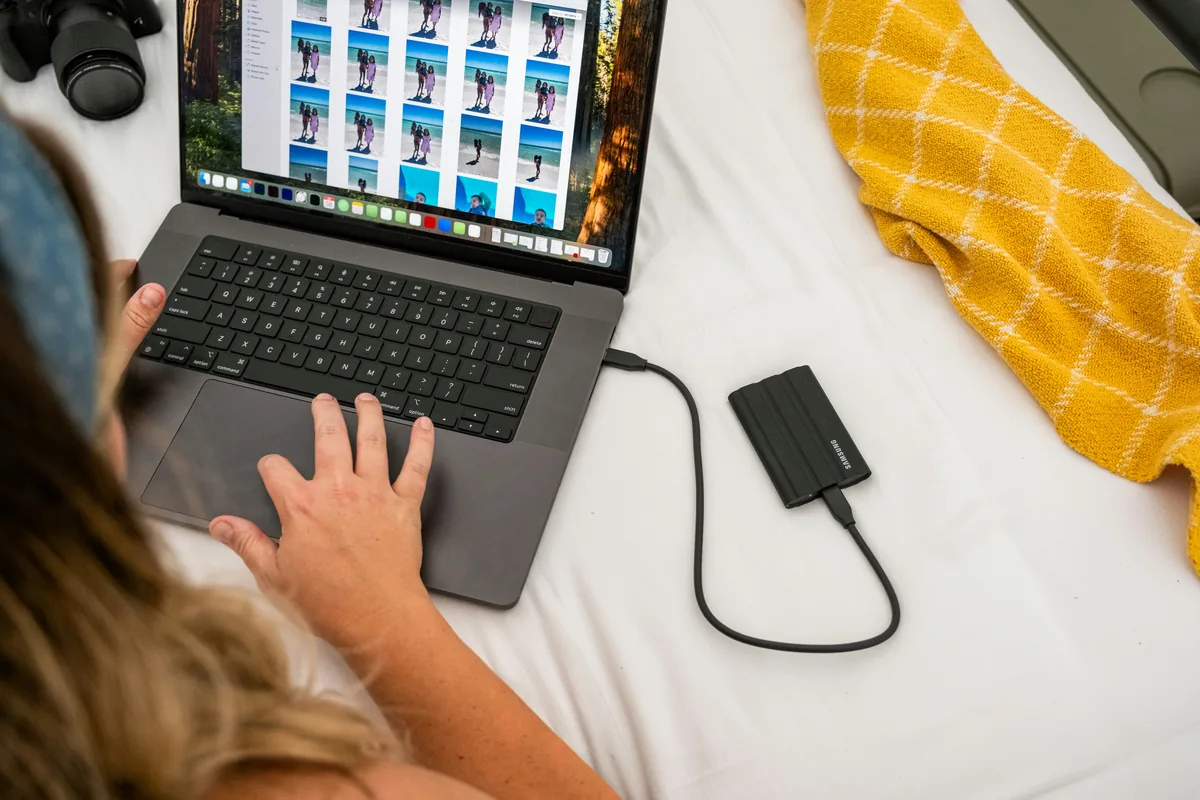
You can spend time adding a useful caption and credit, then export a file that omits both. The practical solution is to inspect a sample from the exact delivery folder rather than trusting what the catalog displays. This guide proposes a repeatable check for your own photographs. Its licensed illustrations show photo organization and storage, not screenshots of our software test or evidence that a particular application preserves every field. Start with a duplicate or sample export so your master files remain available.
Decide what the recipient needs
Write down the information that should travel with the picture: the creator, a factual description, the agreed credit and the relevant rights statement. IPTC defines structured fields for descriptive and rights information, including people, places and creation details. Do not treat every text box as interchangeable. A creator field identifies authorship; a license or usage instruction describes permission. Adding your name to a file does not establish ownership of someone else’s image, and an embedded notice does not replace the actual agreement governing a delivery.
Make one unmistakable sample
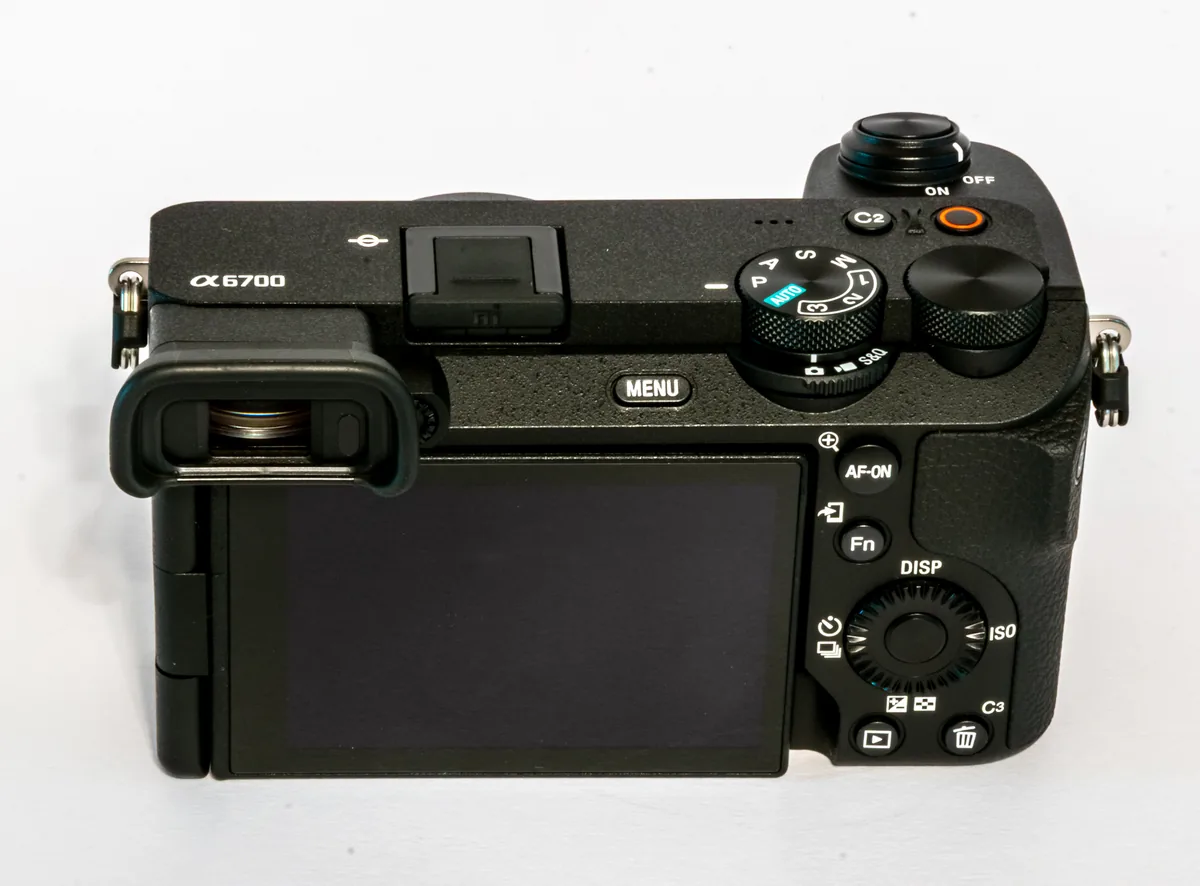
Choose a photograph with information you can verify. Add a concise caption and the correct credit in the appropriate fields, then export using the intended preset and format. Give the sample a recognizable filename and place it in a separate delivery folder. Record the preset name and export time in a short note. If you maintain both a full-resolution delivery and a small web version, test each separately: their metadata options may differ even when the picture looks identical. Do not use invented identities or dates simply to fill empty fields.
Open the exported file independently
Use a metadata viewer or another application to open the exported file from its actual folder. Inspect the fields you listed, checking spelling, punctuation and whether a long caption was truncated. Adobe explains that Lightroom Classic can hold metadata in its catalog and write it to files or sidecars; the storage method and export choices matter. A sidecar next to a raw file is not proof that the exported JPEG contains the same information. If something is missing, check the export metadata options, create a fresh sample and inspect that file again.
Choose location information deliberately
An image may contain detailed coordinates even when its visible caption names only a city. Decide what location precision is appropriate for this delivery and verify the exported result. For an assignment documenting a public event, the agreed location may be useful; for a private home, a broad description may be sufficient. Do not delete useful archival information indiscriminately from the master. Instead, distinguish the information you retain internally from the information you choose to distribute, and document the export choice so a later batch does not silently reverse it.

Check the final route as well as the local file
If the recipient will download from a gallery or publishing platform, inspect a permitted downloaded copy after upload. Platforms may transform images or omit metadata. Where the workflow requires a visible credit, supply it separately as well; embedded text is not a guarantee that a website will display it. Keep a small delivery checklist with the accepted file format, dimensions, required fields and verification result. Repeat the sample check whenever the preset, application or delivery route changes. The goal is not the greatest number of filled fields, but accurate information that reaches the person using the photograph.