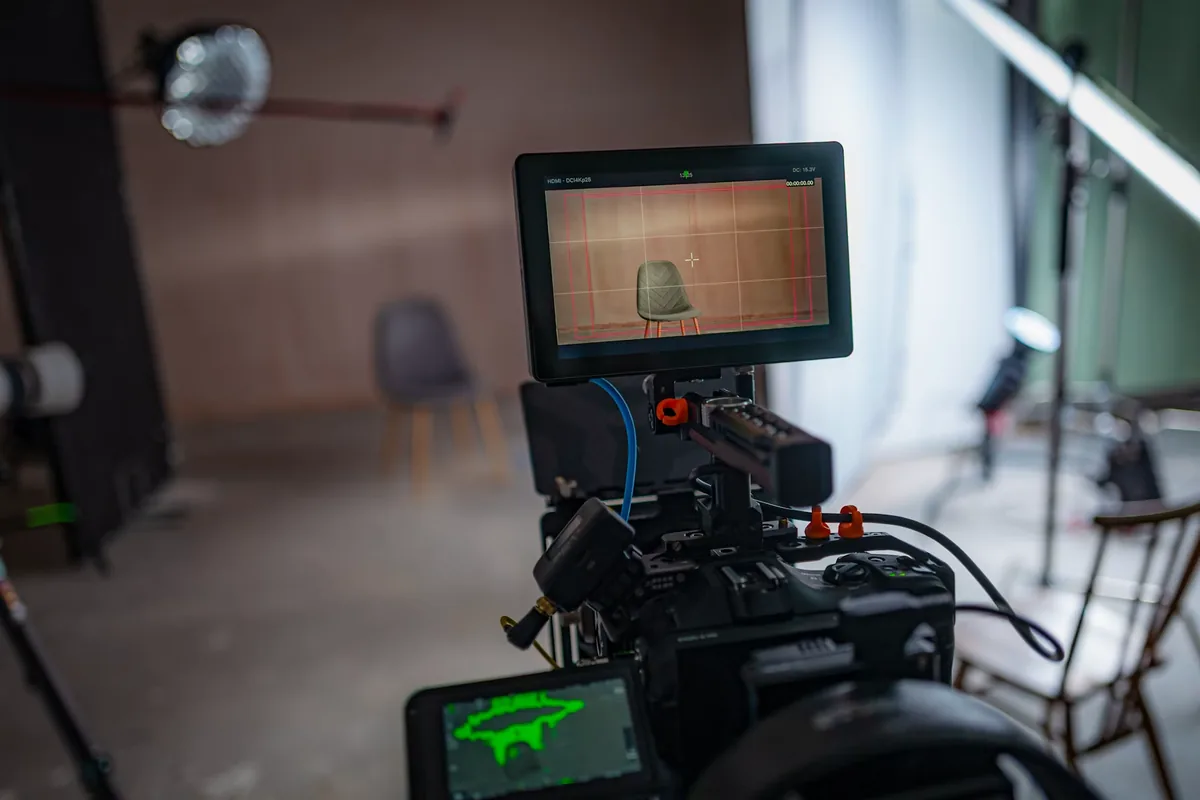
Start with the shot, not the filter ring
Neutral density reduces the light reaching the camera, helping preserve a chosen aperture and exposure time in bright conditions. For video, that is useful when motion rendering and depth of field already serve the scene. It does not improve a shot automatically. This sponsored guide explains a repeatable setup rather than reporting an optical test. The Camera Post and SZ Filters share ownership; SZ Filters is our sole site sponsor. The workflow and its cautions should remain useful even when the correct decision is to use no filter.
Choose frame rate and shutter before adding ND
Select the recording frame rate for the delivery and the desired motion. A 180-degree shutter corresponds to exposure for half a frame interval: approximately 1/50 second at 25 fps or 1/60 at 30 fps. RED’s shutter documentation explains the angle/time relationship; 180 degrees is a starting convention, not a requirement for every scene. Moving subjects, deliberate stylization or flickering lights may call for a different choice. Once chosen, keep the exposure time stable while evaluating ND so that a darker image is not confused with a different motion treatment.
Set aperture and the intended recording sensitivity
Choose the aperture for focus coverage, not simply the widest setting printed on the lens. Then select the camera’s appropriate recording sensitivity for the chosen picture profile, using its own guidance rather than a universal “lowest ISO” rule. Lock white balance for a controlled comparison and identify which signal your exposure aids represent. Our waveform and false-color guide explains why a display transform can matter. If the image is too bright with these decisions made, reducing incoming light is a more deliberate next step than silently changing the shutter.
Translate the excess exposure into stops
Each stop halves the transmitted light. If the scene needs four stops of reduction at your chosen settings, that means one-sixteenth of the starting light, not “setting four” on every variable filter. Use the camera’s exposure tools and a repeatable subject to judge the result. Keep important highlights within the recording limits appropriate to the scene and profile. Turn the ring gradually, avoid assuming engraved positions are a calibrated meter and check the entire frame. Recheck after changing the focal length, framing or direction toward the sun.
Where the SZ VND fits—and what remains unverified
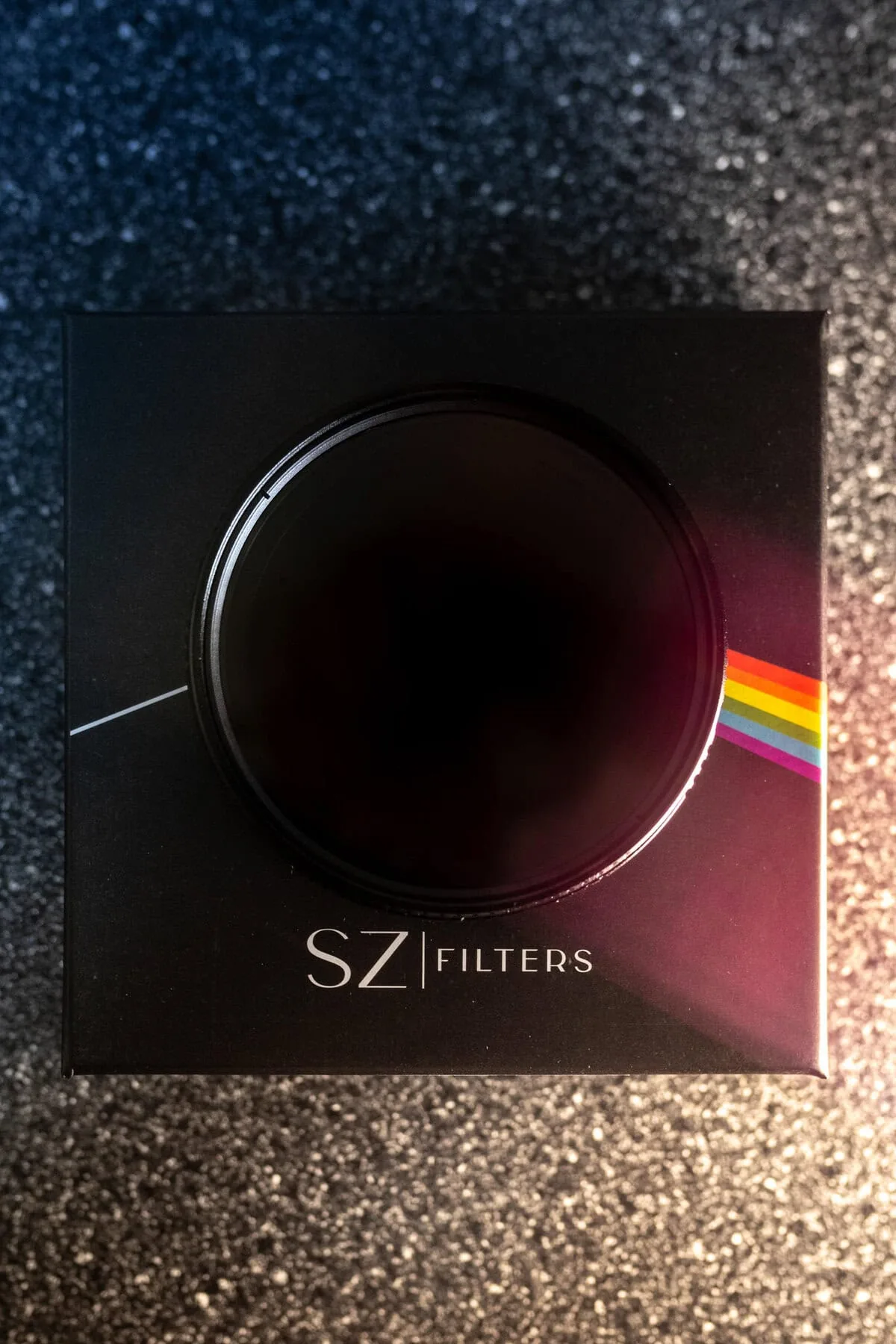
The official SZ Filters VND page lists 1–8.6 stops, a $149.99 USD price and in-stock status on October 5, 2026. Its sizing guidance specifies 77mm; a launch date was not disclosed. Those are manufacturer and store statements, not our measured range or a guarantee of dispatch to every destination. We have not independently measured color neutrality, sharpness, flare or corner performance. Check the current SZ Filters VND specifications and availability before ordering. Treat marketing absolutes as claims to evaluate, not as results established by this guide.
Check the thread and the entire image
A 77mm filter size refers to the lens’s filter thread, not its focal length. Confirm the actual lens specification; a step-up ring does not guarantee hood clearance or freedom from corner shading. Some lenses cannot accept an ordinary front screw-in filter. With the intended combination mounted normally, compare a neutral scene with and without filtration, keeping exposure comparable. Inspect corners, color shifts and uneven darkening at the focal lengths and densities you will actually use. Variable ND can interact with polarized reflections and skies; back away from a setting that produces visible artifacts rather than planning to repair everything later.
Make a short recorded check before the take
Record the actual lighting and subject movement, then inspect the file on a suitable display. A live preview alone may conceal a problem. If lighting creates flicker or bands, ND is not a universal remedy: investigate the fixture, frame rate and shutter combination. If the scene becomes darker than the filter’s useful minimum, remove it when safe instead of compensating automatically with unnecessary gain. Note the usable combination and repeat after significant changes. The three product photographs are SZ Filters-owned illustrations reproduced with permission; none is a before-and-after test or proof of optical performance.