Give the effect a boundary
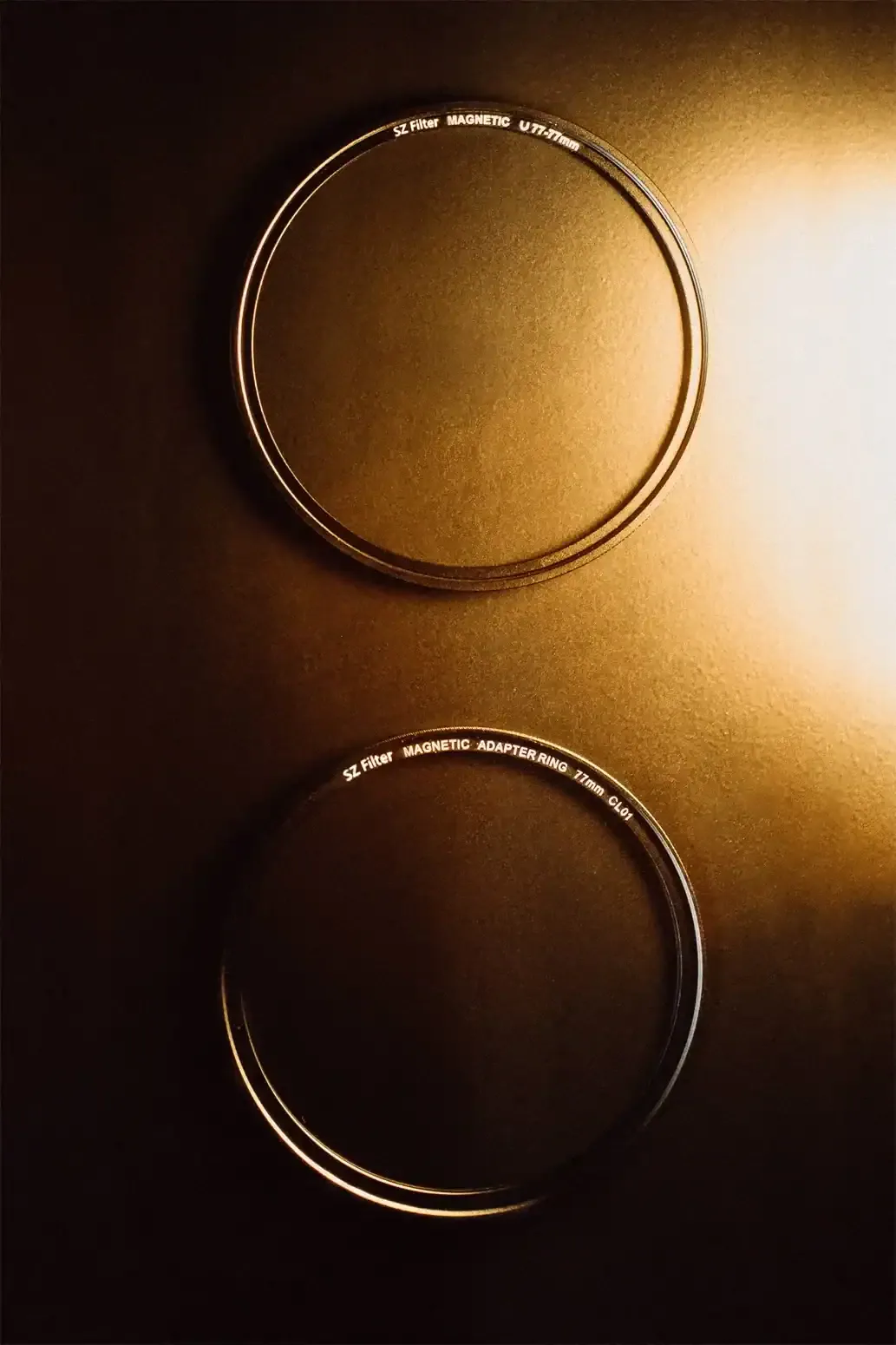
A bright reflection can make a product photograph memorable while obscuring the very label the client needs to show. Begin by identifying the essential information: a brand name, a small control marking or the shape of a closure. Reserve a clear area around it in the composition. This sponsored SZ Filters guide proposes an exercise, not a tested product verdict. The Camera Post and SZ Filters share ownership. The accompanying brand-owned photographs show filters and a styled clapperboard; they are not matched results from the setup described here.
Build a readable photograph first
Place a stable, nonreflective practice object or a product you are authorized to photograph against a simple background. Set the camera, focal length, focus and aperture, then light the object until its important lettering reads clearly. Make an unfiltered reference and inspect it at the intended delivery size. If the words are already too small, fix framing or camera distance before adding an effect. Avoid trying to repair weak product lighting by introducing more bright shapes in front of the lens.
Separate the two lighting jobs
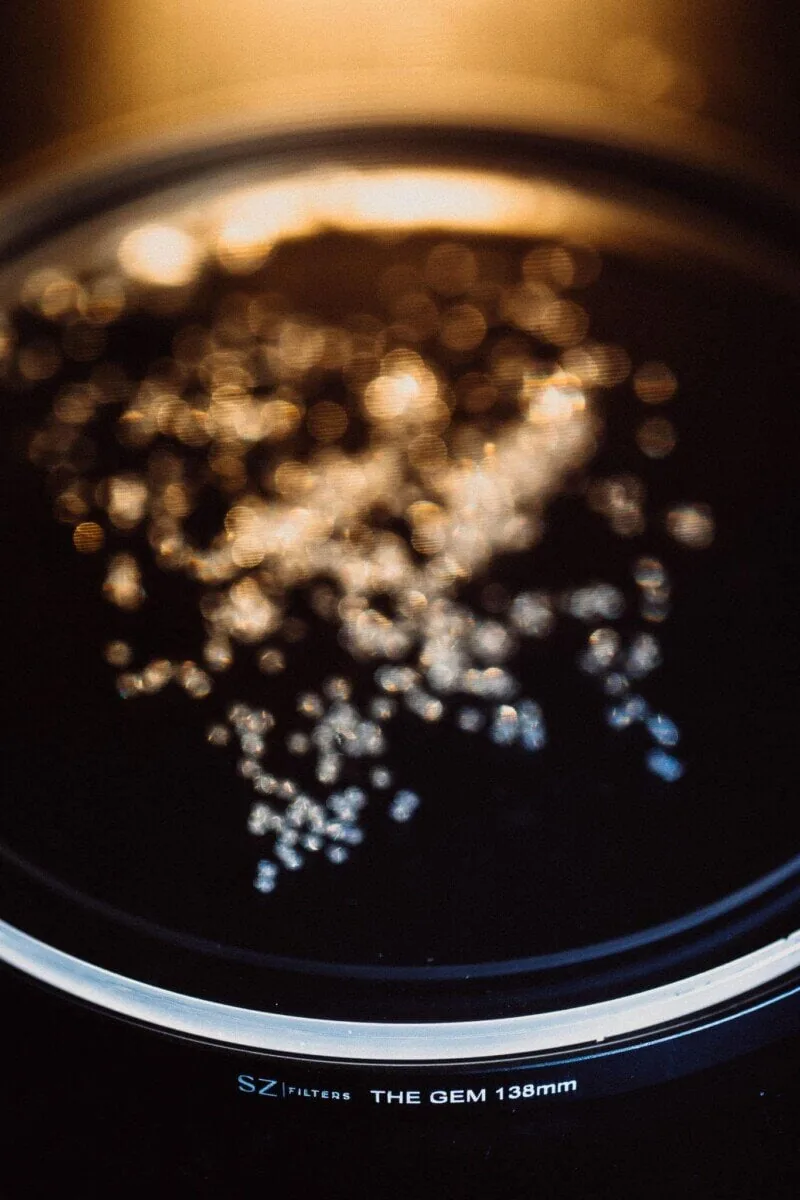
SZ Filters’ liquid-filter instructions describe using light directed toward the filter to produce reflections and note that a darker background makes the effect easier to see. Use that as manufacturer guidance for a controlled comparison. Keep the product light steady and introduce a modest effect light from one position. Move that light to a second position while leaving the camera and subject fixed. Compare where the bright areas fall. Do not assume a stronger light is the solution when the problem is its position relative to the label.
Compare the obstruction, not just the atmosphere
Make a small sequence with the effect light absent, then in two different positions. Record the arrangement so you can recognize the frames later. Look at the brand name, the edge of the object and any small detail promised in the brief. A reflection crossing a plain background may be useful; the same shape crossing a letter may change what the viewer reads. If you also change aperture, treat that as a separate comparison. Our aperture guide explains why changing several variables together makes the result difficult to interpret.
Check mounting and handling before adjusting
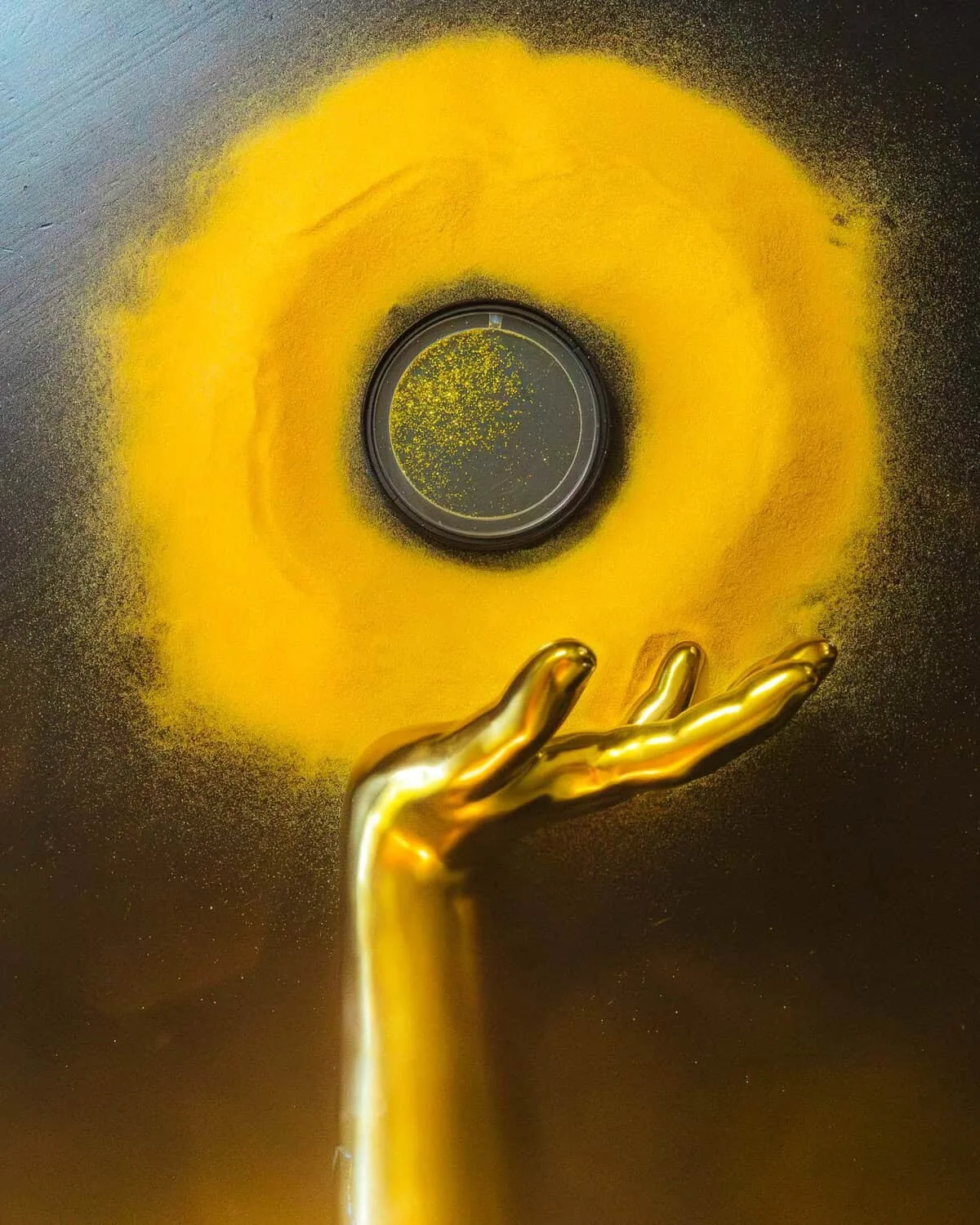
Use a filter and holder that are explicitly compatible with the lens or cinema rig. A nominal diameter alone does not establish compatibility with every tray, rotating holder or lens hood. Follow the current instructions for the specific filter, secure the camera, and rehearse adjustments away from fragile products. Liquid effects may change as particles move, so allow time to inspect the saved frame instead of judging only the live preview. We are not announcing a new product here or claiming that a particular filter guarantees an unobstructed center.
Deliver a useful choice
Compare the selected effect frame with the clean reference at equal size and similar overall brightness. Ask someone unfamiliar with the setup to read the label without prompting. If the effect weakens recognition, reposition the light or use it for a secondary campaign image while retaining the clear photograph for informational use. Keep the approved version and the unfiltered alternative clearly named. The optical effect is recorded into the image and cannot be removed like an editable overlay. A successful creative photograph preserves the information the assignment needs while making a deliberate visual choice.