Give the viewer a reference that survives a screenshot
A review conversation becomes difficult when two files have the same name and different edits. Put a short project identifier and a specific version in the review filename. If the workflow needs an on-screen label, use the same version there. A reviewer who sends a screenshot can then identify the cut they were watching. Avoid a label such as “final” while revisions remain open: the word does not explain whether this is the second or fifth file the viewer received.
Choose what the counter means
A sequence counter helps someone point to a moment in that particular cut. Source timecode identifies a position in the underlying recording. They answer different questions, especially when one source appears several times or the edit starts somewhere other than zero. Tell the reviewer which reference to quote and keep it consistent across the review package. A counter on a review copy does not repair synchronization, prove the frame rate of an unknown source or replace the project’s source metadata.
Use the application’s documented overlay controls
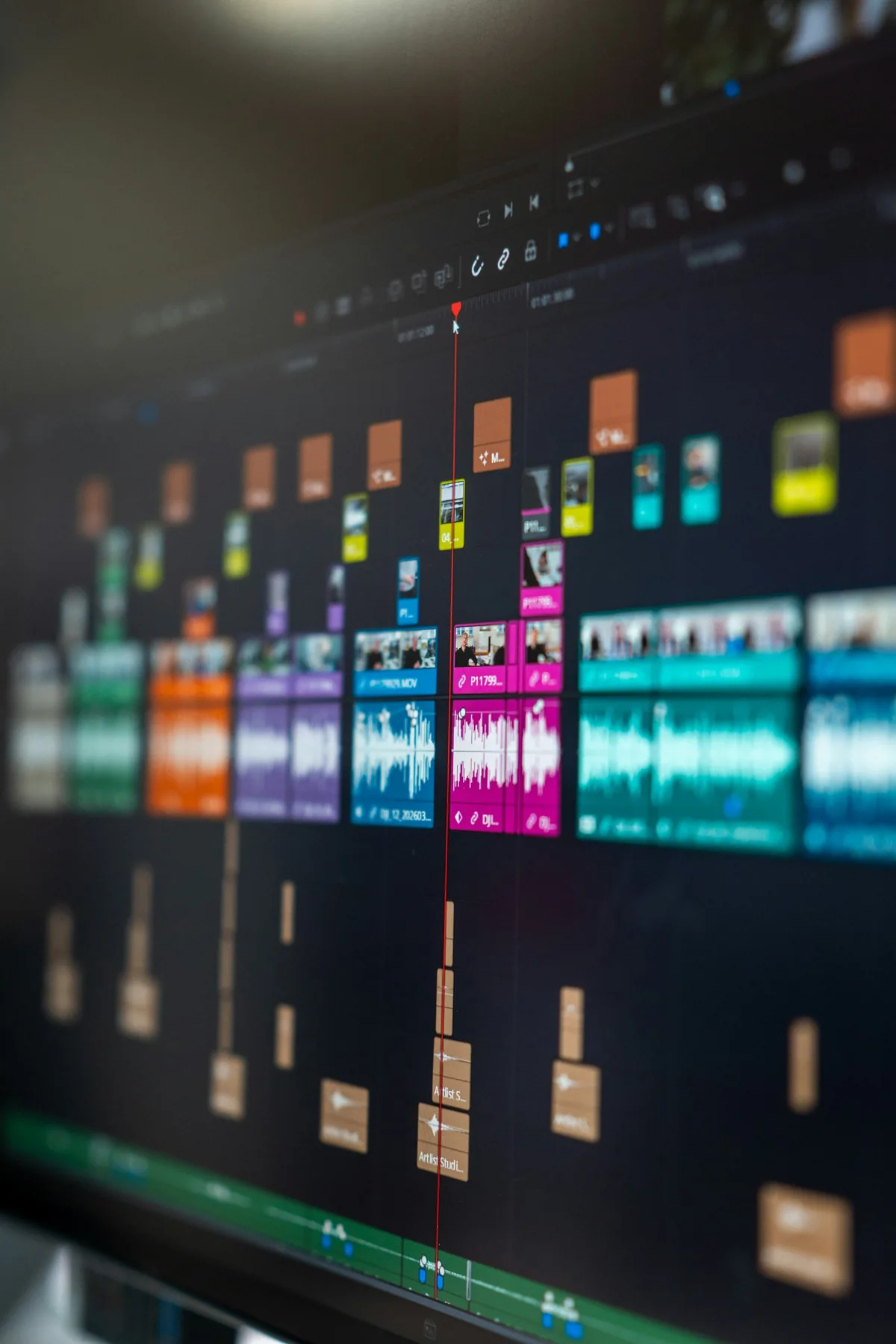
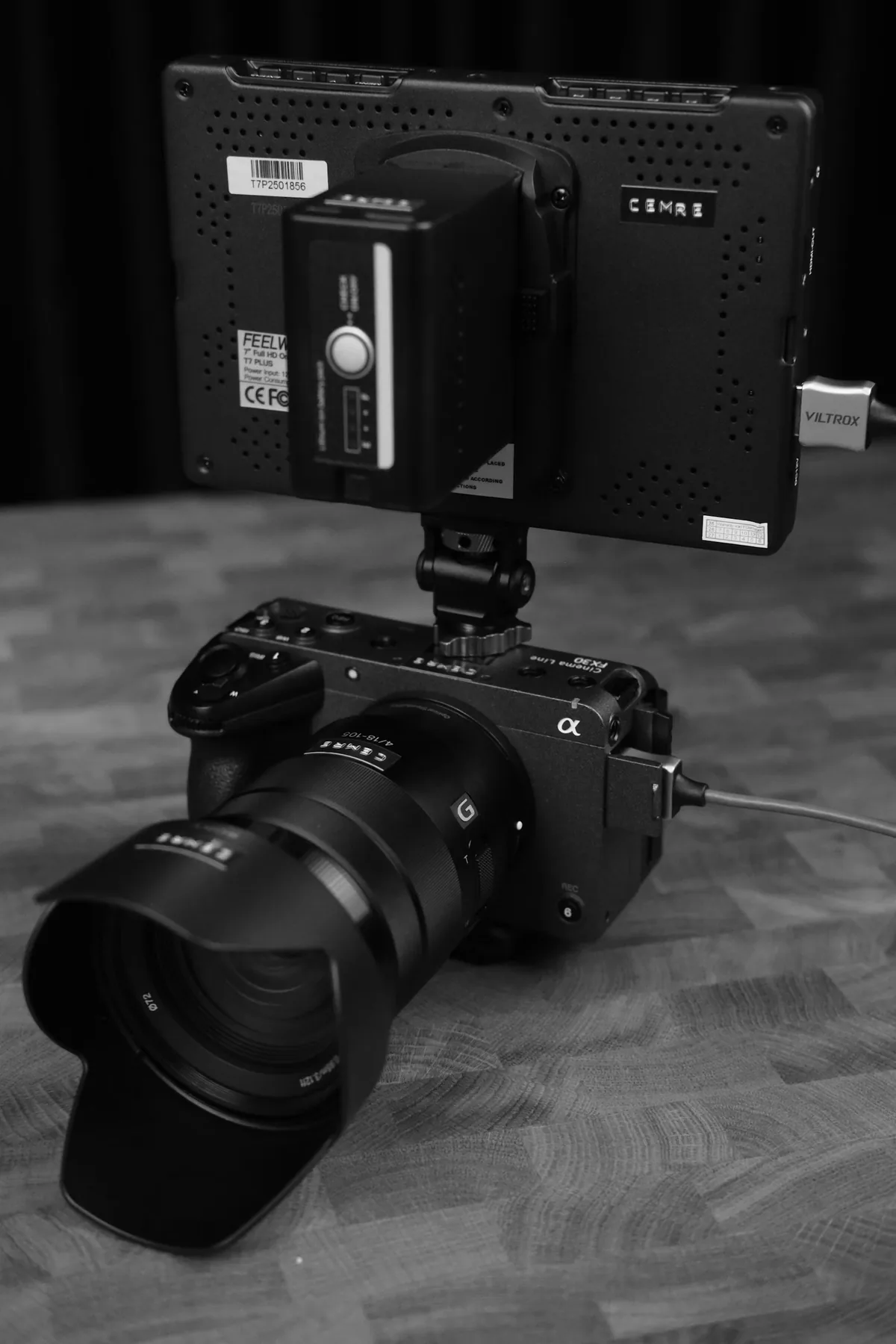
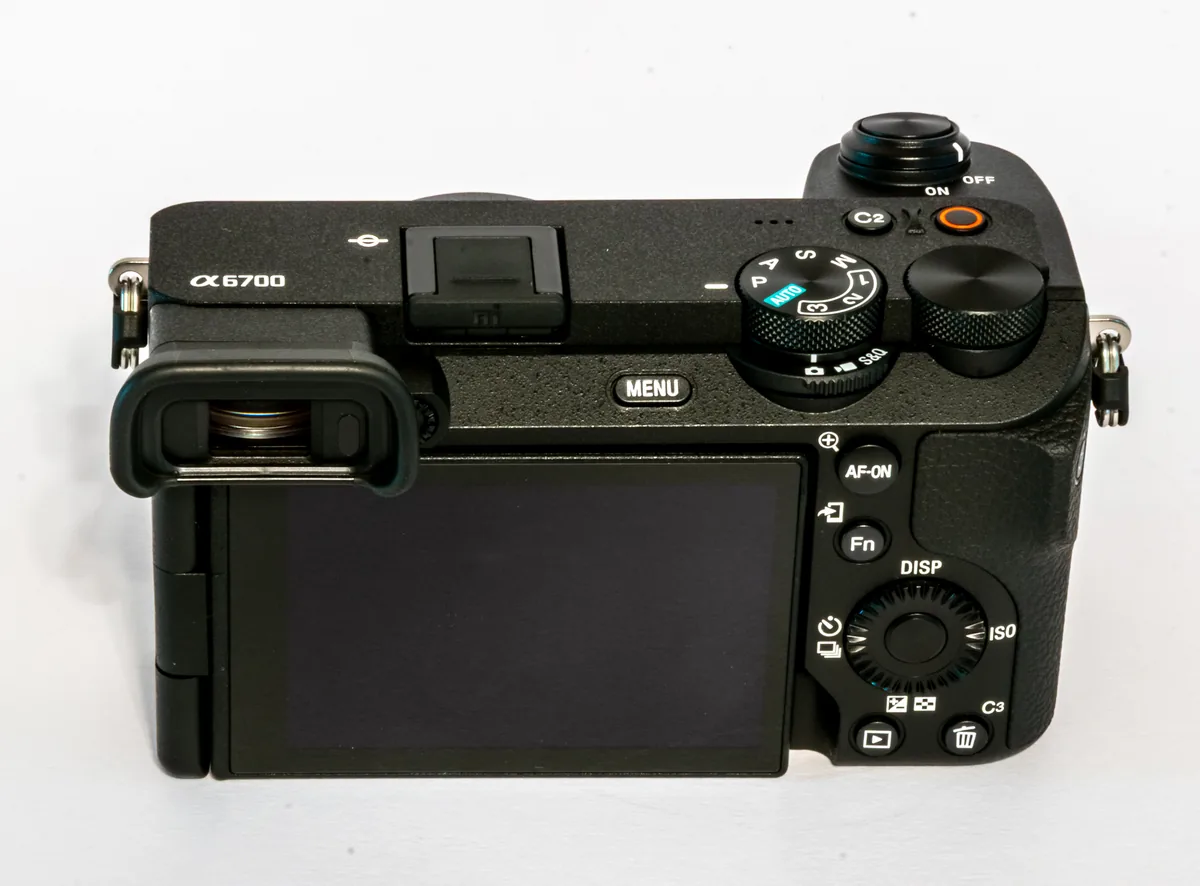
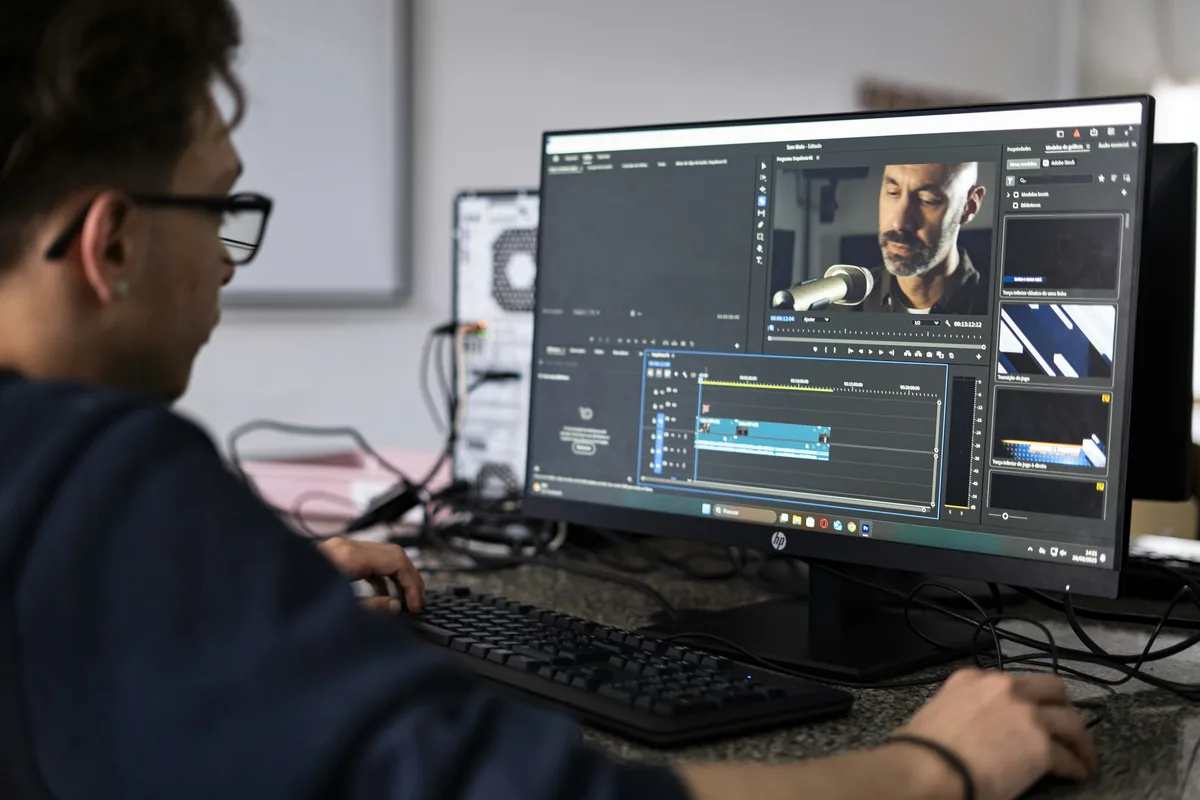
Adobe documents a Metadata & Timecode Burn-in effect in Premiere that can display information such as source timecode, filename and frame rate. It can be applied to a clip, adjustment layer or transparent clip. Choose only the fields that make the review easier. A long list of filenames and technical settings can cover the action without helping the person making the decision. The editing photographs on this page are contextual illustrations, not screenshots showing an applied effect or a tested export.
Watch the actual review file
Export a short representative section first. Open that file in a separate player and check the first frame, a later frame and the area where any captions or important action appear. Confirm that the label is readable at the size the reviewer will use and that it does not obscure a face or subtitle. Check the sound too. The presence of an overlay in an editing preview does not by itself prove it will appear correctly in a differently sized output.
Verify the clean delivery separately
Keep the labelled review and the intended clean master distinct in the project’s sequence or export workflow. Use names that make the difference obvious and preserve the source edit. Before sending the master, open the resulting file and inspect the areas where the labels appeared in the review copy. Also check that required captions or other intended graphics remain. A clean master means the review-only markings are absent, not that every graphic has been removed. Record the delivered version so later feedback refers to the correct file.