Start with a decision, not a curve
A histogram summarizes the distribution of image tones. It does not know whether you are photographing a pale product, a dim street or a deliberate silhouette. Before changing exposure, identify what must remain visible: lettering on a sign, texture in a bright fabric or the expression on a face. That decision gives the graph a purpose. Trying to make every photograph produce the same balanced-looking shape can erase the visual difference between subjects that should look very different.
Learn the display on your own camera
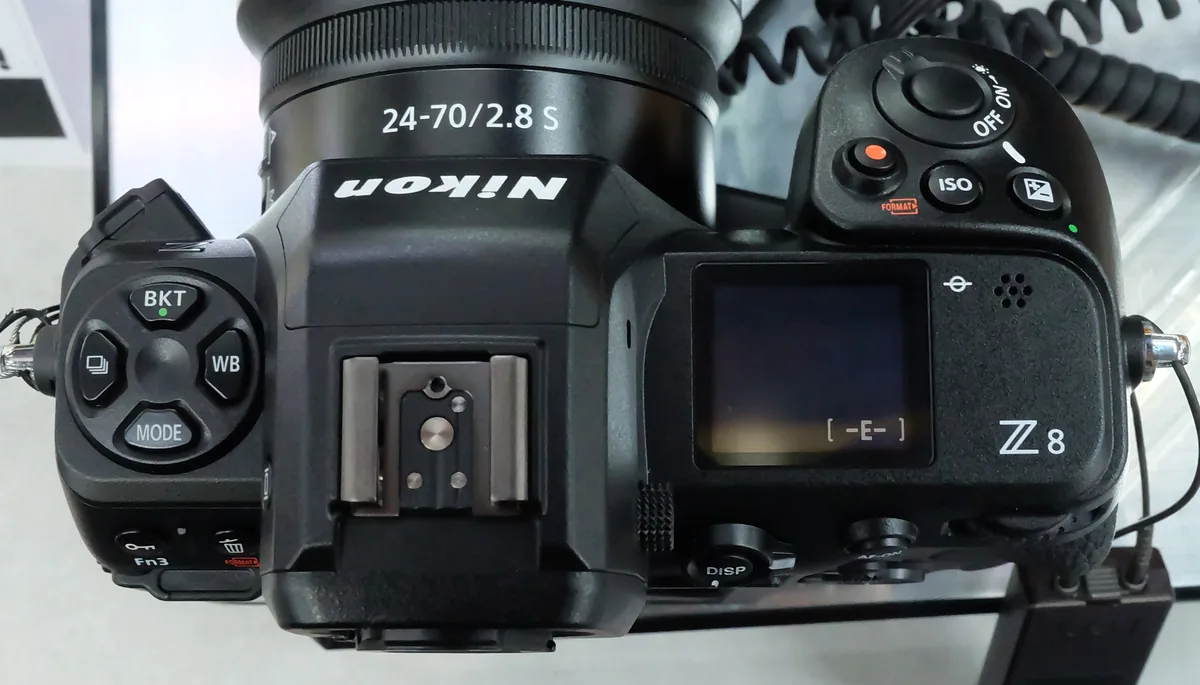
Find the playback histogram and highlight-warning options in your camera’s manual. Nikon’s D850 documentation, for example, describes RGB histograms and warns that camera histograms can differ from those in imaging applications. That is a useful reminder to treat the display as guidance, not a universal measurement of what every editing program will show. Check whether you are viewing the whole photograph or a magnified area and which information screen is active. A changed display mode can alter what you think you are comparing.
Read left and right in context
Darker values occupy the left side and brighter values the right. A photograph dominated by dark pavement can legitimately put much of its distribution toward the left; a pale wall can do the opposite. A large peak mainly tells you that many pixels have similar values. It does not identify their location in the picture. Look back at the photograph and connect the distribution to actual surfaces before deciding that a peak is a fault. The goal is usable subject information, not decorative symmetry in a graph.
Ask what a bright warning refers to
A bright warning over a face or a white garment calls for a different decision from one covering a tiny reflection or the visible center of a lamp. If the important surface appears to lose detail, make a slightly darker comparison frame and review that area. Do not automatically darken an entire scene until every bright point stops warning. You may preserve an unimportant light source at the cost of the subject. The licensed photographs here illustrate difficult tonal situations; they are not controlled exposure tests or examples with measured histogram readings.
Inspect color as well as overall brightness
When your camera offers separate red, green and blue histograms, check them in strongly colored light. An overall brightness view can be less informative about a single channel reaching the edge. A red sign is a useful practice subject because color and readable lettering may both matter. Compare the sign in adjacent exposures and then inspect the saved files. Do not promise yourself that a raw adjustment will recover any information regardless of capture; decide from the actual result, not from the file extension.

Change one useful control at a time
Make a baseline, then adjust exposure deliberately and note what changed. In an automatic mode, exposure compensation may be convenient, but verify which variable the camera moved. In manual exposure, protect the shutter speed needed for movement and the aperture needed for depth of field while considering the available choices. Do not solve a graph problem by introducing subject blur. Keep framing steady during your comparison so a large change in the amount of sky or dark background does not become a second explanation for the histogram moving.
Build a small reference exercise
Choose a stationary scene containing a dark area, a midtone and a bright surface with visible detail. Make a normal frame and a modestly darker alternative without changing the lighting. At home, compare the important surface at a useful enlargement and then compare the complete images at the intended delivery size. Keep notes about the camera display and the final result. This exercise establishes a practical relationship between your equipment and your judgment; it is not a calibration of every future subject or a reason to adopt a fixed compensation value.
Finish with the photograph
Once exposure is adequate for the intended subject, return attention to timing, framing and expression. A technically tidy histogram cannot rescue a missed gesture. Conversely, an intentionally dark image is not a failure merely because its graph is left-heavy. Use the warning tools to catch avoidable losses, then make a visual decision that you can explain. If the scene exceeds what one exposure can preserve, consider changing the light, the composition or the time of capture before assuming that more aggressive processing is the only option.