A bracket is a capture decision, not a compulsory effect
Exposure bracketing records the same composition at different exposure levels. You can choose the strongest single frame or combine compatible frames when the scene exceeds what one exposure can usefully retain. Those are different editorial decisions. Nikon’s bracketing explanation describes both creative alternatives and HDR capture. Start with the problem you need to solve: important bright detail clipping while a necessary shadow remains too dark, for example. If one exposure already delivers the intended picture, extra frames may add storage and motion problems without improving it.
Keep depth of field and focus consistent
For a potential merge, hold the aperture and focus position steady so the frames describe the same sharpness structure. Aperture-priority bracketing is one approach discussed by Nikon; manual exposure with shutter-time changes is another practical way to control the sequence. Check your camera’s manual for what its bracketing function actually changes, including the interaction with Auto ISO. Do not confuse exposure bracketing with white-balance or flash bracketing. Set a consistent white balance for a predictable preview, and avoid refocusing between frames unless the intended technique specifically requires it.
Choose spacing by checking the endpoints
A three-frame sequence at minus two, zero and plus two stops is an example, not a setting every scene needs. At fixed aperture and ISO, a base exposure of 1/125 second becomes approximately 1/500 at minus two stops and 1/30 at plus two. That brighter frame also records more subject movement. Check whether the darkest frame retains the important highlights and whether the brightest provides useful shadow information. Add or change exposures only to cover a real gap. A bracket centered on the wrong base exposure can still miss the detail you wanted.
Watch what changes during the sequence
Moving people, leaves, water, vehicle lights and shifting clouds can occupy different positions in successive frames. A steady camera does not remove that difference. Use a stable, permitted shooting position and capture the sequence without unnecessary pauses, while respecting the camera’s writing and release behavior. Do not assume an HDR merge will preserve the exact moment that made the scene interesting. For documentary work, consider whether combining different instants is consistent with the publication’s requirements and disclose a composite when appropriate. Retain the originals.
Use alignment and deghosting as tools, not guarantees
In Lightroom Classic, Adobe documents Photo Merge > HDR, with alignment and deghosting controls in the preview. Alignment can address small camera-position changes; it does not make moving subjects identical. Adobe recommends trying low deghosting before stronger settings and avoiding it when the preview has no ghosting. Inspect the affected region and its boundaries carefully rather than judging only the overall thumbnail. A person, branch or sign edge that looks translucent or unnaturally patched is a reason to reconsider the merge. Software options cannot guarantee a convincing result for every sequence.

Compare the merge with a restrained single-frame edit
Open the best individual exposure alongside the merged result and aim for comparable brightness and presentation size. Ask which version preserves the subject, believable transitions and the intended mood. A brighter shadow is not automatically more informative, and an aggressively flattened image can lose the distinction between sunlight and shade. Watch high-contrast edges for halos and saturated lights for implausible color. If the single frame communicates the scene more cleanly, use it. Capturing a bracket gave you an option; rejecting the merge is a successful decision, not wasted effort.
Finish the workflow deliberately
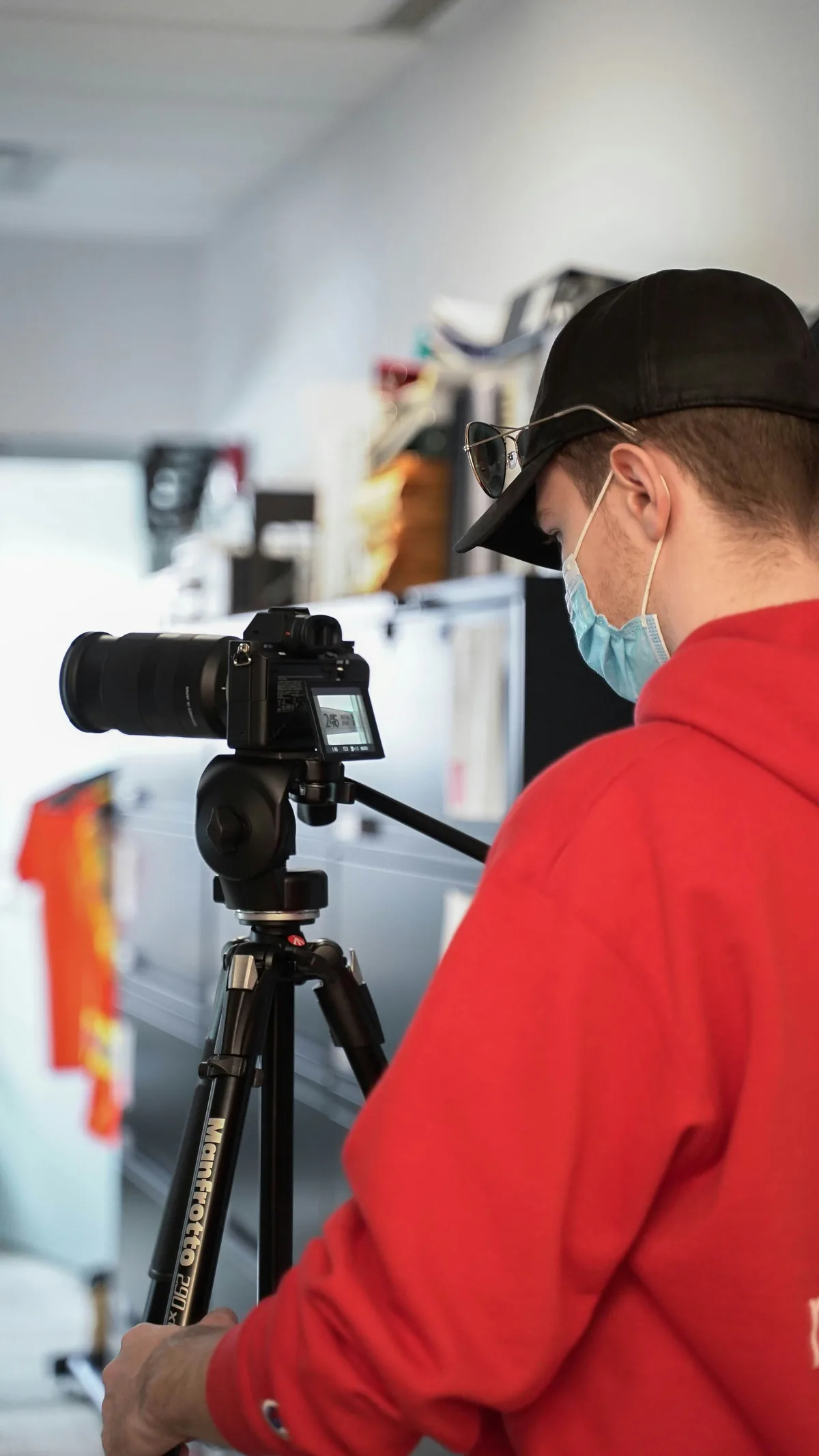
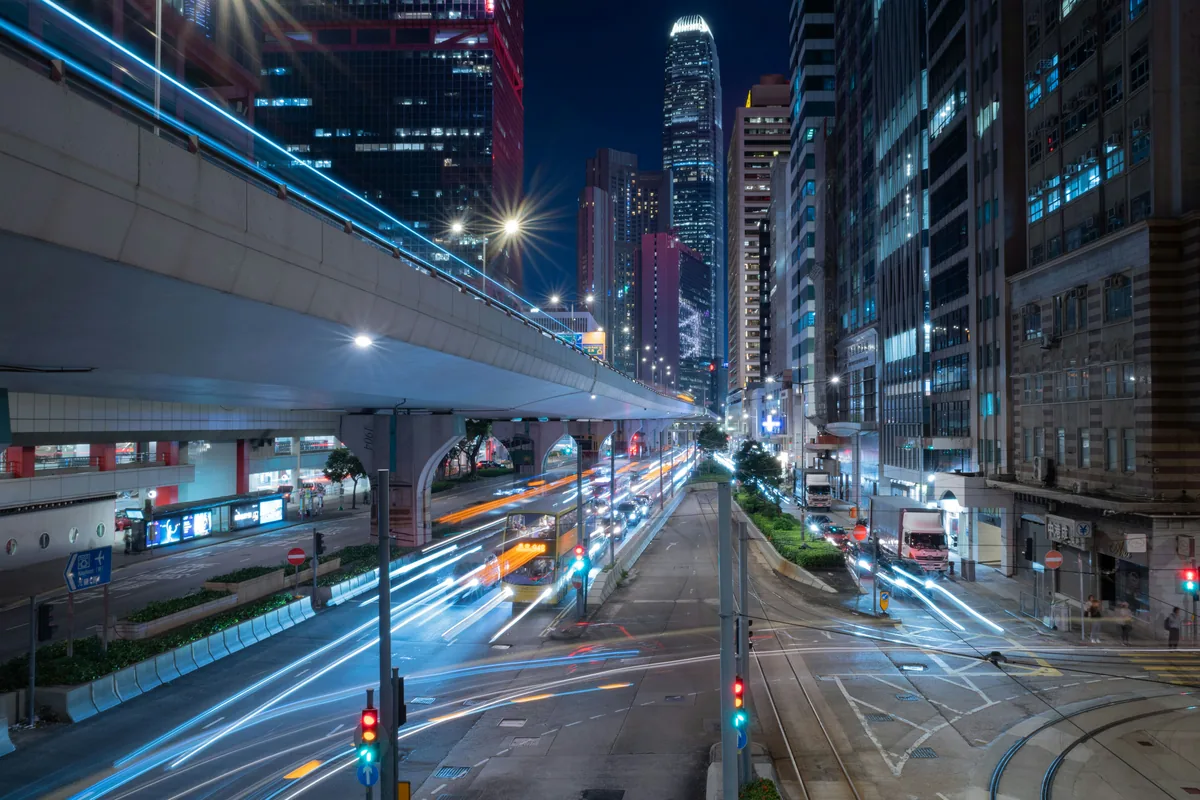
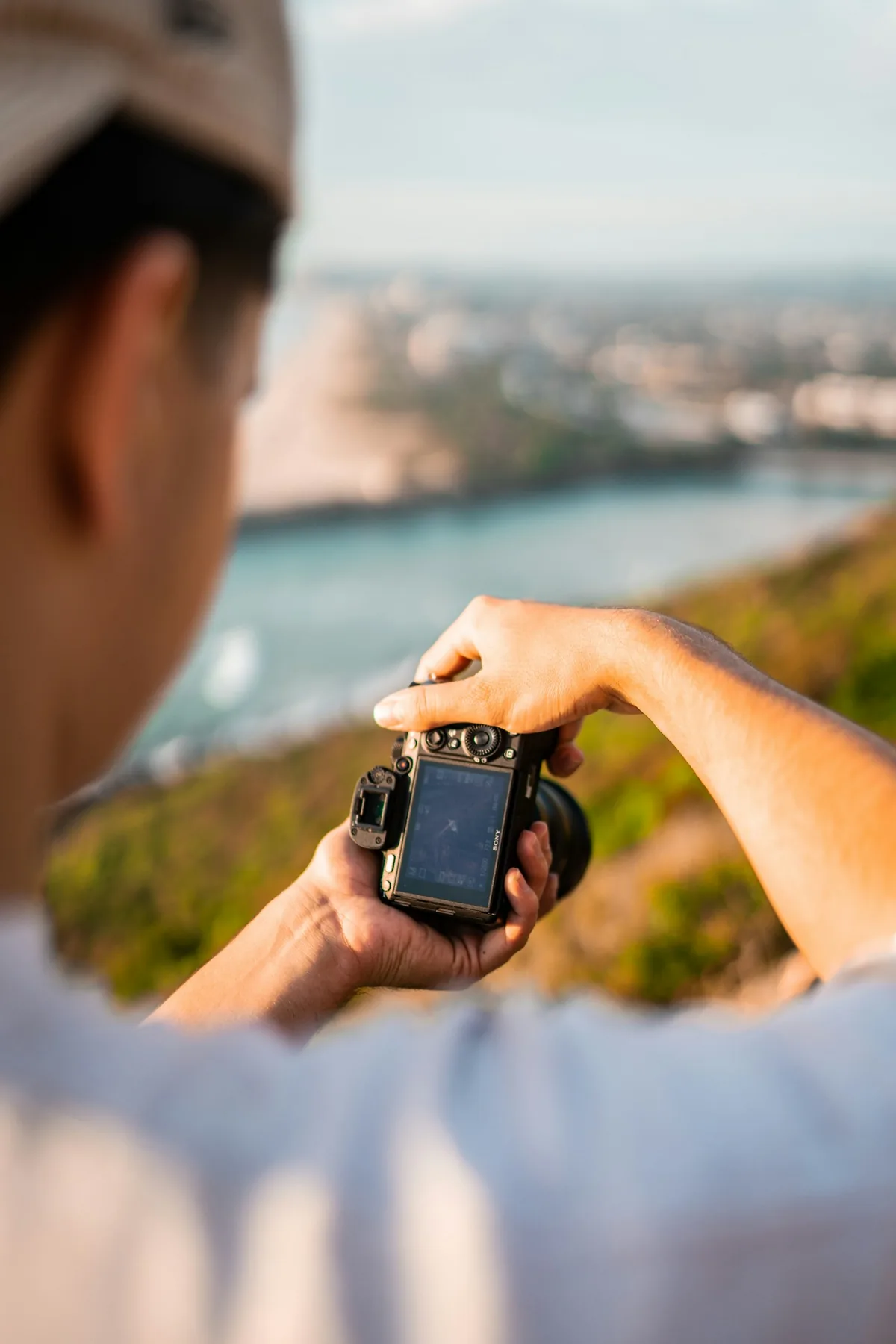
Keep the source sequence grouped so it is not mistaken for unrelated duplicates during culling. Check the exported file independently, including color, crop and the troublesome motion boundaries. Reset bracketing after the session: otherwise the next ordinary photograph may be unexpectedly lighter or darker. Save the settings that worked with a brief note about the scene, rather than creating a universal preset from one result. The city image illustrates bright lights and moving traffic, not a verified HDR process; the camera-control and photo-library images are workflow context, not screenshots of this procedure.