Choose what needs to look believable
A window, a warm lamp and a colored sign can illuminate different parts of the same photograph. Making the wall neutral does not necessarily make the face look right. Start by deciding which subject carries the picture and which light is illuminating it. For a portrait that may be the face; for a product it may be the surface whose color matters to the customer. The background can remain visibly warmer or cooler. A coherent photograph does not require every light source to appear white.
Understand what the setting can change
White balance adjusts the way the camera or raw processor renders color in response to the illumination. Nikon’s educational guidance describes automatic settings, presets, Kelvin adjustment and a measured PRE reference. These are alternative starting methods, not promises of perfect color. A single overall adjustment cannot independently correct two areas lit by different sources. If one side of a face is lit by a warm lamp and the other by daylight, changing the global setting may improve one side while making the other less convincing.

Put the reference where the subject is
Use an appropriate neutral white-balance target under the same illumination as the important subject, following the camera’s instructions for a measured setting. A card near the camera may receive different light from a face several metres away. Avoid glare, clipping and colored reflections contaminating the target. Include a reference frame when useful, then remove the target for the actual picture. A white shirt or a sheet of office paper is not automatically a reliable neutral reference. If color accuracy is contractual, agree on a suitable capture and review process rather than relying on an improvised object.
Change the lighting before chasing the dial
When permitted, try moving the subject so that one source dominates, turning off a conflicting practical lamp or blocking unwanted spill with suitable equipment. Work within the venue’s rules and keep fixtures and modifiers safely arranged. For flash work, matching the flash to the ambient light with an appropriate gel is another controlled option; Nikon’s lighting tutorial discusses that approach. Do not change several lights and the camera setting simultaneously. Make one adjustment, record a comparison and inspect the part of the subject that originally caused the problem.
Lock a useful result for a sequence
Automatic white balance can be convenient when conditions change quickly, but compare adjacent frames before assuming it gives the consistency you need. Once a stable lighting setup looks appropriate, use a fixed or measured setting for the sequence. Recheck it when the subject moves, a window becomes the main source or a fixture changes. For video, a visible color shift within a take can be especially distracting. A locked setting is a consistency tool, not a reason to ignore a genuine change in illumination.
Do not mistake a Kelvin number for a complete description
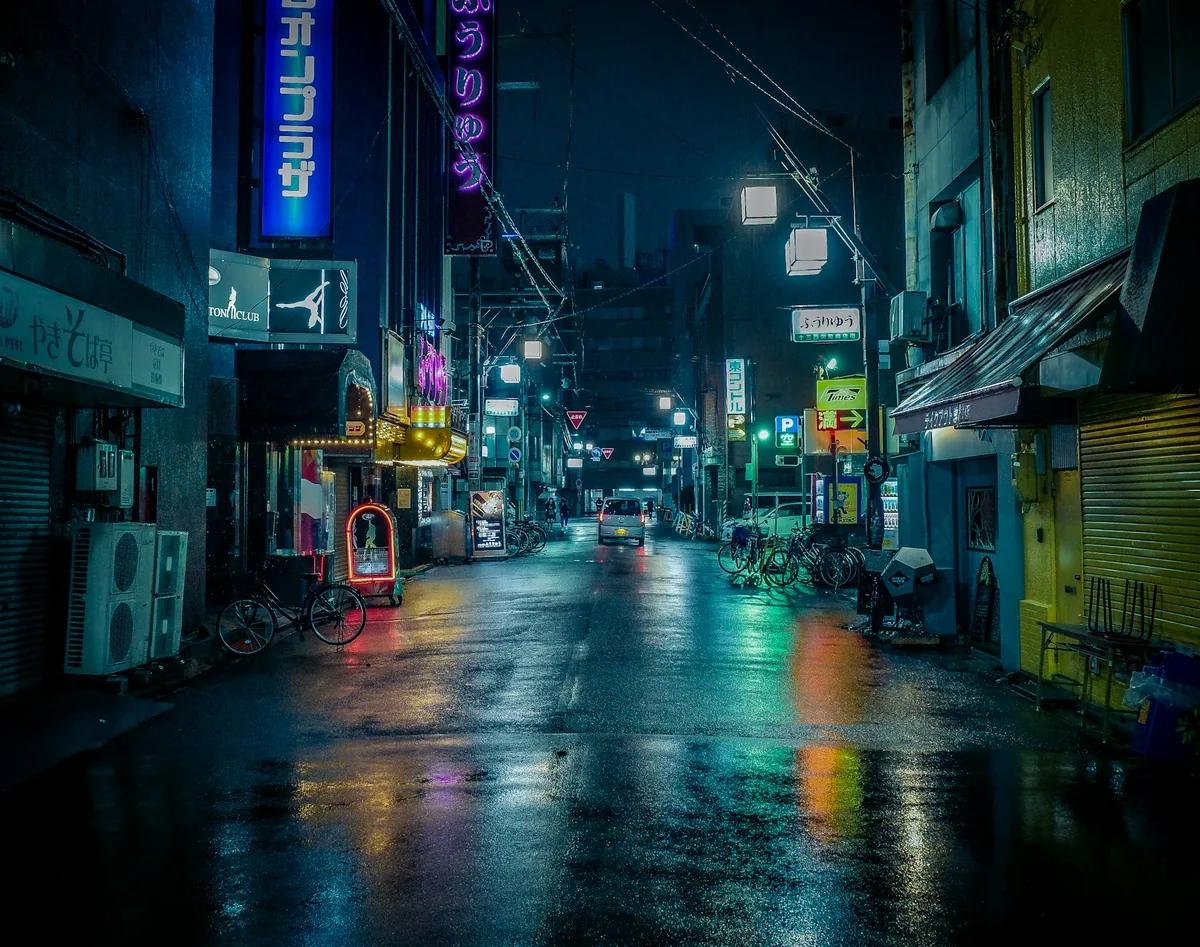
Use Kelvin adjustment as a repeatable starting point, then judge the actual subject. A number alone does not describe every colored cast or how a particular fixture renders different materials. Where supported, tint adjustment may also matter. Strongly colored decorative lights may be part of the intended atmosphere rather than something to neutralize. Do not remove the color of a neon sign merely because a neutral object elsewhere in the frame looks unusual. Decide whether you are documenting the lighting, seeking natural skin or meeting a color-critical reproduction requirement.
Keep raw flexibility in perspective
Raw capture usually offers more freedom to revise white balance during processing, but it does not make missing or clipped information recoverable by definition. Expose carefully and check the subject while shooting. In the edit, establish a consistent baseline across the sequence before making selective corrections. Local adjustments may help an area illuminated differently, but difficult boundaries around hair or translucent objects can reveal an artificial correction. If a simple lighting change would have solved the problem at capture, remember it for the next session rather than building a complicated rescue preset.
Review the delivery, not only the camera screen
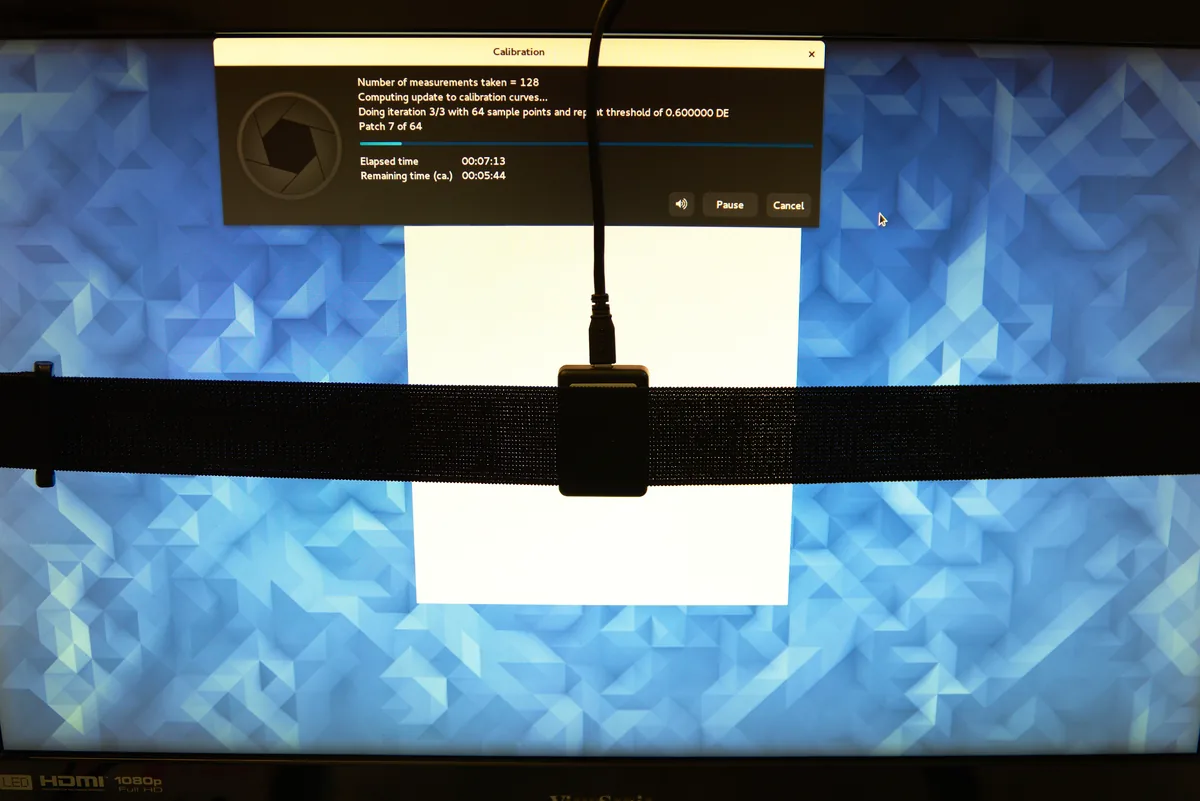
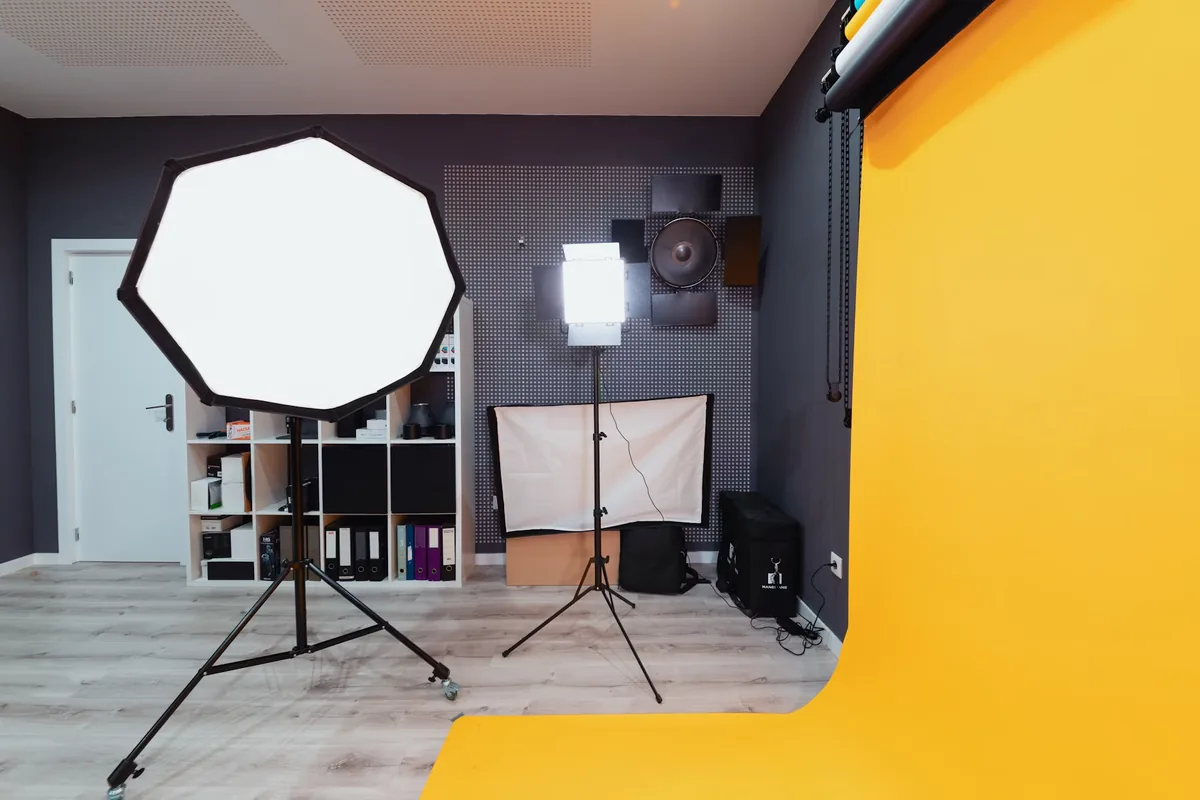
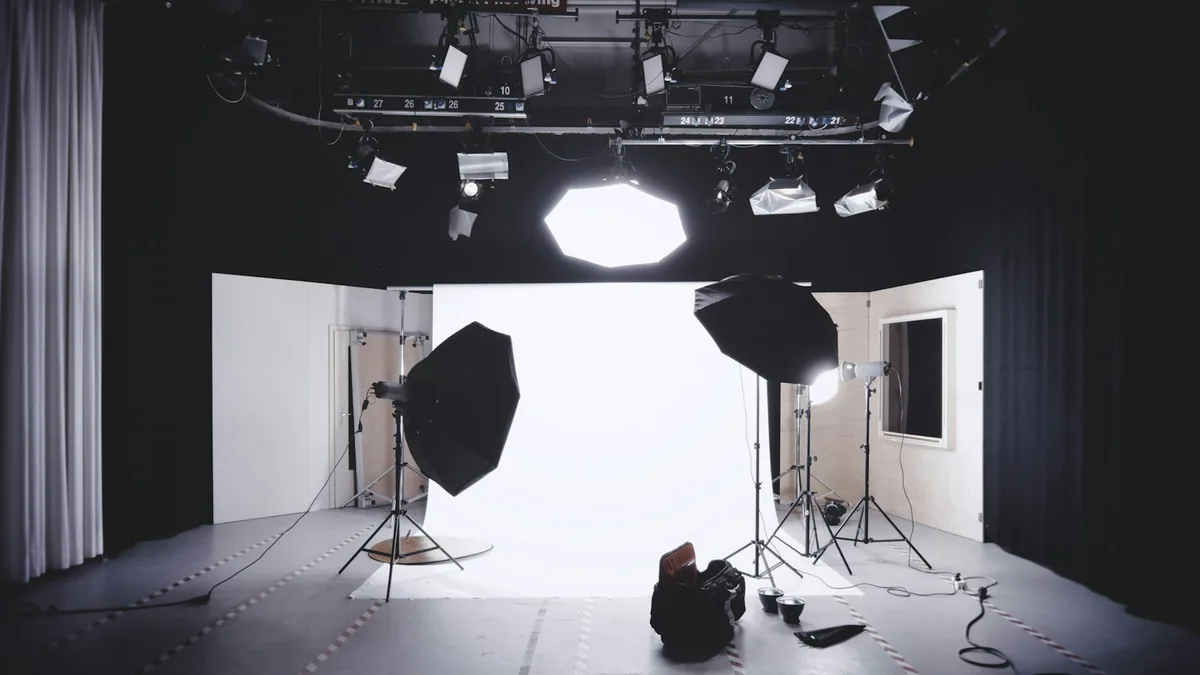
Evaluate the exported file in the intended color-managed workflow and compare neighboring pictures. Our monitor-calibration and color-profile guides explain why the display and output profile belong in that review. The studio and night-street photographs here illustrate controlled and colored lighting environments; they do not establish the settings used or show a calibration result. Finish by recording which reference, camera setting and lighting arrangement worked. The reusable lesson is a clear priority and a repeatable check, not a supposedly universal Kelvin value for every mixed-light scene.