Two bulletins, not a new camera incident
This October 4 workflow check revisits two Adobe security notices published on September 22, 2026. It is not an announcement of a new attack today, a camera recall or a firmware release. The useful question for a photographer or small studio is narrower: which installed tools fall within the affected versions, and who can verify that they have been updated? Keep desktop applications, embedded software libraries and camera firmware in separate inventory entries. A successful update in one category does not establish the condition of the others.
Bridge: check the installed branch
Adobe’s APSB26-148 lists Bridge 15.1.7 LTS and earlier, and 16.0.6 and earlier, on Windows and macOS as affected. Its listed corrected versions are 15.1.8 LTS and 16.0.7. Adobe describes critical and important issues involving arbitrary code execution and memory exposure, assigns priority 3 and recommends updating through Creative Cloud. These are the bulletin’s fix versions, not a claim that they remain the newest builds available on October 4. Read the installed version and the currently offered update together; do not assume that having Creative Cloud open means Bridge itself is current.
Content Credentials: find the implementation owner
APSB26-147 covers the Content Credentials Rust SDK through c2pa-v0.89.2 and C2PA Tool through c2patool-v0.26.70. It lists c2pa-v0.90.17 and c2patool-v0.27.17 as updated versions, addressing security-feature bypass and application denial-of-service issues. Adobe classifies the update as priority 3 and says it knows of no exploits in the wild; the Bridge bulletin makes the same statement for its issues. A studio running a custom signing or verification workflow should ask its developer which dependency is actually deployed. Someone using a hosted service should ask the provider, not install an unrelated command-line tool and assume the service has changed.
Write down the before-and-after evidence
Our practical recommendation is a short maintenance record: machine or service, tool name, installed version, official bulletin, responsible person, update date and verification result. Do not put client photographs, passwords or signing keys into a shared troubleshooting document. Save a screenshot of the version panel when useful, but treat it as evidence about that installation only. If several editors use separate laptops, repeat the check on each. A note saying “the studio is updated” is less useful than a small list that exposes the one workstation or service nobody has checked.
Test a representative job without risking the only copy
Before routine maintenance, verify that your originals and essential project files have independent recoverable copies. After updating, run a small known-good test job: browse files, inspect metadata, make the normal export and open the delivered result. For a provenance workflow, have its maintainer verify the expected signing and checking behavior with appropriate test material. Do not use confidential client work as a casual demonstration. Record what was tested and what remains unknown; this is an operational check, not a security audit or proof that software contains no other vulnerabilities.

Keep firmware claims separate from software claims
Neither bulletin establishes that a camera body is vulnerable or that every photograph carrying Content Credentials is unreliable. If you also review camera firmware, start with the manufacturer’s support page for the exact model and region, compare the installed version and follow its update instructions. Do not substitute a similarly named model’s download or an unofficial mirror. A release that adds a creative feature should not be described as a security fix unless the manufacturer says so. Equally, provenance information should be considered alongside the image, its source and editorial context, rather than treated as a universal truth certificate.
Close the maintenance loop
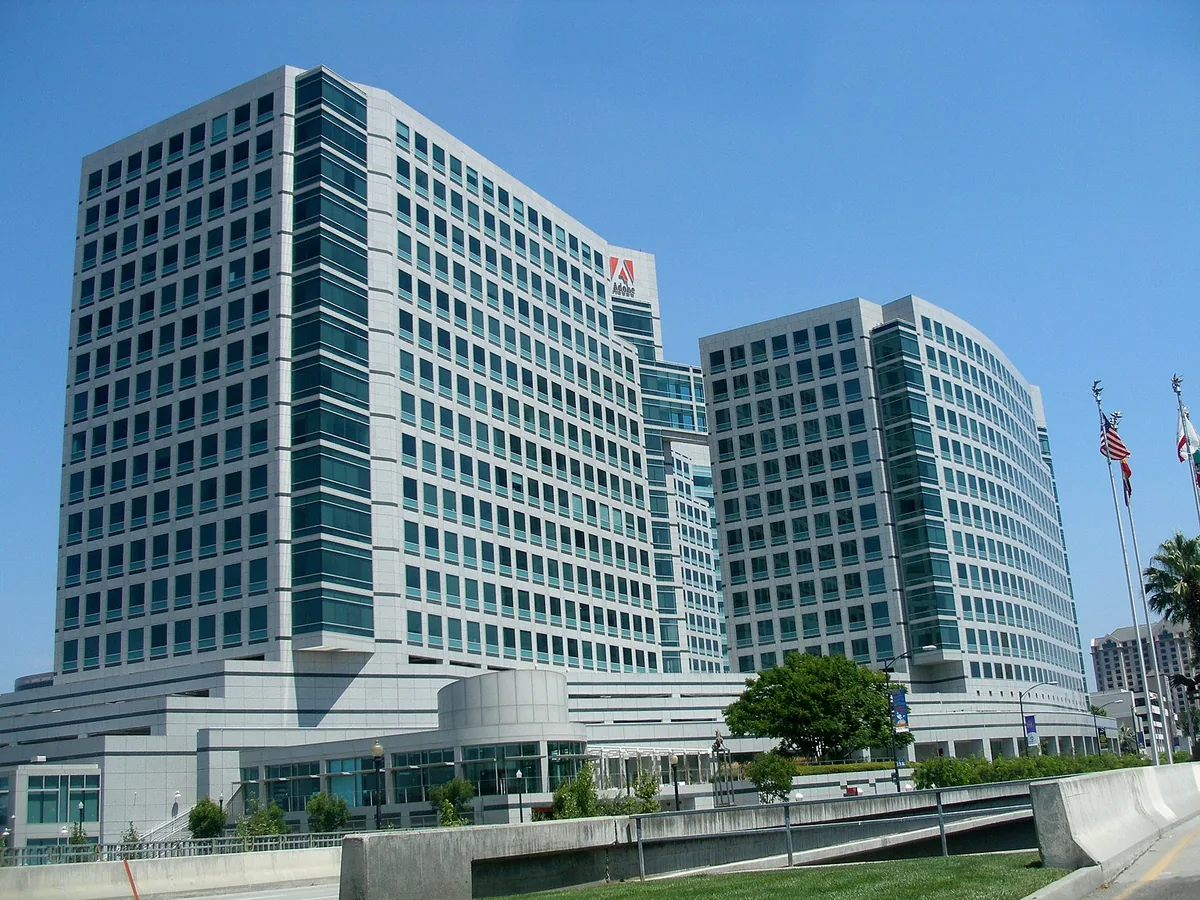
Assign a follow-up date to unresolved installations and keep the official bulletin links with the record. When a provider cannot confirm a dependency version, mark it unknown and ask for a documented answer rather than guessing from a logo or interface. This roundup does not include a hardware purchase recommendation or a new USD product price: the immediate action is version verification. The photographs show existing Adobe-related editing environments and an archive view of the company’s headquarters. They do not show Bridge’s patched interface, a compromised computer or a Content Credentials implementation tested by this publication.