Start with the picture, not the sweep
A panorama is useful when the relationship between subjects needs more space than one frame provides. It is not automatically a better photograph because it is wider. Before setting up, identify the beginning, end and main point of interest. Ask whether a simpler single frame communicates the scene more clearly. If the wide view is worthwhile, make an ordinary safety photograph too. It may be the stronger result, or a useful reference when a moving subject makes the stitched sequence difficult to assemble.
Rehearse every frame without releasing the shutter
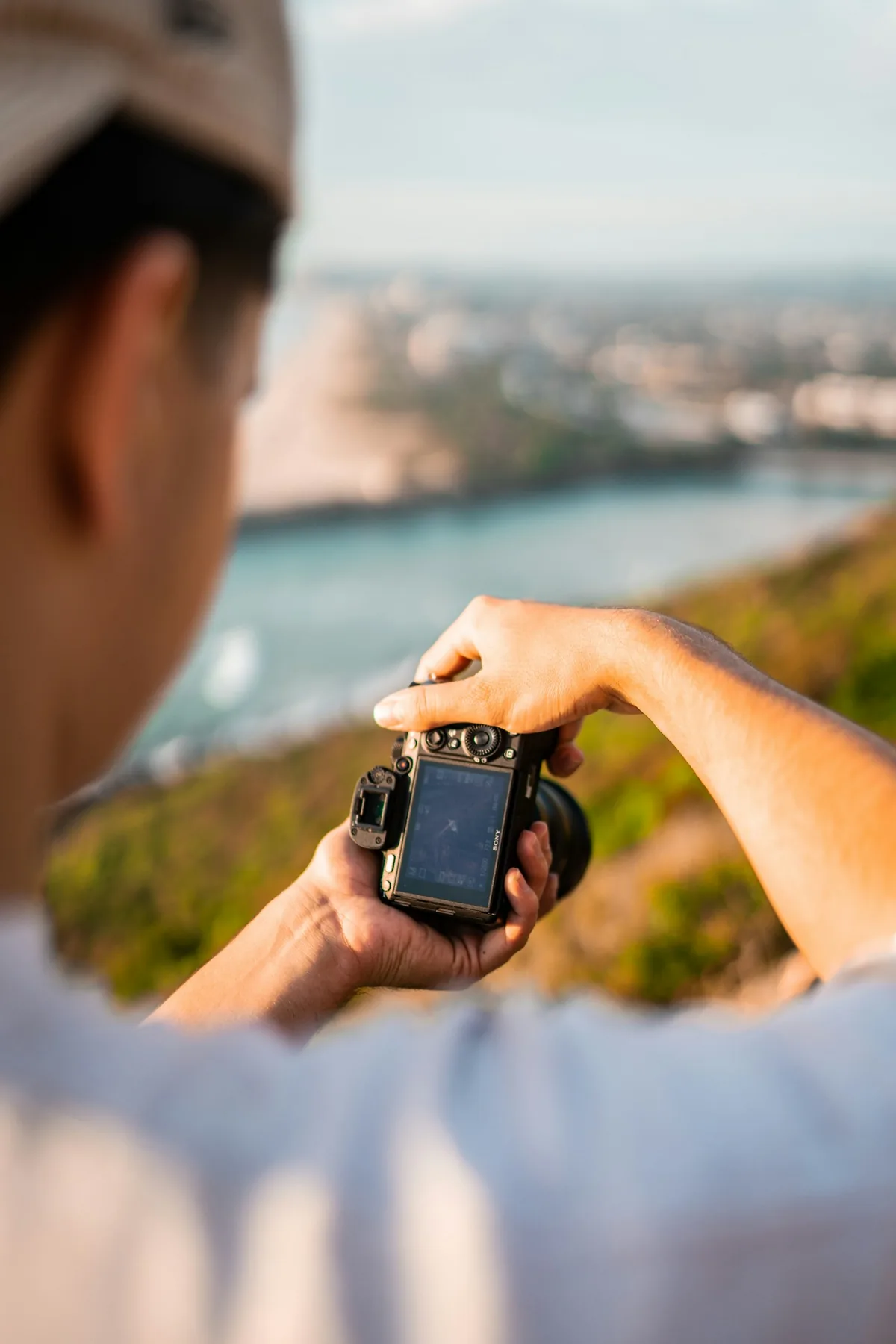
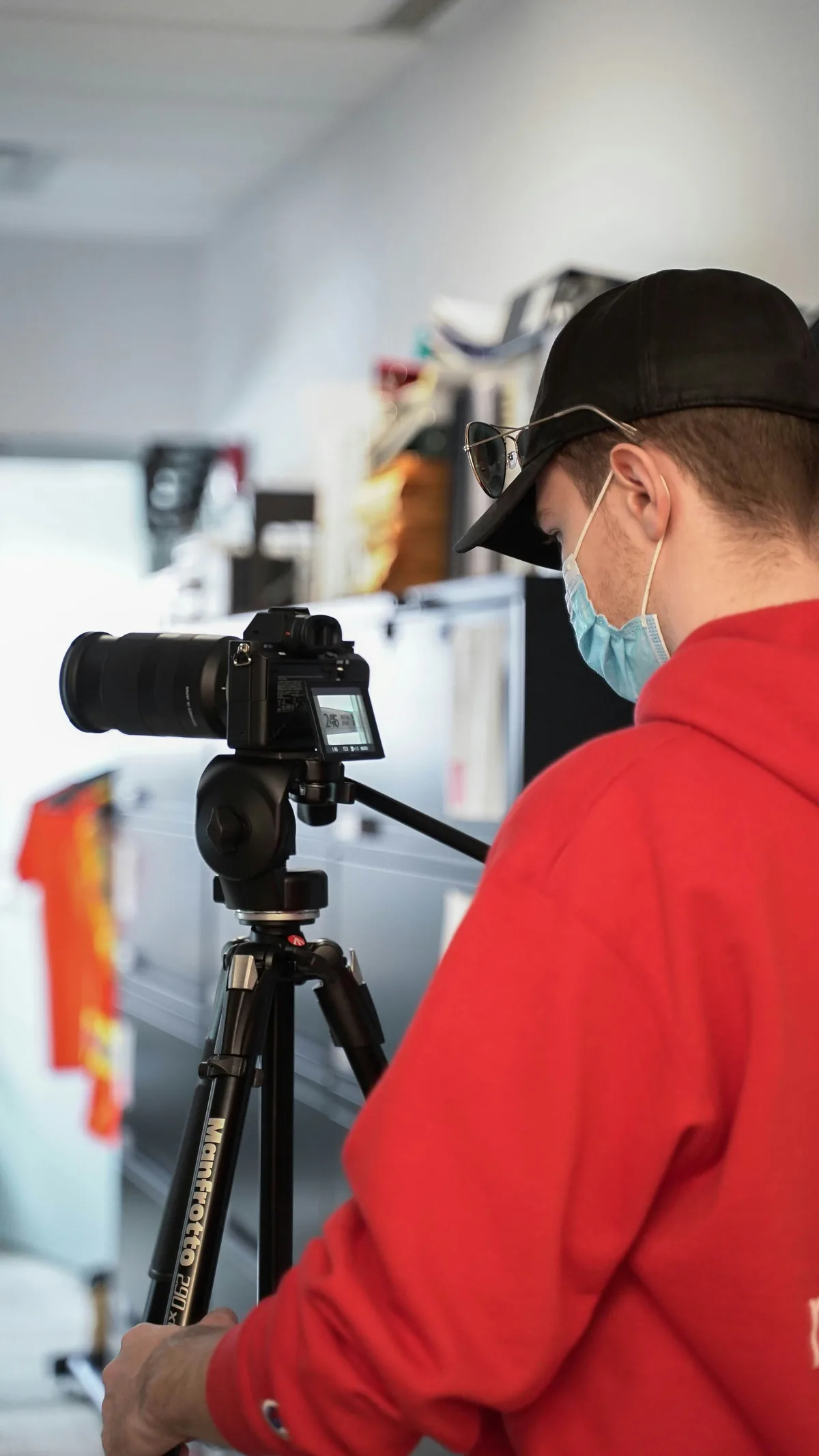
Move through the proposed composition and watch its top and bottom edges. A skyline that fits at the center may be cut off at one end when the camera tilts during the sweep. Leave some extra space for alignment and the eventual crop. A portrait-oriented camera can provide more vertical coverage for a horizontal panorama, although it usually requires more exposures. Check that a tripod is stable, permitted in the location and clear of other people. Equipment should support the picture without creating an obstruction.
Choose settings for the entire scene
Check the brightest important area and the shadows before committing to an exposure. Manual exposure can prevent the meter from changing brightness as the camera crosses different parts of the scene; Nikon’s panorama guidance discusses this approach. Keep aperture, focus and white balance consistent through the sequence. If light changes significantly midway, consider starting again instead of collecting incompatible frames. A fixed setup is a way to make the sequence coherent, not a guarantee that it can record every highlight and shadow at once.
Give the software shared detail
Adjacent frames need recognizable common features. As a practical starting exercise, overlap about one-third to one-half of each frame and check the actual scene rather than relying on a memorized rotation angle. A blank sky or smooth wall offers less useful alignment information than a building edge or textured ground. Keep the focal length unchanged. At each position, let the camera settle before making the exposure. Work in one direction and use a clear visual marker between attempts so later editing does not mix two separate sequences.
Understand why foreground edges can fail
Rotating a camera from an unsuitable position can change the apparent relationship between near and distant objects. A nearby railing may shift against a distant building from frame to frame, leaving no perfect seam for software to choose. This is a parallax problem, not simply insufficient sharpness. For an initial exercise, favor a scene with distant subjects and avoid strong foreground overlaps. More demanding work may require a carefully adjusted panoramic support and testing of the rotation point; buying a head alone does not establish the correct setup.
Moving subjects require a different decision
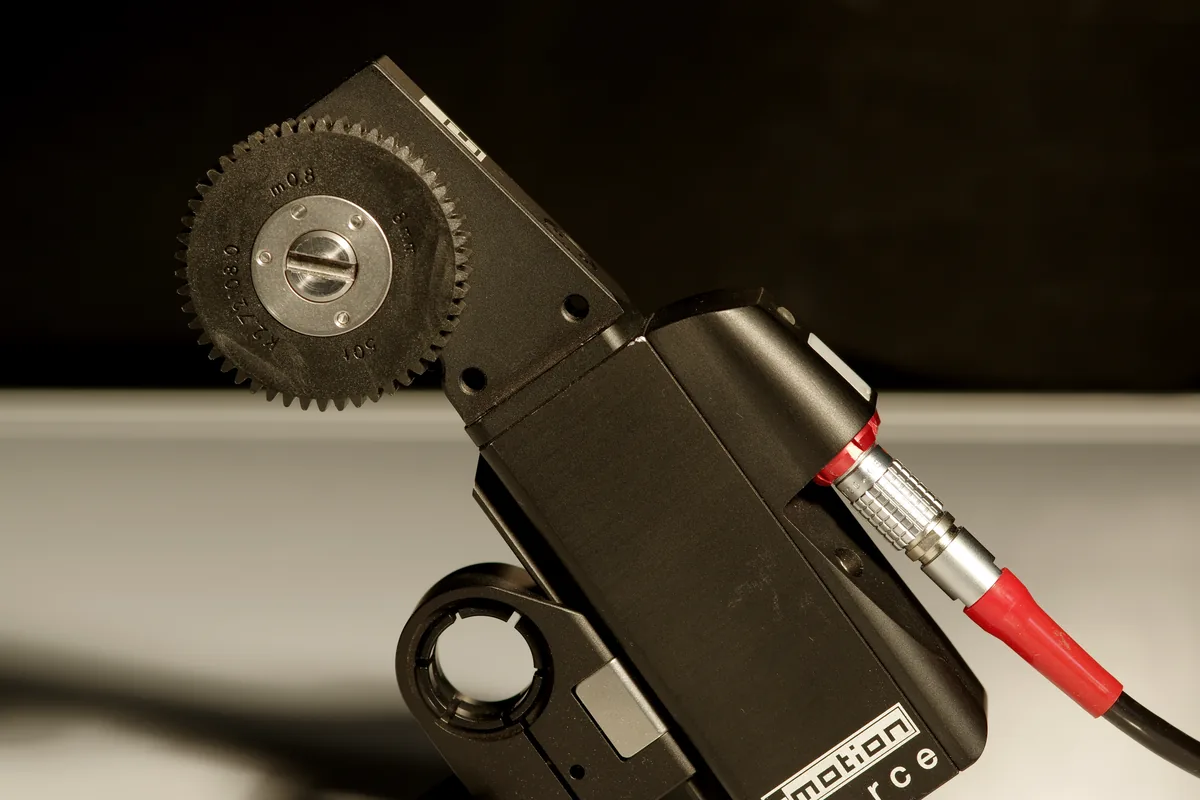
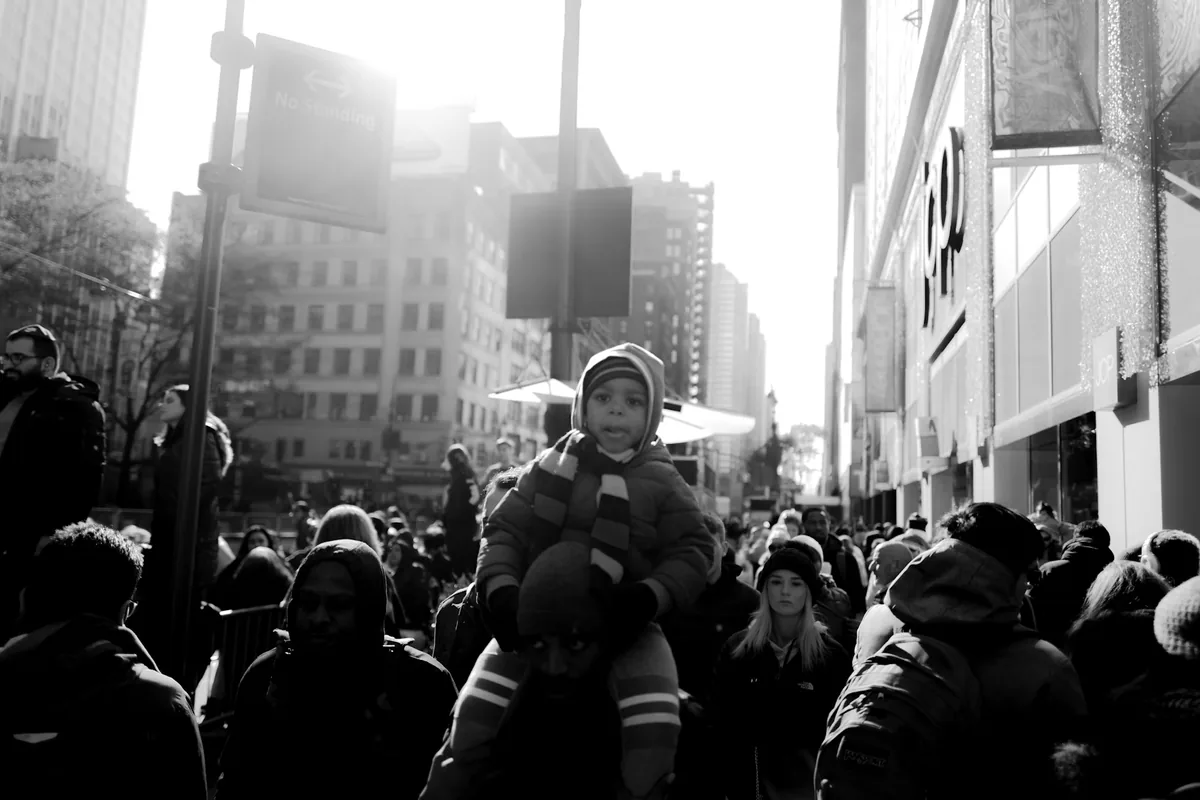
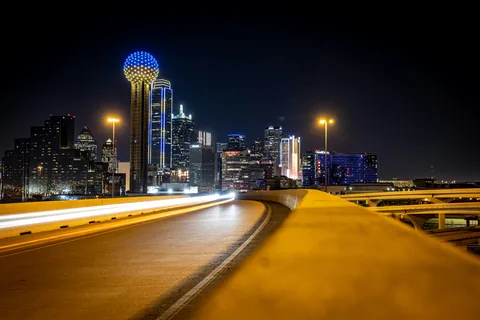
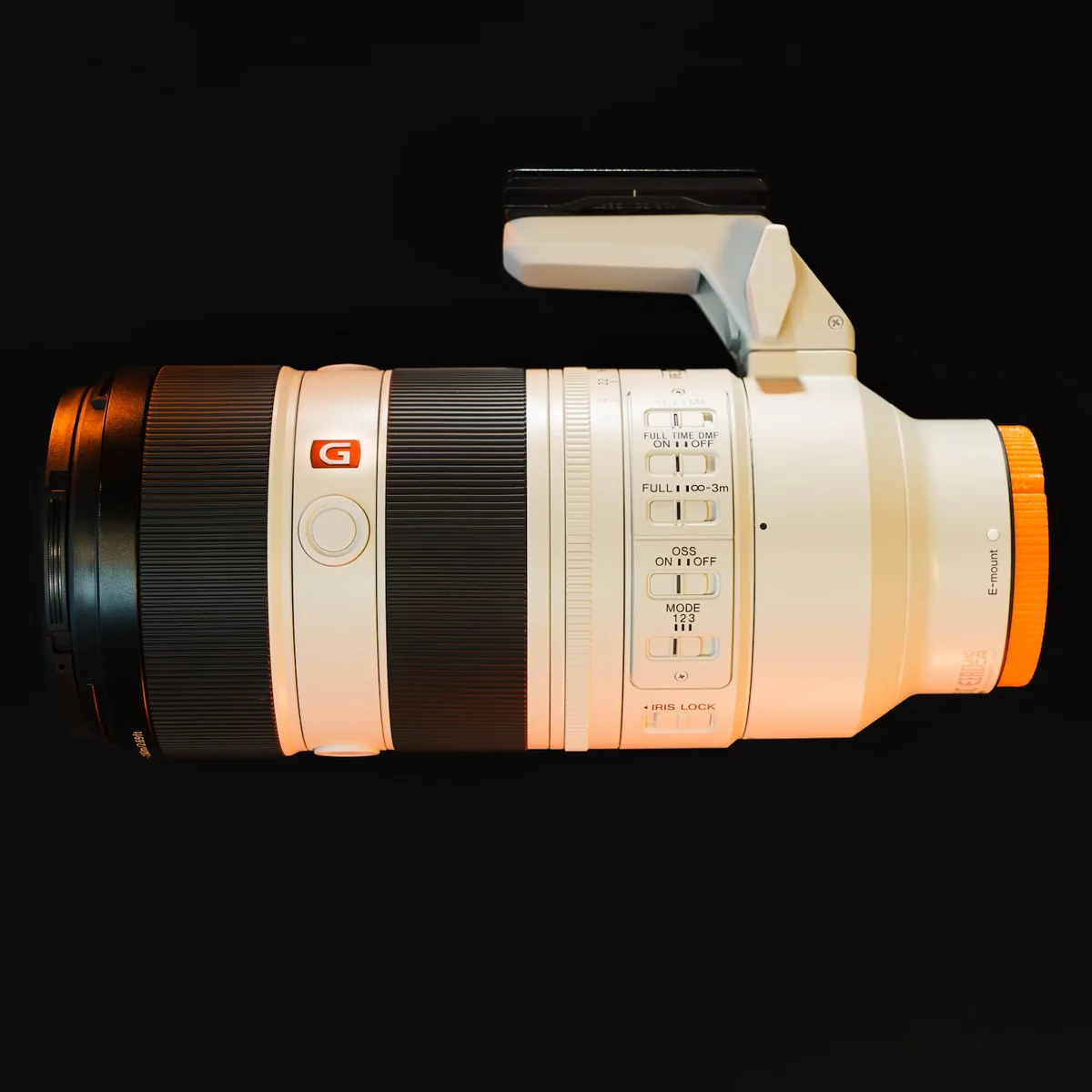
Traffic, waves, leaves and pedestrians can change between exposures. They may appear twice, disappear at a seam or become fragmented in the merge. Do not assume that additional overlap always solves movement. Wait for a cleaner sequence where practical, or choose a single frame when continuity matters more than width. The night-city photograph here illustrates the challenge of combining a fixed skyline with moving lights; it is not presented as a stitched result. The other images illustrate tripod support and lens controls, not a tested panoramic rig.
Inspect the merge before polishing it
Keep the source files grouped and review the first merge at both a useful overview size and close detail. Check railings, rooflines, repeated windows and moving objects, especially where exposures overlap. Look for brightness or color bands as well as geometric breaks. Try a different projection when the software offers one, but judge the result by the intended picture rather than the largest possible canvas. A technically seamless file can still make a building look implausibly stretched near an edge.
Make the final crop an editorial choice
A smaller clean crop is often preferable to a wider image with conspicuous stitching errors. If synthetic edge filling or other content-changing tools are used, do not represent those additions as straight documentary capture. Preserve the untouched sequence so the construction can be reviewed later. Export a version sized for its destination and inspect that file separately: a panorama that feels spacious on a large display can become unreadable in a small feed. The goal is a convincing spatial relationship, not the highest pixel count.