What a long exposure actually changes
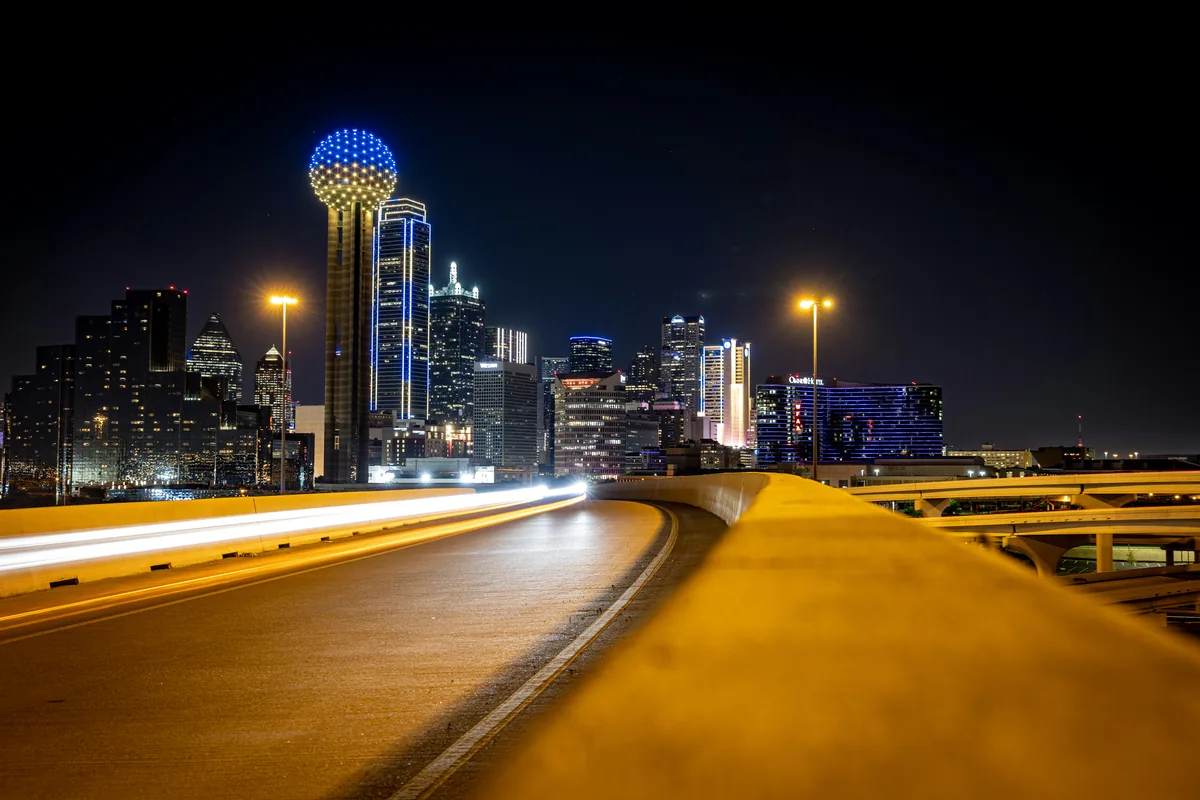
A long exposure does not simply make motion blurry. It records a span of time inside one frame, allowing repeated movement to accumulate while stationary elements remain fixed. Water becomes a continuous surface, headlights draw paths and pedestrians may dissolve into architecture. The strongest images use that transformation to reveal a relationship the eye cannot hold at once. Before calculating settings, decide what should remain sharp, what should move and whether the resulting contrast between the two carries the photograph.
Scout for direction, not only location
Wind, tide, traffic and foot flow give movement a direction. Visit the scene without a tripod and watch how that direction crosses the frame. Waves moving toward the camera create different texture from water traveling sideways. Clouds can reinforce a leading line or pull away from it. City traffic may fill one lane and leave another empty. Note where vibration enters the ground, whether security or crowds will limit tripod placement and when artificial lights switch on. A good long exposure begins as a map of moving systems.
Stability is a complete chain
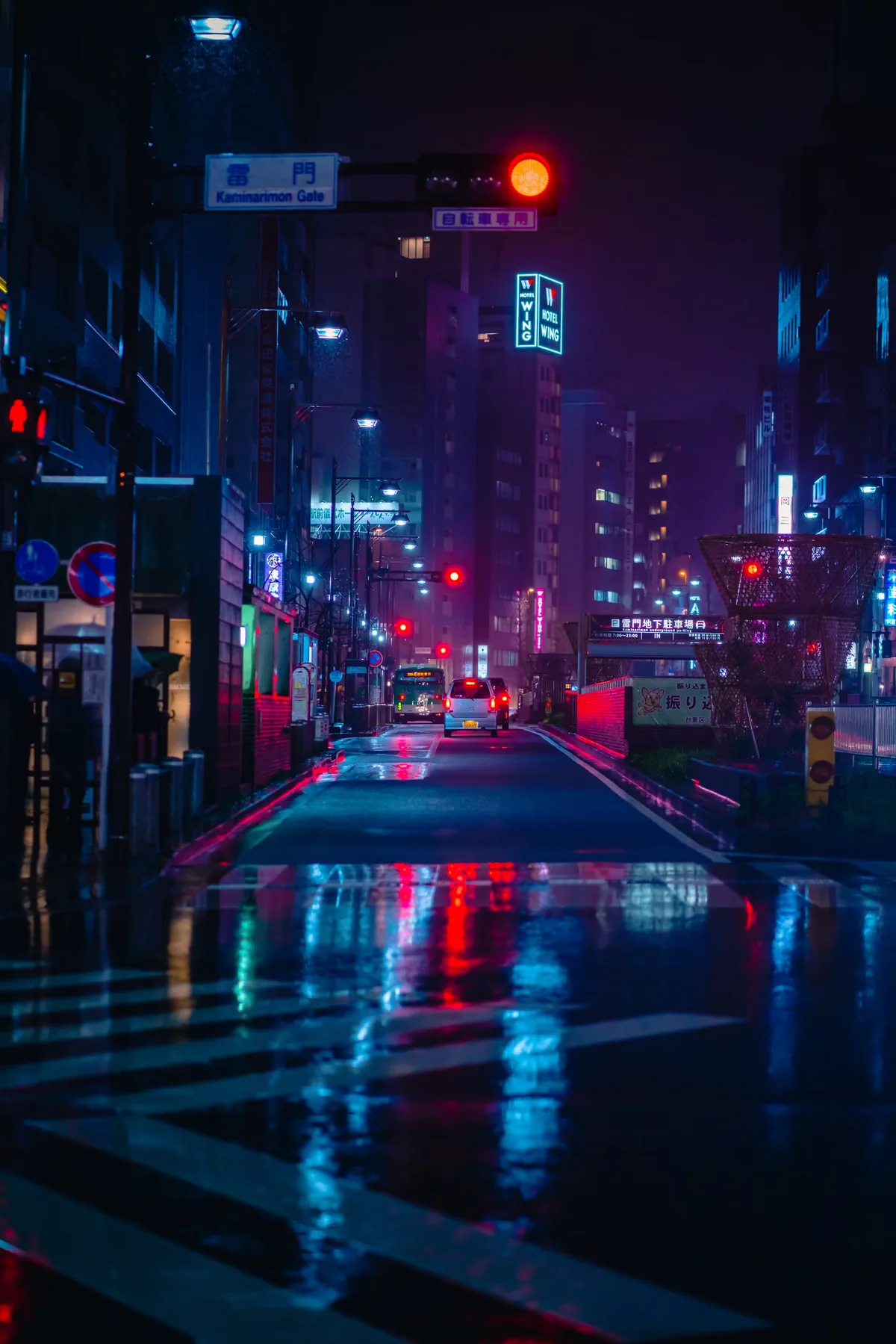
A sturdy tripod cannot rescue an extended center column, a loose plate or a strap catching the wind. Spread the legs fully, keep the center column low and press each foot into stable ground. Turn off lens stabilization when the camera is locked unless the manufacturer specifically recommends otherwise. Use an electronic or remote release and add a delay. On bridges and boardwalks, wait until footsteps stop. The goal is not a heavy setup for its own sake; it is a chain in which every connection remains still for the duration of the exposure.
Focus and compose before the filter
Strong neutral-density filters can make the viewfinder too dark for reliable autofocus. Build the composition first, autofocus on the intended plane, then switch to manual focus so the lens cannot hunt when the shutter opens. Record the unfiltered exposure and check the corners. Only then mount the filter carefully without turning the focus or zoom ring. Cover the optical viewfinder on DSLRs, shade gaps around square-filter holders and make a short test for light leaks before committing several minutes to a frame.
Calculate a starting exposure
Meter the scene without ND and convert the shutter time by the filter’s stated number of stops. A six-stop filter multiplies time by 64; a ten-stop filter multiplies it by 1,024. A 1/30-second base exposure therefore becomes roughly two seconds with six stops and about 34 seconds with ten. Treat that number as a starting point because labels, fading daylight and reciprocity behavior can shift the result. Check the histogram rather than trusting the rear-screen brightness, which changes with ambient light.
Choose time by texture
The “correct” shutter speed depends on the movement you want to describe. Around one quarter to two seconds can preserve lines in water while smoothing small turbulence. Ten to thirty seconds often creates continuous traffic trails and a calmer sea. Several minutes can erase intermittent movement and turn clouds into broad bands. Longer is not always more expressive. If all texture disappears, the frame may lose scale and energy. Make a short, medium and long version while the composition remains unchanged, then compare the movement rather than the exposure alone.
Protect color and highlights
Long exposures amplify small errors. Bright signs, foam, windows and the horizon can clip while most of the frame still looks dark. Use the RGB histogram when colored lights are present because one channel can fail before luminance appears overexposed. Shoot RAW for maximum white-balance flexibility and disable automatic long-exposure noise reduction if the extra dark-frame time would make you miss rapidly changing light. When conditions are stable, a separate dark frame can help map hot pixels without doubling every exposure in the field.
Weather and equipment care
Rain, sea spray and condensation are part of the exposure plan. Keep one dry cloth inside a jacket, wipe the filter between frames and avoid opening card or battery doors in blowing moisture. In cold conditions, seal the camera in a bag before entering a warm room so condensation forms outside the bag rather than inside the equipment. Hang a weight from the tripod only when it will not swing. A low profile and a patient position are often safer than adding more equipment to a windy setup.
Edit without removing time
Begin with lens corrections and a neutral white balance, then set black and white points without flattening every transition. Local contrast can restore structure where moving water or clouds became too soft, but avoid applying clarity uniformly. Remove hot pixels and accidental sensor spots while preserving the natural repetitions that show elapsed time. Compare the final edit with the clean short exposure. The long version should communicate something the conventional frame cannot, not merely announce that a filter was used.