An existing release, not a new September launch
The LUMIX L10 is already a released camera, not a newly announced September model. Panasonic introduced it on May 12, 2026, with European availability announced for June in black and silver and July for Titanium Gold. Its September 16 Indonesian announcement provides a useful regional update, but should not be mistaken for the worldwide debut. This briefing brings the official specifications and availability caveats together for photographers comparing a dedicated compact with their everyday phone. It is not a hands-on review.
US price: distinguish the finish from the camera
Panasonic’s US store lists the L10 range from US$1,499.99; the selected Titanium Gold version is US$1,599.99 and was shown as sold out when checked on September 23. That stock indicator applies to the selected variant, not every retailer or country. The German launch announcement lists €1,499 for black or silver and €1,599 for Titanium Gold; those are regional prices, not dollar conversions. Check the exact finish, local warranty, sales tax and delivery estimate before paying. A model appearing in a catalog does not establish that a particular seller can ship it today.
The zoom is the central buying decision
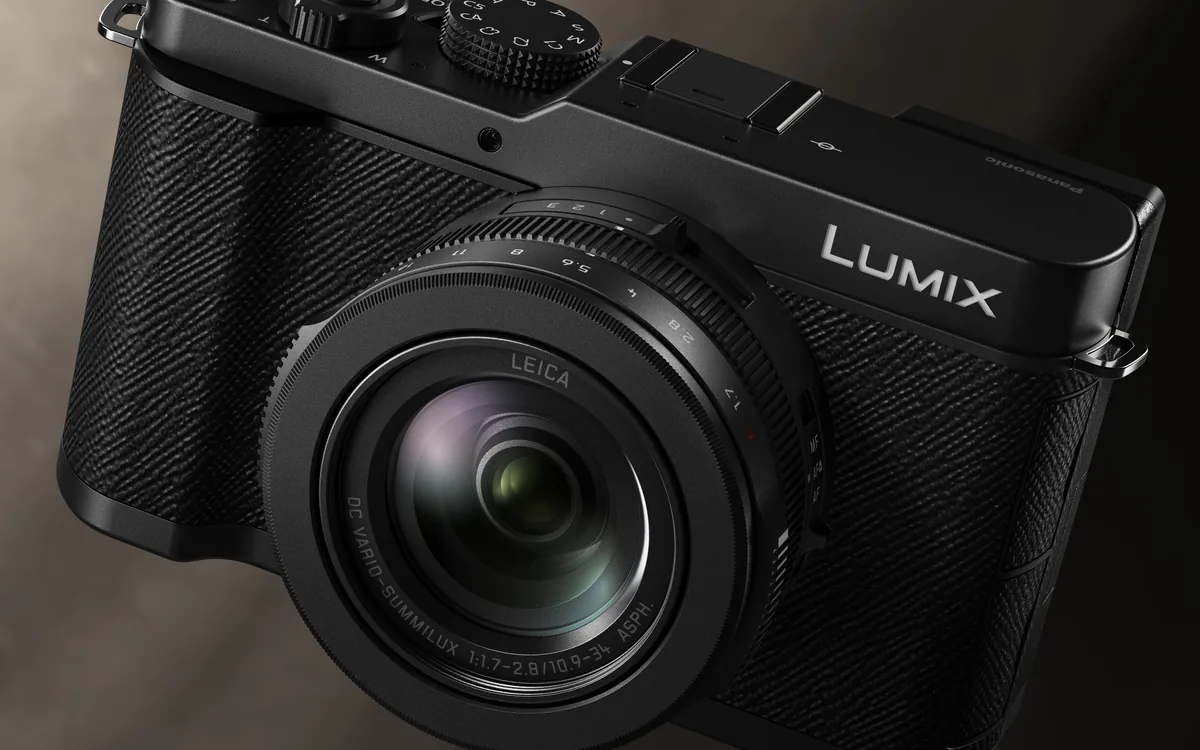
The official specification is a 24–75mm-equivalent LEICA DC VARIO-SUMMILUX zoom with an F1.7–2.8 maximum aperture. The lens stays with the camera: there is no interchangeable mount. In practical terms, make a short list of the pictures that your current kit misses. If they involve distant wildlife or field sports, do not assume a compact standard zoom will solve them. If you mainly photograph rooms, people and details within a walkable distance, try those compositions with the quoted field-of-view range before deciding. Portability is valuable only when the available framing matches your work.
Read the sensor and burst figures carefully
Panasonic specifies a 4/3-type BSI CMOS sensor and 20.4 effective megapixels, distinct from the larger total pixel count. It also lists phase-hybrid autofocus and bursts of up to 30 frames per second with the electronic shutter. Those numbers describe capabilities, not a guarantee of sharp results in every scene. Our suggested shop test is a person walking toward the camera and across the frame, followed by a sequence under the kind of artificial lighting you use. Review the actual files, not just a focus box or a rapid shutter sound. Check the current manual for mode-specific restrictions.
Try the controls with your normal shooting routine
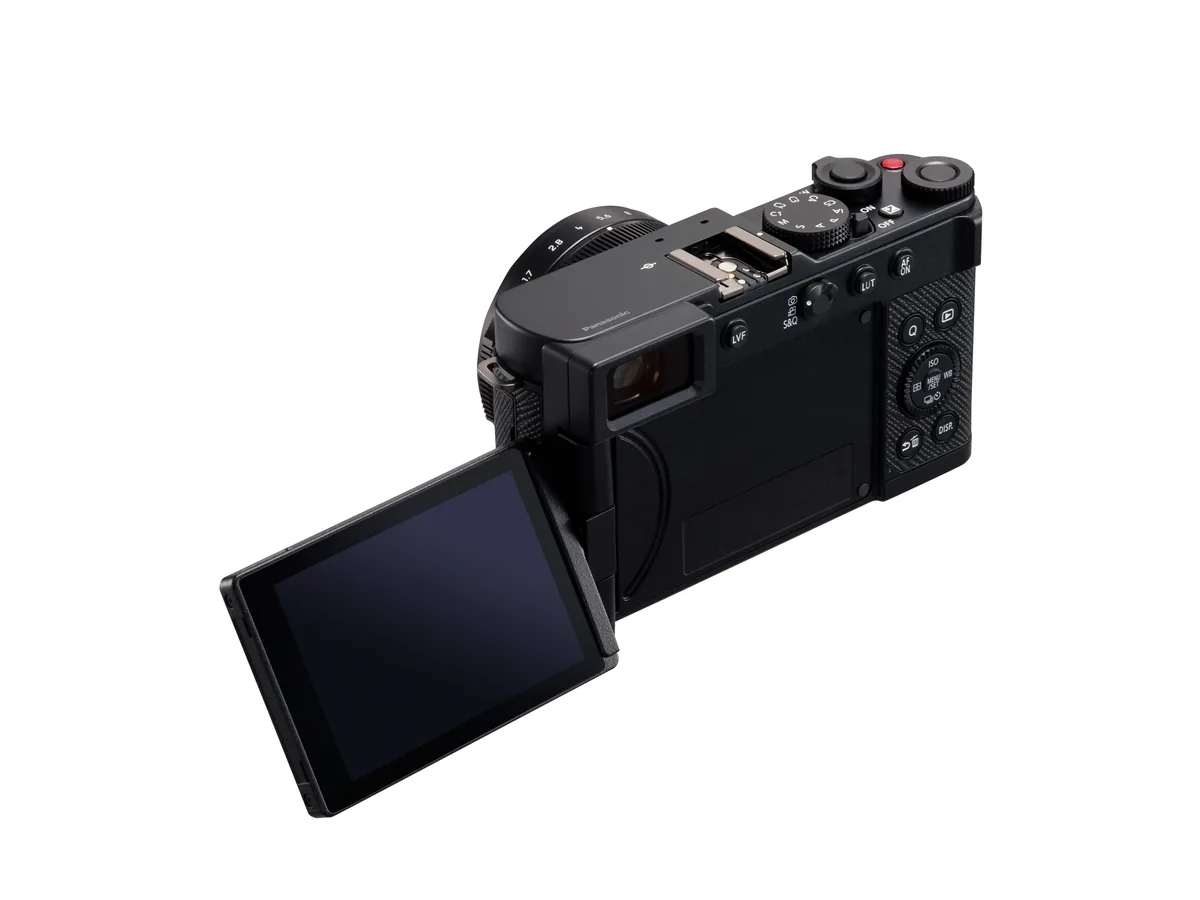
A viewfinder and articulated display can change how a small camera feels in use. Before comparing cosmetic finishes, find the aperture control, exposure adjustment and playback magnification. Try holding the camera vertically and making one adjustment without taking your eye away from the scene. Then put it in the bag or pocket you intend to use, with its normal protection fitted. The most useful compact is not necessarily the smallest object on a specification sheet; it is the one you can carry safely and operate without turning every photograph into a menu exercise.
Plan the color workflow before a trip
Panasonic promotes Real Time LUT and its LUMIX Lab workflow for applying and sharing color looks. A look you enjoy on a camera display still needs to suit the final output. We suggest photographing the same scene with a neutral rendering and your preferred creative treatment, then checking both on the editing display and phone used for delivery. Keep a clearly named reference file so that later comparisons do not depend on memory. For any paid assignment, establish what the client expects before making a strong in-camera look the only version of an important moment.
The useful comparison is a complete assignment
Do not choose between a phone and the L10 on an isolated specification alone. Write down three recurring situations: perhaps an indoor portrait, a travel detail and a short spoken video clip. Compare handling, acceptable framing, file transfer and the time needed to produce a finished result in each. Borrow or try the camera where possible, and test the workflow rather than promising yourself you will learn it during a trip. Our guides to full-frame buying decisions and travel-camera trade-offs provide a broader checklist; neither replaces testing this fixed-lens model for your own needs.