Two edit points instead of one
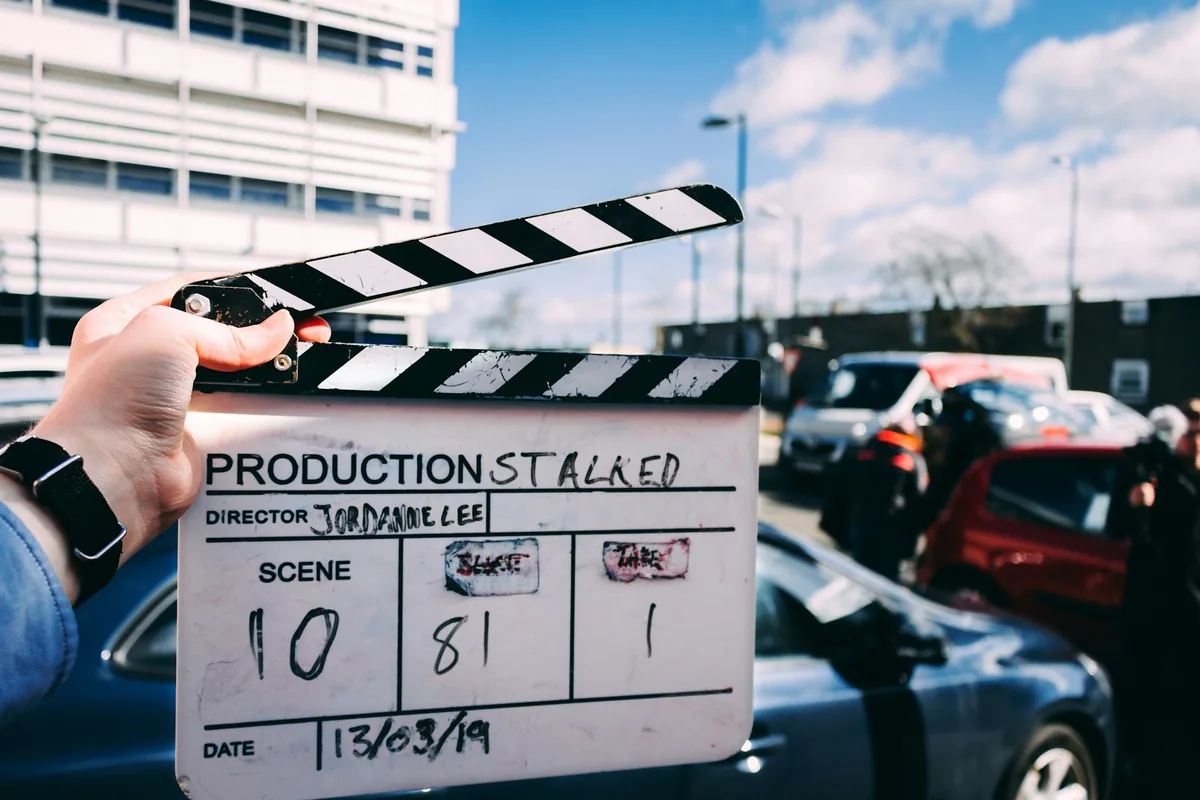
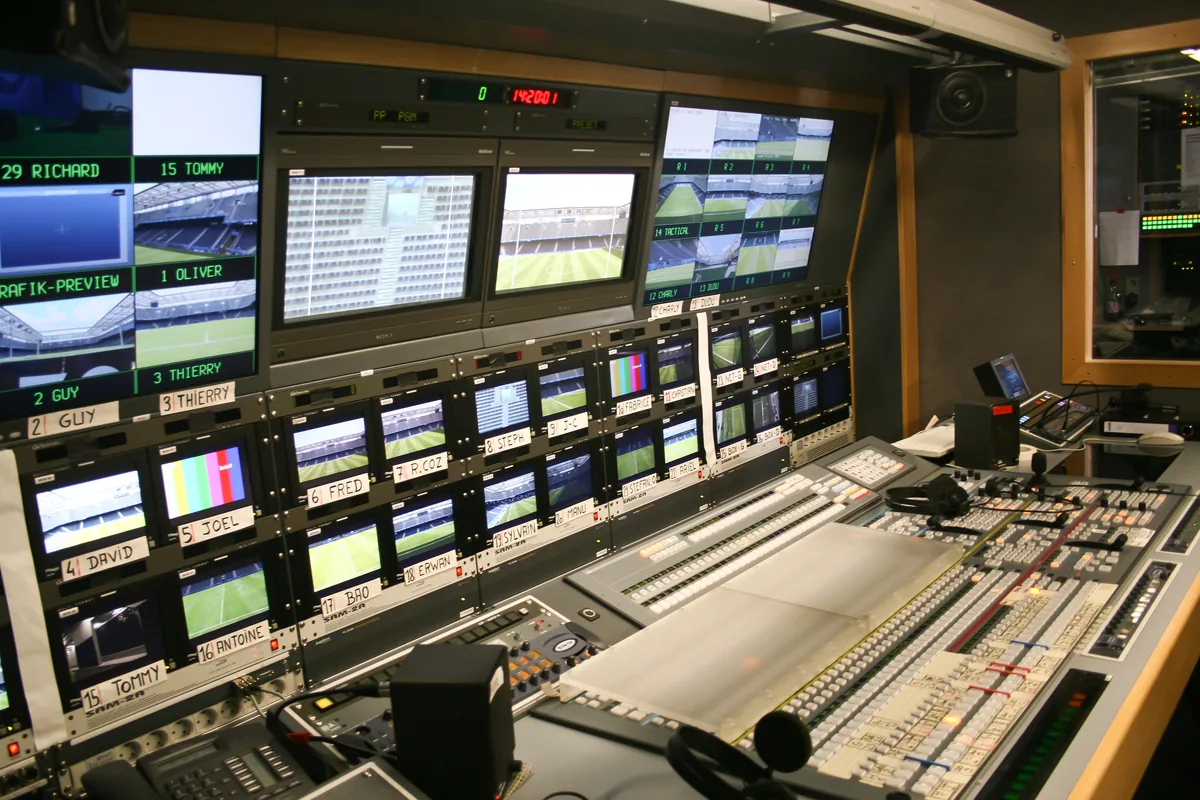
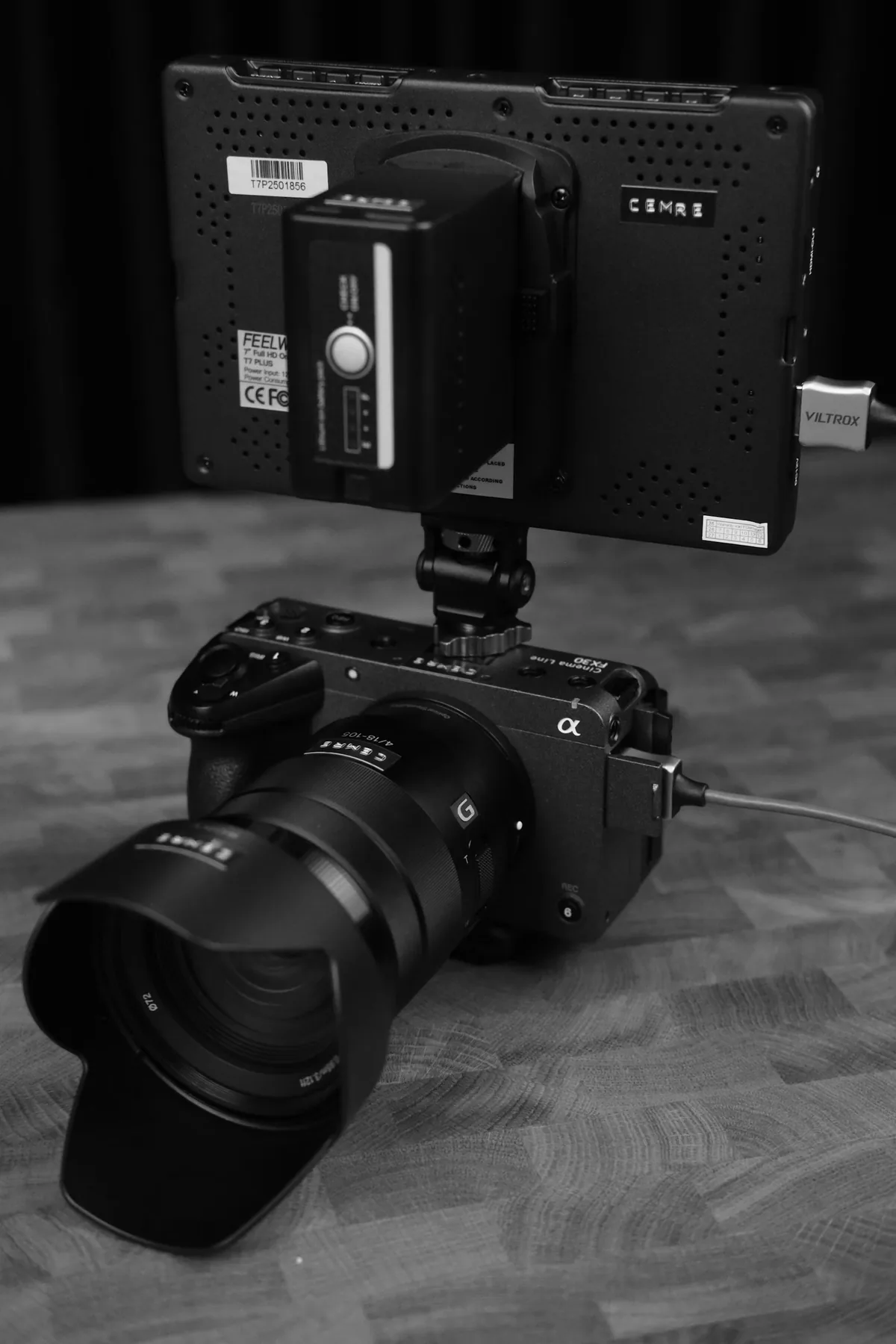
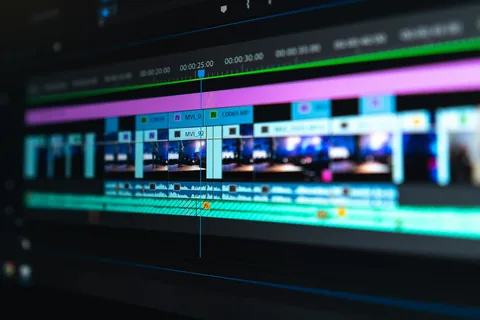
A split edit changes picture and sound at different moments. With a J cut, the incoming shot’s sound begins before its picture; with an L cut, the outgoing shot’s sound continues after the picture has changed. Adobe documents both techniques for dialogue transitions. The names describe the arrangement, not a fixed duration. This exercise uses a short conversation to find a transition that serves the exchange. The photographs illustrate editing and interview production; none is a screenshot of the exercise or proof that a particular cut was used.
Build a version you can compare against
Choose a short exchange with permission to use the recording and keep an untouched copy of the sequence. Start with a straightforward picture-and-sound cut, then label a duplicate for experimentation. Verify synchronization on visible speech before moving edit points. If the original camera recordings were synchronized to separate audio, preserve that relationship. Moving the start or end of a clip is different from sliding the whole audio recording against its picture. Do not accept a better transition at the cost of lips that no longer match words later in the shot.
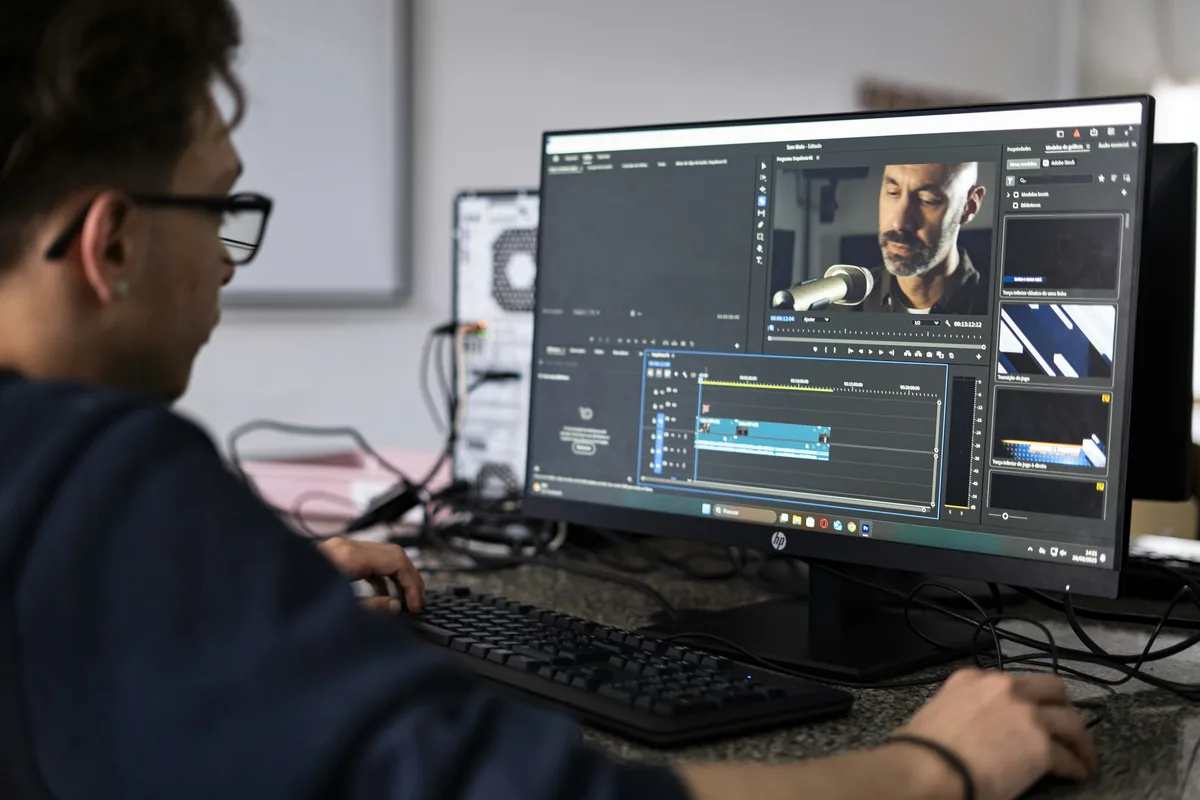
Listen without watching the monitor
Play the exchange and decide where the thought changes. Listen for a breath, hesitation, interruption or change of subject. Preserve the speaker’s intended meaning and avoid combining words into a claim they did not make. Mark a useful sound boundary, then look at what the picture is doing there. A technically neat cut can still feel rushed if it removes a necessary pause. Conversely, a long pause may be essential to understanding a reaction. The aim is a coherent exchange, not the shortest possible timeline.
Try the incoming sound first
For a J-cut variation, allow the next speaker’s voice to begin while the previous view remains visible. Start with a modest overlap and adjust by listening, not by applying a universal frame count. Ask what the remaining picture contributes: a listener’s reaction, a detail in the room or simply unnecessary delay. If the viewer needs to identify the new speaker immediately, an early picture change may be clearer. Check that the extended outgoing picture has valid source frames; a frozen final frame can be easy to miss during a quick trim.
Let a sentence continue over a useful next image
For an L-cut variation, keep the outgoing voice as the picture changes to a relevant reaction or detail. The new image should clarify the thought or establish the next moment. Do not imply that an unrelated reaction happened in response to words recorded elsewhere, especially in documentary work. If using a detail shot, check that it belongs to the situation being described. Compare this version with the J cut and the original straight cut. A transition is successful when the audience can follow the exchange without needing to understand the editing technique.
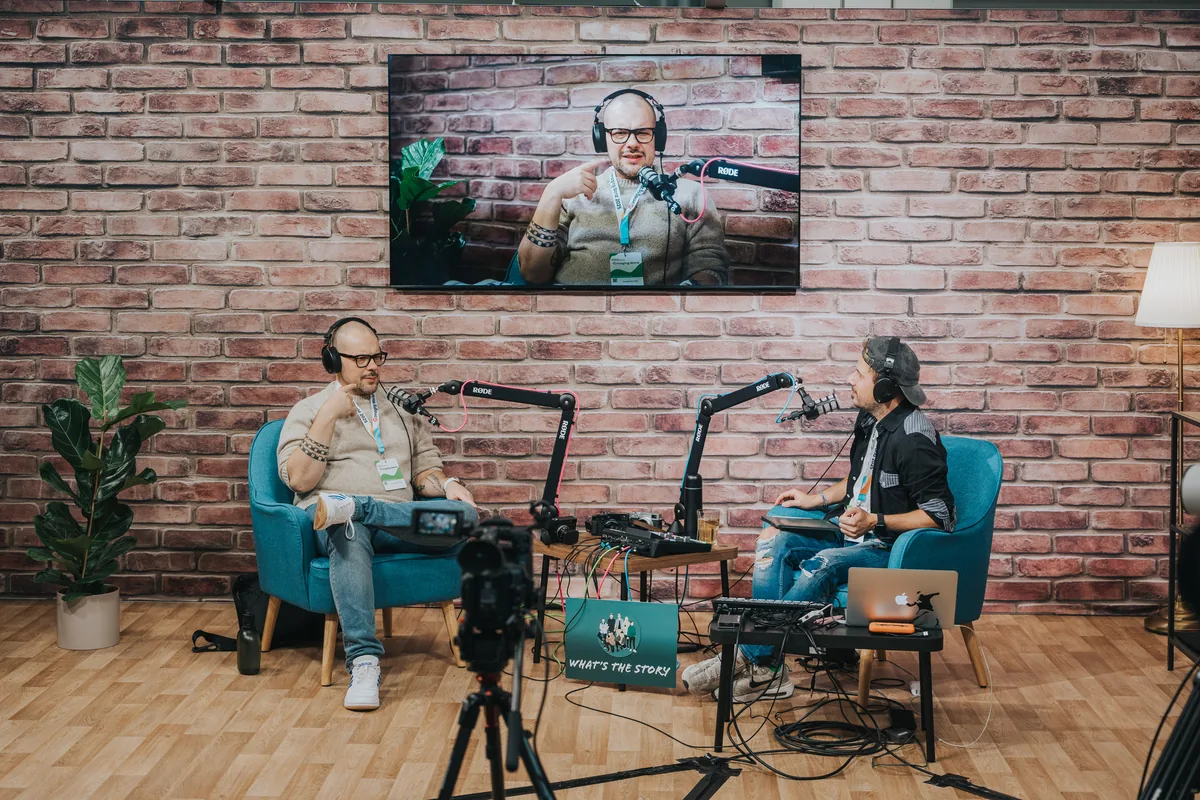
Repair the join without hiding a larger problem
Listen for abrupt changes in room sound, clipped consonants and overlapping words. Use appropriate source handles and carefully chosen ambience where needed. A short audio transition may soften a join, but it cannot restore a missing syllable or make two contradictory statements consistent. Avoid laying two copies of the same recording over each other without checking for phase or echo effects. Listen on headphones and on ordinary speakers at a reasonable level. Keep the dialogue intelligible before adding music that might conceal a weak edit during the first review.
Export a small review and choose deliberately
Render the short passage with a few seconds before and after it, then watch the exported file from the start. Confirm that visible speech remains synchronized, the image has no unintended hold and the sentence retains its meaning. Ask another viewer what they understood rather than whether the cut looked professional. Keep the straight-cut alternative if it communicates more clearly. Save the chosen sequence with a meaningful version name. The benefit of separating picture and sound is control over attention and timing, not an obligation to overlap every transition in a film.