The price and release date are now confirmed
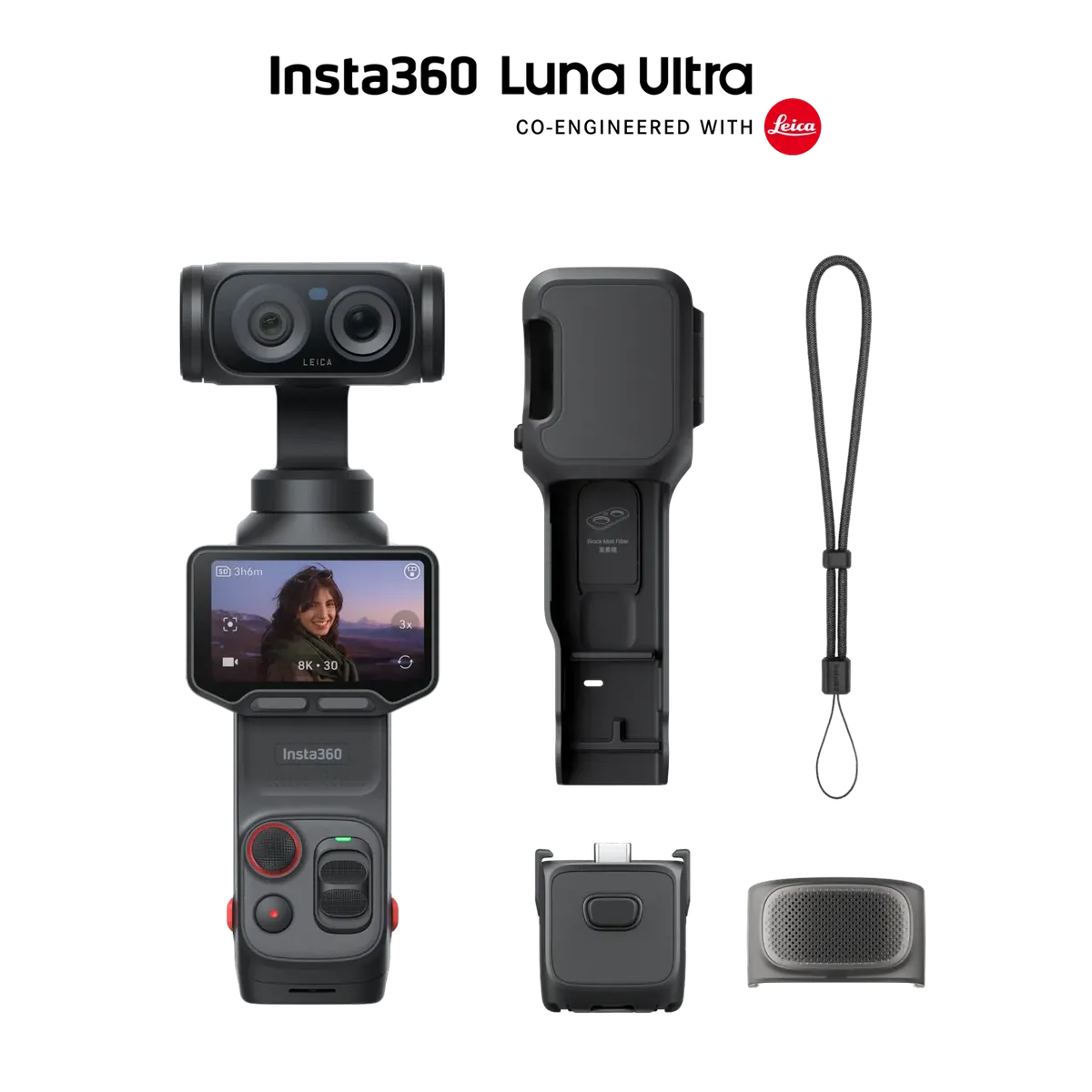
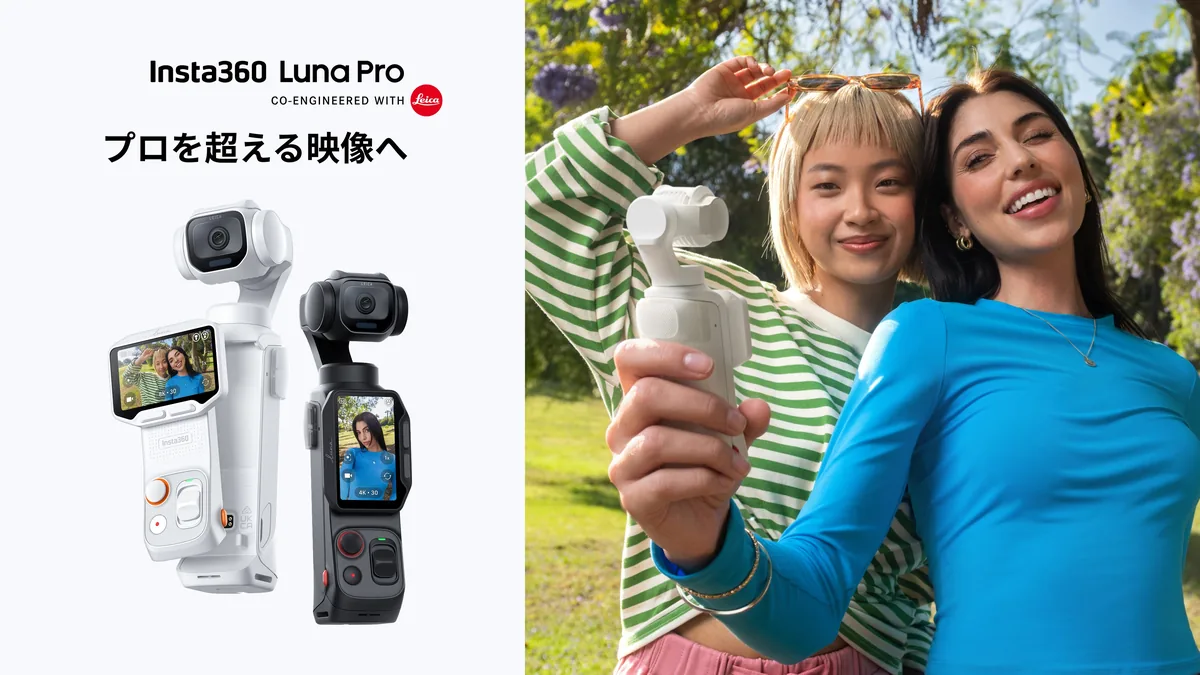
Insta360’s Luna Pro is no longer a preview: the manufacturer announced global availability from September 10, 2026, with a Standard Bundle starting at US$599.99. The camera joins the Luna family developed with Leica. This is a source-based launch briefing, not a hands-on review. The important distinction for shoppers is the exact model: Pro has a single camera lens, while Ultra has a separate telephoto camera. Do not assume an accessory bundle or a listing simply labeled “Luna” includes the same hardware. Check the model, included accessories, local warranty and final delivered price before ordering; the starting figure is not a promise of stock at every retailer.
Portrait recording is the practical headline
Insta360 lists 4K vertical video at up to 30 frames per second, using 6K oversampling, alongside 8K recording and 4K slow motion up to 120 fps. Those are separate recording choices, not one mode that combines every maximum. For a creator delivering a vertical interview, recipe or travel sequence, capturing the intended orientation can simplify framing: leave room for subtitles and keep hands or other important action away from interface overlays. Decide the destination format before recording. A technically larger horizontal frame is not automatically a better starting point if the useful subject occupies only a narrow slice after the crop.
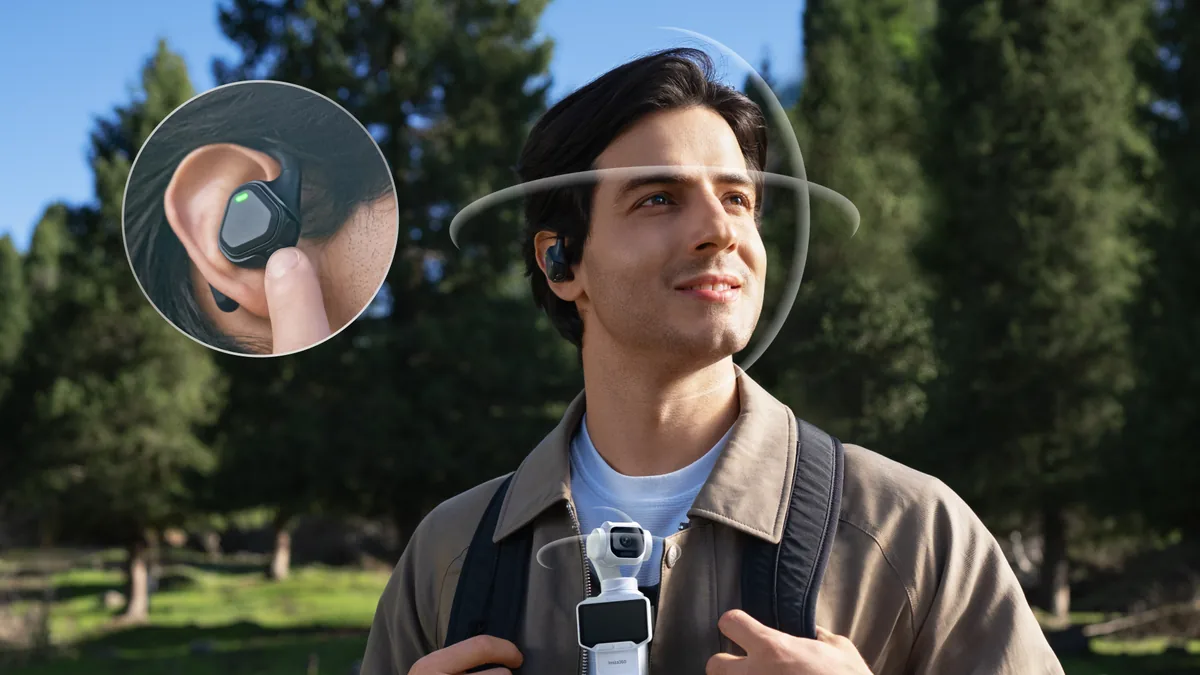
A detachable screen changes where the operator stands
The hardware specification identifies a two-inch OLED touchscreen and approximately 215 grams for the black camera, or 218 grams for the white version. The removable screen is relevant to solo work because the camera and the person checking the composition need not occupy the same position. In a practical trial, place the camera where the shot requires it, then check whether the screen remains easy to read from your working position. Test starting and stopping a clip as well as framing. A remote preview can make an awkward angle manageable, but it does not remove the need for a stable support or for checking what enters the background.
Understand the difference between framing and optical reach
The hardware specifications describe a wide 20mm-equivalent f/1.8 lens. Insta360 advertises enhanced zoom options, but the Pro does not gain a second focal-length lens when a zoom button is pressed. Our advice is to treat zoomed footage as a separate acceptance test: record fine lettering, hair and moving detail at the setting you expect to use, then inspect the delivered export rather than only the camera screen. Consider whether moving closer produces a better composition when access permits. For a speaker across a room or an event with a fixed camera position, the need for genuine longer-lens coverage should be decided before choosing a pocket system.
Stabilization cannot make every movement disappear
A gimbal is useful for smoothing changes in camera direction; walking still introduces changes in height and position. Build a short test route with a slow turn, a doorway and a stop beside your subject. Watch the edges and horizon during playback, not just the center of the frame. Smaller steps and deliberate starts can matter more to the finished sequence than a dramatic resolution setting. Tracking also deserves a rehearsal with your actual framing: let the subject turn, briefly pass behind an object and approach the edge. These are suggested checks, not claims that we have tested the Luna Pro’s tracking limits.
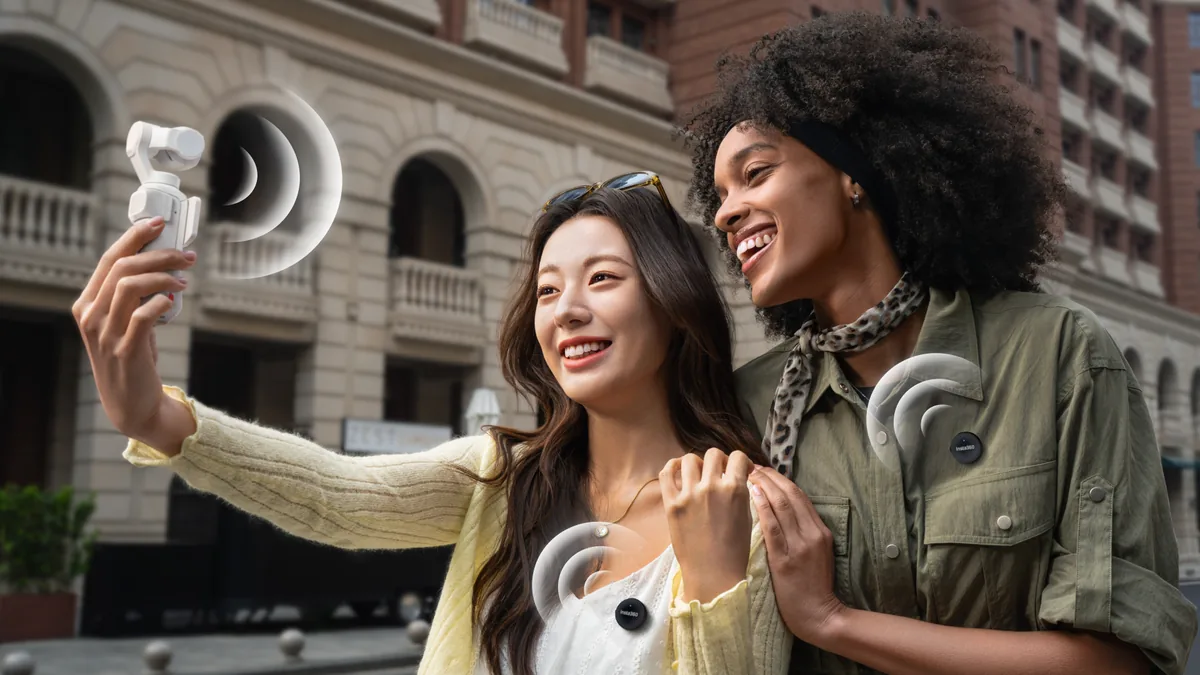
Choose the color workflow before the assignment
The launch announcement includes 10-bit I-Log and timecode support. Neither feature guarantees an effortless edit. Before choosing a log workflow, verify that your editing application can interpret a sample correctly, set the intended output color space and compare the export on the display your audience is likely to use. For a quick turnaround, a consistent ready-to-deliver look may be more useful than footage requiring a grading stage you cannot finish. On a multi-camera job, test how timecode is written and read in your exact workflow and make a visible and audible synchronization reference as a backup. Planning the edit is part of choosing the capture settings.
Budget for the complete recording day
Insta360 lists 47GB of internal storage plus a memory-card slot. Treat internal space as a finite recording destination, not as a backup. Use a representative clip to estimate your own storage needs at the selected quality, and verify card compatibility in the official documentation. A useful purchase test also includes audio monitoring, offloading files, charging between sessions and carrying the assembled kit. Do not infer continuous high-resolution recording time from a headline battery figure measured under different conditions. Bring a complete test recording into the editing application, play it through and confirm that the final export looks and sounds correct before relying on the camera for an irreplaceable moment.
Who should put it on the shortlist?
The Pro is worth examining if your work centers on wide-angle solo video, portrait delivery and camera positions that benefit from a removable monitor. Start with a concrete question: which shot is currently inconvenient or unreliable, and does this design solve it? A phone may already handle some of those scenes well; an interchangeable-lens camera may remain necessary for others. The useful comparison is the whole working sequence, from setup to edited file, rather than the longest specification list. At $599.99 before any applicable taxes or extras, the purchase deserves that short rehearsal. The official sources below establish the launch facts; sustained performance and image-quality judgments require testing.