Decide what needs to be sharp first
Before looking for colored outlines, name the part of the picture that matters: the nearer eye, a product label or a particular surface. A busy scene can contain many strong edges that are irrelevant to the intended subject. Move the inspection area to the important detail instead of accepting the most conspicuous highlight elsewhere in the frame. This small decision makes a focus check purposeful. It also makes it easier to explain to a collaborator why a technically crisp background does not rescue a soft subject.
Understand the display’s limited promise
In its Z7/Z6 manual, Nikon describes peaking as colored outlines used during manual focus and warns that highlights may not appear when outlines cannot be detected. The same manual recommends a magnified view for more precise checking. Those instructions concern those cameras; menu names and availability differ elsewhere. Read the manual for your own body or external monitor. Do not interpret the absence of a highlight as conclusive proof of blur, or the presence of many highlights as proof that the intended subject is adequately sharp.
Make a quiet, repeatable test
Start with a stationary, well-lit subject that has visible detail and place the camera on stable support if available. Set the framing and shooting aperture you intend to use. Select manual focus using the controls appropriate to the camera and lens. Make a small focus adjustment in each direction and observe how the important detail changes. This is not a speed exercise. The aim is to learn what the display looks like around the best result, with a subject that will not move while you are comparing it.
Magnify the actual target, then return to the frame
Move the magnified inspection area to the chosen detail, not merely the center of the composition. Adjust carefully, then return to the full view to check framing and anything that changed while your attention was narrowed. If the camera or subject moves afterward, reassess focus. A magnified check made before changing position is not a permanent guarantee. For people, explain the pause and work efficiently; holding an expression while an unfamiliar operator searches through menus is rarely a good use of the subject’s time.
Keep the display readable
Where the equipment offers a peaking color or sensitivity adjustment, choose settings that let you see the subject rather than covering it with visual clutter. Compare against magnification instead of searching for the largest amount of colored outline. Do not copy a stranger’s setting without considering your scene and display. A setting useful against a dark background may be harder to distinguish against a colorful one. Record a simple note about what you changed so you can undo it when the conditions no longer suit it.
Treat video movement as a separate rehearsal
A stationary focus check does not validate a moving shot. Rehearse the intended camera movement and the subject’s path, including where each starts and stops. Review the entire take, not just the attractive first frame. If focus must be adjusted during recording, practice that movement with the actual lens and support. An external monitor may offer its own peaking; confirm which device is drawing the overlay and what you are actually recording. Do not assume every visible on-screen aid will, or will not, appear in the recorded output.
Inspect the file, not only the live preview
Capture a test and inspect the saved image or clip at a useful enlargement on the intended review device. Compare the chosen subject detail, then check the rest of the frame. If it is soft, separate focus error from subject movement, camera shake and other causes before changing several settings. Keep a pair of labeled tests when learning a new setup. Repeating a controlled comparison is more informative than remembering that the live display looked reassuring at the time.
Know when a different method is easier
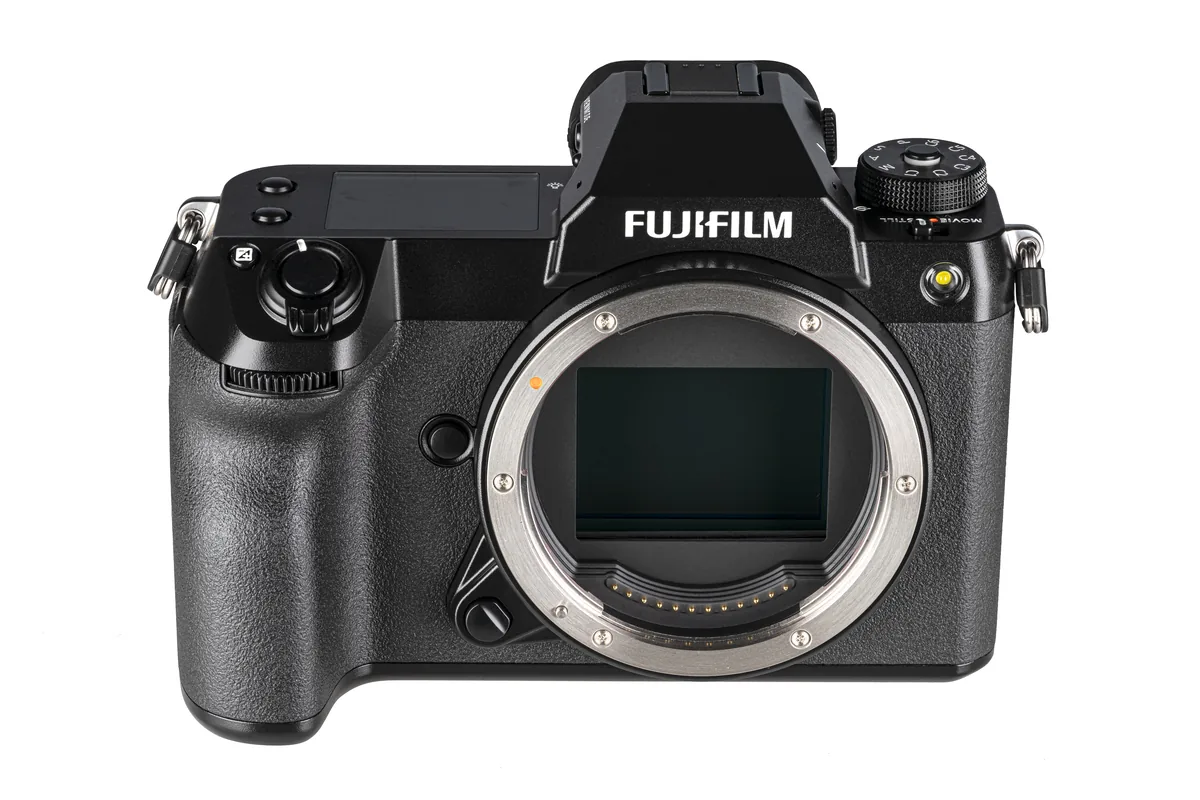
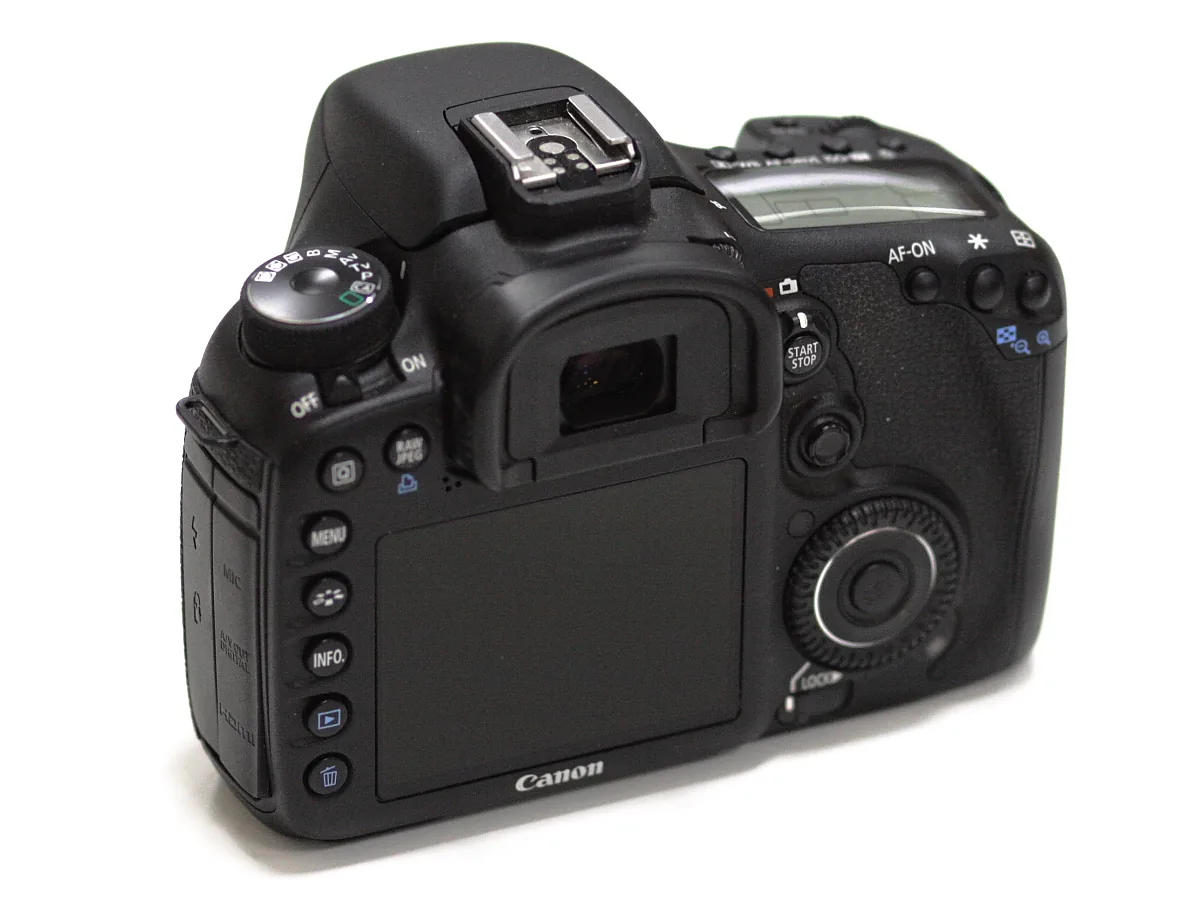
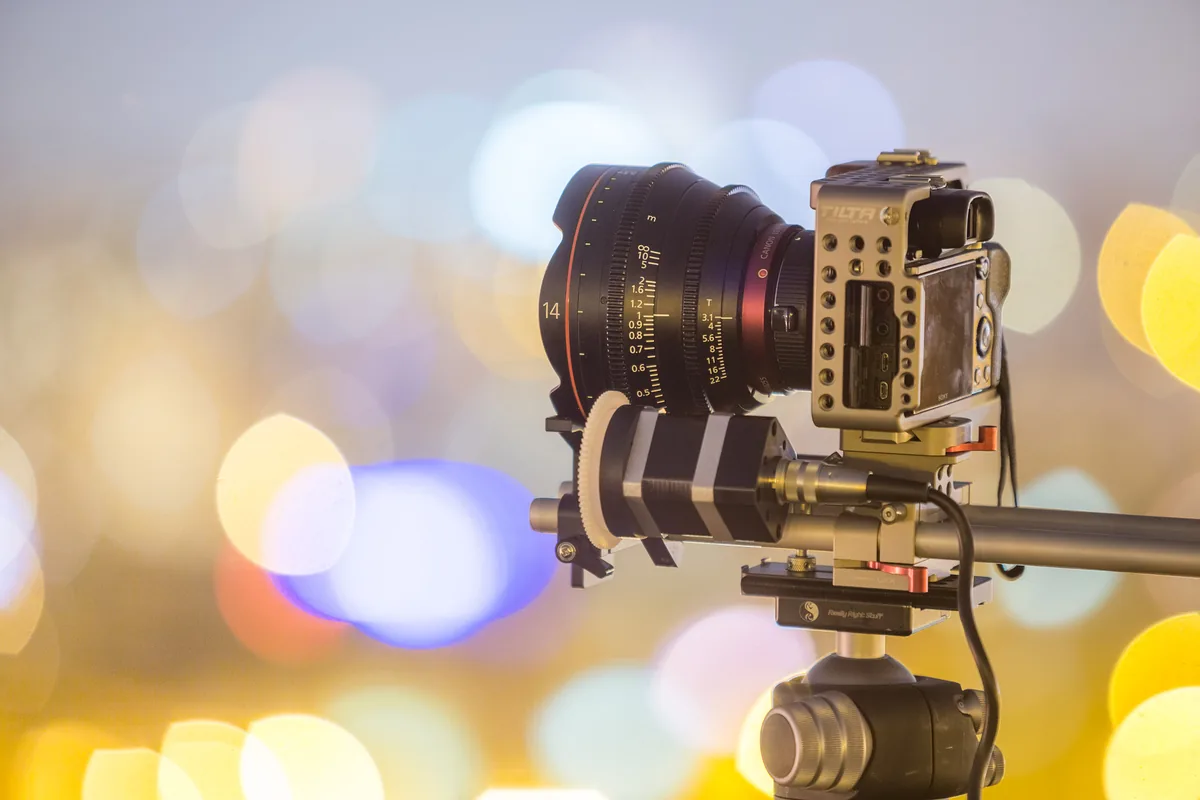
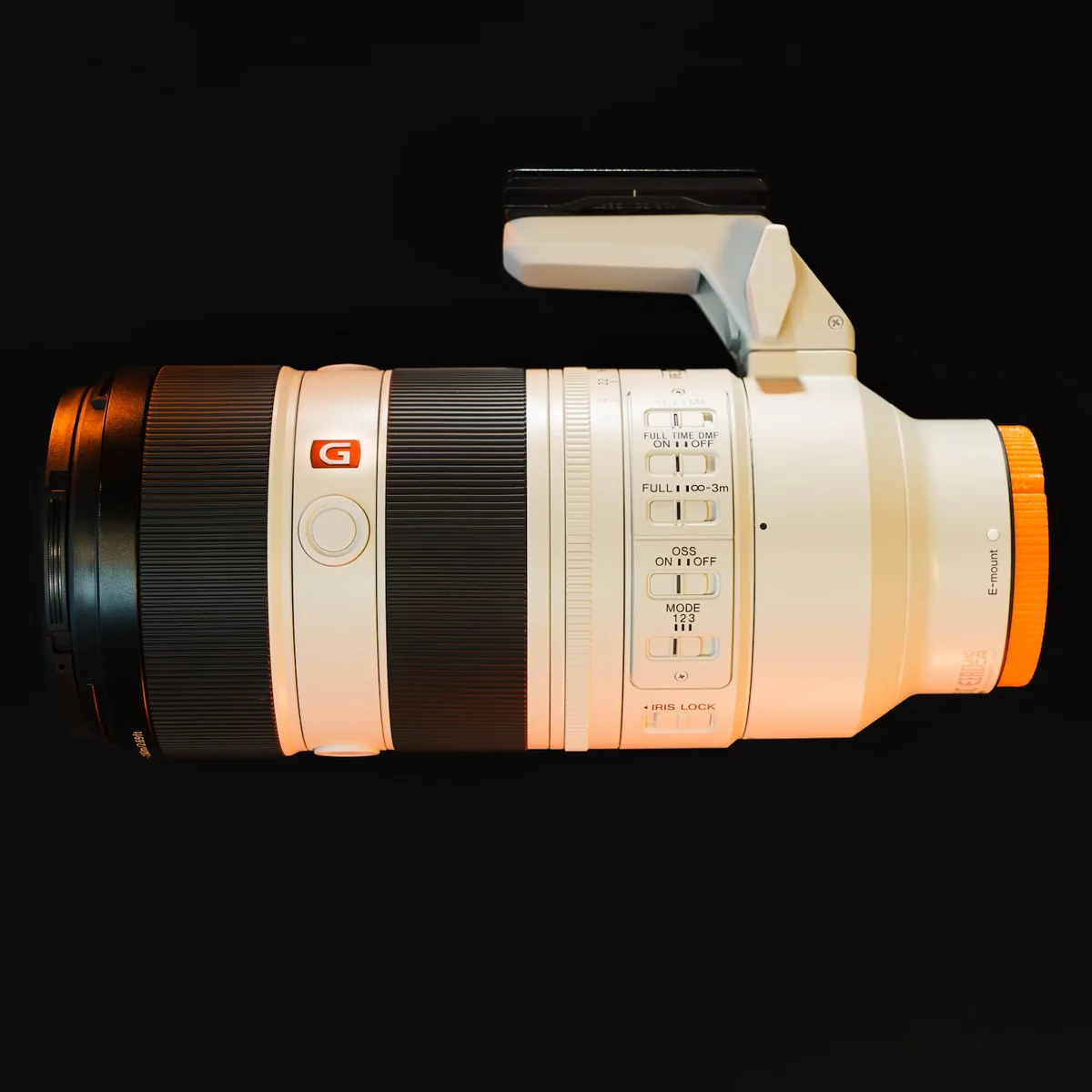
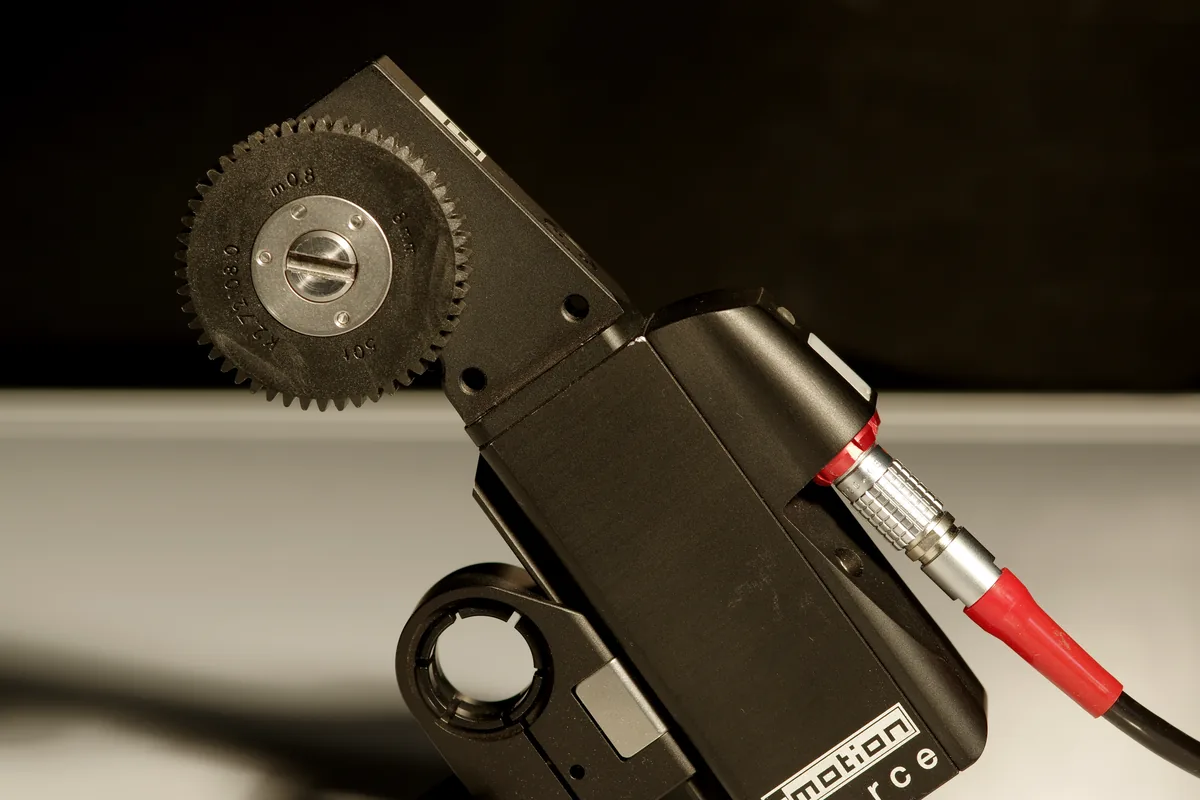
Manual focus and peaking are tools, not a requirement to reject autofocus. For a moving person, an appropriate autofocus mode may be more practical; for a locked-off detail shot, deliberate manual checking may be easier to repeat. Choose the method that produces a verifiable result in the available time. The photographs here illustrate camera handling, lens controls and a focus motor. They are not demonstrations of a peaking overlay, and they do not establish the focus settings or sharpness of any recorded photograph.