What Apple announced
Apple released Final Cut Camera 2.4 on September 29 as a free update. Its announcement describes a redesigned interface, variable-aperture control on iPhone 18 Pro, shutter- and aperture-priority modes, improved focus peaking and exposure overlays. With iOS 27, it also adds video scopes, clean output through an HDMI-to-SDI converter and genlock offset. Apple says Cinematic effects can extend to regular video, including ProRes and Apple Log material, with editing in Final Cut Pro. These are manufacturer statements; we have not tested the app or its hardware-dependent features. The official announcement below supplies the release and availability information.
An app update is not a hardware upgrade
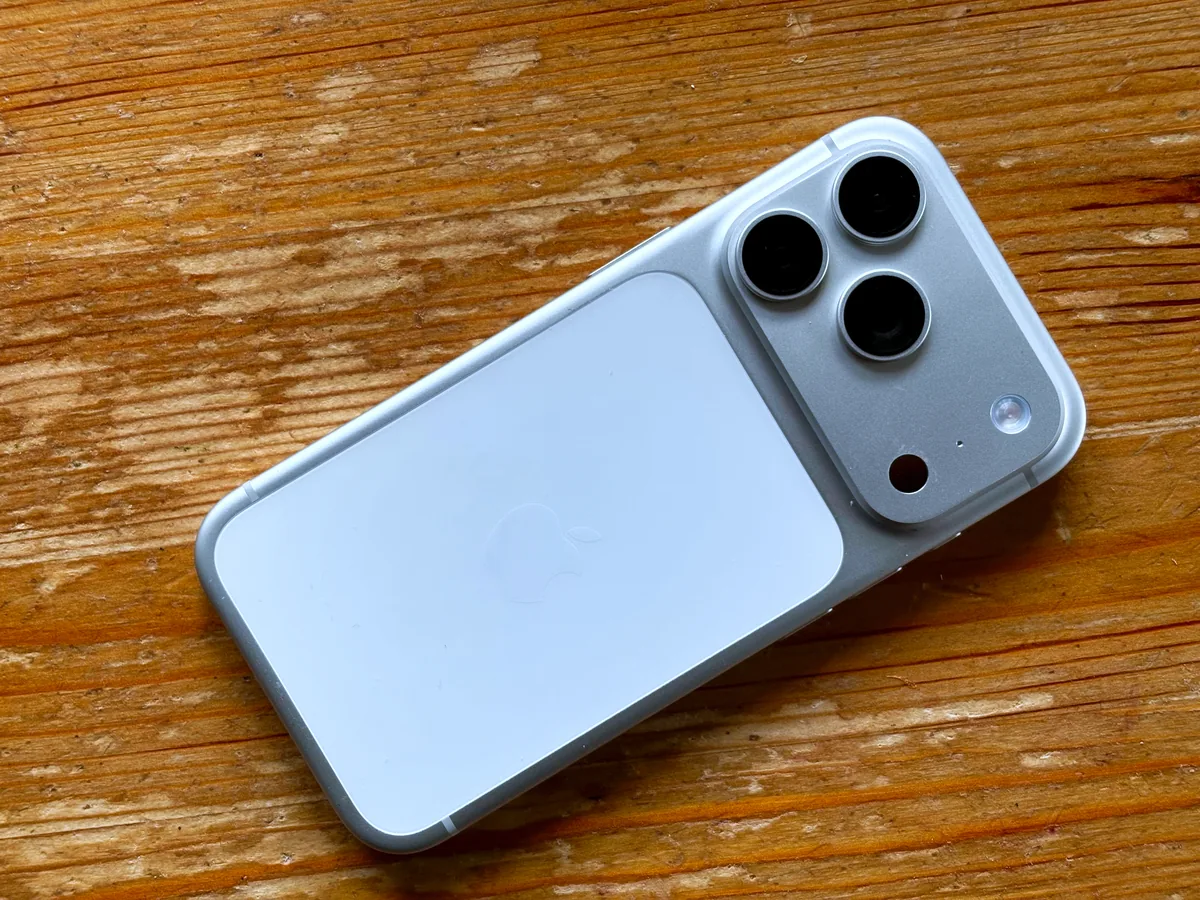
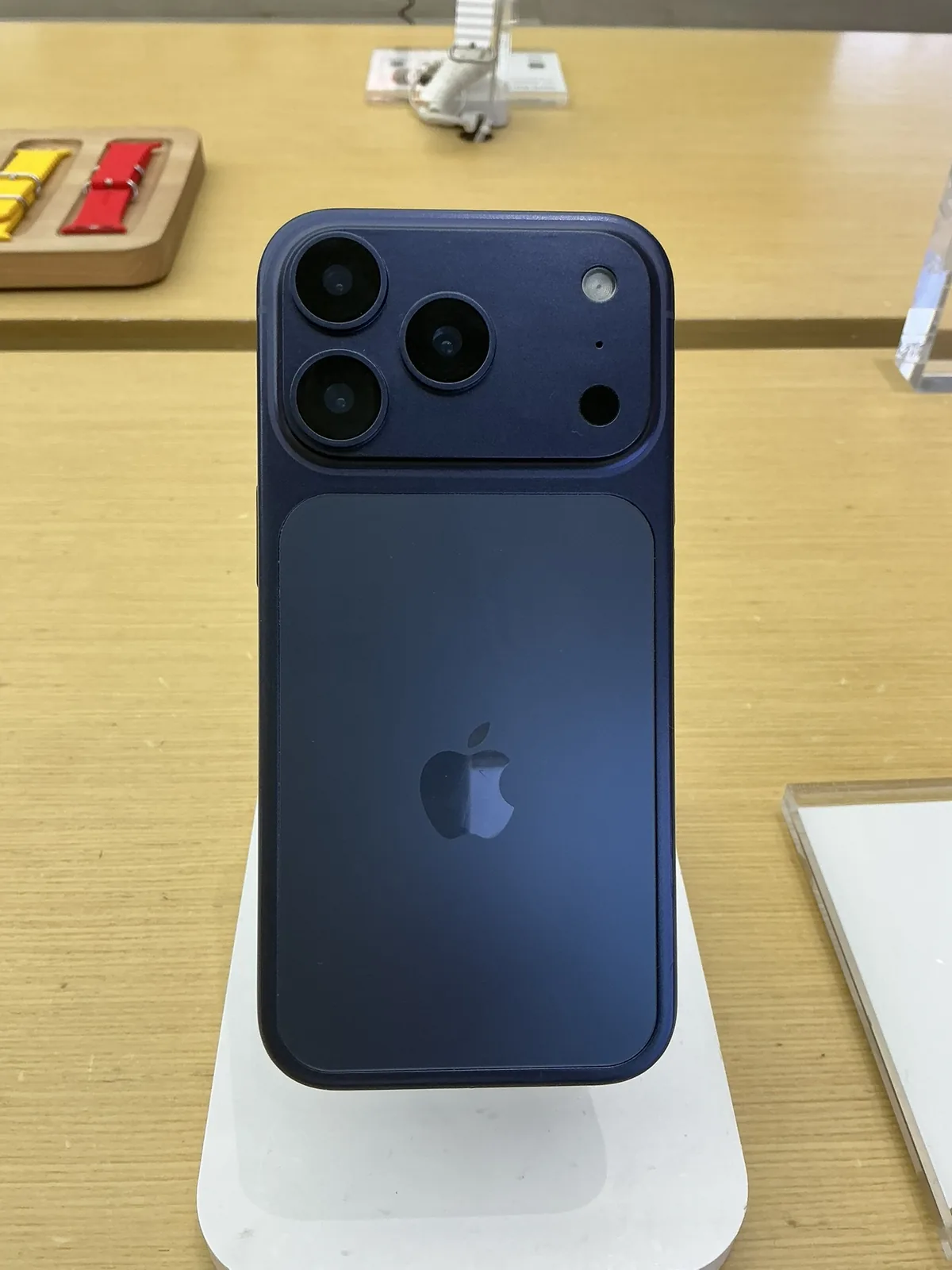
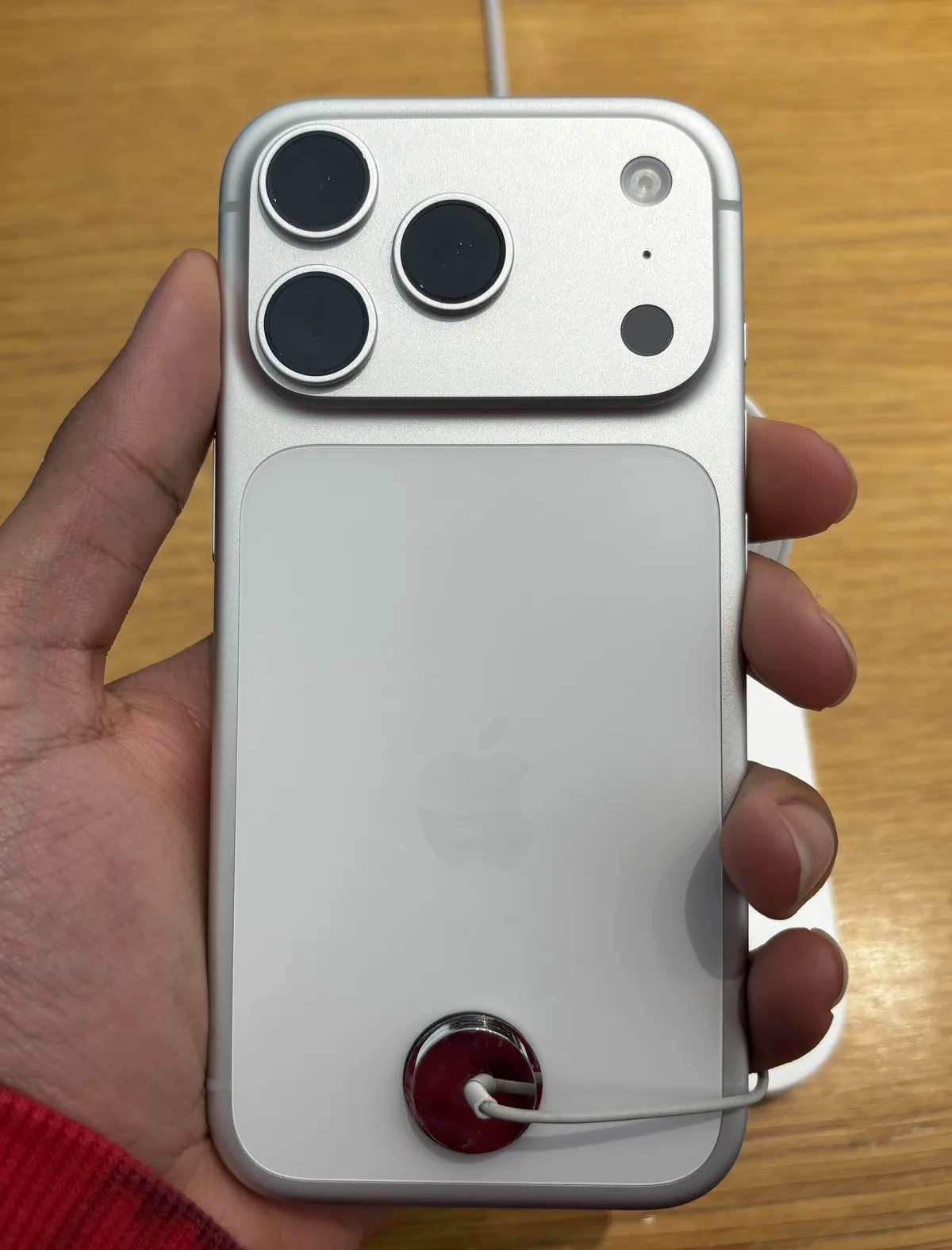
Before planning a shoot around an announcement, write down your exact phone, operating-system version and app version. Then check the feature you need, rather than assuming that a successful installation unlocks every item in the release notes. Physical aperture adjustment and an editing effect that simulates depth are different operations. Our recommendation is to build a short compatibility checklist around the actual recording mode and delivery format. The archive photographs here show older iPhone 17 Pro hardware as brand context; they are not pictures of the new device, screenshots of this release or evidence of feature compatibility.
Make exposure changes intentional
A useful pre-shoot exercise is to record a stationary subject beside a bright window, first with your usual settings and then with one deliberate adjustment. Keep framing and illumination fixed. Watch whether the subject brightness changes and whether important highlights lose detail. Record the settings with each clip so the comparison answers a question. A control that is easier to reach can make a workflow quicker, but it can also make accidental adjustments easier. Decide which parameters may change during a take and which should stay fixed before rehearsing camera movement.
Treat monitoring as a decision aid
Our suggested monitoring test starts with a scene containing skin, a neutral object and a bright practical light. Compare the image on the phone with the available exposure display, then inspect the recorded file in the editor. The point is not to make every graph look identical: it is to learn which indication warns that information important to this shot is being lost. An overlay is useful only when the operator understands what it represents in the selected mode. Do not make a permanent exposure judgment from a small display viewed under changing outdoor light.
Prove the entire output chain
For an external-video workflow, test the complete chain you intend to carry: phone, cables, adapters, converter, monitor or recorder, and power. Make a short recording containing speech and a clearly visible hand clap. Confirm picture, sound and synchronization in the destination, not merely on the phone. Repeat after disconnecting and reconnecting the equipment. A supported function in a release note is not a guarantee about every accessory combination. We would keep a known-working fallback for an important assignment and avoid installing an untested update immediately before an unrepeatable event.
Decide whether the update solves your problem
Save one representative test project before changing your production setup. Capture, transfer, edit and export a small sequence with the settings you actually use, then reopen the exported file on another device. Check framing, color, sound, focus and storage use. This is more informative than selecting the highest recording setting simply because it is available. For an existing mobile filmmaker, the most useful improvement may be faster access to a familiar control rather than a new headline feature. Let a repeatable test, not the length of the feature list, determine when the update enters your working kit.

_-_Backside.jpg)