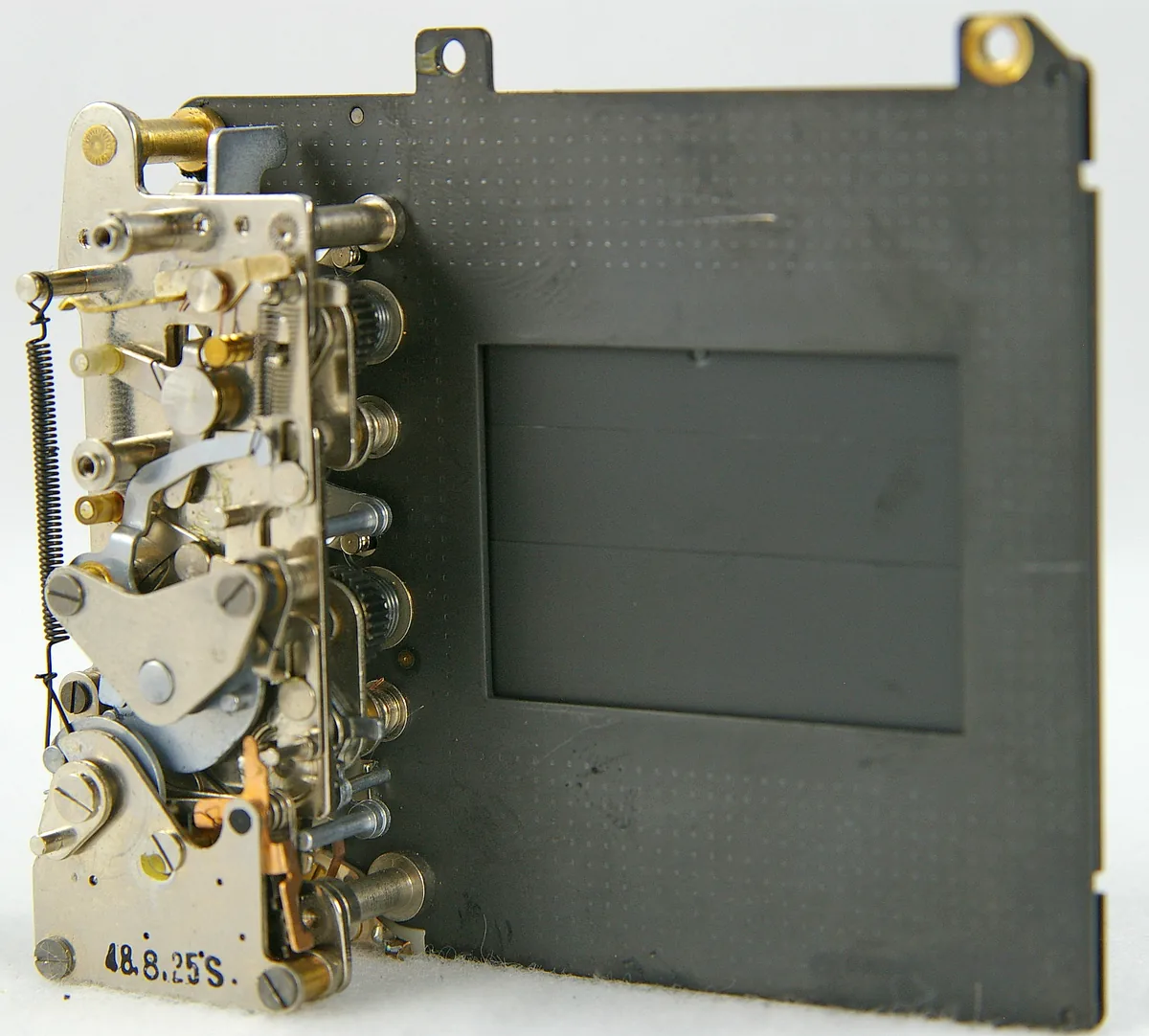
A flash must arrive during the usable exposure
The fastest speed printed in a camera specification tells you how briefly it can expose, not whether a particular flash can illuminate the complete frame at that setting. With a conventional focal-plane shutter above its normal synchronization limit, the frame is exposed through a travelling opening. A brief pulse can illuminate only part of it. Electronic shutters add another variable: the sensor’s exposure sequence and the manufacturer’s supported flash modes. Begin with the exact manual, not a generic rule that all electronic shutters either support flash or forbid it. Both shortcuts can be wrong.
Normal sync and high-speed sync solve different problems
Normal synchronization coordinates a pulse with the camera’s available full-frame exposure window. High-speed sync, called Auto FP by Nikon, extends flash illumination across the shutter’s travel so compatible equipment can work above normal sync speed. That changes the light budget; do not expect the same useful distance or exposure at every speed. Check that the camera, transmitter and flash all support the required mode. A compatible shoe does not by itself prove the complete radio link supports it. Start at a conservative supported speed before switching on a high-speed mode.
A global shutter still has timing limits to respect
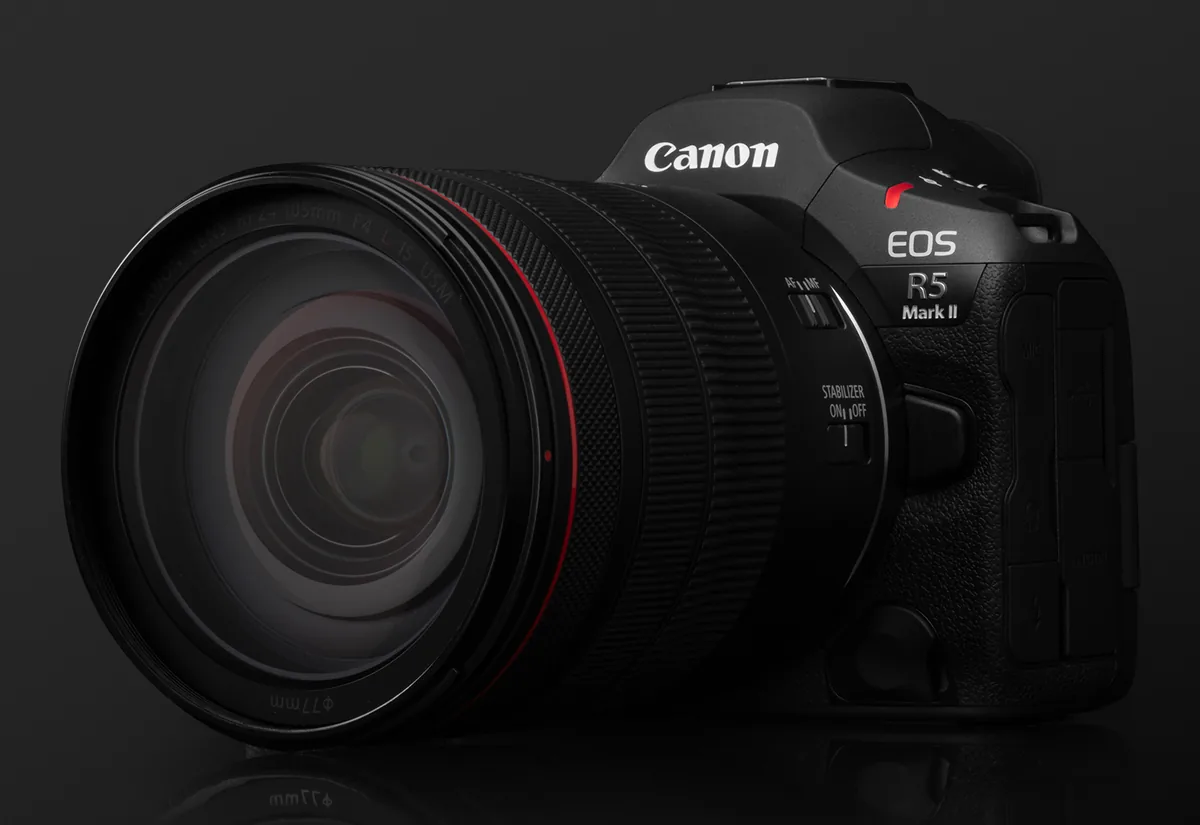
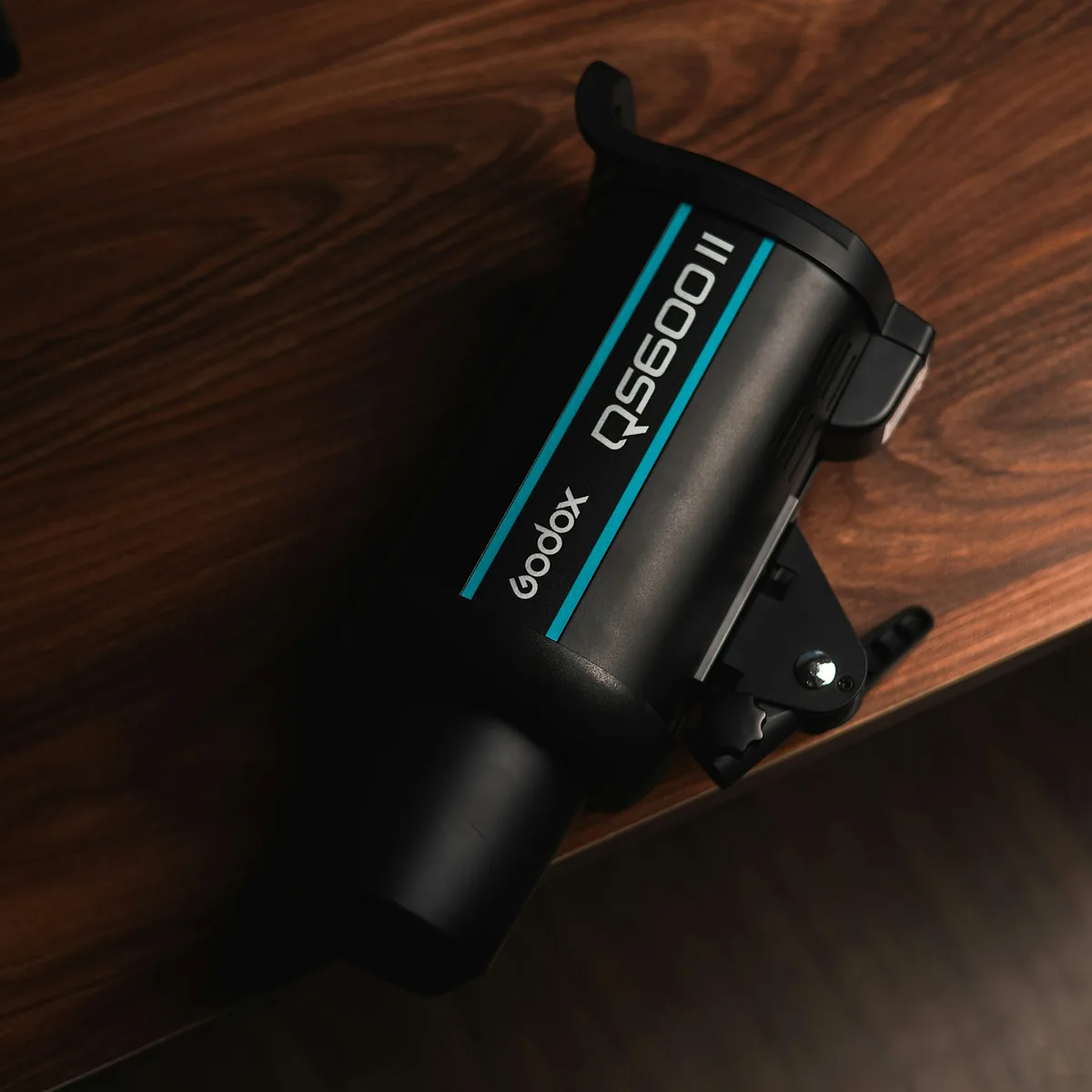
Sony’s α9 III uses a global shutter, but its manual still discusses flash duration and timing. Sony warns that an exposure shorter than the flash pulse captures less light, and that manually changing timing can affect brightness consistency and color. Its Flash Timing Setting advances firing by an adjustable amount, and high-speed sync is unavailable when that manual setting is enabled. This is a specific α9 III control, not a setting every camera has. Consult the linked guide before changing it. The accompanying studio-flash photograph does not imply that the pictured unit supports this Sony feature.
Build a four-part compatibility note
Write down the body and firmware, shutter mode, trigger model and firmware, and flash model with its operating mode. Add the connection method: direct shoe, radio or sync cable. Record the stated synchronization limit for that exact combination when available. Manufacturer support pages can distinguish connection types as well as camera models. If the documentation does not confirm a combination, treat it as unverified until the maker clarifies it or a safe test establishes its behavior for your use. Do not turn a successful single frame into a claim of universal compatibility.
Use a plain target and change one variable
Place a stationary, evenly toned target within the flash’s comfortable working range. Use a supported shutter mode, manual camera exposure and a fixed flash output for an initial reference, allowing the unit to recycle fully. Make several frames before increasing the shutter speed. Examine the whole image for a dark edge, uneven brightness and frame-to-frame variation. Keep the target, distance and light position unchanged. If a problem starts at one setting, return to the last clean reference and check the manual before changing trigger timing, flash power and camera mode together. Follow the flash’s thermal and duty-cycle warnings.

Separate a synchronization fault from an exposure problem
A frame can be evenly lit but too dark because too little of the pulse was captured, the flash was too far away or the unit had not recycled. Conversely, a partial dark area can indicate an incompatible timing combination even when the illuminated portion looks correctly exposed. First repeat the conservative reference. Then alter one parameter and keep a written note. Do not solve an uncertain setup for the first time with a client waiting. Save the verified configuration, carry an appropriate fallback and repeat the check after firmware or trigger changes. Reliability across a sequence is the goal, not the most impressive shutter-speed number.