Give the card an identity before copying
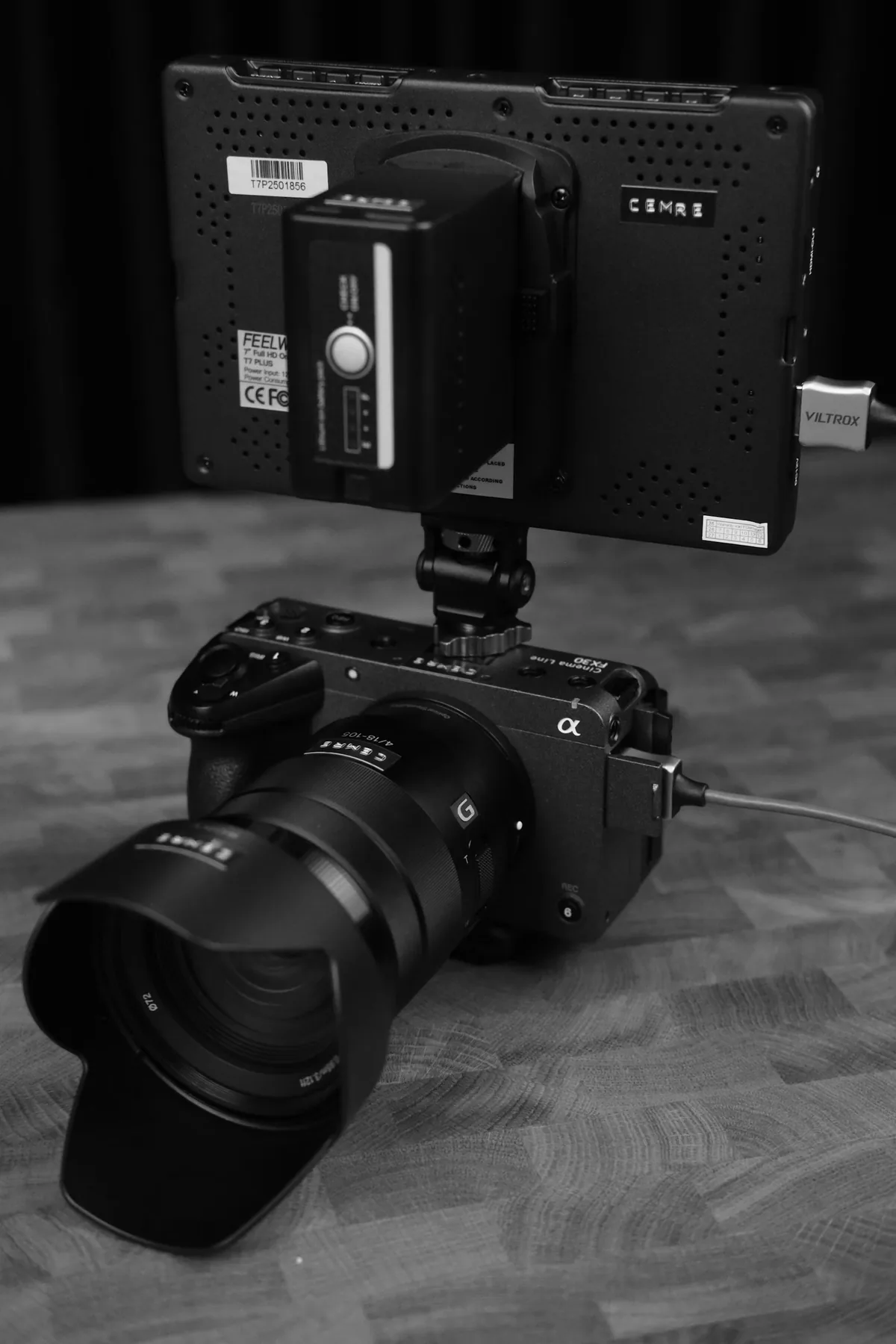
Suppose both cameras start a day with C0001.MP4. Camera A records a wide interview while camera B records a close-up. The clips can have the same duration and show the same speaker. A filename that looked distinctive on the card becomes ambiguous on a shared drive. Create a project folder, then one parent folder per offload. A label such as Day01_A_003 identifies the third A-camera card even if the camera restarts its numbering. Record the same label in the camera report.
Preserve the structure inside the parent
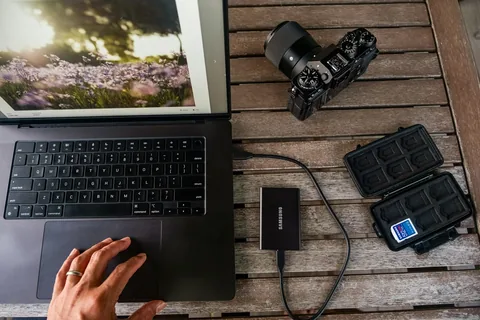
Copy the complete contents into that empty parent, including index files, metadata folders and any files that seem too small to matter. Some recording formats use several files for one continuous take. Adobe recommends its Media Browser for file-based formats that depend on folder structure. Keep each card together on the second storage device as well. If the copy utility asks whether it should replace an existing clip, stop and check your destination before answering.
Verify before importing
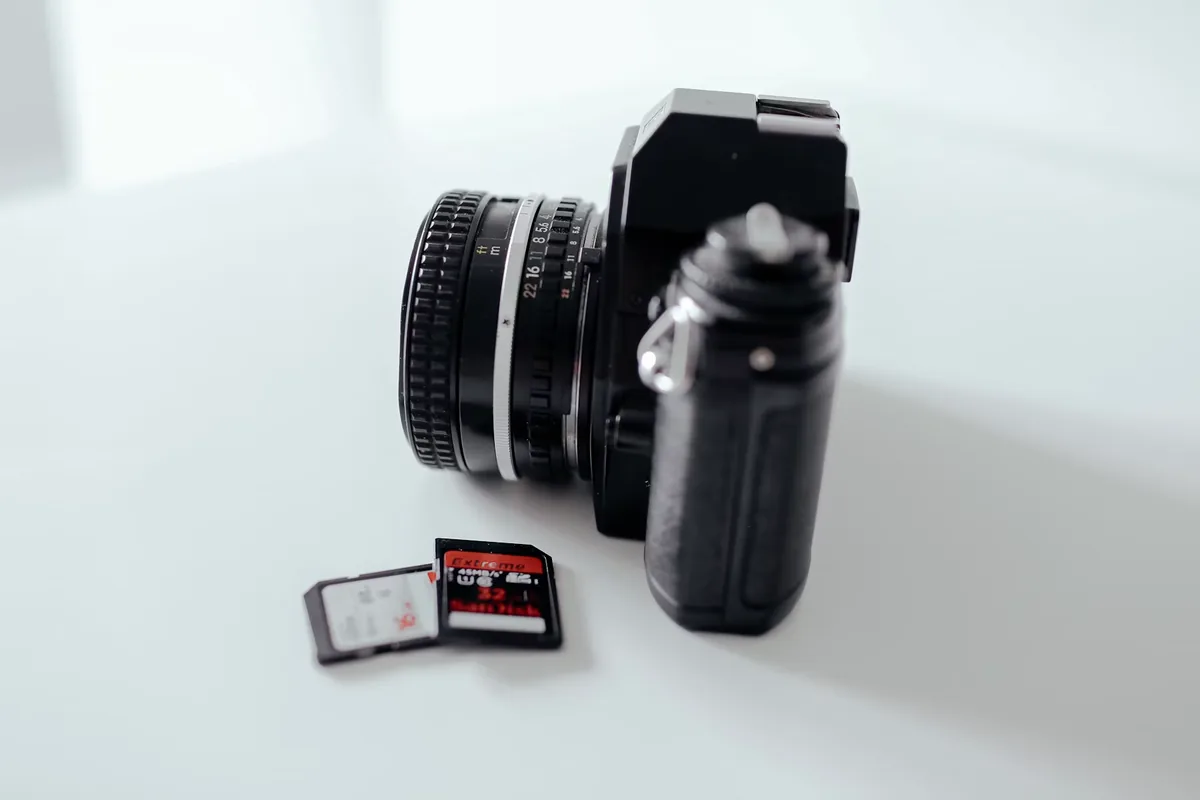
Use a checksum-verifying copy tool and retain its report for each destination. A spot check serves a different purpose. Open a clip from each copied card, look for the expected camera angle, and compare it with the camera report. A perfectly copied card can still be filed under the wrong label. Import from the verified media folders, carry their names into the editing bins, and keep the cards intact until the required independent copies have been verified.
Rehearse a relink on a project copy
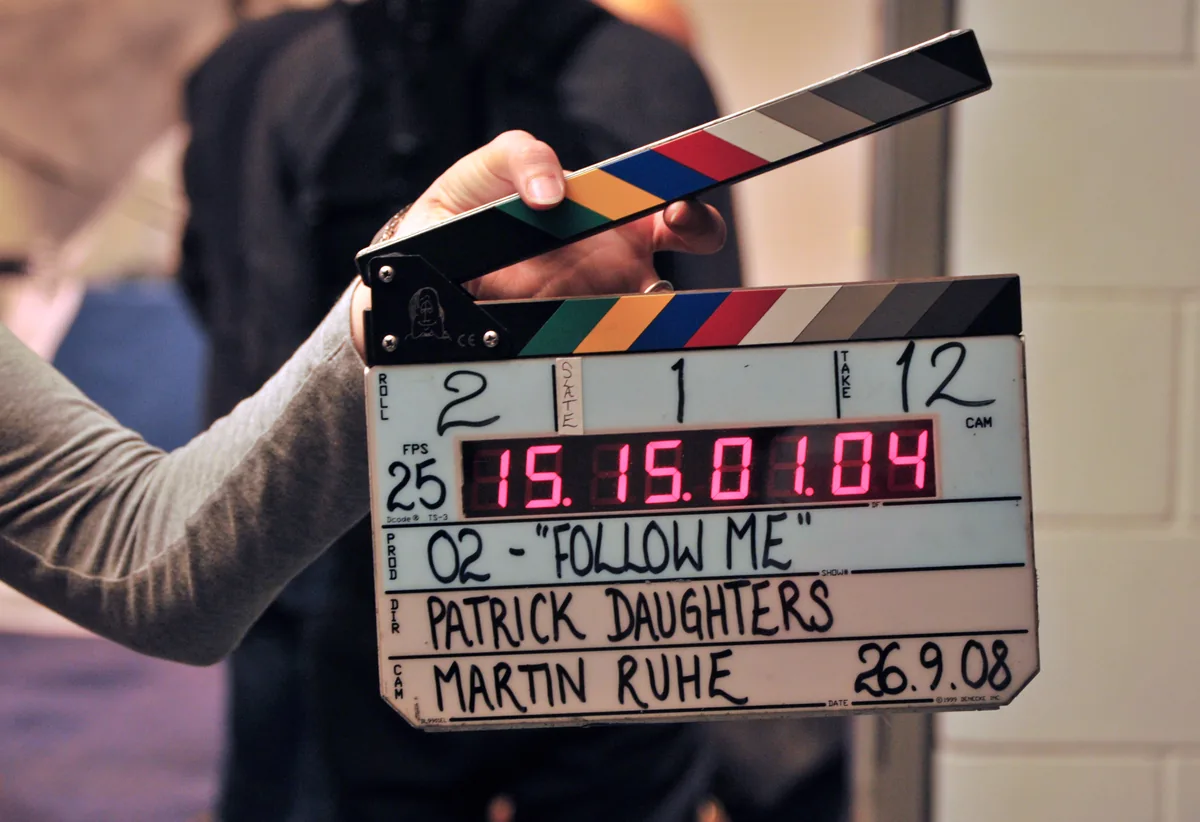
Open a duplicate project using the backup drive while the working drive is disconnected. When asked to locate the first missing clip, inspect the previous path. Match its card label before selecting a file. Check the result at the slate and at a later frame where the two angles look clearly different. Duration and timecode can agree across synchronized cameras. A wide shot where the close-up belongs is enough reason to stop an automatic relink and reconnect one card at a time.