Give each date a different job
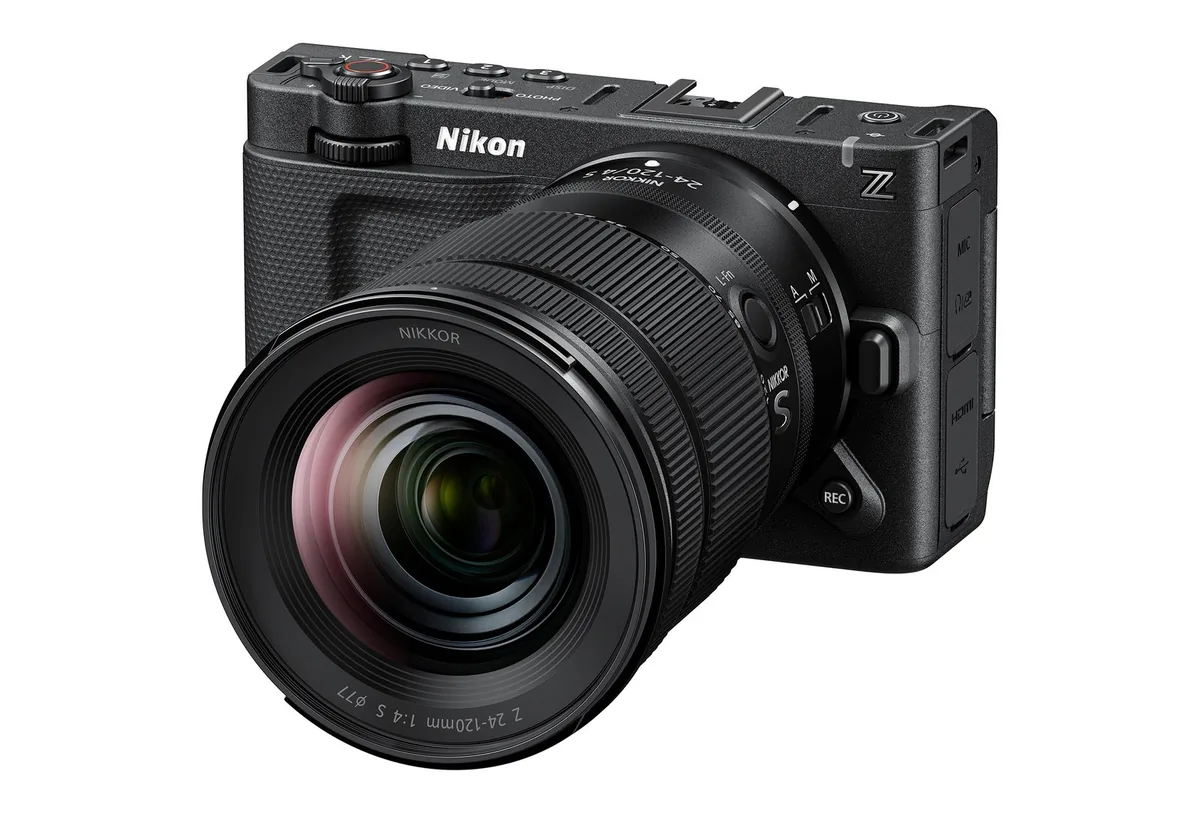
A trade-show demonstration proves that something was presented, not that your supplier can deliver it for next week’s shoot. An announcement date, a regional sales opening, a manufacturer shipping window and a rental-house reservation answer different questions. Put each in a separate field in your equipment plan, with its source and the date you checked it. If the source only says a season or quarter, preserve that wording rather than converting it into a precise day. This guide is a procurement method, not a list of products we have confirmed in stock. The photographs illustrate media and production dependencies, not current inventory.
Read the availability paragraph and the footnotes together
Sony’s September 8 European announcement of the DP7 and DP5 controllers is a useful example. It lists January 2027 availability, with DP7 at €3,300/£2,800 and DP5 at €2,500/£2,100. The same release puts planned FX6 and BURANO compatibility in a future firmware update in the second half of 2027, distinct from the initial supported cameras. A January hardware plan therefore cannot be treated as January support for every camera. These are European announced prices and schedules, not confirmed delivery to a particular customer; that source supplies no USD price or US availability confirmation.
Ask the supplier a question it can actually answer
Instead of asking whether a new camera is available, specify the model, body or kit configuration, required quantity, destination and the day it must be ready for testing. Ask whether the supplier has an allocated unit, an expected inbound shipment or only a waiting-list position. Request the answer in writing and record any condition attached to it. For a rental, confirm the complete reservation rather than assuming a product page means the kit is free on your dates. Our recommendation is to set a decision deadline early enough to change equipment without forcing the crew to learn a replacement during production.
The smallest missing part can set the real delivery date
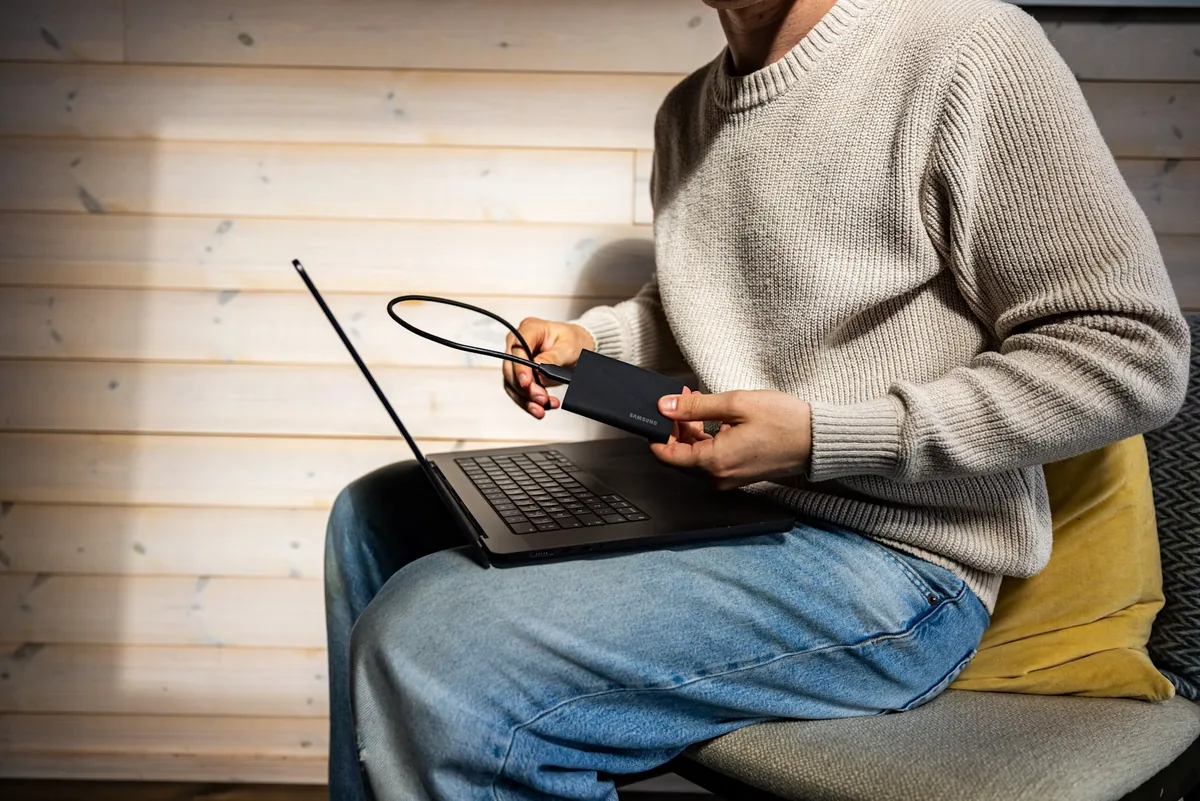
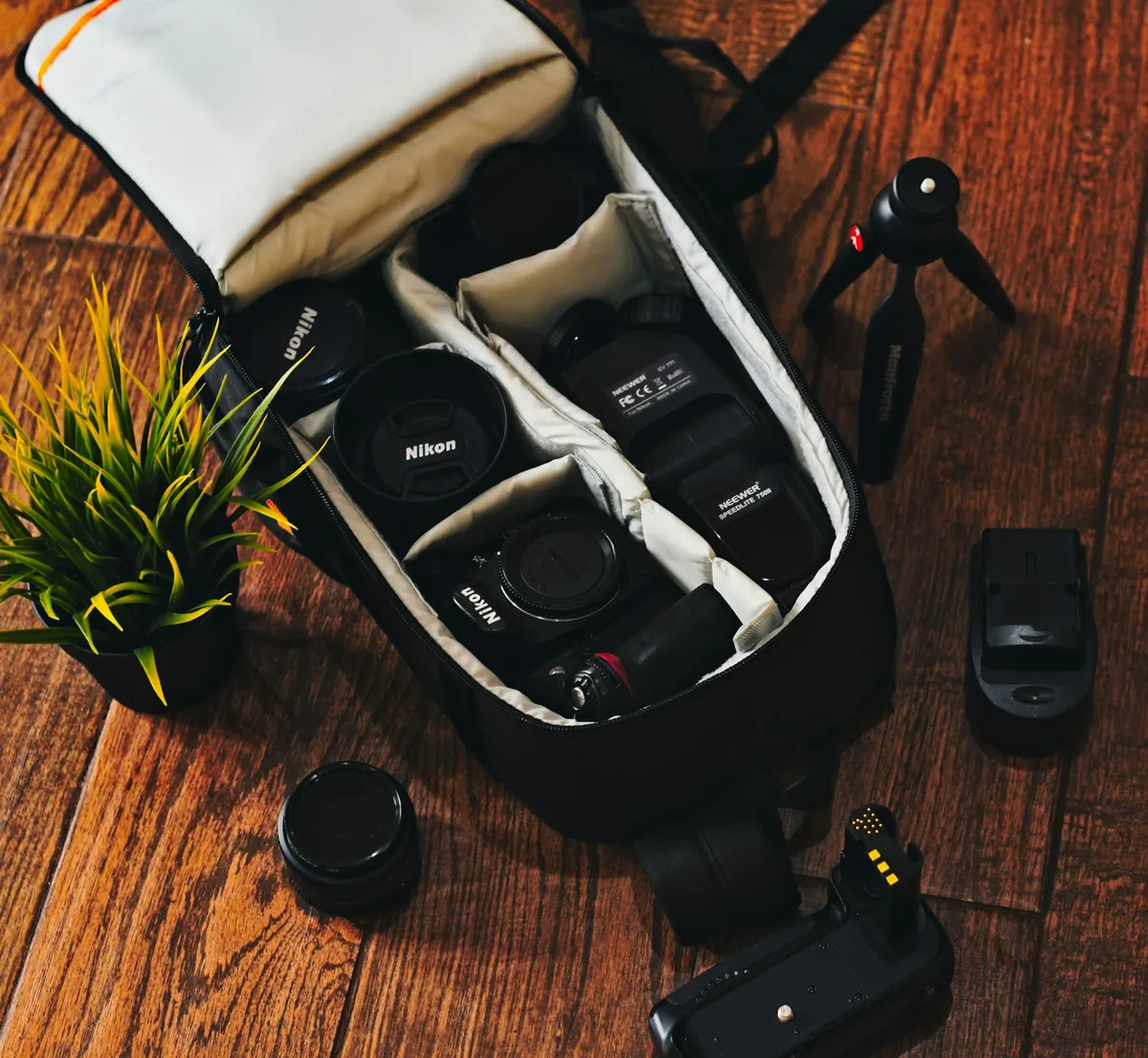
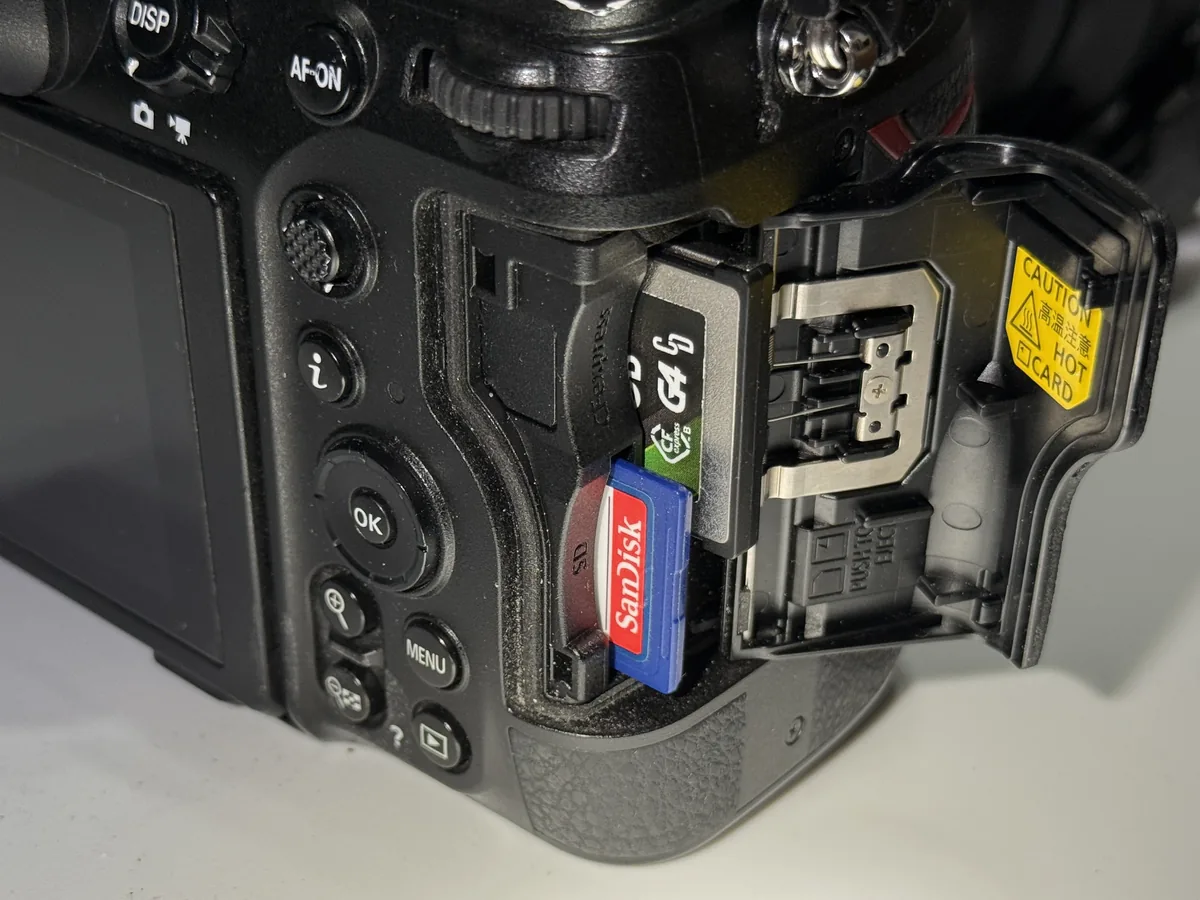
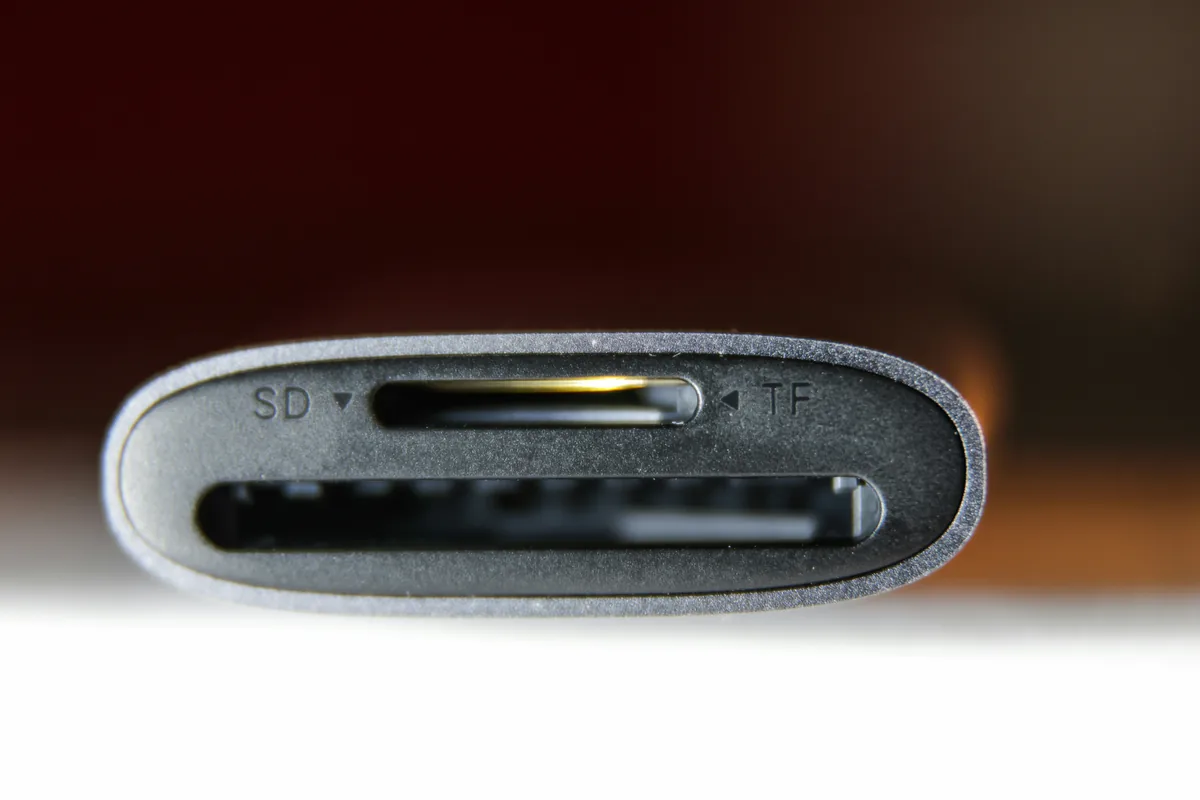
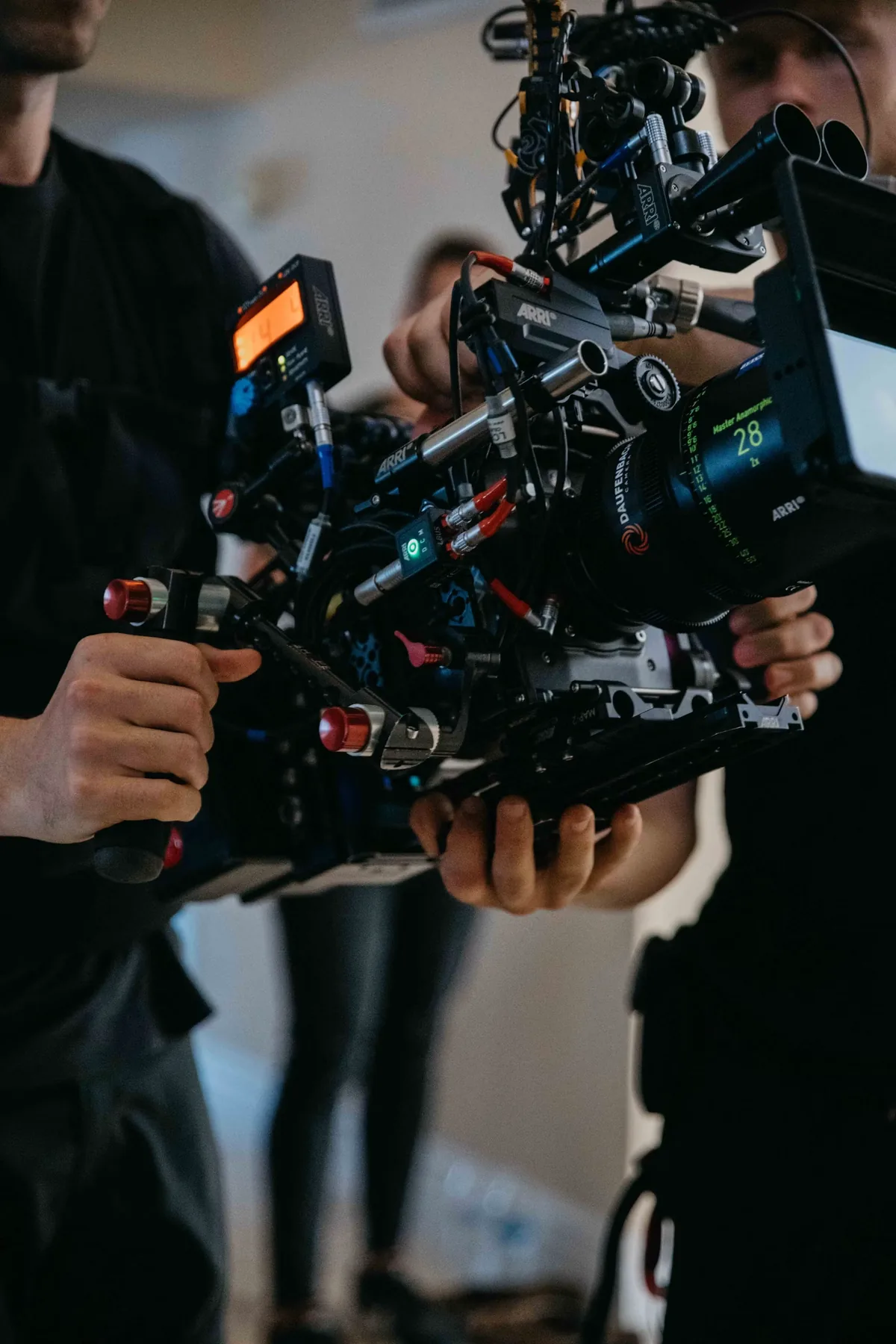
A body can arrive before the approved recording media, reader, spare batteries, mounting hardware or correct cable. Build a kit list from the intended recording and monitoring modes, not from accessories that happen to fit physically. Ask the responsible operator to confirm sustained recording needs and the editor to confirm ingest compatibility. The Nikon Z8 card-compartment photograph illustrates why card formats must be identified precisely; it is not a recommendation to use the pictured cards for every mode. The reader and cinema-rig images likewise illustrate dependencies, not a claim that these particular products are required or currently stocked.
Separate the working feature from the promised one
When a production depends on a firmware feature, identify the currently released version and read its actual release notes. Keep a roadmap in a separate column. A development announcement can help plan a future evaluation, but it should not silently become a capability in the camera package you have booked. For a newly delivered unit, record the installed version before testing; do not update on the eve of an important job without time to check the workflow. Our suggested acceptance clip should exercise the exact recording format, monitoring output, sound arrangement and import process that the project will use.
Write the fallback before the schedule becomes urgent
Name an alternative kit that can accomplish the required shot and identify the consequences: a different lens choice, extra lighting, another recording mode or a revised camera position. Agree which changes the client or editor must approve. Then define the point at which uncertain delivery triggers that fallback. A practical equipment plan is complete when it can survive an unavailable component, not when it contains the newest model name. Save the source links and supplier confirmation with the production paperwork, and recheck near collection. That modest record is more useful than treating a show-floor headline as a shipping promise.