Start with the portrait, not the effect
A creative filter should support a portrait rather than hide the person in it. This guide proposes a controlled lighting exercise for the SZ Filters Midas Touch: make a clean reference, add the effect and change one variable at a time. It is not a laboratory or hands-on review. The photographs are examples supplied by the brand, not images made during our own test. This is sponsored content. The Camera Post and SZ Filters share ownership; sponsorship does not determine our editorial conclusions.
What the product does—and what it cannot promise
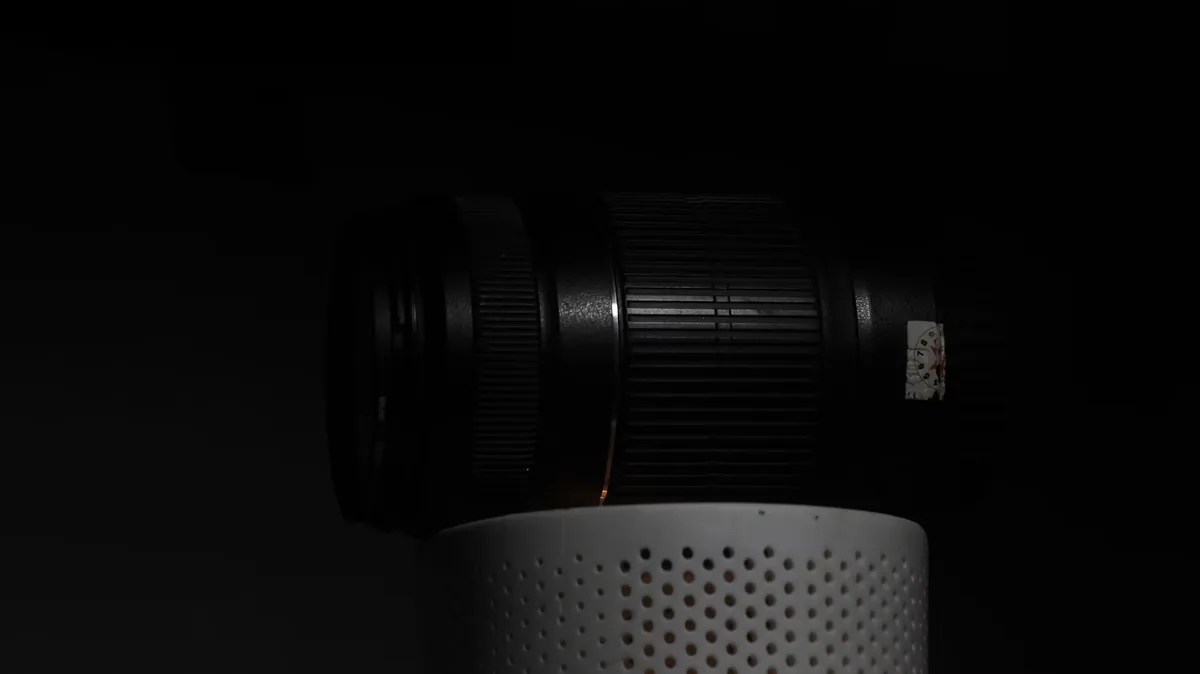
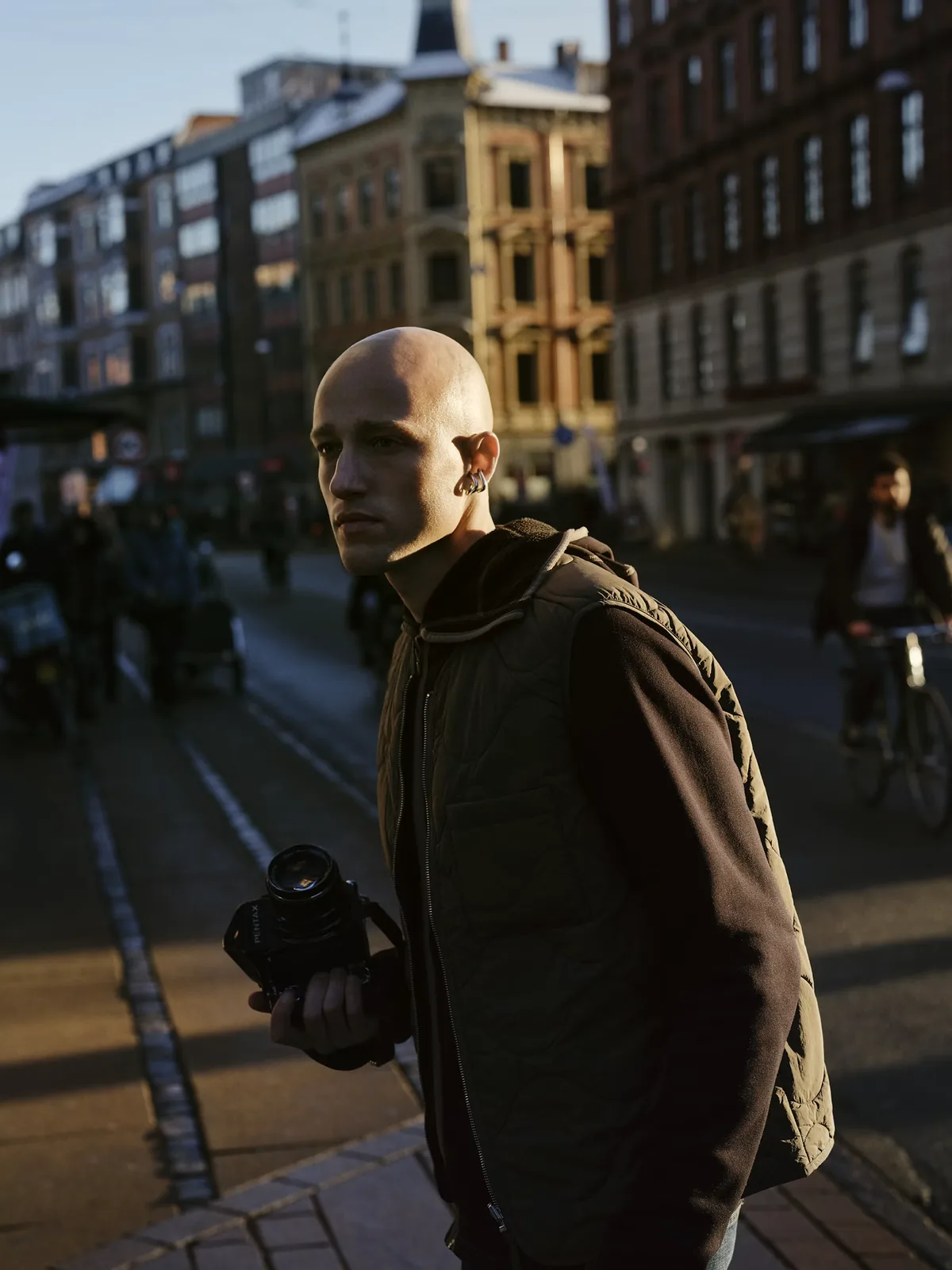
SZ Filters describes Midas Touch as a liquid-core creative filter that produces warm, moving highlights when light reaches it. Its setup advice emphasizes a light source directed toward the filter and a darker background that makes the effect easier to see. Treat those statements as the manufacturer’s description, not a measured guarantee. An optical accent cannot move the actual sun, change the direction of the shadows on a face or replace a well-positioned key light. Decide where the person’s face should be brightest before introducing another layer of light into the image.

Build a reference that you can compare
Begin without the filter. Choose one position for the subject and one for the camera, then mark both so you can return to them. Set an exposure that preserves the facial detail you need and select a fixed white balance for the exercise. Make a reference frame and note the settings. Add the filter without changing the pose or background. If exposure needs adjustment, record the change rather than pretending the two files were captured identically. This small discipline makes it easier to separate an optical effect from an unrelated shift in brightness or color.
Move the light before changing every camera setting
For a controlled indoor exercise, use one suitable continuous light, following its safety and mounting instructions, and move it in small steps while keeping the portrait position fixed. Inspect whether highlights cross the eyes or distract from expression. If the image becomes washed out, move the light away from the lens axis and try again before adding contrast in software. Outdoors, change your own position carefully rather than asking the subject to stare into bright sunlight. Never point the camera or an optical viewfinder directly at the sun for this test. A subtle edge accent can be more useful than the largest visible effect.
Check fit and the complete frame
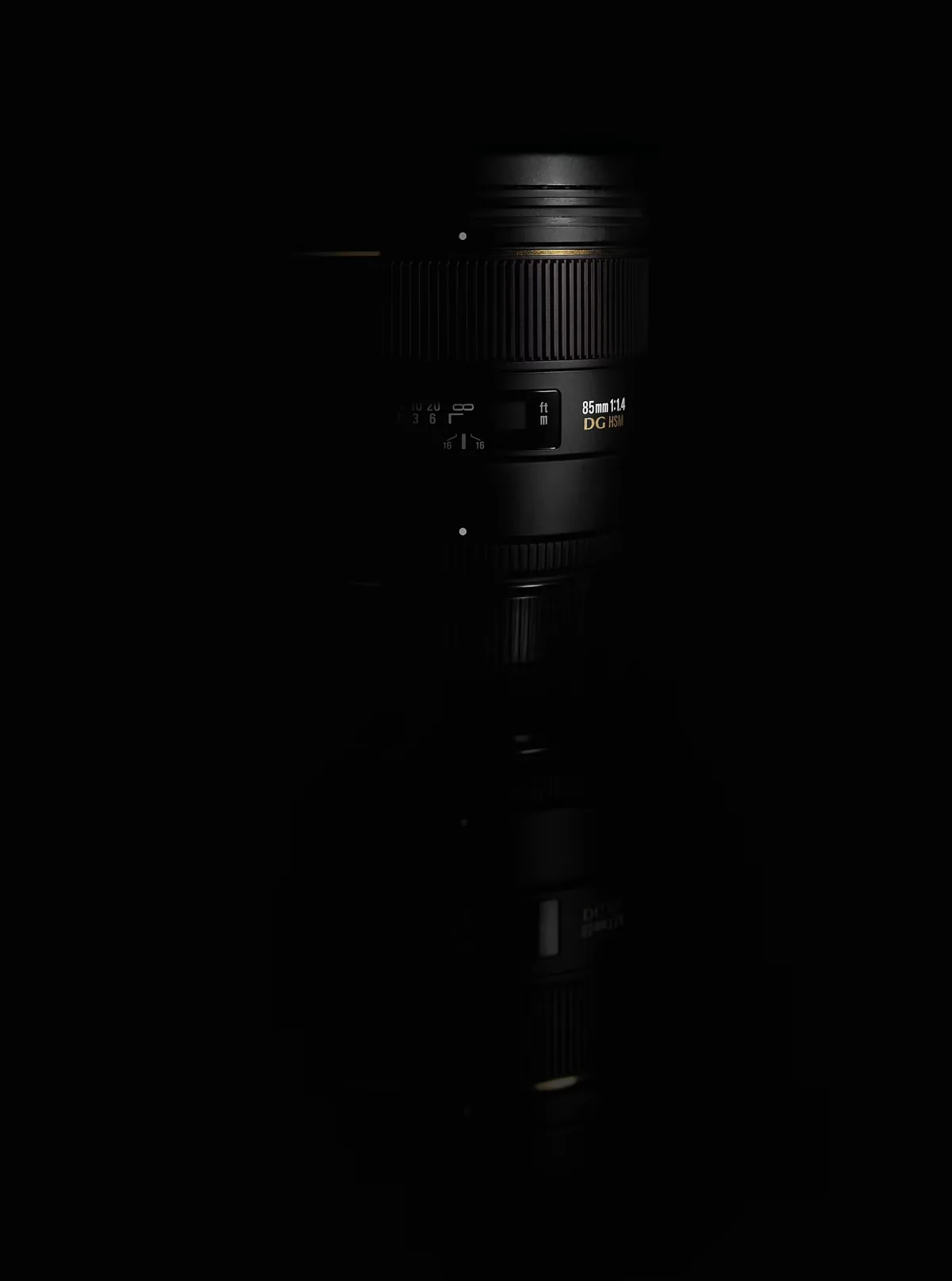
The official product page warns that circular marks can appear near the edges with focal lengths below 50mm and with wide-angle lenses. Thread compatibility alone does not establish optical compatibility. Do not reinterpret that warning as a universal full-frame-equivalent threshold: test your actual lens, focal length and recording mode. Look at all four corners, then repeat with the aperture and aspect ratio intended for delivery. An adapter can solve a mounting-size problem without solving an image-edge problem. For important work, keep an unfiltered version of the composition as a fallback.

Give motion its own test
A still frame does not tell you how an optical effect will behave through a video take. Record a short locked-off clip, a gentle pan and the actual camera movement planned for the scene. Watch the entire sequence at delivery size. Check whether a highlight becomes distracting as it passes across a face, and whether focus remains where it belongs. Avoid changing the light, filter orientation, focal length and camera movement simultaneously; you will have no clear way to identify what improved the result. Keep the setup notes alongside the clips so a successful look can be repeated.
Price, availability and handling
On September 23, the official store showed the 77mm version at US$139.99 and the 95mm version at US$159.99, both in stock. Prices exclude any applicable shipping or tax, and stock can change. The checked page did not give an original launch date. The manufacturer also advises avoiding extreme temperatures, particularly below 5°C/41°F. For current sizes and the brand’s handling instructions, consult the official Midas Touch page linked below. Do not assume that an effect filter also provides neutral-density control or protection against damaging light sources.
Finish with a three-frame decision
Choose a clean reference, the strongest useful filtered frame and a frame where the effect became too much. Compare the face, background separation and intended mood rather than counting visible highlights. Ask whether the treatment still helps after the image is reduced to its actual publication size. If the answer is no, keep the clean version. A repeatable method is more valuable than a one-off lucky flare: it lets you decide when to use the effect, how to control it and when the portrait is better without it.