The update, not a new camera launch
Sony’s US support page dates α7R VI firmware 1.02 to October 21, 2026. The free download is available now for the ILCE-7RM6. Sony says it extends Preset Focus to lenses without power zoom, but explicitly excludes some zoom lenses in that category. Its release notes also report fixes for periodic monitor activation while switched off and occasional unavailable focusing operations in movie Manual Focus, plus improved operational stability. These are manufacturer-reported changes, not results of an independent test by The Camera Post.
Compatibility is the first question
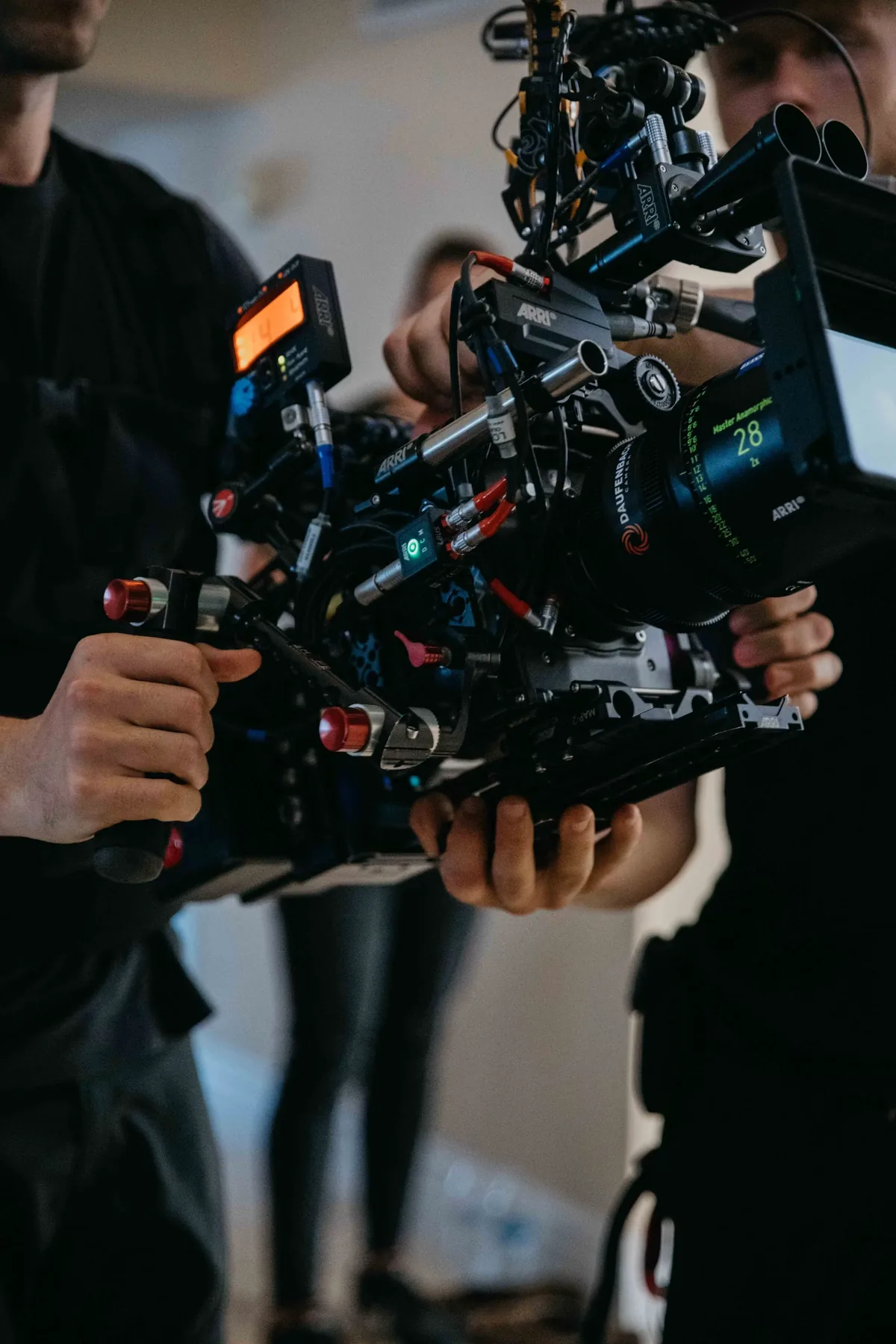
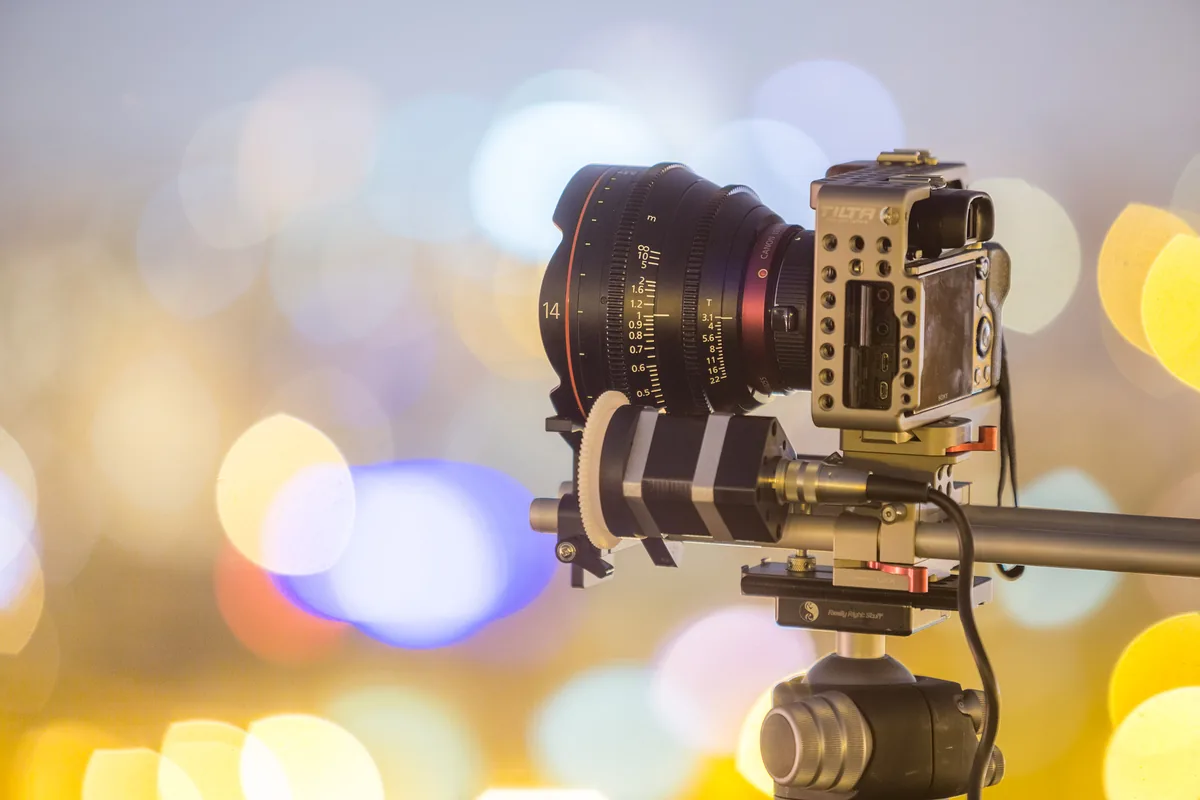
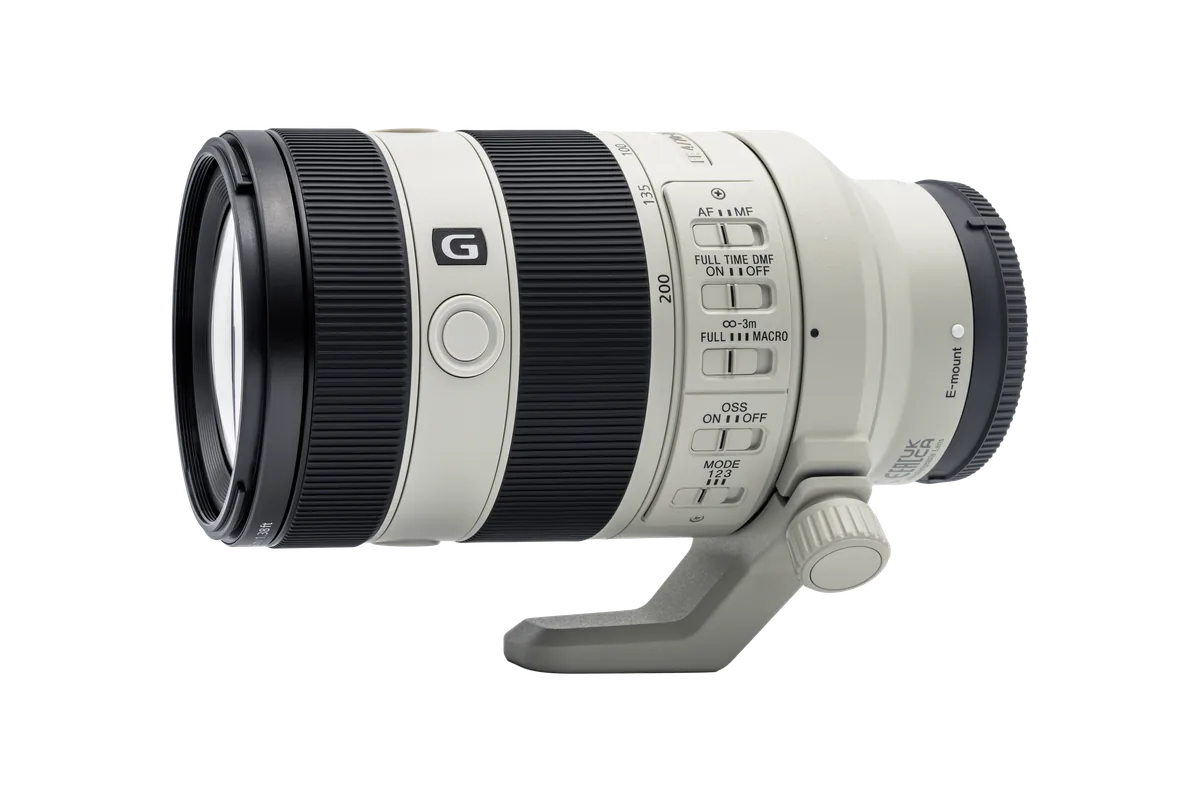
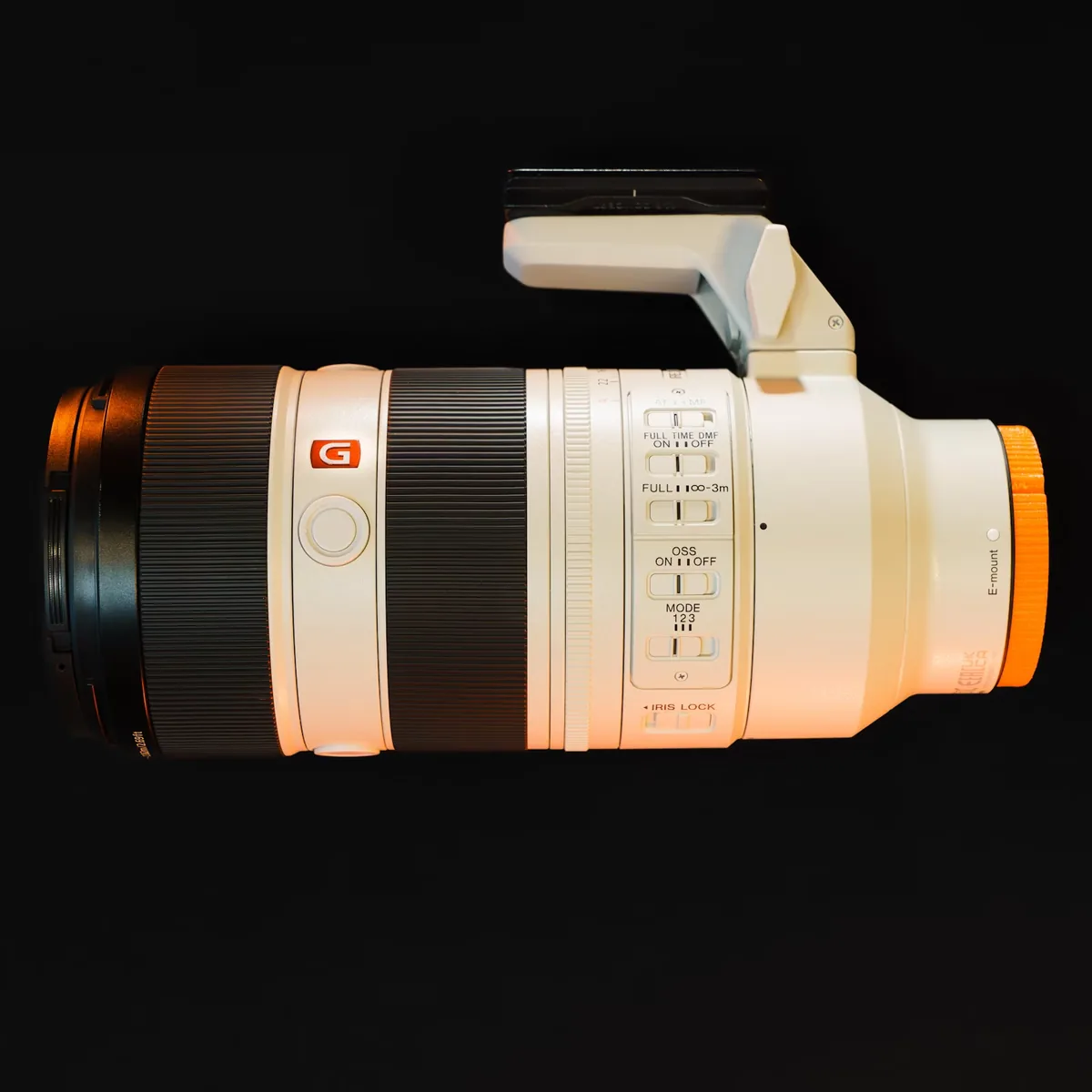
Use Sony’s linked camera-and-lens compatibility tool for your exact combination. A shared mount, similar lens name or familiar focal-length range is not confirmation of support for this particular function. Write down the complete model designation rather than only “70–200mm.” If you use several lenses, check each one independently and keep a brief record of the result. The Sony lens photographs accompanying this article are same-brand context, not a compatibility list, and do not show the α7R VI or demonstrate the new firmware.
Define a useful test before installing
Choose a repeatable scene that resembles your work: a seated presenter, a product on a table or two fixed points at different distances. Note the framing, focus mode and control assignments you normally use. Save a short reference clip if the setup is already working. This is a suggested comparison procedure, not a claim about an undocumented function. A simple baseline makes it easier to distinguish a changed setting, a lens-specific restriction and an actual fault after the update.
Follow the model-specific installation instructions
Sony specifies a fully charged NP-SA100 battery, removal of the vertical grip and slot 1 for its memory-card update method. Back up the card before formatting it, use the official file and follow the complete support instructions. Do not interrupt power or remove the card during installation. Confirm version 1.02 afterward; Sony says an update is unnecessary if that version is already installed. Do not substitute instructions written for another Alpha body just because its menus look similar.
Rehearse the actual movement
After confirming compatibility and setup in the Help Guide, rehearse the focus operation you intend to record. Start with a stationary camera and subjects, then repeat under the conditions the assignment requires. Watch the recorded result, not only the live display. Check whether the intended subject is sharp at the required moment and whether the transition fits the scene. Do not assume that the word preset makes every repeated operation identical across different lenses, distances and shooting situations.
Keep framing and focus judgments separate
A focus change can also change the apparent framing. For a comparison, keep the camera position and focal length consistent, and note any stabilization or breathing-compensation setting you use. If you change several settings between clips, you lose the ability to identify which change helped. Evaluate the complete shot at delivery size as well as inspecting the target detail. A technically sharp endpoint may still be unsuitable if the transition distracts from the subject or reveals an unwanted background element.
Do not schedule the first test on the assignment
Leave time for a short recording, playback and normal power-cycle check before paid or unrepeatable work. Keep the official support page and your camera-and-lens notes accessible. If something behaves unexpectedly, document the model, installed version, focus mode and steps that reproduce it before contacting support. Avoid treating unrelated owners’ reports as a diagnosis for your kit. This release gives owners a specific reason to review their setup; it does not replace an end-to-end rehearsal with the equipment they will actually use.