A maintenance update with specific targets
OM SYSTEM lists firmware 1.1 for the OM-5 Mark II, dated October 28, 2026. Its English support page describes improvements to camera stability and image quality, specifically mentioning startup, playback and rapid single-shot shooting in low light. Those are the manufacturer’s stated changes. They are not measurements from The Camera Post, and the brief description does not quantify an improvement or establish that every owner has experienced a fault. The update is available now at no charge through the official firmware workflow.
Check the model before the version number
OM-5 and OM-5 Mark II have separate firmware entries. A similar name does not make their software interchangeable: the official table currently lists version 1.2 for the original OM-5 and version 1.1 for the Mark II. Read the model marking on the body and its installed firmware information before proceeding. Do not decide that one camera is behind another by comparing version numbers across models. The support page linked below is the starting point for this particular update, rather than an unofficial download mirror.
What an owner should look for
A useful follow-up check begins with your own normal use. After completing the update, power the camera on, make several ordinary photographs and review them. If your work includes repeated individual exposures in dim light, include a short sequence in similar conditions and inspect the saved files. Keep the lens, exposure and subject as consistent as practical. This is a functional check, not a controlled comparison or proof that an image-quality difference came from firmware. If a repeatable problem remains, record the settings and contact support.
Choose an update window with room to recover
Avoid beginning an update just before leaving for a paid assignment or a one-time event. First copy and verify important photographs, check battery charge and read the current instructions for the supported update method. Note essential custom settings so you can confirm them afterward. A firmware installation deserves an uninterrupted period and a subsequent shooting check. It should not compete with a rushed card download, a nearly empty battery or a computer about to sleep. Follow the updater’s prompts rather than guessing when it has finished.
Use the workflow for this body
OM SYSTEM’s Japanese support table lists OM-5 Mark II among bodies supported by the OM Workspace computer workflow with settings backup, and among models supported by OI.Share smartphone updating. Check the current requirements for your computer or phone and use the linked official instructions. These are alternative supported routes, not a reason to run both. If an application cannot identify the camera or offers an unexpected model, stop and resolve that mismatch through support before continuing. Do not interrupt a transfer simply because progress appears slow.
Keep the release note separate from a buying claim
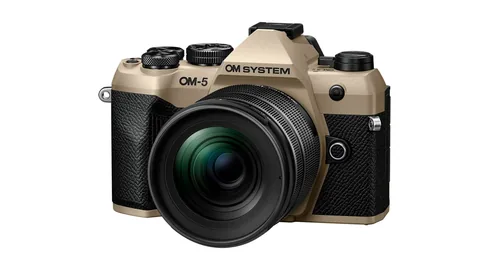
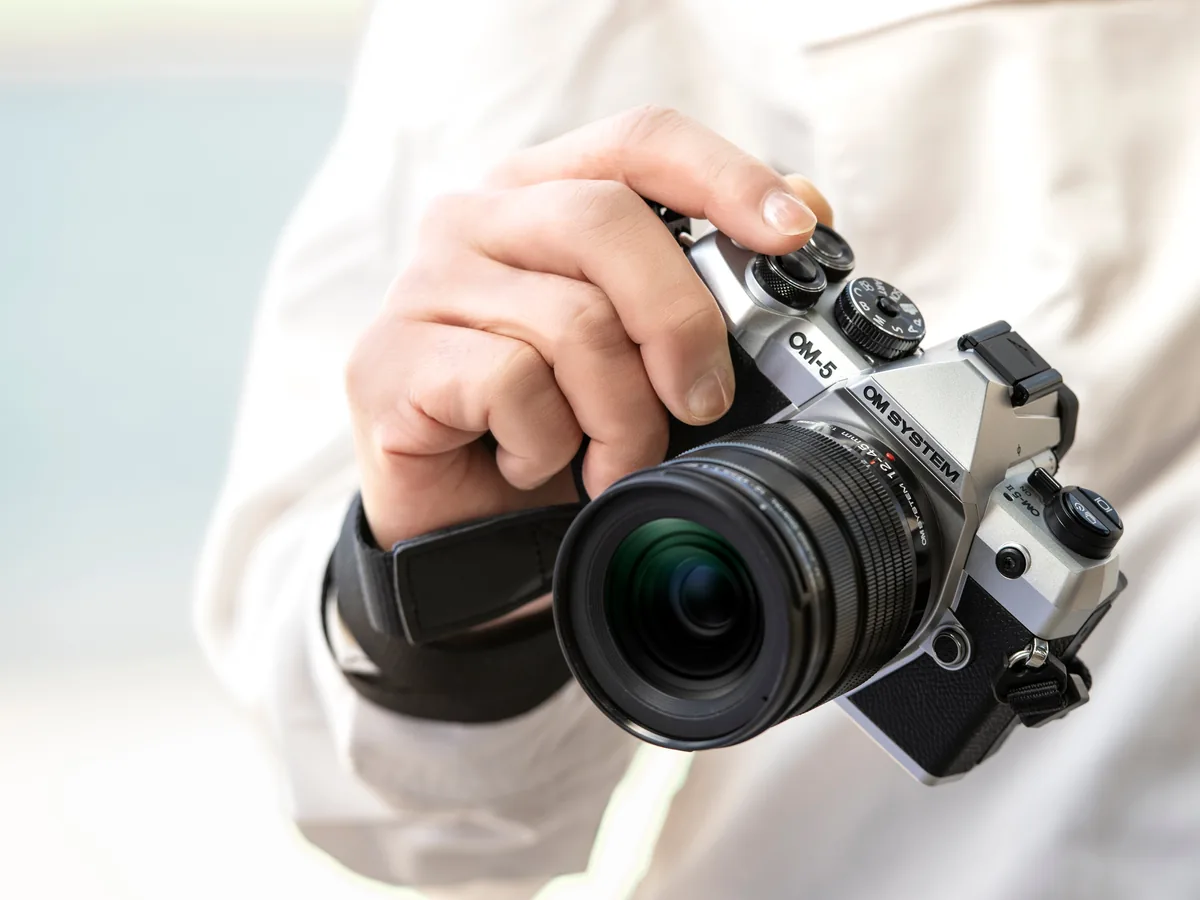
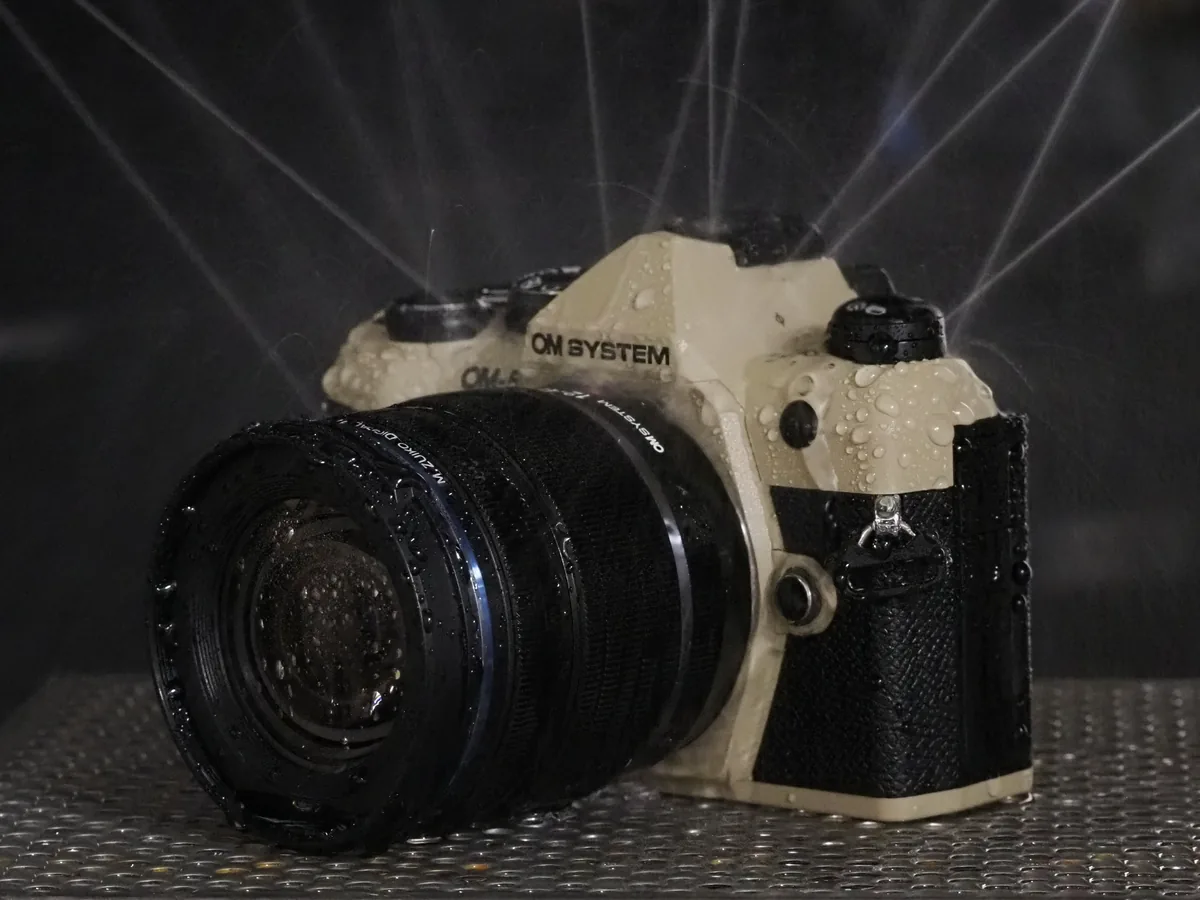
The notice does not announce a new camera, a new sensor or a measured autofocus upgrade. It also does not provide a numerical before-and-after image-quality result. An existing owner can evaluate the free maintenance release without treating it as a reason to replace equipment. Our photographs are official OM-5 Mark II launch material from 2025, reproduced for model identification. The water-spray image illustrates the manufacturer’s original product presentation; it is not a firmware demonstration or our durability test.
Finish with a small working record
Once the official process completes, confirm the displayed firmware version and make a short record of the date, update method and any settings you restored. Check the files on your normal editing computer as well as on the camera. A few minutes spent confirming the complete path from capture to playback is more useful than assuming that a successful installer message proves every part of a shooting setup. Keep that record with your equipment notes so a later support conversation starts with a specific version and reproducible observations.