A specific maintenance release
Nikon has released Z9 C firmware 5.33, dated October 20, 2026 in its Download Center. The stated change from 5.32 is a fix for the camera becoming unresponsive with some lenses. Nikon does not name those lenses or quantify how frequently the issue occurs. The official download is available now at no charge: the software price is US$0, not the price of a new camera. This is an owner-maintenance notice, not a new Z9 announcement or a hands-on assessment of the fix.
Do not turn a short note into a broad promise
The useful conclusion is narrow: there is an official remedy for a documented category of unresponsiveness. It does not establish that every freeze has the same cause, that every lens was affected or that unrelated autofocus problems have been corrected. If your camera has stopped responding, write down the exact equipment and circumstances before changing anything. A reproducible account is more useful for support than a general statement that the camera sometimes behaves badly. Avoid assigning blame to a particular lens manufacturer without evidence.
Read the version already installed
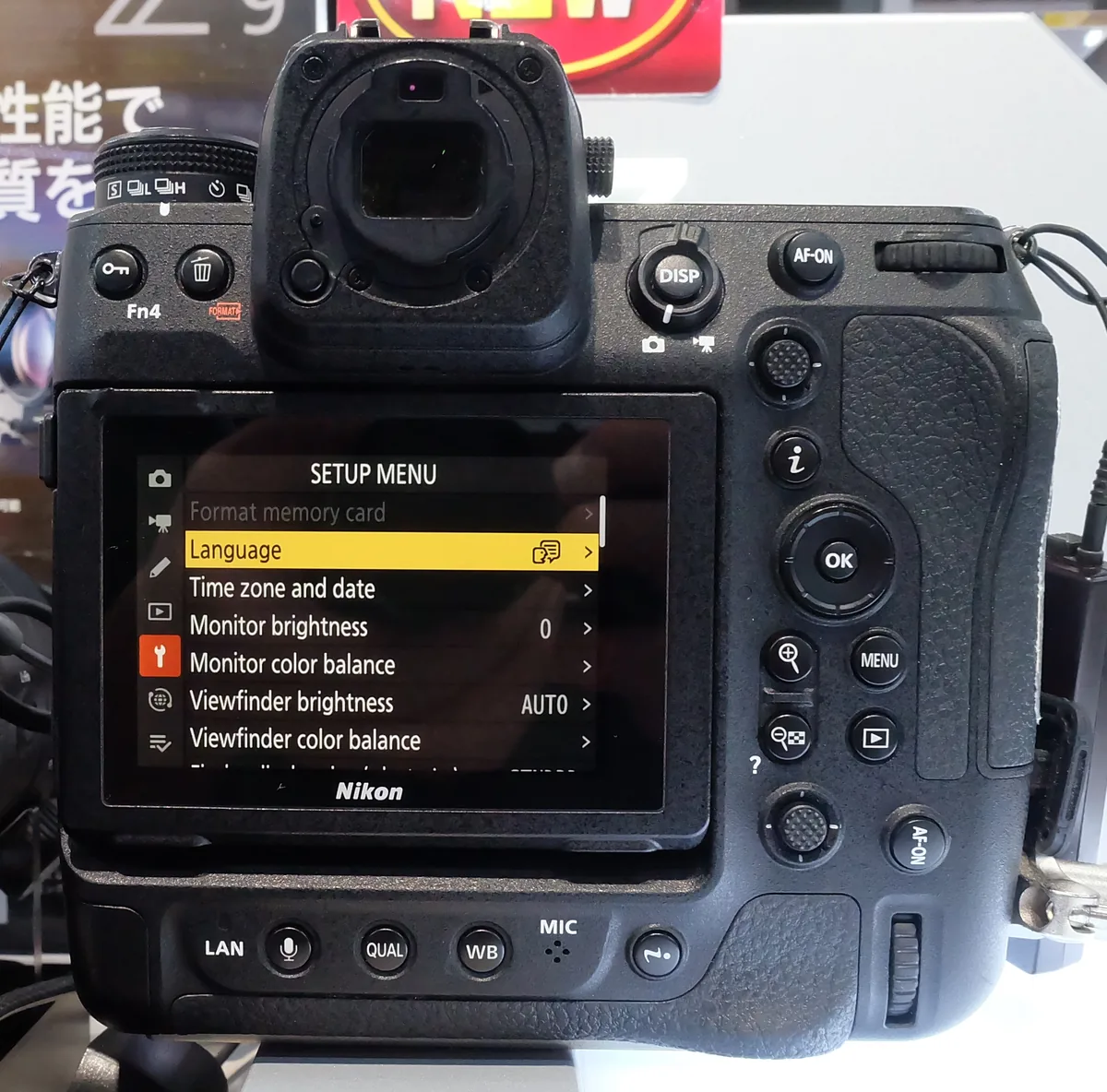
Check the setup menu’s firmware information before downloading. A body already showing C 5.33 does not need the same update again. This package includes previous changes, so the starting version matters when reading the cautions. Nikon highlights possible consequences for saved shooting-function settings, older IPTC presets and the GNSS module; some owners will need additional preparation or a second update pass. Read the exact conditions on the linked official page rather than assuming that a procedure described by someone on a different starting version applies to your body.
Make an owner record before the maintenance window
Our practical suggestion is to make a short checklist for your particular working kit. Record the body version, the lenses and adapters you regularly use, the card arrangement and any controls that would be disruptive to lose. Keep the record somewhere other than the card you intend to use for the update. If custom settings or metadata are essential to a client workflow, verify the manufacturer’s supported way to preserve them. A photograph of a menu can help you remember a choice, but it is not a substitute for an appropriate backup.
Use the installation instructions, not a summary
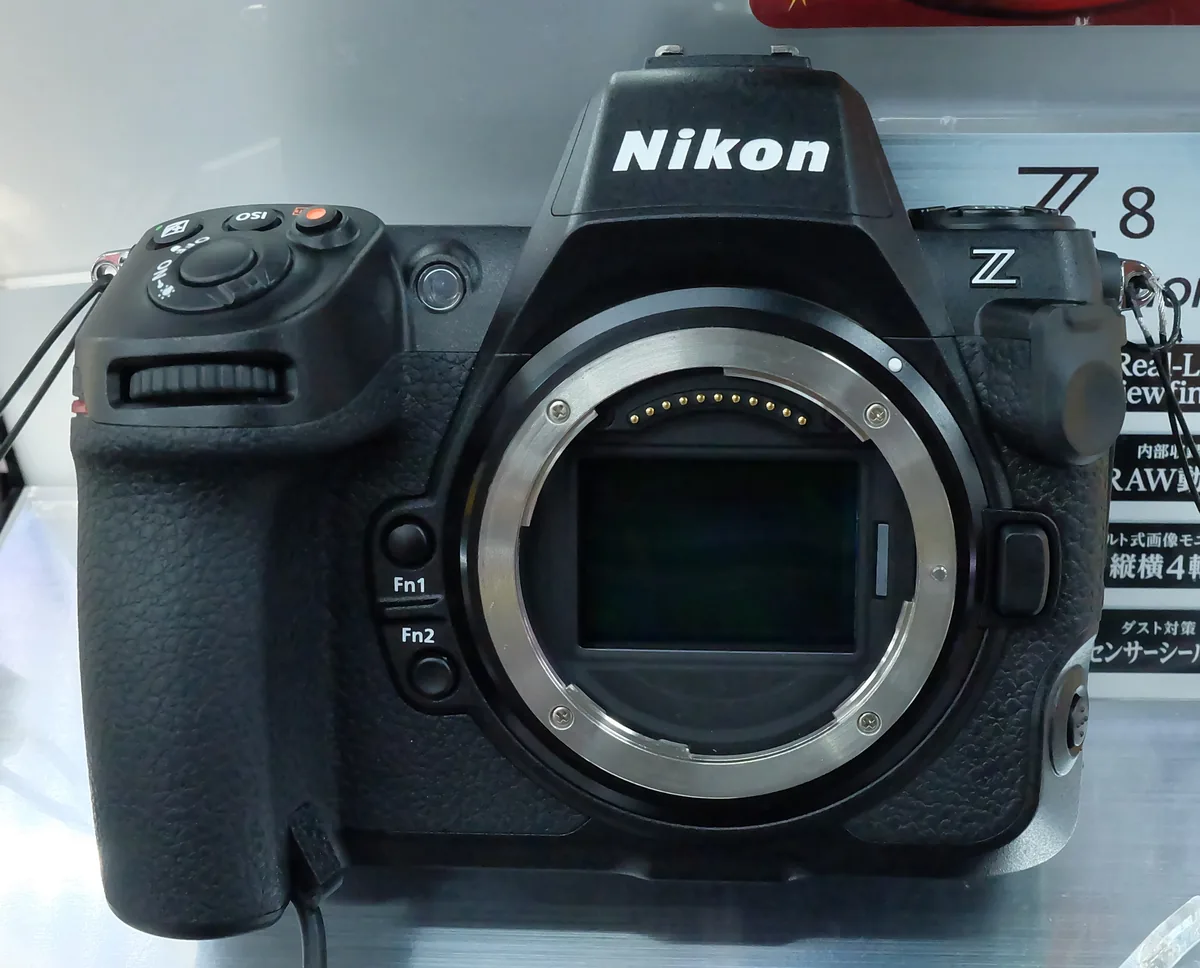
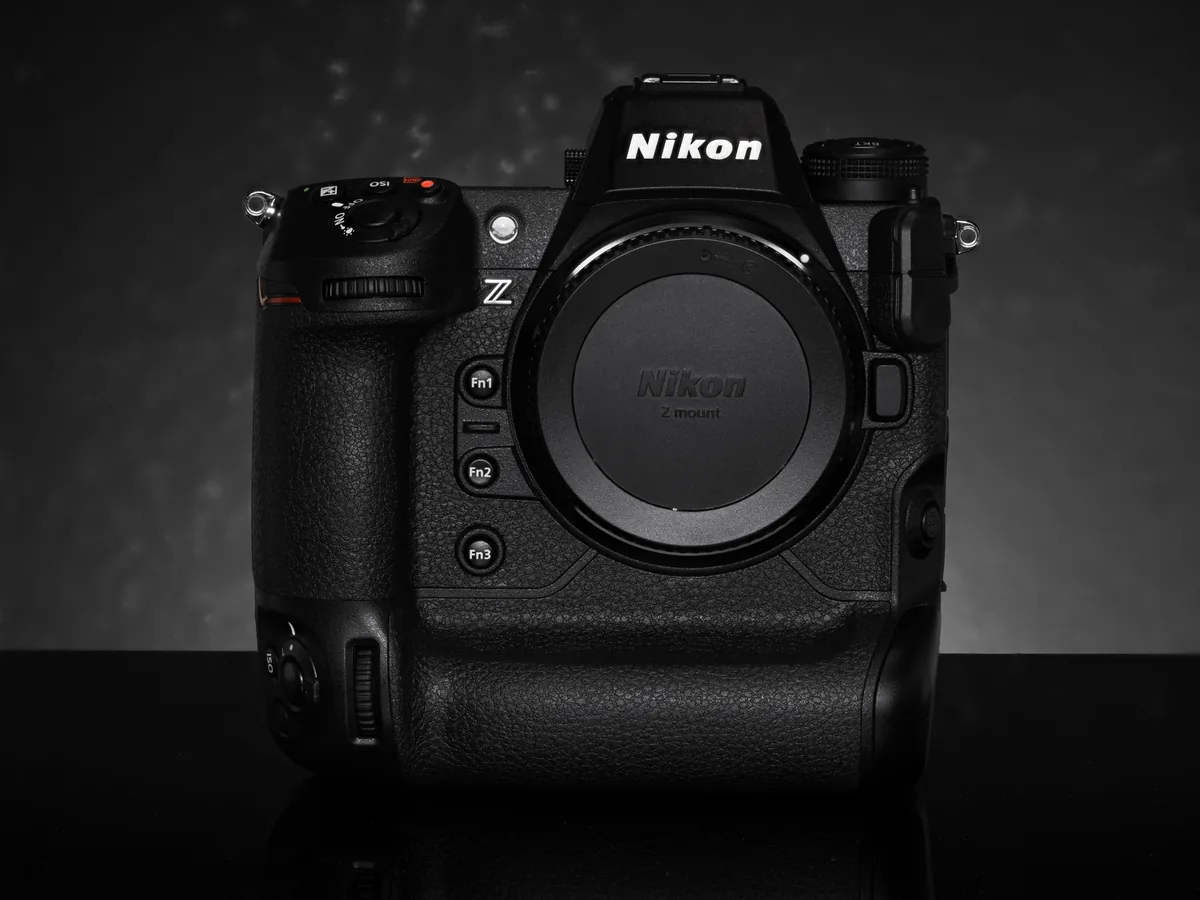
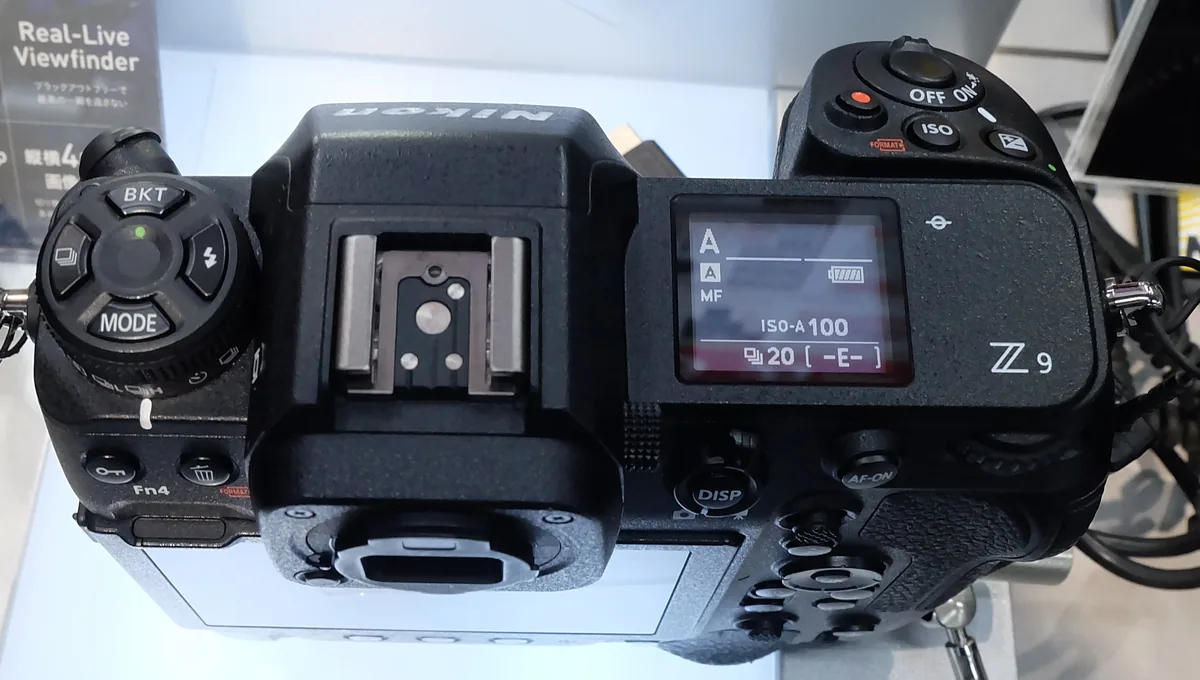
Nikon’s download page specifies a computer and card reader and warns about the lens or adapter attached during installation. Follow its complete procedure, agreement and power precautions. Do not treat the photographs in this article as installation screenshots: they are 2022 archive views of the Z9. Plan the work when you can finish without interruption, and leave time afterward to confirm the result. An update performed immediately before a one-time assignment leaves little room to discover an unexpected setting or an incomplete step.
Rehearse the workflow you actually need
After the official completion checks, try a small, noncritical version of your normal assignment. For a stills photographer that could mean focusing, shooting a short sequence, reviewing and transferring it. For a video operator it could include a brief recording and playback with the intended lens and accessories. Keep the test comparable to your earlier experience instead of changing every setting at once. These are suggested verification steps, not tests performed by The Camera Post, and a successful short rehearsal cannot prove that every possible failure has been eliminated.
Separate the other Nikon downloads
Z8 owners need the Z8 file, not the Z9 package. The recently released updates for two NIKKOR Z zooms are also separate lens downloads with their own changes. Matching a brand name, release week or similar symptom is not enough to identify the right file. Our related reports cover those releases individually. Keep a simple maintenance log that identifies the component updated, its previous and new versions, the date and the outcome of your check. That makes later troubleshooting less dependent on memory.
What remains unverified
We have verified Nikon’s release listing and notes, but have not independently reproduced the fault or tested 5.33. There is no verified list of affected lenses in the cited release note. Owners whose problem persists should preserve their observations and contact Nikon support rather than repeatedly installing firmware or experimenting during a paid job. The value of this update notice is an accurate route to the official remedy and its cautions—not an assurance that every Z9 and lens combination has been tested here.