A narrowly described reliability update
Nikon released Z8 C firmware 3.12 on October 20, 2026. The current download page describes one change from 3.11: a correction for the camera becoming unresponsive with some lenses. The download is available without a purchase charge for owners of the applicable camera, subject to Nikon’s software agreement. This is an update report, not a hands-on test. The announcement gives an owner a specific reason to check the installed version, but it does not establish how often the problem occurs or which combinations are affected.
What the notice does not establish
The published change note does not identify lens models, a triggering sequence or a rate of failure. It would therefore be misleading to turn this into a list of unsafe lenses or to claim that every Z8 is likely to freeze. Nor does the notice describe a recall or promise a general autofocus improvement. If your camera has behaved normally, that experience and the existence of a reported fix can both be true. Treat the version note as a defined maintenance change, not a new feature launch.
Check the body before downloading
Open Firmware version in the camera’s setup menu and record what is installed. If 3.12 is already present, Nikon says another download is unnecessary. Use the Z8 download page, not a file intended for a different body. Nikon’s same-day Japanese support announcement also links a Z9 update, but the cameras have separate firmware packages and version numbers. A folder containing several camera downloads is an avoidable source of confusion; isolate the correct package and retain its instructions alongside it.
Read the attachment warning literally
Nikon cautions against updating with any lens other than a Z-mount NIKKOR, or with any mount adapter other than FTZ II/FTZ, attached. Follow the current download instructions for the exact equipment on the body. This warning concerns the update procedure; it does not identify the lenses involved in the fixed shooting problem. Conflating those two statements would create an unsupported compatibility claim. When a setup falls outside the documented procedure, stop and obtain model-specific guidance rather than improvising an attachment arrangement.
Prepare a controlled maintenance window
Do the update when there is enough time to read, complete and verify the process before an assignment. First protect photographs already on the card and prepare the power supply and card exactly as the manufacturer specifies. Keep a short record of the starting version, update file and completion result. Do not interrupt an update because progress seems slower than expected. If an error appears, record its wording and consult Nikon’s instructions or support before trying another action. This is not a recommendation to experiment with unofficial firmware.
Older installations need the older-version notes too
A cumulative update can include requirements that do not apply to someone moving directly from the preceding version. Nikon specifically flags a separate IPTC-preset backup procedure for Z8 users starting from firmware 1.01 or earlier. Read that section if it applies to your camera rather than assuming a general settings backup covers every item. Conversely, do not tell a 3.11 user that the old-version condition necessarily affects them. Match every precaution to the installed version and the manufacturer’s stated scope.
Verify the equipment you will actually use
After the update finishes, confirm the displayed version and run a modest rehearsal with the lenses, cards and accessories intended for your next job. Make stills, review them and exercise the normal controls you depend on; include video if it is part of the assignment. A short rehearsal can reveal an incorrect setting or an obvious problem, but cannot prove that every possible failure has been eliminated. Keep a working backup plan for important work instead of treating a successful installation as a reliability guarantee.
A clear report is more useful than a broad conclusion
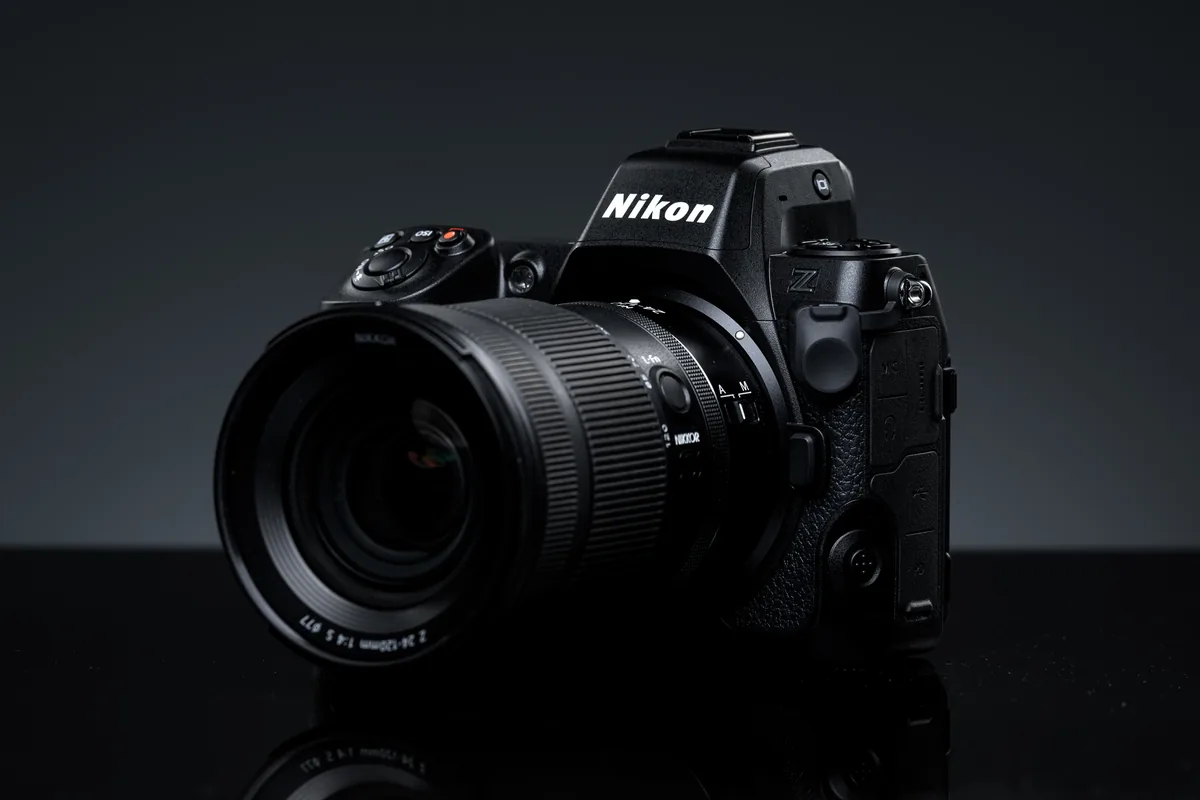
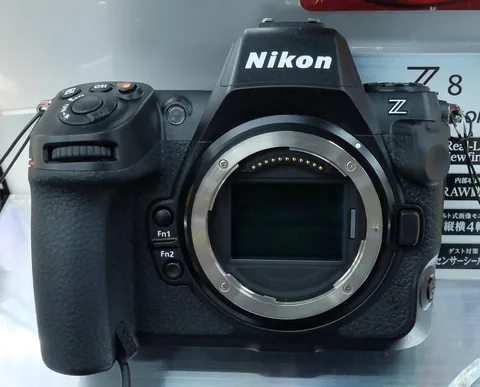
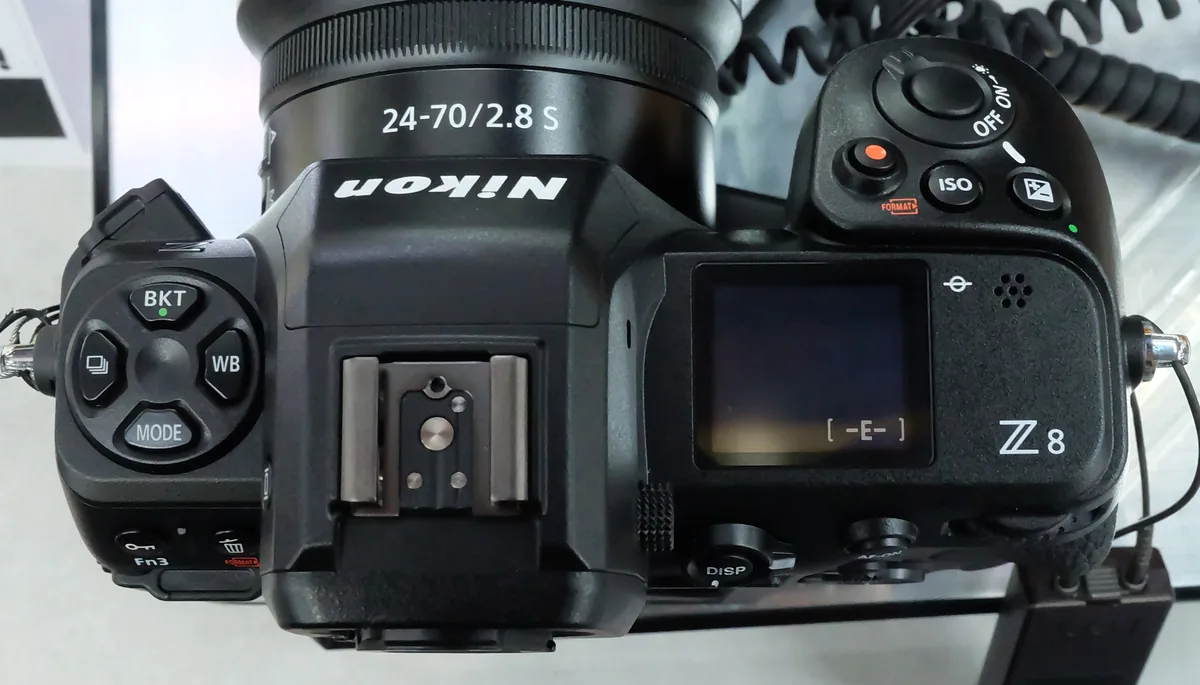
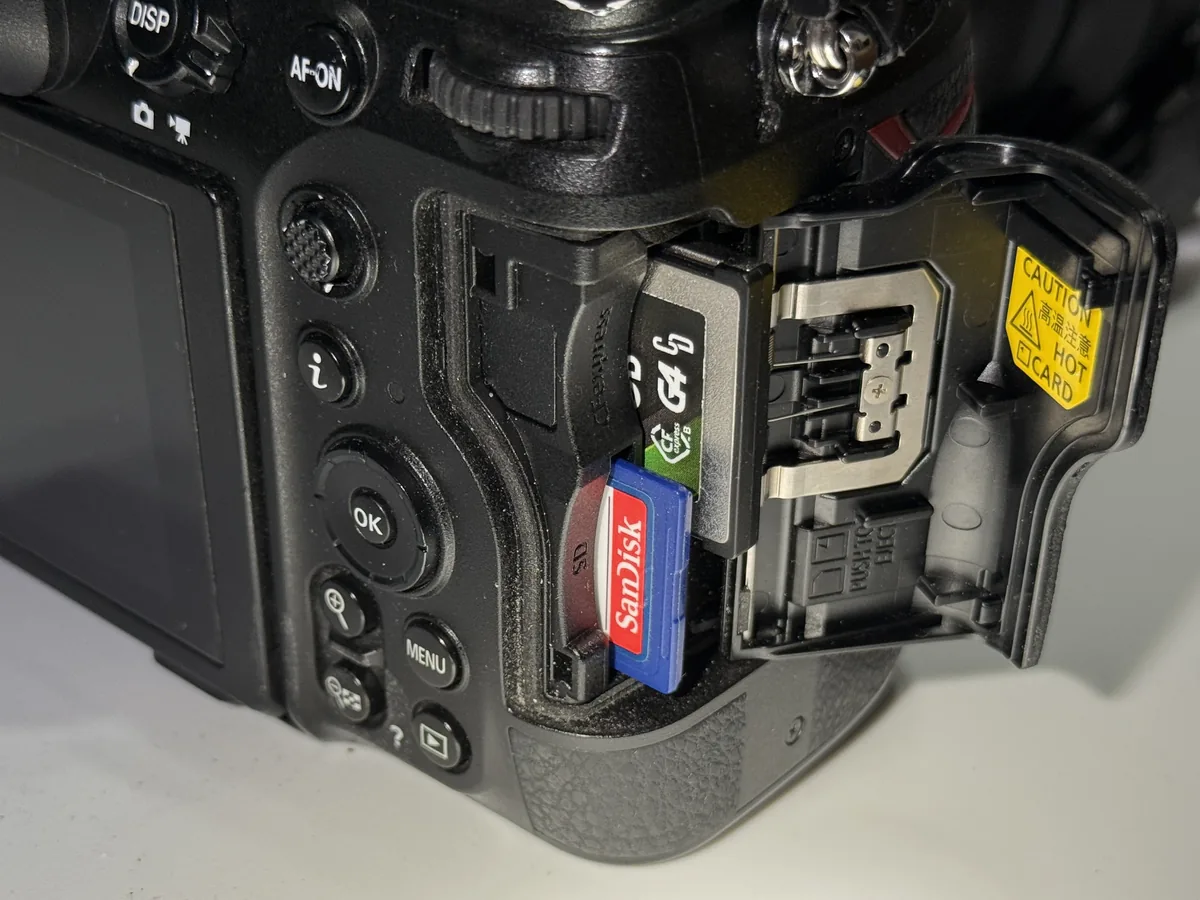
If the camera still becomes unresponsive, document the firmware version, lens model, adapter if present and operations immediately before the event. Share those details with Nikon support without assuming that the symptom has the same cause as the issue in this release. The three photographs here show the Z8 and its controls and card compartment. They are licensed equipment illustrations, not evidence that those photographed lenses or cards caused a fault.