Two downloads, not one shared update
Nikon’s Download Center lists October 22, 2026 firmware releases for the NIKKOR Z 14–24mm f/2.8 S and NIKKOR Z 24–70mm f/2.8 S II. Both move from version 1.00 to 1.10, but they do different jobs and use different files. The official downloads are available now at no charge, so there is no USD purchase price for the software. This is maintenance for existing lenses, not a new lens launch or a recommendation to buy a replacement.
The 14–24mm gains focus-control choices
For the 14–24mm, Nikon adds support for swapping the focus and control rings’ roles. It also enables focus distance to follow the amount of manual ring rotation, regardless of turning speed, when an option other than Non-linear is selected under Focus ring rotation range. Check the manual and firmware of the attached body for those menu options. A camera being able to install lens firmware does not by itself establish that every new control option is available on that body.
Why repeatable movement can matter
Consider a video shot that moves focus from a nearby object to a more distant person. A repeatable relationship between ring travel and focus adjustment can make rehearsals easier to compare. That is a workflow implication, not a measured result from our own test. Mark the intended subject positions, rehearse at the actual shooting distance and inspect the recording. Do not assume a software setting gives a lens physical end stops, removes focus breathing or guarantees that a moving subject will land on a predetermined focus mark.
The 24–70mm S II addresses aperture behavior
For the 24–70mm f/2.8 S II, Nikon reports improved aperture-operation reliability and reduced aperture-operation noise. The release notes do not quantify the noise reduction or promise silence. In particular, the S II designation matters: these notes and this download are not for the earlier 24–70mm f/2.8 S. Match the full name printed on the lens to the download page, rather than selecting a file based only on the focal-length range or an identical firmware version number.
Record a useful comparison before changing anything
If aperture noise affects your work, save a short baseline using the microphone position and room you normally use. Note the settings and avoid changing several variables at once. After the update, repeat that arrangement and listen to the saved files at comparable levels. This is a suggested owner check, not evidence that a problem exists in every copy of the lens. Distinguish sound from the lens, handling, autofocus and the room before attributing a difference to the firmware.
Separate lens firmware from camera firmware
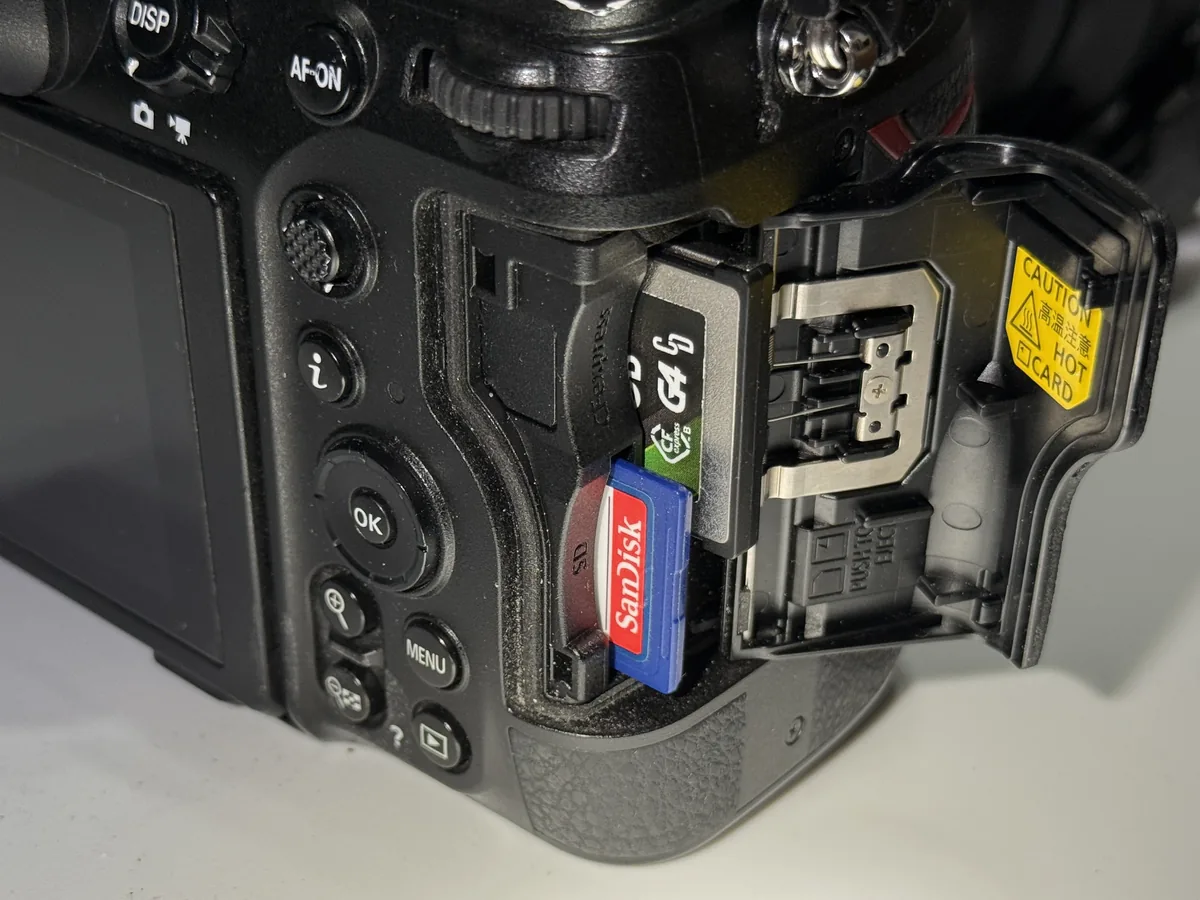
Nikon installs these updates with the relevant lens attached to a compatible Z-series or Nikon Z CINEMA camera, using a memory card and reader. The setup menu’s Firmware version screen shows the installed camera and lens versions. Owners already on lens version 1.10 do not need to reinstall it. Follow the complete instructions on the exact download page, including the correct file location and update sequence; this article is not a substitute for the installation procedure or the agreement accompanying the download.
Plan the update between assignments
Leave time to verify the result before an important shoot. Back up card contents before any formatting step, use the power arrangements specified by Nikon and do not interrupt an update in progress. Afterward, confirm the lens version and make a short stills-and-video rehearsal appropriate to your work. Check focus, aperture changes and any reassigned controls. If a familiar ring now does something different, that operational surprise is worth finding at a desk rather than during a one-time event.
What the photographs establish
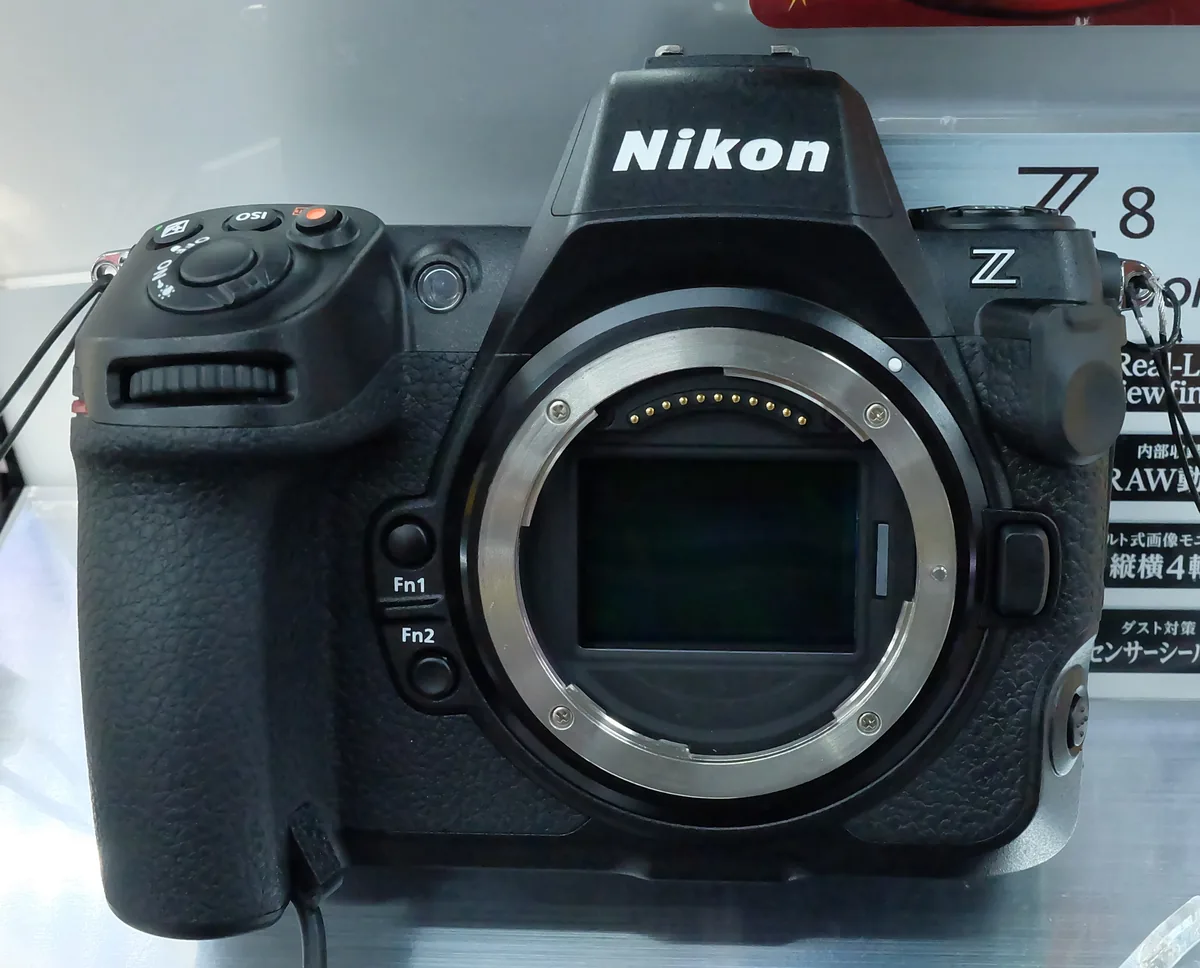
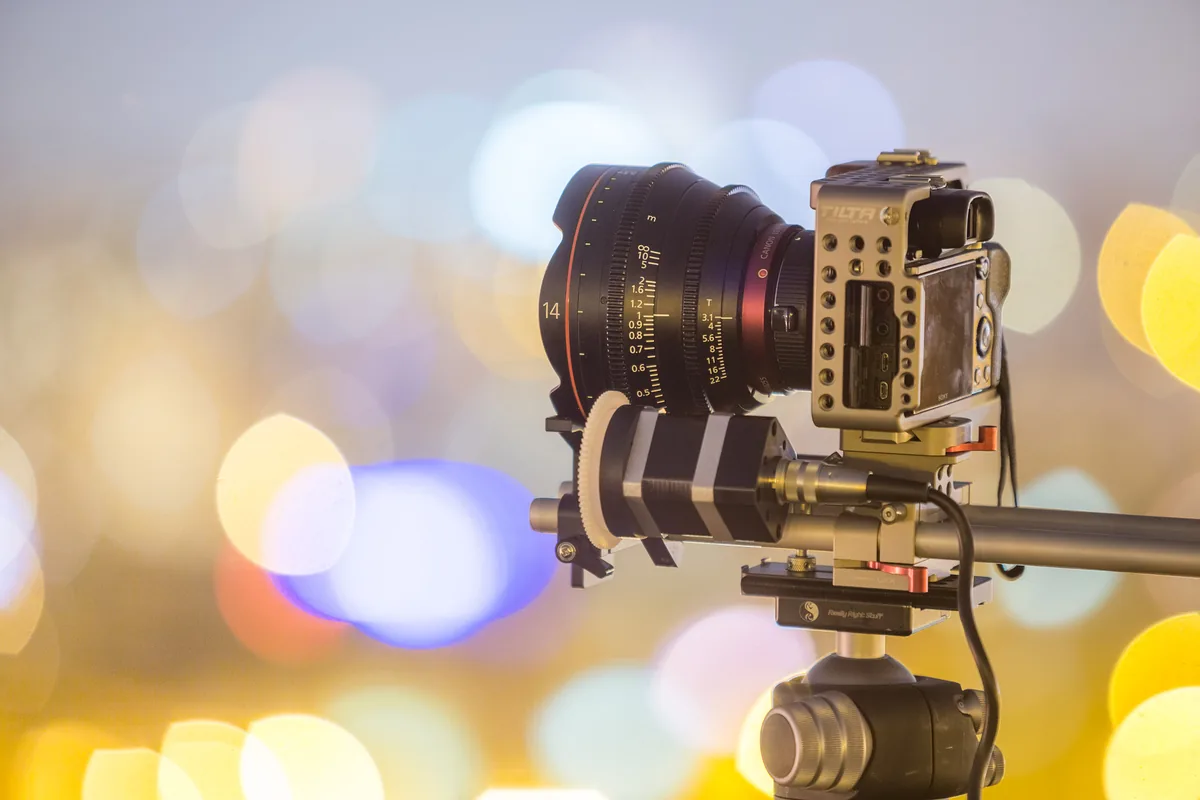
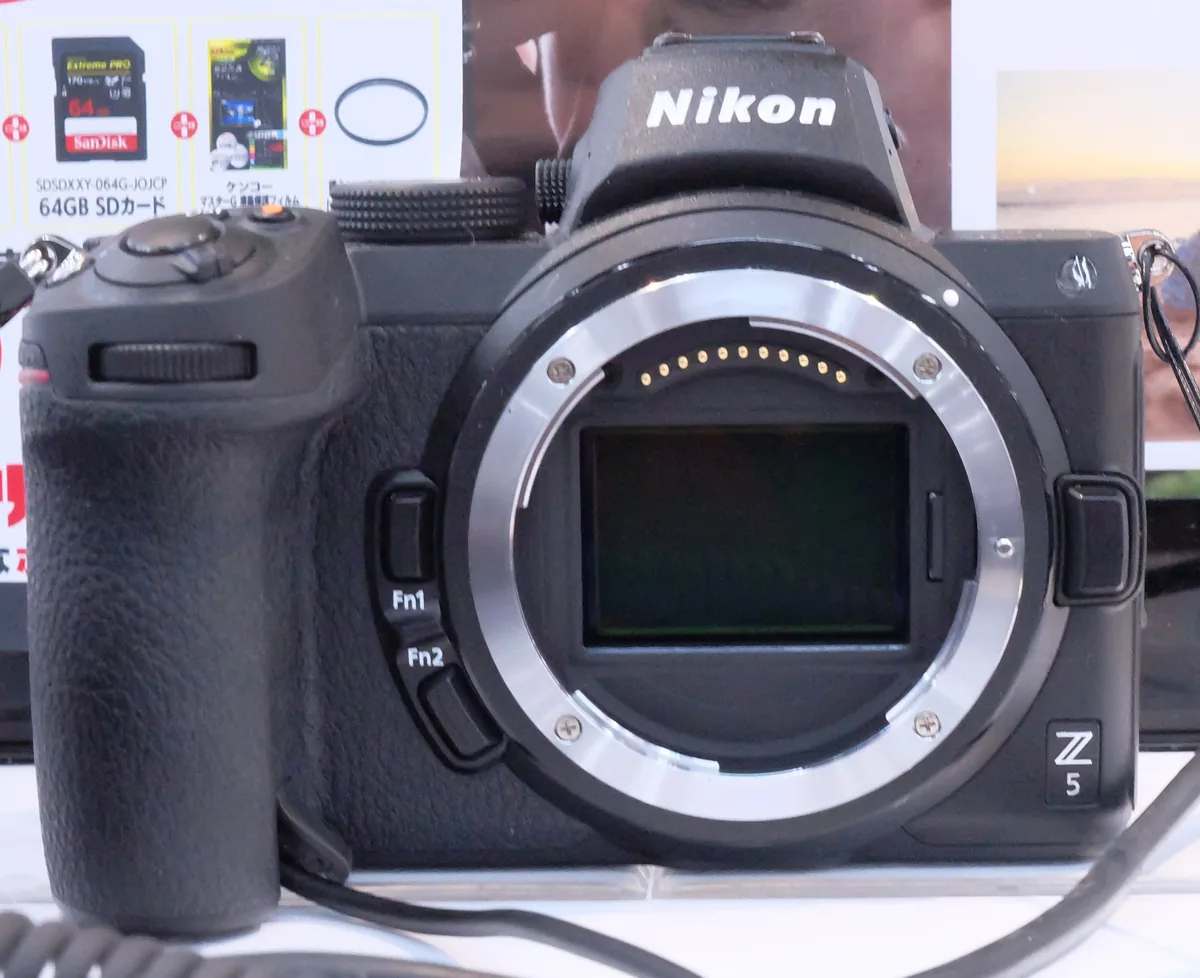
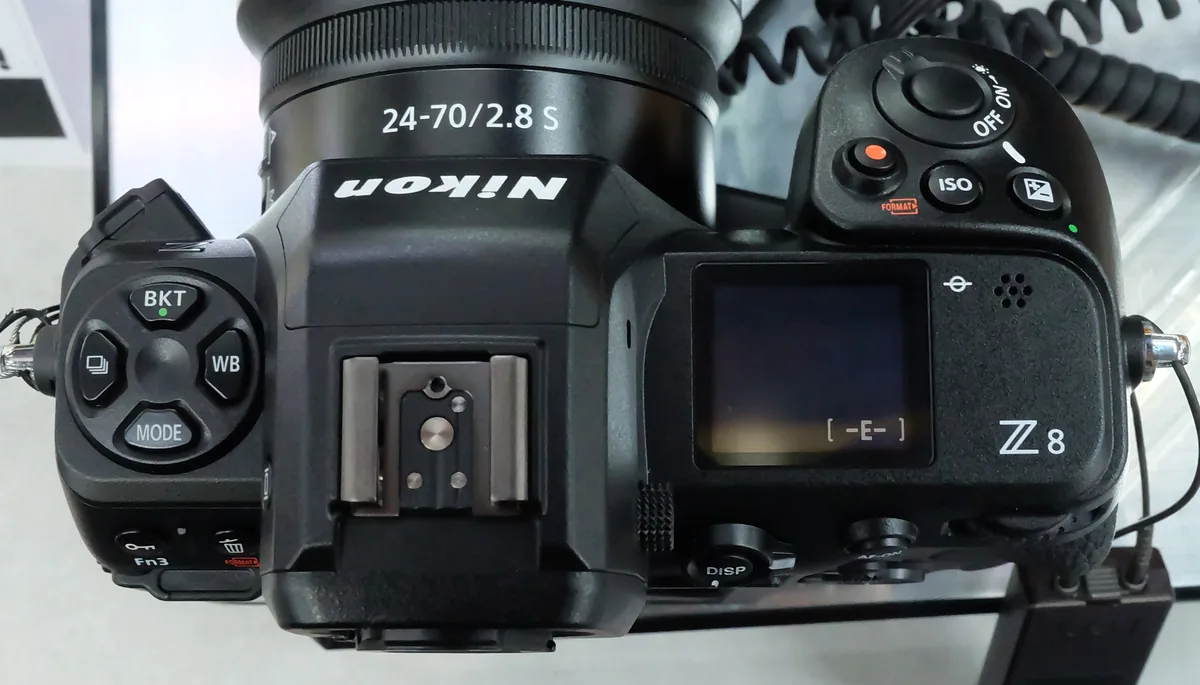
The photographs are licensed Nikon Z-system context: an original Z5 with its mount exposed, Z8 top controls and a Z8 card compartment. They do not depict either updated zoom or prove the effect of its firmware. We did not find a suitable, clearly authorized three-image set of the exact lenses during the official-source and archive review. The editorial conclusion is correspondingly narrow: owners should check these two official downloads, identify the change relevant to their work and verify their own camera-and-lens combination.