What Insta360 has announced
Insta360 has released a Luna Ultra firmware update that adds 4K/30 vertical recording, extends the camera’s zoom range and introduces Stage Mode. The company also announced an Ultra Telephoto Lens and a Luna Ultra Zoom Bundle priced at US$889.99. The firmware is available through the Insta360 app. These are manufacturer announcements, not findings from our own camera test. Regional stock and checkout prices should be checked separately; the bundle price is not the price of the accessory alone.
Longer reach does not mean an entirely optical zoom
The camera’s maximum zoom moves from 12× to 15×, described as a 300mm equivalent field of view. The optional attachment provides 1.5× optical magnification, with the combined setup covering a stated 90–450mm equivalent range; it covers the main camera when fitted. Do not read the 15× figure as an all-optical zoom specification. Insta360 recommends 4K/30 for telephoto recording. Before buying an accessory for one event, consider the framing you will need at the wide end as well as the farthest seat in the room.
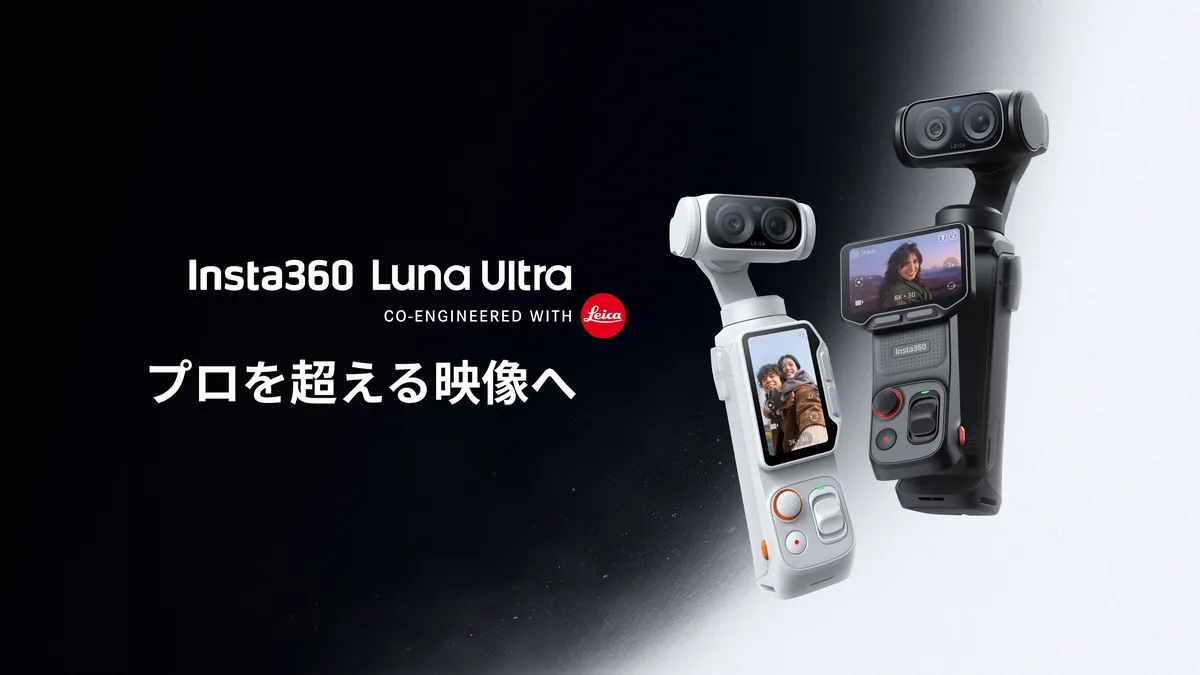
Vertical recording has a qualification worth reading
The announcement specifies 4K/30 vertical video with up to 6× zoom, but recommends staying at or below 3×. It also says quality in the 3–6× range is still being optimized. Stage Mode adds concert-oriented exposure, focus, tracking and audio functions, according to Insta360. Those claims do not establish how the camera will handle your venue. Strong spotlights, dark backgrounds and LED walls create different demands, so a feature name should not replace a short recording test under similar conditions.
Make the comparison with an actual delivery in mind
Our suggested test is a short sequence with a person moving between a bright and a darker part of the frame. Record one wide view and two tighter views without changing the lighting. Review faces, fine clothing detail and the background separately. Then export at the resolution and aspect ratio you actually deliver. A clip that looks convincing on the camera screen can look quite different after a tight crop or a second compression pass. Keep the original files so you can tell whether a problem began at capture or during export.
Treat the attachment as a change to your shooting setup
A telephoto accessory is useful only if it helps you keep the intended subject in the frame. Rehearse acquiring the subject, following a change in direction and returning to a wider view. Because the attachment covers the main camera, do not assume every familiar camera-switching operation remains available. Follow the current official instructions for fitting and using it. For travel work, compare the complete carried setup rather than only the camera body; a small accessory still introduces another item to fit, protect and check between shots.
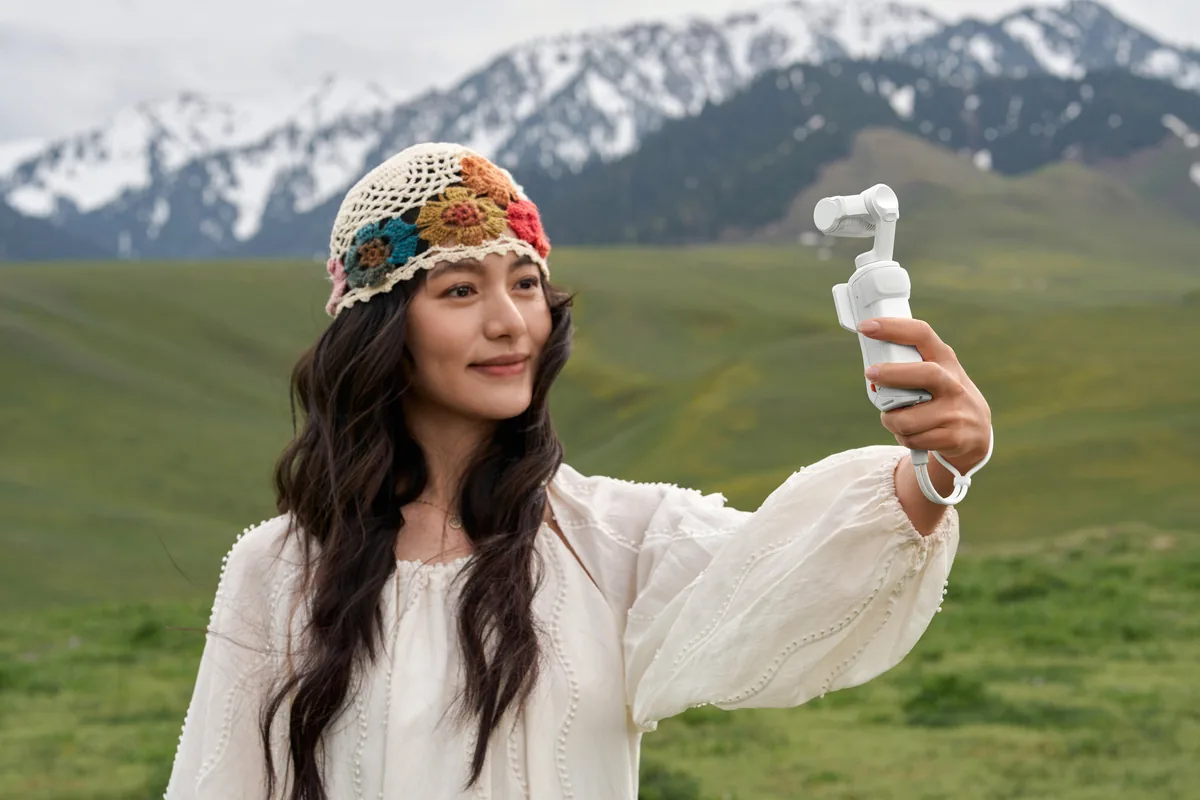
Update before the assignment, then verify the result
Use the official firmware procedure linked below and leave time for a post-update check before an unrepeatable event. Record a brief vertical clip and a normal horizontal clip, play both back, and inspect the saved files on the device used for editing. Note the installed version and the settings you tested. Our related guides cover gimbal-camera trade-offs and flicker checks; neither substitutes for a Luna Ultra test in your own conditions. The photographs accompanying this report are earlier official images of the correct camera, not examples produced with the new firmware or the telephoto lens.