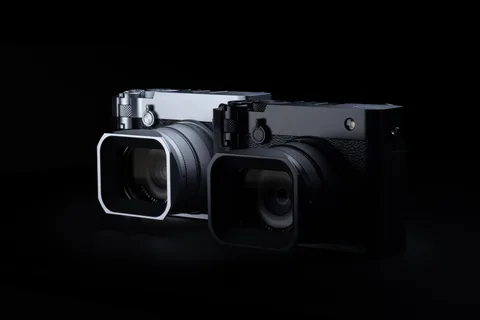
Three downloads, three separate version numbers
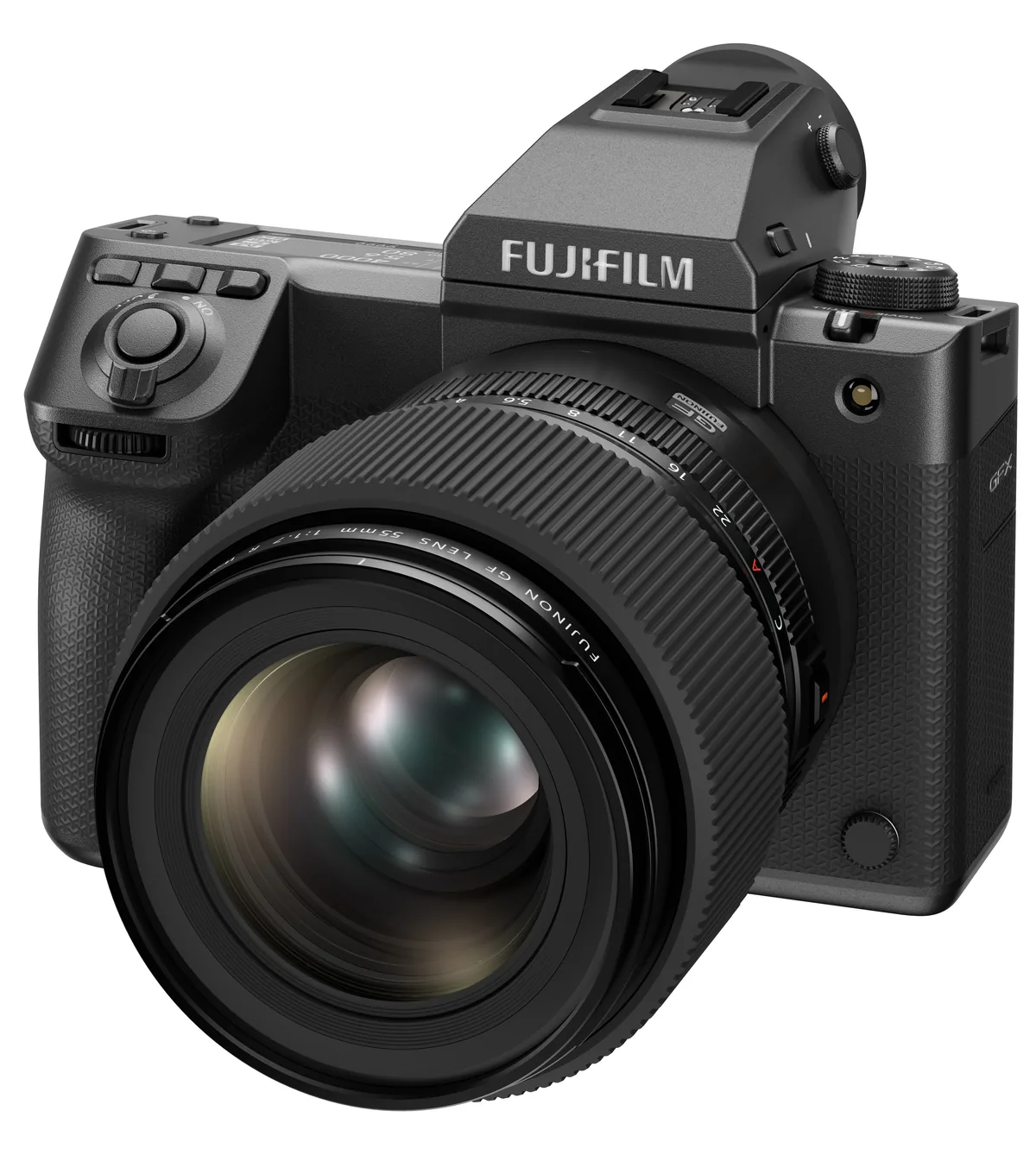
Fujifilm has released maintenance firmware for the GFX100RF, GFX100 II and GFX100S II. All three official support pages carry a November 4, 2026 update date. The downloads are available at no charge. The fixed-lens GFX100RF moves to version 1.14, the GFX100 II to 2.51 and the GFX100S II to 1.22. Select the page for the complete model name: the GFX100S and GFX100S II are different cameras, and their firmware files are not interchangeable.
What the release notes actually say
The GFX100RF and GFX100S II notes each describe a minor bug fix. The GFX100 II page describes other minor bugs being fixed. Fujifilm does not identify the triggering conditions in these entries. There is consequently no documented basis here for promising faster autofocus, a new recording mode or a specific image-quality improvement. Treat these as maintenance releases when planning an installation. The absence of a detailed symptom also means an owner cannot use these notes alone to diagnose a particular problem with a camera.
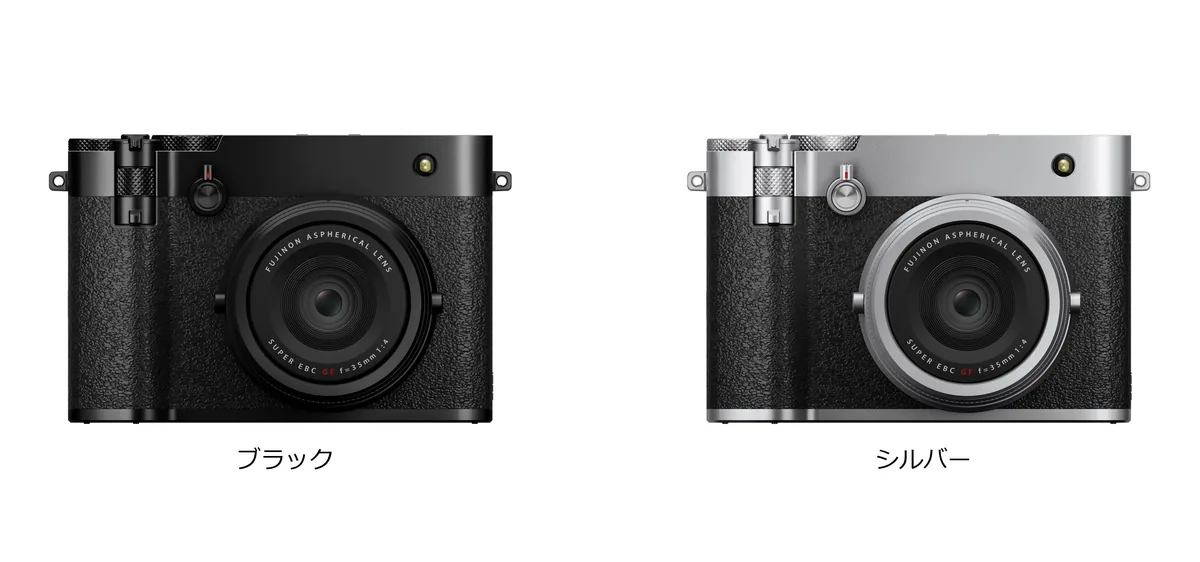
Keep earlier changes attached to their versions
The support pages include a history beneath the latest entry. On the GFX100RF page, an XApp reconnection correction for the FRAGMENT EDITION belongs to version 1.13. It is not a newly described change in 1.14. Similarly, GFX100 II power-zoom lens support appears under the earlier 2.50 release. Read from your installed version onward if the camera has missed several updates. Pay attention to any compatibility notices in those intervening entries rather than assuming that the short newest entry describes everything your camera will gain or change.
Make a model and version record first
Before installation, note the full model name, current firmware and the date. Follow the version-checking procedure linked on that model’s official page. Fujifilm says an update is unnecessary if the latest version is already installed. For a studio with several bodies, give each camera its own row in an equipment log. A label such as “GFX updated” is ambiguous when three models use different version numbers. Record the file source too, so the next operator can return to the same official instructions.
Leave time for a normal-workflow check
Use the power, card preparation and installation procedure specified by Fujifilm for your body. Before preparing a card, ensure its photographs have been safely copied. Arrange the update with enough time before the next assignment to make and review a short test. Our suggested check is a photograph in your usual file format, playback on the camera, import into your editing application, and a trial connection to any app or tethered setup you depend on. These are workflow checks, not claims that this release changes those functions. Record the resulting version and any reproducible problem, including the settings and accessories involved, before contacting support.