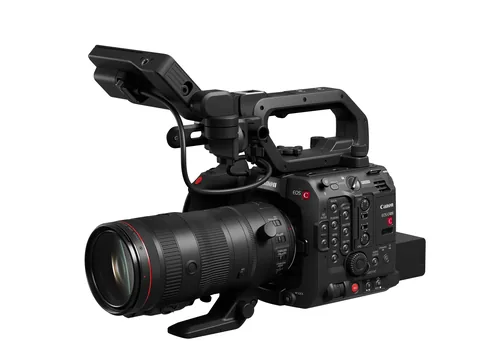
Three bodies gain more control over individual colors
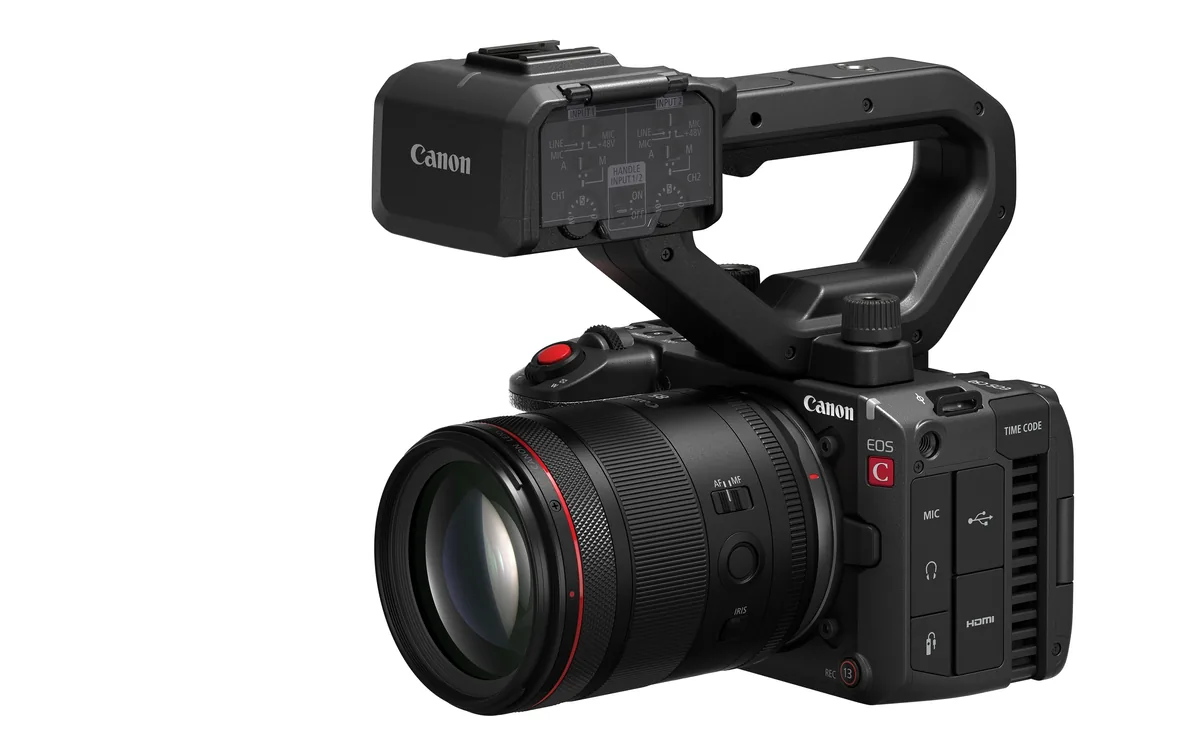
Canon’s November 4 announcement covers the EOS C400, C80, C50 and R5 C. The feature crews are most likely to notice when matching several cameras is Multi Matrix on the C400, C80 and C50. An operator can adjust the hue and saturation of a selected color range. Imagine a stage where the red backdrop reads orange on one camera but the presenter’s face matches across both. An adjustment confined to reds gives the engineer a more selective starting point than warming the whole image.
Build a reference before adjusting the matrix
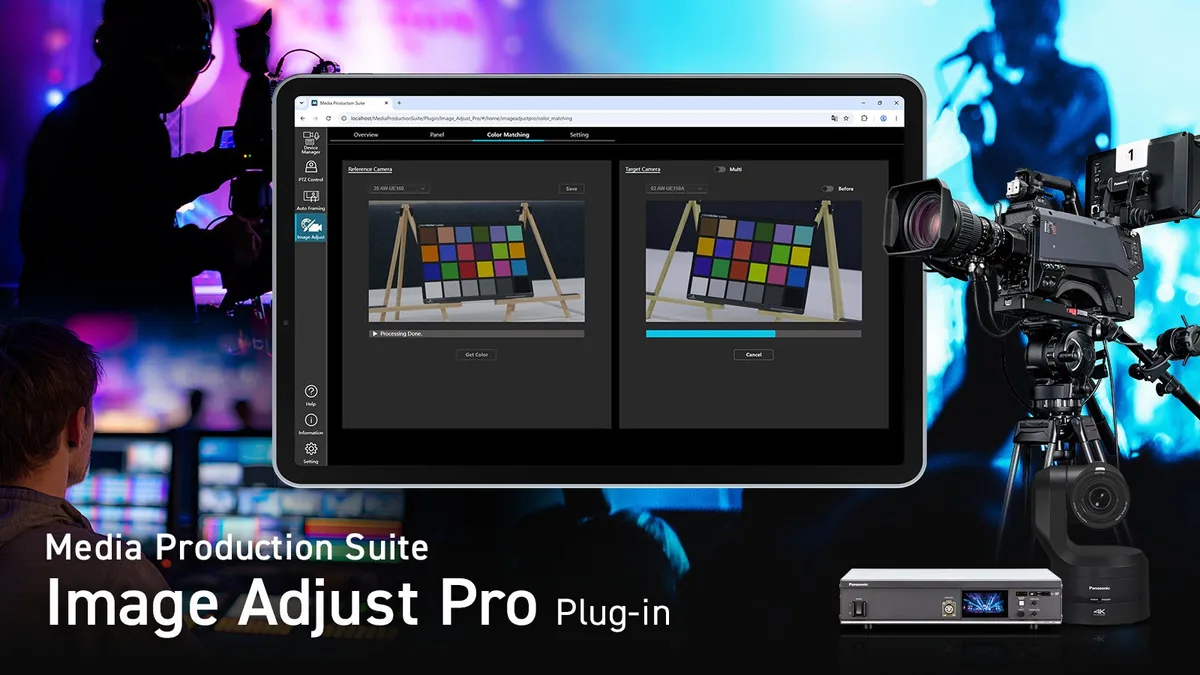
For a rehearsal, put both cameras on the same chart under the actual stage lights. Record a few seconds of the chart, a face and the troublesome backdrop with the current settings. Match exposure, white balance and picture profiles first. Make one matrix adjustment on the second camera, then compare its recording with the reference through the same viewing transform. Check skin and nearby hues as well as the target red. Save the camera settings with a note about which lighting cue they were made under.
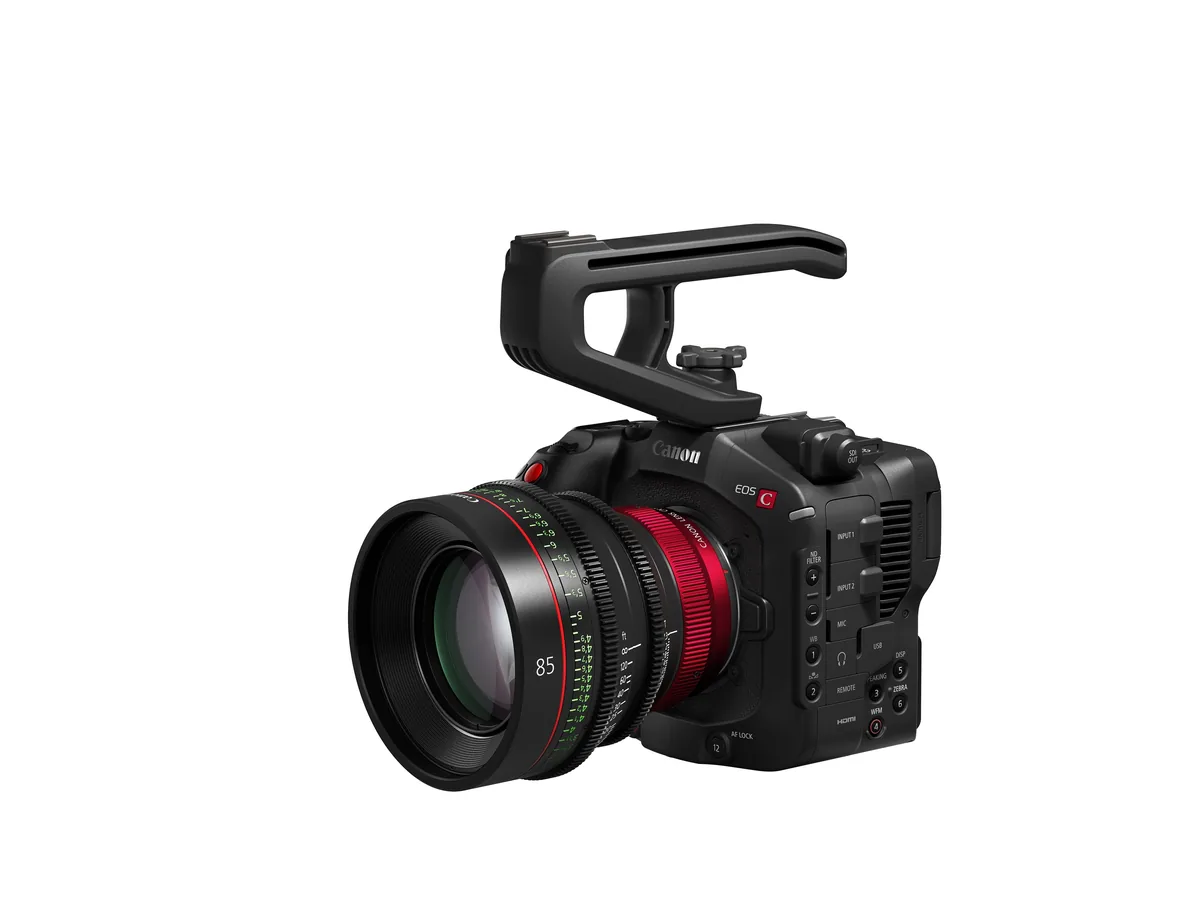
Read the slow-motion rows by model
Canon Japan lists added autofocus at 72, 75, 90 and 96 frames per second in Slow & Fast Motion on the C400 and C80. The C50 already supports those rates for autofocus. Canon also describes external audio output during selected slow-motion operation. If sound matters to the shot, rehearse with the actual output, monitor and recorder. Play the recorded files back together. Hearing a signal at the camera during capture alone cannot tell the editor where the audio was saved.
The C50 gains a separate stills option
The C50 changes include external flash support for still photography. Canon specifies an AD-E1 adapter for compatible older five-contact flashes. A crew planning to make publicity stills between takes should check the exact flash and shoe combination, then verify triggering with the intended shutter settings. For the R5 C, consult its own row in the compatibility table before promising a client the new color controls.
Schedule the installation around the job
Canon describes the firmware as free. Its Japanese notice targets December 17, while the US release gives a December window. As of November 5 this is an announcement. Leave a shoot scheduled before release on a configuration you have rehearsed. Once the appropriate regional download appears, record the old version and settings, follow that model’s power and installation instructions, and shoot a short test through the entire delivery chain before returning the body to service.